.svg)




Key Takeaways
- AI supports designers, but strategic thinking and human judgment remain essential.
- Design roles are shifting from execution to problem-solving and system-level decision-making.
- New AI-first roles reward designers who understand ethics, trust, and behavior.
- Strong foundations plus AI literacy create long-term career safety and growth.
- Future-ready designers guide AI instead of competing with automated outputs.
AI is changing the design industry fast, and it’s normal to wonder what that means for your skills. Don’t worry, with the right approach, these changes can actually boost your career. Our AI career advice expert insights reveal exactly how you can do it
Instead of seeing AI as a threat, you can use it to improve your workflow, explore more ideas, and focus on the skills that still matter. By learning how to work with AI now, you can stay ahead and make technology work for you, not against you.
Keep reading to learn how to apply AI effectively and take simple steps to stay confident as the design industry evolves. By the end, AI will feel like a teammate, not a challenge.
How AI Is Reshaping Design Careers in 2026
AI is transforming the design industry and the UX job market. But it’s not about replacing designers, it’s about changing what designers are hired to do.
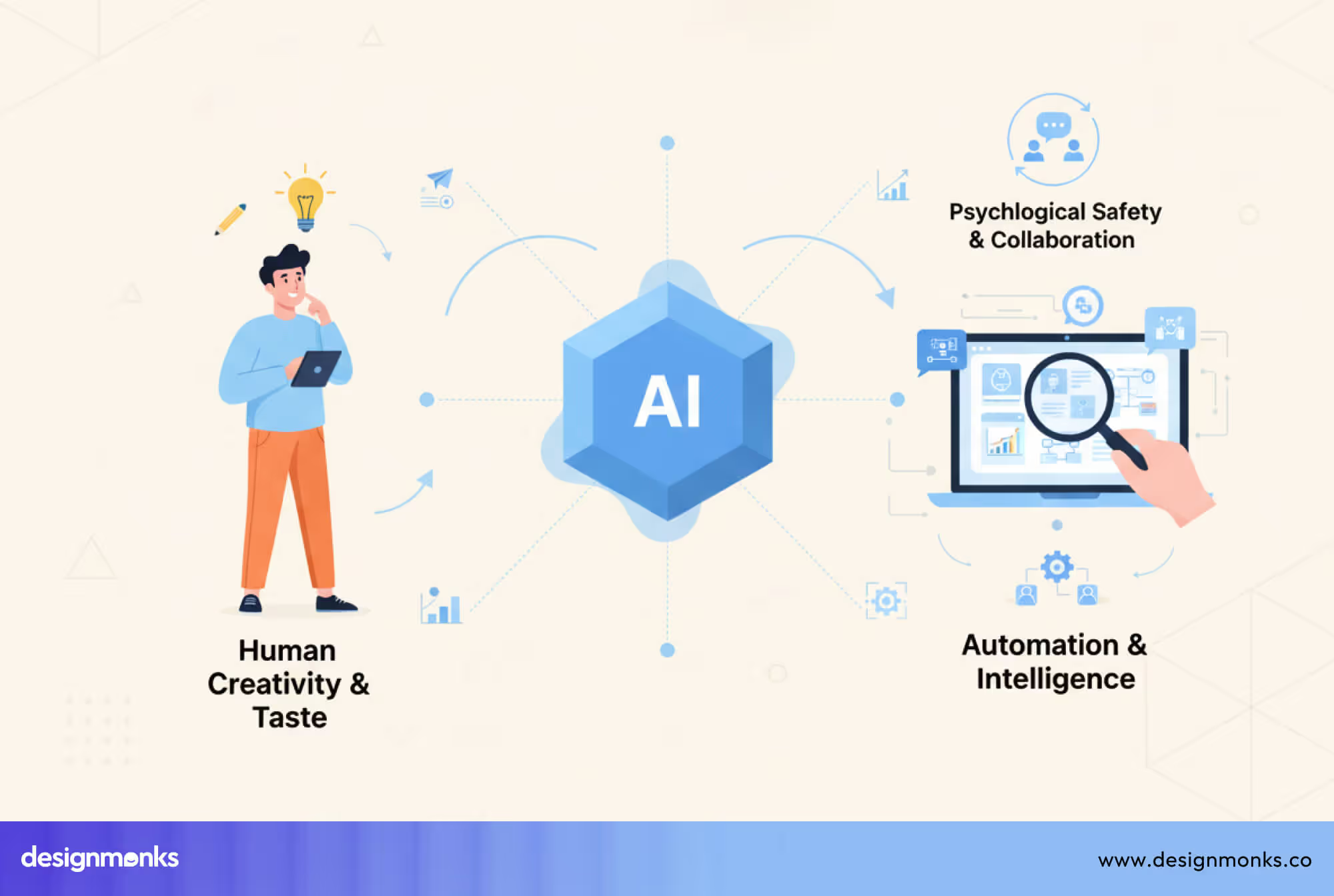
Companies are looking less for people who only execute visuals and more for designers who can think strategically, solve problems, and make decisions that guide entire systems. This is the shift from being a “pixel pusher” to a problem solver.
From Pixel Pushers to Problem Solvers
In the past, designers were mostly judged by how quickly and neatly they could produce screens, layouts, or graphics. Execution mattered most, the faster you could get things pixel-perfect, the more valuable you were.
But that’s changing fast. Today, AI can handle many of these repetitive tasks, like resizing images, generating mockups, testing variations, or even suggesting initial ideas. This shift gives designers room to focus on higher-level thinking. The proper utilization of AI changes the design workflow significantly.
Instead of just executing, you now need to plan how products flow, solve real user problems, and make system-level decisions. AI can speed up the work, but it can’t replace your creativity, empathy, and judgment, the very skills that make design meaningful.
The focus is moving from “doing tasks” to thinking strategically, connecting systems, and guiding decisions that shape entire user experiences. Designers who embrace this shift can create work that’s more impactful, user-focused, and future-ready, while using AI as a partner, not a replacement.
Which Design Roles AI Is Enhancing vs Replacing
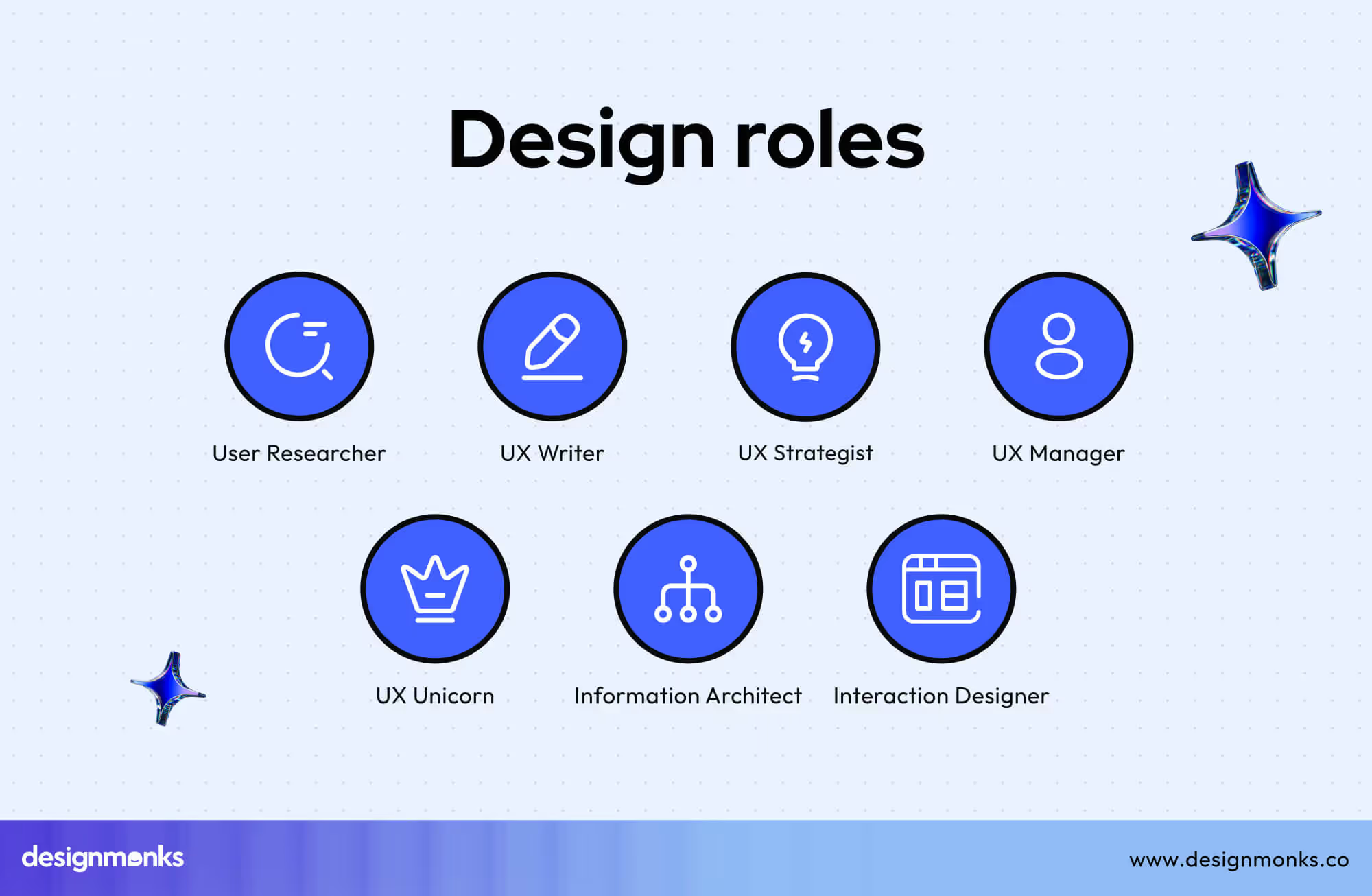
AI is changing how work gets done. Some roles are being enhanced, while others are more at risk of automation. Understanding this will help you focus on skills that matter and build clarity and confidence in the evolving UX job market:
Roles AI Is Enhancing
- UX Researchers: AI can analyze user data, generate insights faster, and even suggest test variations. This gives researchers more time for deep thinking and interpreting results, which machines can’t do.
- Interaction & Product Designers: AI speeds up prototyping, suggests interface ideas, and handles repetitive adjustments. Designers can spend more time on strategy, usability, and user experience.
Roles AI Is Replacing or Automating:
- Routine Visual Production: Simple mockups, resizing images, or repetitive layout work can now be automated. These tasks require less human decision-making.
- Basic Graphic Adjustments: Tasks like color corrections, formatting, or standard assets are increasingly AI-driven.
AI handles repetitive and time-consuming tasks, giving humans space for creative, strategic, and system-level work. Designers who focus on thinking, problem-solving, and connecting systems are the ones future-proofing their careers in 2026 and beyond.
AI-Influenced Design Roles Experts Recommend for 2026
AI isn’t only changing how designers work, it’s also opening new career paths. The smartest move isn’t to “fight” AI. But it is to choose roles where AI actually gives you more leverage, more value, and more opportunities. These are some of the best design jobs in 2026 where AI becomes your ally, not a threat:
Core Design Roles That Will Remain Strong
These roles are still in high demand. AI supports them, but humans make the final decisions:
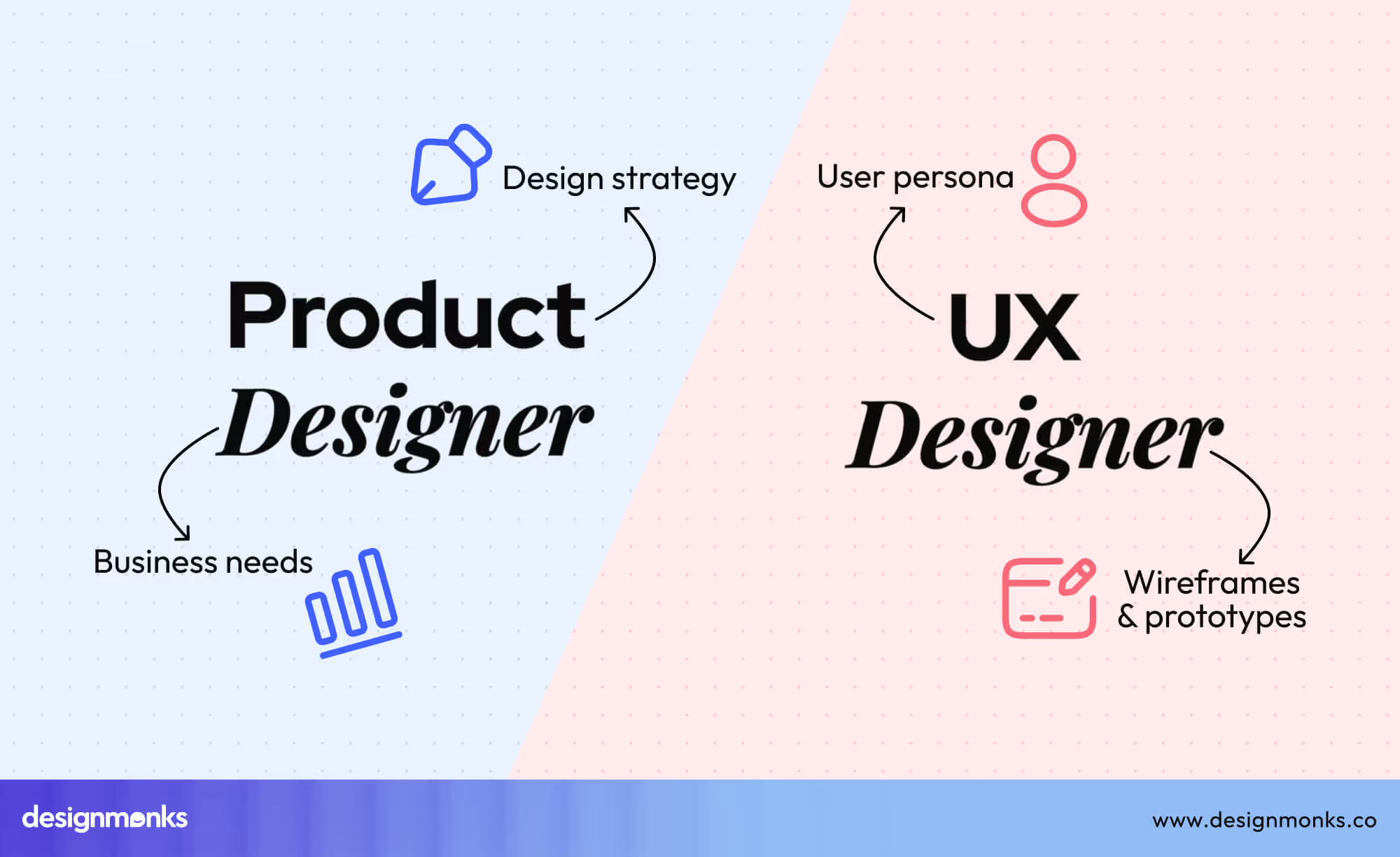
- UI/UX Designer: Focuses on how apps and websites feel, how users move through them, and whether they are easy to use. AI helps with ideas, but UX decisions still need human understanding.
- Product Designer: Works closely with developers and business teams to shape features, solve user problems, and guide product direction. AI speeds up testing and prototypes, but strategy stays human.
- Interaction Designer: Designs how users interact with buttons, menus, gestures, and flows. AI can suggest variations, but the designer decides what actually works.
These roles stay strong because they are about thinking, empathy, and decision-making, things AI can’t fully replace.
Emerging AI-First Design Roles
Some careers are new and built specifically around AI. These are where growth is exploding:
AI-UX Designer: Design experiences where users interact directly with AI, such as dashboards, prompts, chat flows, and decision tools. The role focuses on shaping how AI communicates, behaves, and supports people, grounded in AI-UX fundamentals.
Conversational Designer: Builds chatbots, voice systems, and assistants (like support bots or smart voice tools). The job is to make conversations feel natural, helpful, and human.
UX Strategist for AI Products: Plans how AI fits into a product safely and clearly. They think about trust, ethics, user control, and when AI should (or shouldn’t) make decisions.
These roles don’t replace traditional designers, rather, they extend the field. Designers who understand AI concepts, user behavior, and ethics gain a huge advantage in the job market.
Expert Advice on Choosing the Right AI-Focused Design Career Path
Most people don’t struggle because they lack talent, they struggle because they’re unsure which direction to take next. AI has added to that uncertainty, but it hasn’t made design careers weaker. In many ways, it has made them more flexible and more interesting.
Designers who succeed today focus on understanding their strengths, choosing a direction that fits naturally, and growing step by step. AI isn’t a competitor, it’s a tool that amplifies skills and speeds up work. It allows designers to focus on creativity, empathy, and strategic thinking, and these areas AI cannot replace.
Generalist vs Specialist Designers in the AI Era
Both generalist and specialist paths remain strong in 2026, but they thrive in different ways:
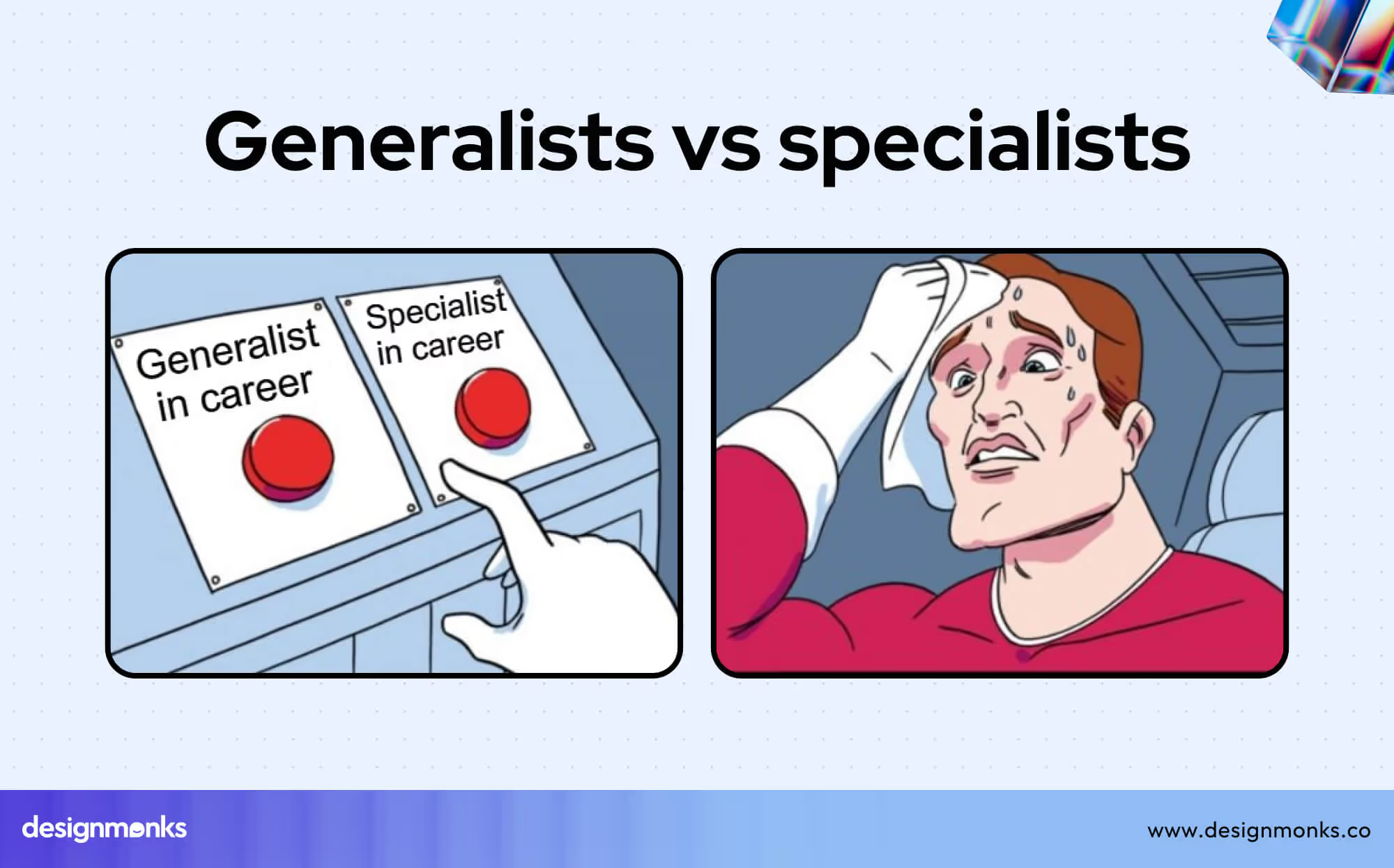
Generalist Designers
Generalist designers work across multiple areas, including UI design, UX fundamentals, visual design, research basics, and prototyping. They often serve as connectors between teams, adapting to different tasks as needed.
AI tools give generalists a significant advantage. Tasks that once took hours, such as generating variations, testing layouts, or analyzing user journey and user flows, can now be done faster. This allows generalists to explore more ideas and maintain agility. Careers in startups, fast-moving teams, or early-stage products tend to reward this flexibility.
Specialist Designers
Specialist designers focus deeply on one domain, such as UX research, interaction design, accessibility, or AI-UX design. They develop high-level expertise and become trusted decision-makers for complex challenges.
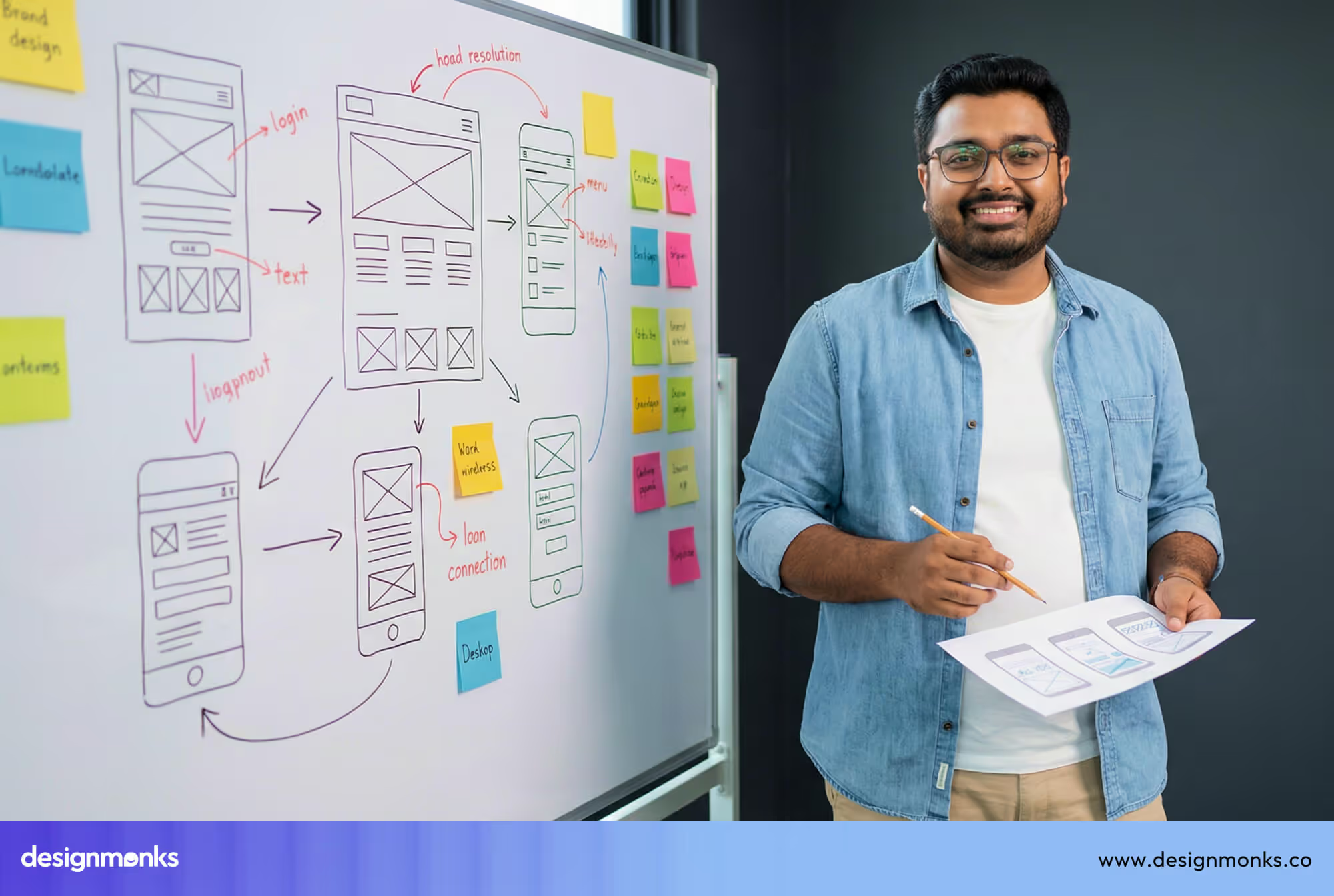
Even as AI handles repetitive or analytical tasks, the judgment, insight, and nuanced decisions that specialists provide remain invaluable. Teams often rely on specialists in larger organizations, mature products, and situations requiring deep knowledge.
Neither path is inherently better, the right choice depends on how designers naturally think, learn, and work. Also, it depends one how better you have created your AI design roadmap.
Matching Your Strengths to AI-Design Roles
While choosing a direction, you always need to start with strengths, not job titles. Because titles change, but strengths grow. You need to understand your natural strengths. AI can then amplify these abilities rather than replace them:
Visually Driven Designers
If you enjoy working with colors, layouts, typography, and creating a strong brand feel, this is your strength. Roles like UI/UX Designer or Product Designer are a great fit. AI can help you explore more ideas, test different design options quickly, and refine visuals faster. So your creativity stays at the center of your work.
System Thinkers
If you like thinking about flows, structures, rules, and how everything connects, this is your strength. Consider roles such as UX Strategist, Product Designer, or AI-UX Designer. AI can handle complex calculations or repetitive tasks, while you focus on designing clear systems, planning user flows, and making decisions that keep products intuitive.
Research-Led Designers
If you enjoy talking to users, observing behavior, their pain points, and finding patterns in how people interact, this is your strength. Roles like UX Researcher or AI-UX Researcher fit well.
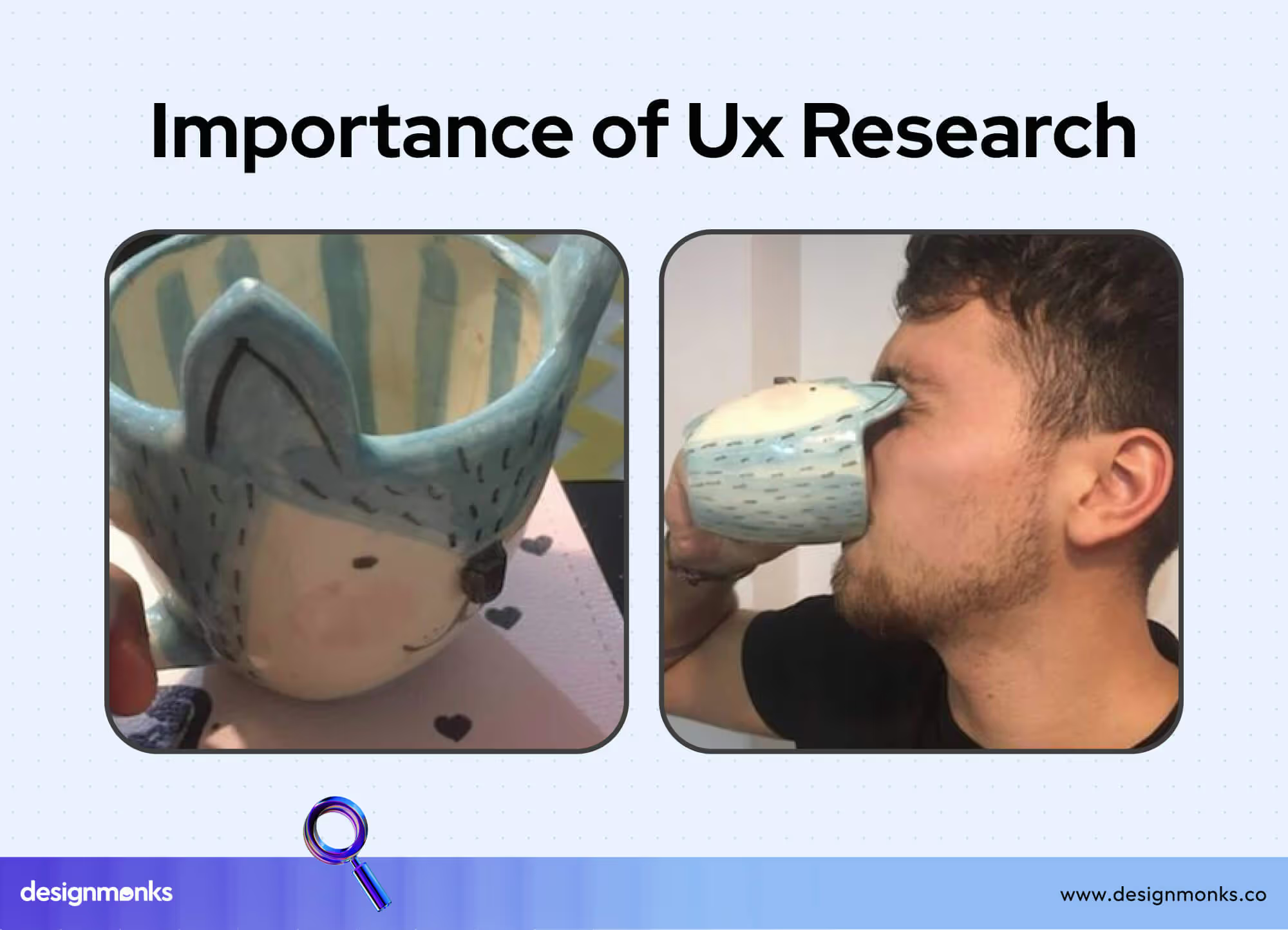
AI can organize and analyze data faster, but the insights that really guide design decisions come from human understanding and empathy.
AI Career Advice for Designers by Experience Level
AI is changing design work, but it affects designers differently depending on experience. The smartest move isn’t chasing every new AI design tool, it’s growing in ways that match skill level, while letting AI amplify strengths. Here’s how designers at different stages can build stronger, future-ready careers:
Students & Junior Designers: Foundations first, AI second.
If just starting out, the priority isn’t to “master AI.” The priority is to understand the design deeply. Strong foundations make AI a helpful tool instead of a crutch. Focus on building skills in:
- Understanding user needs
- Learning basic UX principles
- Working with typography, layout, and visual balance
- Developing problem-solving and clear thinking
AI can help brainstorm ideas, speed up research, or explore multiple design options, but it shouldn’t replace thinking. Always ask:
“Do I understand why this design works?”
Employers value juniors who can think critically, not just generate outputs with AI. Once the fundamentals are solid, AI makes design work faster, easier, and more exploratory. But it can never replace human insight.
Mid-Level & Senior Designers
If you already have experience, AI shifts your role differently. You need to move from doing the work to guiding how AI and teams work together. Focus on:
- Choosing when AI should be used (and when it shouldn’t)
- Improving workflows with AI
- Leading experiments and learning cycles
- Thinking about ethics, trust, and user control
- Mentoring others on safe and smart AI use
Mid-level and senior designers gain real value when they own decisions, not just outputs. You become the person who ensures AI supports users, instead of confusing them. This is where careers grow fastest, because companies trust leaders who understand AI and design.
Skills Designers Must Master to Stay Relevant in an AI-Driven Market
As AI becomes part of everyday design work, the skills that matter most are shifting. Hiring managers and design leaders aren’t looking for designers who know the most tools, they’re looking for designers who can think clearly, make good decisions, and guide AI in the right direction.
AI changes how work gets done, but it doesn’t change what makes a great designer. The skills below are what keep designers valuable and trusted in an AI-driven market.
Design Skills AI Cannot Replace
Some design skills remain fully human, and they are becoming even more important:
- Problem framing: Clearly defining the right problem before jumping to solutions. AI can generate ideas, but it can’t decide what truly matters.
- UX research and research synthesis: Talking to users, understanding their needs, and turning messy data into clear insights. AI can help organize information, but meaning comes from human judgment.
- Human judgment and decision-making: Choosing what works best for users, business goals, and real-world constraints. AI suggests, but humans decide.
These skills build trust. Teams rely on designers who can think critically, not just produce screens.
AI Literacy Designers Actually Need
Designers don’t need to become developers or AI engineers. What they do need is AI literacy. The need to know how to work with AI responsibly and effectively. Key skills include:
- Prompting: Knowing how to ask AI clear, specific questions to get useful results.
- Evaluating AI outputs: Understanding when AI results are helpful, misleading, or wrong and fixing them.
- Designing AI behavior: Shaping how AI responds, explains itself, and supports users in products like chat tools or dashboards.
- Working with design systems: Using AI while keeping designs consistent, accessible, and aligned with existing systems.
From a leadership lens, these skills matter more than tool expertise because they show control, responsibility, and design maturity.
AI Career Mistakes Designers Should Avoid in 2026
Avoiding these common mistakes helps designers stay credible, employable, and respected:
- Learning every new AI tool but failing to understand users, problems, or design fundamentals.
- Relying on AI-generated screens without thinking through flows, usability, or real user needs.
- Treating AI as a shortcut and skipping research, testing, or validation.
- Adding AI features just to follow trends, without a clear purpose or user benefit.
- Accepting AI outputs as “good enough” instead of questioning accuracy, bias, or clarity.
- Staying out of AI discussions and letting others decide how AI is used in the product.
- Assuming AI will replace designers, instead of learning how to guide and shape AI experiences.
FAQs
Will AI replace designers in the future?
No, AI will not replace designers in the future. AI replaces tasks, not designers. Designers who think critically and guide AI will remain essential.
Do designers need to learn coding or machine learning?
No. Designers need AI literacy, not engineering skills. Understanding how to guide and evaluate AI is enough.
What AI skills matter most for designers today?
AI skills that matter most for designers today are prompting, evaluating AI outputs, UX research, and designing clear AI interactions.
Are UX research skills still important with AI tools?
Yes, UX researchers' skills are even more important with AI tools. AI can process data, but understanding human behavior requires empathy and judgment.
How can junior designers start learning AI safely?
Junior designers can start learning AI safely by using AI as a helper for learning and exploration, while focusing first on strong design fundamentals.


.avif)
.avif)
.avif)
.avif)


.avif)
.avif)
.avif)
.avif)








.avif)