.svg)



Key Takeaways
- AI UX designers guide AI to create human-centered, trustworthy user experiences.
- Strong UX foundations remain essential for designing AI-powered, user-friendly systems.
- Understanding AI models, bias, and system behavior ensures safe design.
- Portfolio projects should highlight decisions, trade-offs, ethics, and AI interactions.
- AI UX offers growing career paths with competitive salaries and industry options.
AI can now design interfaces, guide user journeys, and help people complete tasks. But who ensures it stays simple, clear, and fair? The answer is an AI UX designer. So, how do you become one of the best, especially as AI tools evolve so quickly? That’s exactly why a 2026 Roadmap to Become an AI UX Designer is essential.
This guide lays out a simple, step-by-step path to learn, practice, and design AI experiences that users can trust. It divides the journey into clear phases: start with solid UX fundamentals, gradually introduce AI, and create real projects that sharpen your skills.
With each step, your understanding deepens, and your confidence grows. Keep reading to discover the full roadmap and start your journey to becoming an AI UX designer today!
What Is an AI UX Designer in 2026?
An AI UX designer is a UX professional who creates AI-powered systems that can act on their own and make predictions. Their main goal is to make these systems easy to use, trustworthy, and helpful for real people. For example, an AI UX designer might design a smart app that suggests the next step in a workflow or recommends content based on user behavior.
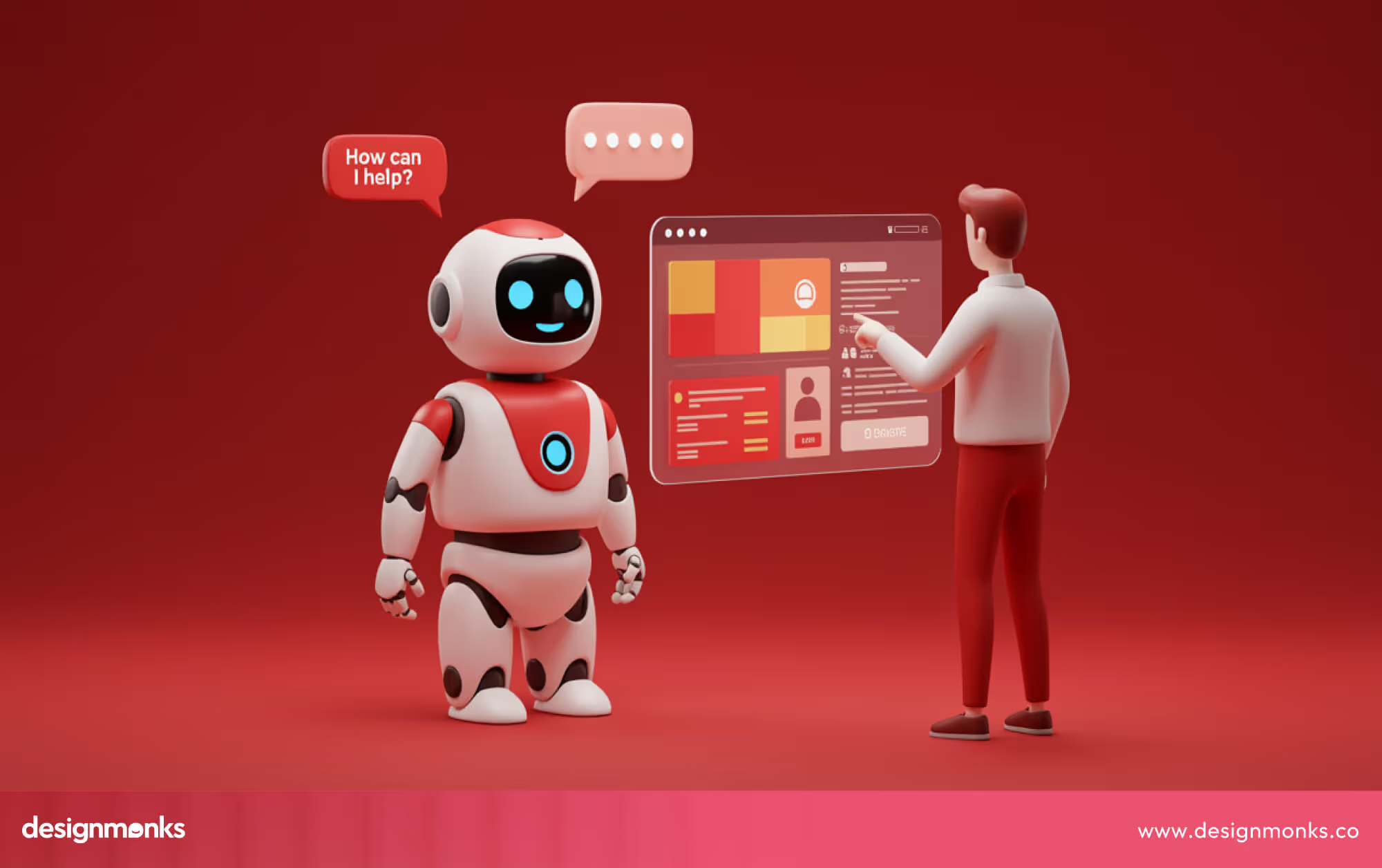
Even though AI can do amazing things, it can also confuse or frustrate people if it’s not designed well. That’s why a good AI UX designer always keeps human-centered principles at the core. This means designing systems that are easy to use, helpful, and trustworthy, so users can understand what the AI is doing and feel confident using it.
While AI handles the smart stuff behind the scenes, an AI UX designer ensures the experience is smooth, clear, and reliable for real people.
AI UX Designer vs Traditional UX Designer
Traditional UX designers create websites, apps, or products where user actions are mostly predictable. Their job is to make interfaces easy to use, visually clear, and enjoyable. They focus on layouts, buttons, menus, and navigation, making sure everything behaves the way users expect.
AI UX designers, however, work with systems that can learn from data, make decisions, and even act on their own. This creates new challenges. They must design for uncertainty, explain AI decisions in simple terms, and make sure users feel safe, informed, and in control.
They also need to watch for bias, mistakes, and fairness, which traditional UX designers rarely deal with. Traditional UX focuses on predictable, static experiences, while AI UX design deals with smart, dynamic systems that adapt and evolve. Today, designers need a mix of human-centered design skills and AI understanding to succeed in this new world.
The Core Skill Stack of an AI UX Designer
AI can shape screens and guide users, but it still needs direction. That’s exactly why an AI UX designer is needed, to guide AI, keep it human-friendly, and make every interaction clear and trustworthy.
To do this well, designers need a mix of UX expertise and AI knowledge, so they can create experiences that are helpful, understandable, and trustworthy. This skill stack forms the backbone of everything an AI UX designer does, from planning interfaces to explaining AI decisions to users:
UX Foundations
Even in 2026, the basics of UX remain the foundation for AI design. Understanding users, their behavior, and pain points helps AI assist them instead of confusing them. The key foundations are:
- Research: Studying users to understand their needs, goals, and challenges.
- Usability: Designing tasks and interactions that are easy and quick to complete.
- Accessibility: Making sure products can be used by everyone, including people with disabilities.
- Interaction Design: Planning clear steps and flows so users always know what to do next.
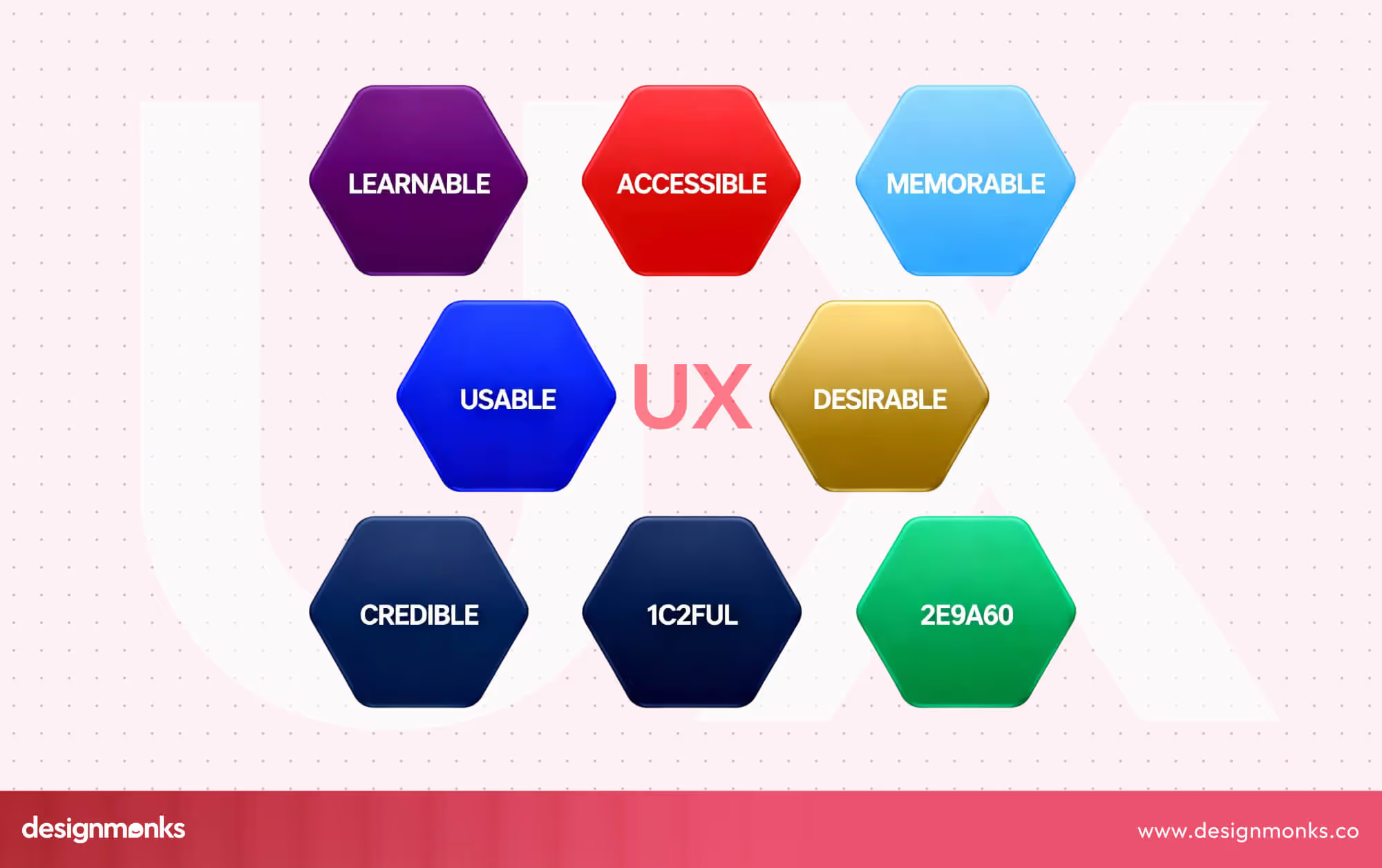
Strong UX foundations also help designers identify where AI can add value, such as suggesting helpful actions without overwhelming users. Products built on solid UX are easier to scale and safer when AI features are integrated.
AI & Machine Learning Literacy for Designers
AI UX designers don’t need to write code, but they must understand how AI works to design experiences users can trust. This involves learning a few key concepts in a simple, practical way:
- AI Models: These are programs that can make predictions or decisions based on patterns in data. For example, a recommendation engine or a chatbot uses an AI model to suggest content or respond to users.
- Training Data: This is the information AI uses to learn. The quality and diversity of data determine how accurate and fair the AI’s predictions are. Poor or biased data can lead to mistakes or unfair results.
- Confidence Levels: AI often predicts outcomes with different levels of certainty. Designers need to show users when AI is unsure, so people understand the reliability of its suggestions.
- Bias Awareness: AI can inherit errors or unfair tendencies from its training data. Designers must anticipate and mitigate bias to ensure fair and ethical experiences.
- System Behavior: Understanding how AI reacts in different situations allows designers to plan for mistakes, edge cases, or unexpected results. They can then create ways for users to easily correct or guide the AI.
By understanding these elements, AI UX designers can create interfaces that communicate AI actions clearly and guide users safely. This directly supports the idea from the introduction: AI is powerful, but it still needs human guidance to be helpful, understandable, and trustworthy.
Designing AI Behaviors, Not Just Interfaces
In traditional UX, designers focus mostly on screens, buttons, and visual layouts. In AI UX, the focus shifts to how the AI system behaves. This means designing experiences where users can understand, trust, and guide AI actions.
A key part of this is creating feedback loops, which show users what the AI is doing in real time. For example, if an AI suggests a product or predicts an action, a feedback loop can explain why that suggestion was made. Designers also include uncertainty indicators, letting users know when AI isn’t fully confident about a prediction. This prevents confusion and helps users make informed decisions.
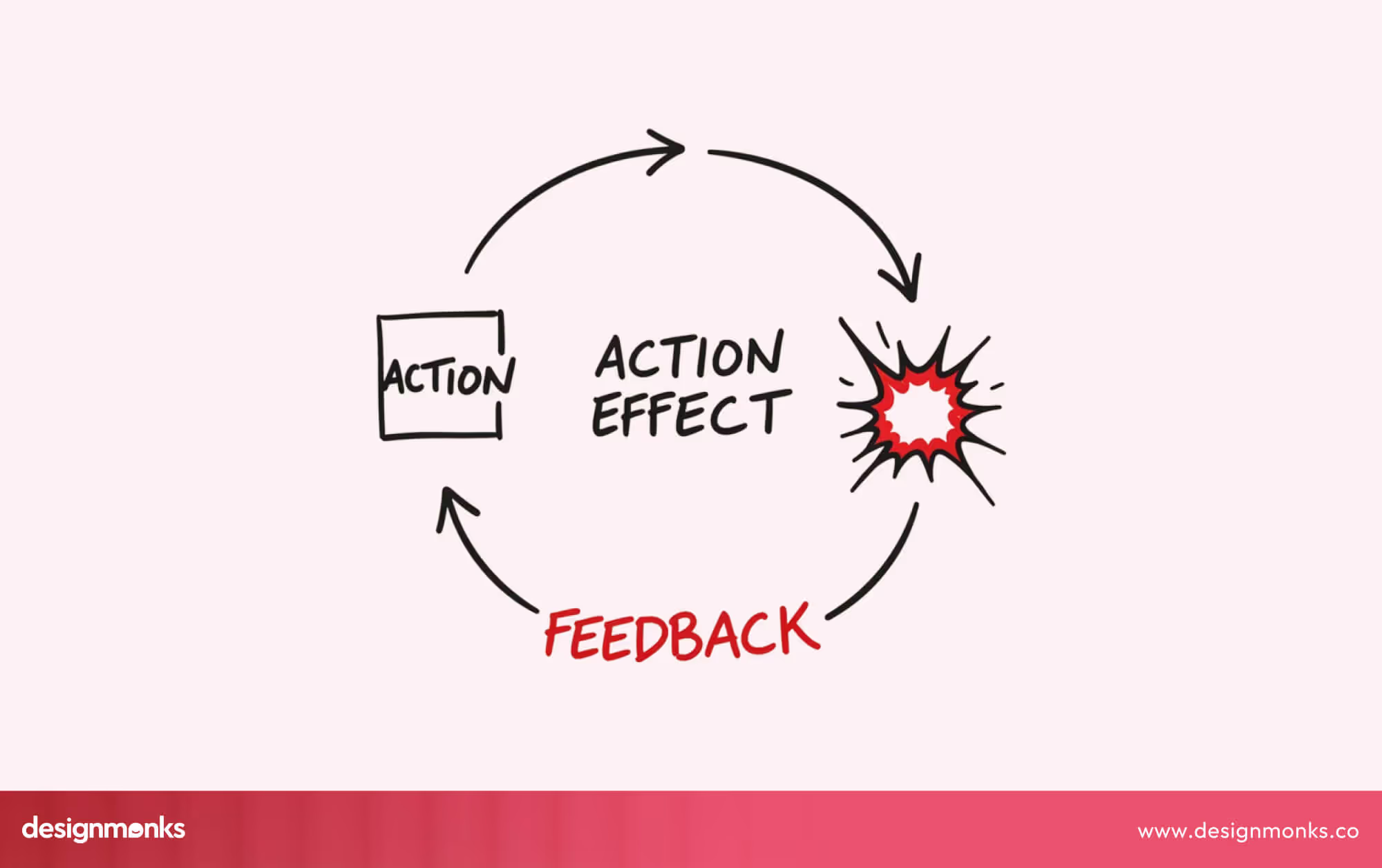
Another important element is explanations. AI decisions can seem like a “black box” to users. Clear, simple explanations help users understand why the AI acted a certain way. This transparency builds trust, which is essential for user adoption. When users trust AI, they are more willing to rely on its suggestions and correct any errors if they occur.
By focusing on behavior rather than just visual design, AI UX designers make interactions feel smart, reliable, and human-centered.
Prompting, Evaluation & Human-in-the-Loop Design
Many AI systems, such as chatbots, recommendation engines, and virtual assistants, rely on prompts to produce useful results. In AI UX design, prompts are not just text instructions, they are part of the interaction design. AI UX designers need to carefully craft prompts to ensure AI outputs are clear, actionable, and helpful for users.
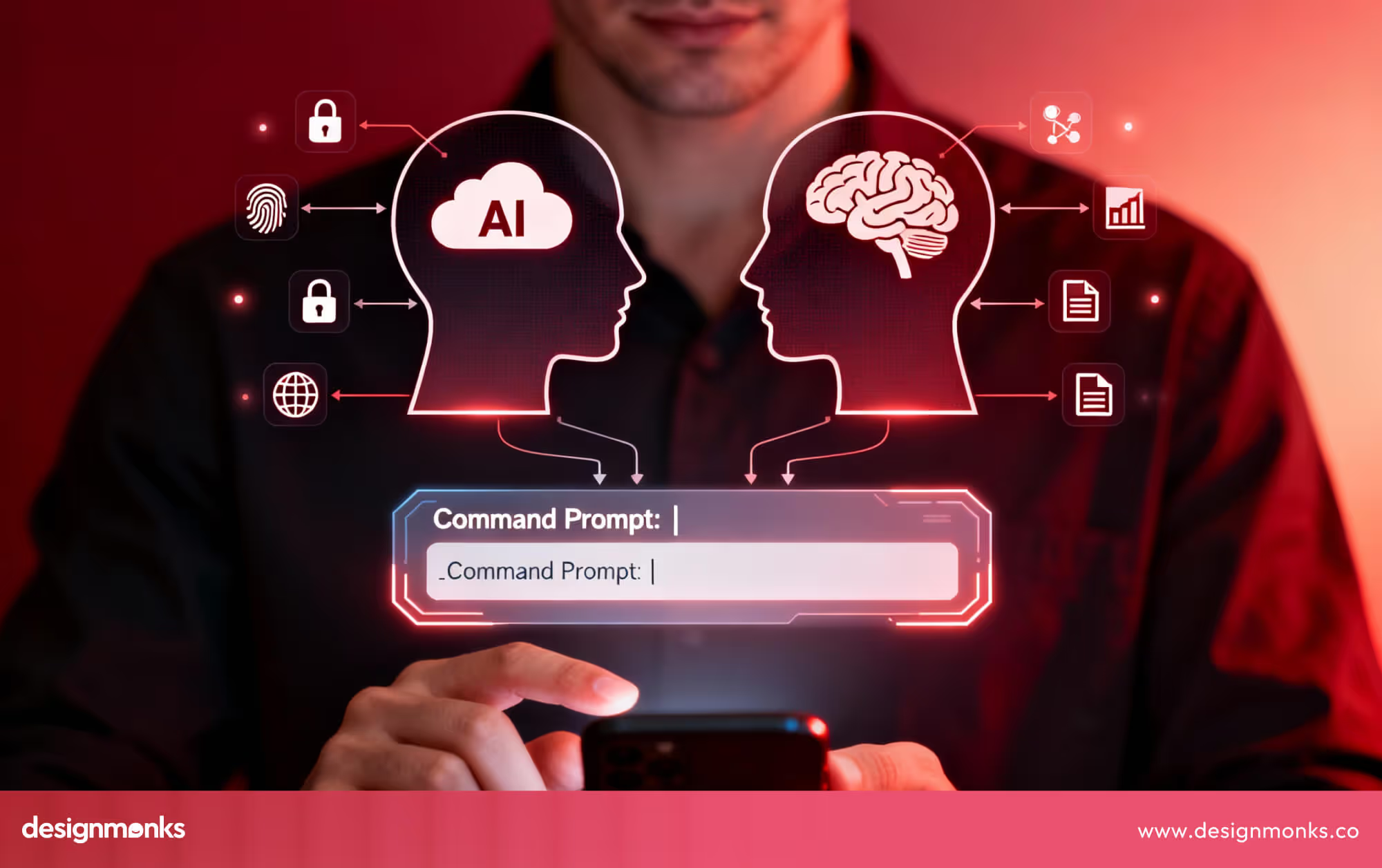
Human-in-the-loop design is another important concept. Even smart AI can make mistakes or be uncertain. By including humans in the decision-making loop, designers allow users or moderators to guide AI when needed, improving safety and reliability.
Evaluation and testing are also crucial. Designers need to continuously check AI outputs for clarity, fairness, and usefulness, and make sure users can trust the system. Iterating on prompts and AI interactions ensures smoother experiences, reduces errors, and keeps the AI aligned with user needs.
Your Step-by-Step 2026 Roadmap to Becoming an AI UX Designer
Becoming an AI UX designer takes a clear plan that combines learning, practice, and real projects. Here we are breaking the journey into phases to build UX foundations, add AI skills, and create a portfolio that shows your abilities. By following it, you’ll be ready to design AI experiences that are human-centered and impactful:
Phase 1 (0–3 Months): Strengthen UX & Systems Thinking
The first phase is all about mastering the basics of UX design. Focus on research to understand what users need and how they behave, and usability to make tasks simple and efficient. You also need to focus on accessibility to include all types of users, and interaction design to map clear flows and steps.
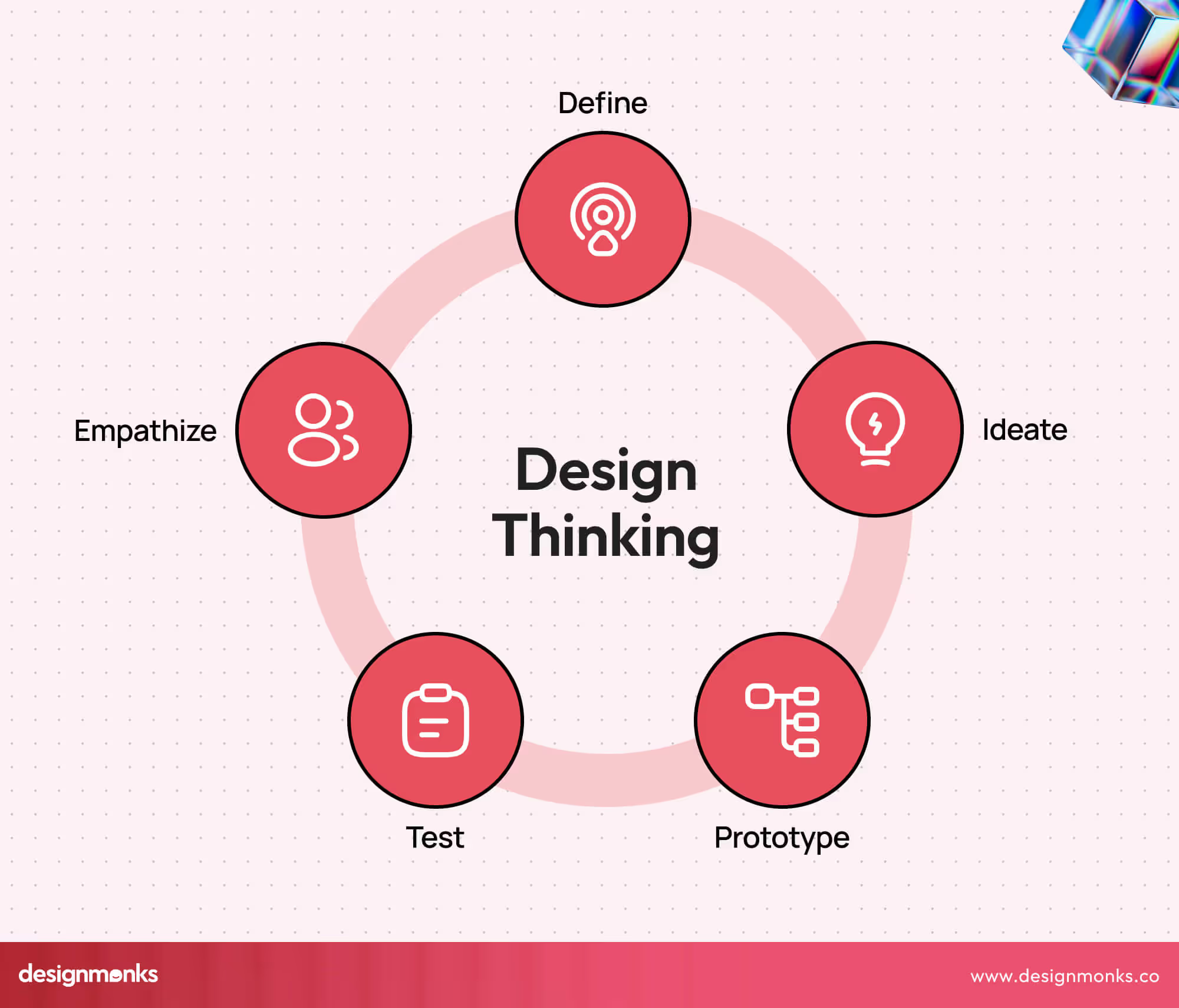
In addition, start developing a systems thinking mindset, which helps you see how different parts of a product, users, and AI components interact. This mindset is crucial for designing AI experiences later, as AI systems often act in ways that affect multiple parts of a product at once. Building a strong foundation now makes later AI integration much easier and more effective.
Phase 2 (3–6 Months): Introduce AI into UX Projects
After establishing your UX foundation, begin adding AI elements to your projects. This can include redesigning an existing app or website to use AI features, such as generative AI for content suggestions, predictive recommendations, or automated personalization.
Focus on understanding how AI interacts with users and where it adds value without creating confusion. Experiment with AI tools to see how user decisions are affected and where guidance or explanations are necessary. This phase is about practical learning, you are combining your UX skills with AI literacy to understand how AI changes user experiences.
Phase 3 (6–12 Months): Build AI UX Case Studies
The third phase focuses on creating portfolio-ready projects that clearly show your AI UX skills. Each case study should explain the problem, how AI was used, the decisions made, the risks considered, and the outcomes for users. Highlighting your thinking process is just as important as the final design.
Collaborating with product teams can help you learn how AI fits into real-world products and environments. By the end of this phase, you will have tangible examples that demonstrate your ability to design AI systems that are human-centered, reliable, and understandable, essential for landing jobs in the field.
Phase 4 (12+ Months): Specialize as an AI UX Designer
Once you have a strong foundation and portfolio, it’s time to specialize in a particular domain. This could be SaaS platforms, healthcare applications, fintech products, or large enterprise AI systems. Specialization allows you to develop deep expertise and design AI solutions customized to industry-specific problems.
By now, your skills in UX design, AI literacy, portfolio development, and systems thinking combine to make you a capable AI UX designer ready for real-world challenges. This phase positions you for advanced roles, higher responsibility, and opportunities to lead AI UX projects in your chosen industry.
Tools AI UX Designers Should Know by 2026
Tools are enablers, they help you focus on solving problems, testing ideas, and guiding AI behavior, rather than doing all the work for you. Knowing which tools to use can give you a strong advantage in creating AI-powered, user-friendly experiences.
AI UX designers don’t rely on tools to define their work, but using the right ones can make design faster, smarter, and more effective. Here are some key types of tools you need to be familiar with:
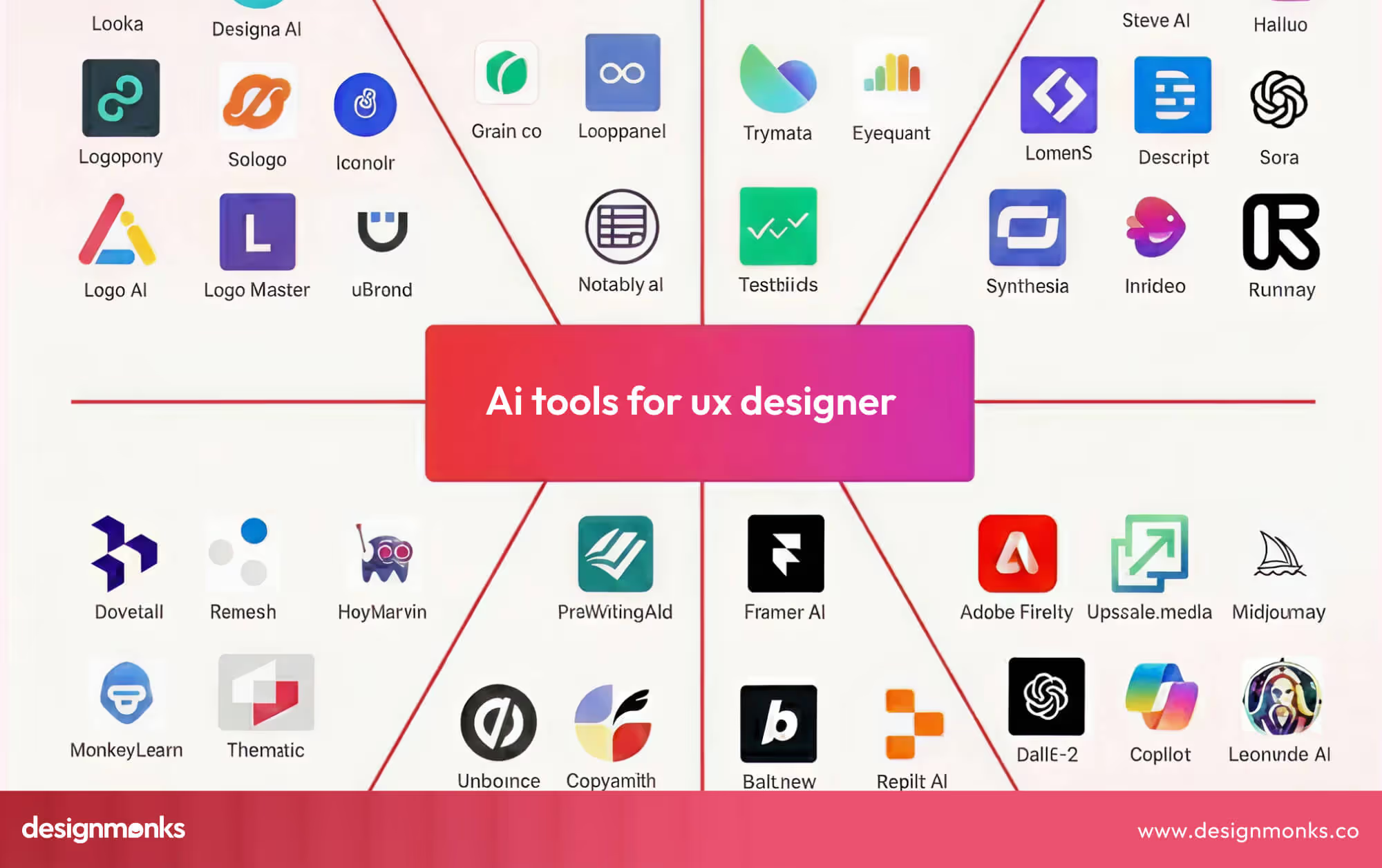
Design & Prototyping Tools: Software like Figma, Sketch, or Adobe XD helps you create interfaces, flows, and interactive prototypes efficiently.
AI Copilots & Agents: Tools like Adobe Firefly or Uizard AI assist with design suggestions, content generation, or automating repetitive tasks. They help you explore ideas faster and focus on problem-solving.
Research Automation Tools: Platforms such as Maze or Lookback simplify user testing, analytics, and feedback collection. They let you understand users quickly and integrate insights directly into your AI UX designs.
No-Code / Low-Code Builders: Tools like Bubble or Thunkable allow you to build AI-powered prototypes or simple apps without coding. These are perfect for testing ideas and showing concepts in your portfolio.
Familiarity with these tools helps AI UX designers work smarter, experiment safely, and deliver designs that are both creative and reliable.
Why 2026 Is the Breakthrough Year for AI UX Designers
AI UX design is becoming a core part of product design, not just a niche skill. In 2026, AI-native interfaces, intelligent agents, and AI copilots are becoming common in everyday apps and websites. Automation and generative AI are helping products adapt, predict user needs, and provide personalized experiences.
This shift means that AI UX designers are needed to ensure these systems remain human-centered, clear, and trustworthy. As more AI-powered products appear, designers who understand AI behavior, user trust, and ethical considerations will be in high demand. In short, 2026 is the year AI UX moves from being optional to essential in product design.
How to Build an AI UX Portfolio That Gets You Hired
Creating a strong AI UX portfolio is one of the most important steps to get noticed by recruiters. Unlike traditional UX portfolios, an AI UX portfolio should not only show screens but also how you think, make decisions, and solve problems with AI. Recruiters want to understand your approach to designing AI systems, including how you handle uncertainty, bias, and user trust.

Include real projects, even if they are personal experiments or practice projects. Don’t just show the final screens, explain the challenges you faced and how you approached them. Describe how you guided AI behavior, such as designing clear feedback loops, handling uncertainty, or making AI decisions understandable for users.
Highlight how your design improved the user experience, like making tasks faster, reducing errors, or building trust in the AI system. Also, include details about the tools and software you used, your research process (user interviews, testing, or data analysis), and how you addressed ethical considerations like fairness and bias.
Organize each project clearly with problem statements, design steps, and outcomes. A portfolio like this doesn’t just show your work, it demonstrates your thinking, problem-solving, and ability to design responsible AI experiences. This is what hiring managers value the most.
What Recruiters Look for in AI UX Case Studies
Recruiters focus on how you think, not just how things look. They want to see evidence that you can incorporate AI to imporve UX design workflow and design things that's effective, ethical, and user-friendly. Key aspects include:
- Decision Logic: Explain why you made specific AI design choices and how they benefit users.
- Trade-Offs: Show how you balanced AI capabilities, user needs, and business goals.
- Ethical Considerations: Highlight how you addressed bias, uncertainty, and fairness in AI systems.
- User-Centered Thinking: Demonstrate how you kept humans in control and made AI actions understandable.
- Impact: Include measurable results if possible, like improved task completion, reduced errors, or better user satisfaction.
By clearly showing your thinking and problem-solving skills, your portfolio becomes recruiter-ready and proves that you can handle real-world AI UX challenges.
Common Mistakes Designers Make When Transitioning to AI UX
Many designers moving from traditional UX to AI UX make common mistakes that are easily avoidable. Understanding these common pitfalls can save time, improve user experiences, and help you build trust in AI systems:
- Designing AI as just a feature: Treating AI like a simple add-on misses its potential to make decisions and guide users. Designers must plan for AI behavior, not just visuals.
- Ignoring bias and uncertainty: AI can make mistakes or show unfair results if the data is flawed. Designers need to plan for errors and give users ways to understand and correct AI outputs.
- Over-relying on tools: AI design tools are helpful, but human judgment is crucial. Designers must test, review, and ensure the system is safe and user-friendly.
- Skipping user testing with AI features: Some designers assume AI works perfectly and skip testing. Real user testing reveals unexpected behaviors and ensures AI decisions make sense to humans.
- Focusing only on visuals, not behavior: Designing attractive screens is not enough. AI UX requires attention to how AI acts, explains itself, and interacts with users.
AI UX Career Paths, Job Titles & Salary Outlook (2026)
The world of AI UX is growing fast, creating many opportunities for designers who understand both user experience and AI systems. Whether you are just starting out or looking to specialize, knowing the roles, industries, and salary trends can help you make informed career decisions. Once you've built your AI UX skills, you can discover AI design career opportunities on Jooble and similar platforms.
Here’s a quick overview of what to expect in 2026:
- Wide Range of Roles: Common titles include AI UX Designer, Product Designer for AI systems, and AI Interaction Designer. Each role focuses on guiding AI behavior and creating user-friendly experiences.
- Industry Specialization: Designers can focus on healthcare (AI tools for doctors), fintech (personalized AI recommendations), or enterprise AI (complex AI workflows for businesses). Specialization often leads to higher demand and unique challenges.
- Salary Outlook: Entry-level AI UX designers can expect competitive salaries in 2026. Experienced designers working on advanced AI systems or in specialized industries earn significantly more, sometimes with performance bonuses.
- Location Matters: Salaries vary by region. Tech hubs and cities with strong AI industries tend to offer higher pay and more opportunities.
- Career Planning: Understanding the market helps you choose the right skills, industries, and roles to focus on. AI UX is growing fast, so investing in this field now can give you a strong career advantage.
Final Thoughts: Designing AI That Respects Humans
The 2026 Roadmap to Become an AI UX Designer is more than a plan, it’s a guide to building skills, understanding AI, and creating human-centered experiences. By following the roadmap, practicing thoughtfully, and learning from mistakes, you can navigate this fast-growing field with confidence.
Remember, AI UX is about guiding AI to serve humans, designing ethically, and making systems clear and trustworthy. For more guidance and inspiration, Design Monks offers expert insights and resources for mastering AI UX design. Start now, and turn your curiosity into a rewarding AI UX career.


.avif)
.avif)
.avif)
.avif)


.avif)
.avif)
.avif)
.avif)








.avif)