.svg)



Key Takeaways
- AI-driven interfaces are reshaping how users interact with digital products.
- Personalization and context-aware UX increase engagement, retention, and satisfaction.
- Accessibility and ethical design are essential for inclusive, trustworthy experiences.
- Outdated UX patterns like static dashboards reduce usability and frustrate users.
- Future-ready UX requires adaptive systems, collaboration, and data-driven design decisions.
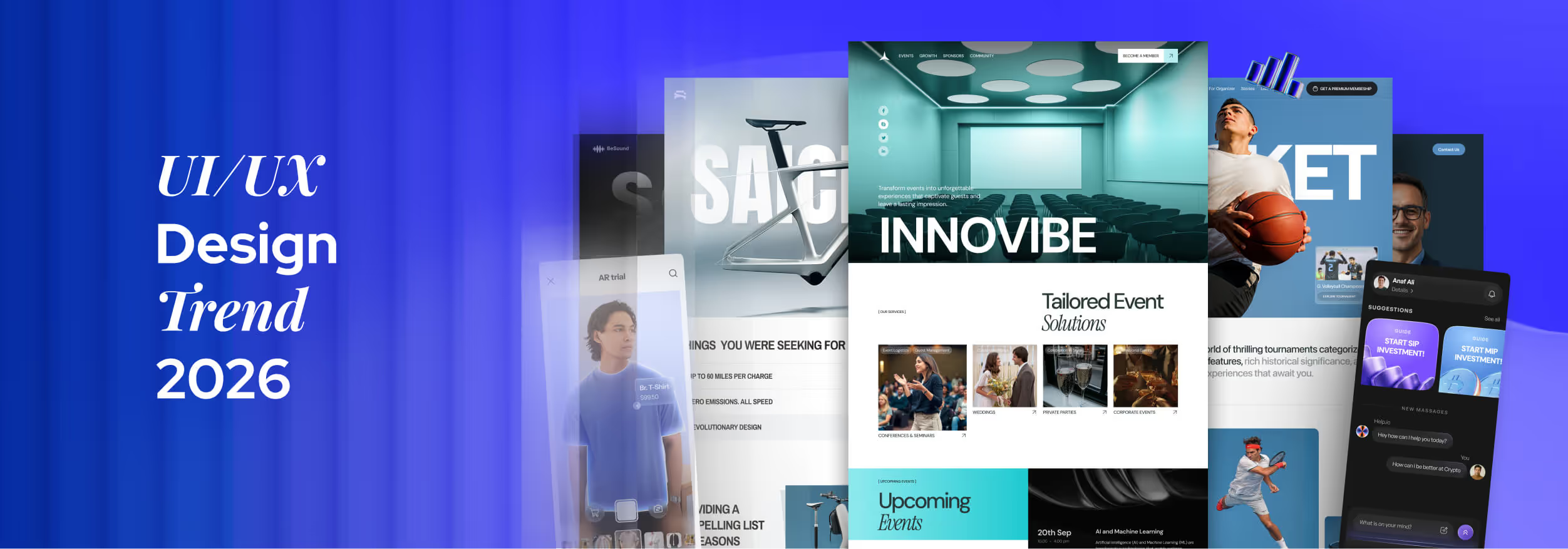
Interfaces are no longer waiting for users; they are learning, predicting, and responding before frustration appears. UI/UX Design Trend 2026 reflects this shift, where products move from static screens to adaptive systems shaping every interaction experience.
Design decisions now affect trust, speed, inclusion, and emotional response at once. Teams can’t rely on visuals alone; systems, data, and ethics influence how users feel, decide, and stay engaged across real-world constraints, daily usage patterns contexts.
These trends aren’t predictions; they are already determining successful products quietly. If you design, build, or manage digital experiences, read this blog to understand what truly matters next, and how to design with intent in modern product teams.
What Defines UI/UX Design Trends in 2026?
UI/UX design in 2026 is defined by intelligent systems determining how digital products behave, respond, and evolve. User interface and user experience decisions now rely on AI, automation, and real-time behavioral signals rather than static design assumptions.
Future UI UX inspirations and trends reflect a shift from screen-based thinking to system-based experiences. Accessibility, immersion, and ethics influence how users interact, trust, and remain engaged across complex digital products and continuously changing contexts.
Key factors shaping UI/UX design trends in 2026:
- AI-Driven Experience Logic: AI enables interfaces to adapt layouts, content, and flows dynamically based on intent, behavior, and context, moving UI/UX design beyond fixed user journeys.
- Automation in User Experience: Automation reduces repetitive actions and decision fatigue by predicting needs, surfacing actions, and streamlining workflows across digital products without interrupting user control.
- Behavioral UX Insights: Modern UI/UX design analyzes hesitation, repetition, and interaction patterns, allowing user experience improvements grounded in real behavior rather than assumptions or personas.
- Accessibility as a Foundation: Inclusive design principles ensure digital products support diverse abilities, environments, and devices, making accessibility-first UX essential rather than optional.
- Immersive and Spatial Interfaces: AR, spatial computing, and multimodal interaction expand the user interface beyond screens, redefining how users explore, learn, and act within digital experiences.
Top 13 UI/UX Design Trends for 2026 (Expert Forecast)
We have looked through a lot of trends and have found some are already fading, while some unexpected trends are now getting admired. After a long research, we have listed 13 most effective UI/UX design trends that are going to hit the field in 2026. Let’s check them out:
1. Agent-Based Copilot UX

Agent-Based Copilot UX represents a shift from passive tools to active collaborators. Instead of waiting for commands, these agents observe context, learn workflows, and assist continuously, which makes complex products feel simpler and more human.
Powered by large language models and task orchestration, copilots operate across screens and features. They connect actions, remember preferences, and respond intelligently. They simply let users focus on outcomes rather than navigation or repetitive manual decisions.
As expectations rise, poorly designed agents will feel intrusive. Strong copilot UX in 2026 depends on explainable actions, user control, and visible intent. So, designers must balance autonomy with transparency to build trust, clarity, and long-term adoption.
2. Hyper-Personalized User Experiences
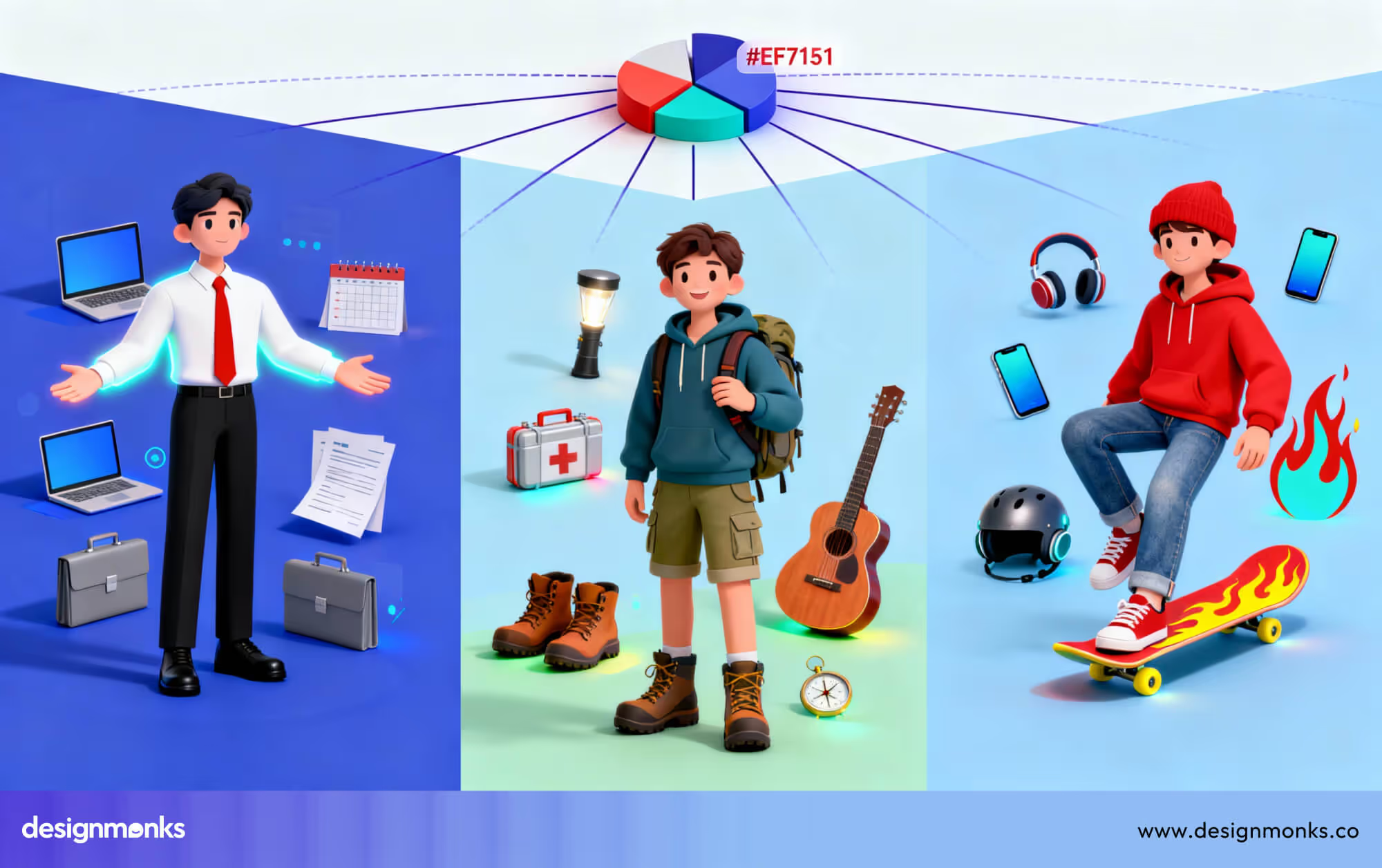
Hyper-personalization adapts interfaces based on real behavior, not assumptions. Instead of static layouts, experiences reshape content, flows, and priorities continuously. Experiences create journeys that feel uniquely relevant while still maintaining a consistent product structure.
This approach has matured as AI models have improved real-time learning and contextual understanding. What once relied on basic rules now responds to intent signals, usage patterns, and situational data, which simply makes personalization more accurate and less disruptive.
In 2026, relevance becomes a baseline expectation. Designers must avoid overreach by offering control, clear value, and ethical data use. Flexible components and adaptive systems will outperform rigid interfaces built for average users.
3. Conversational and Multimodal UX
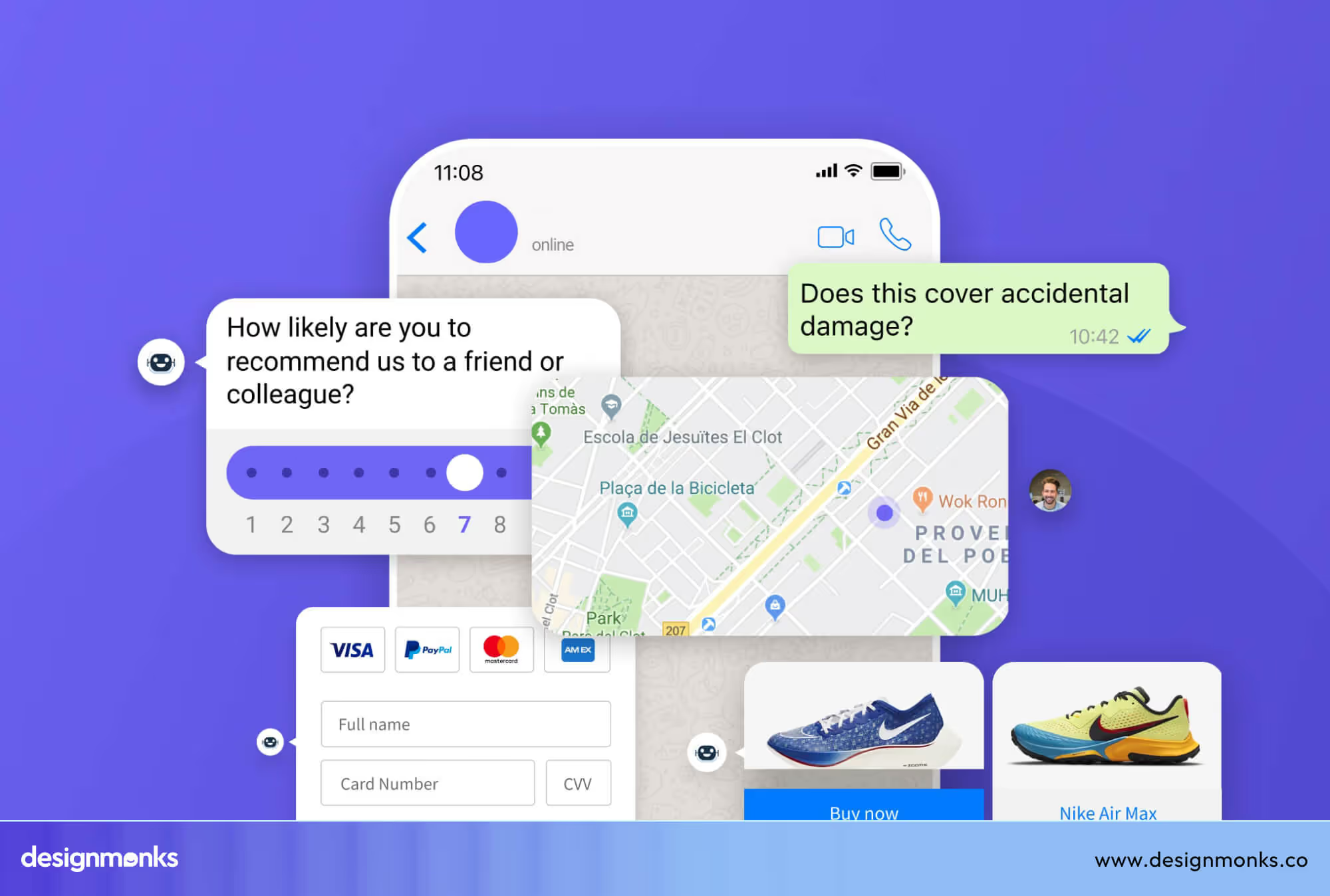
Conversational and Multimodal UX blends voice, text, visuals, and gestures into unified interactions. Users move fluidly between speaking, typing, and tapping to reduce effort and make digital systems feel closer to natural human communication.
Early chatbots struggled due to limited understanding, but modern multimodal systems combine inputs to interpret intent more accurately. Context awareness allows smoother transitions, better error handling, and more confidence during complex or hands-busy interactions.
Rather than designing screens, teams must design conversations. In 2026, success depends on feedback clarity, interruption handling, and fallback paths to ensure that interactions feel helpful, respectful, and adaptable across environments and abilities.
4. Predictive and Anticipatory UX
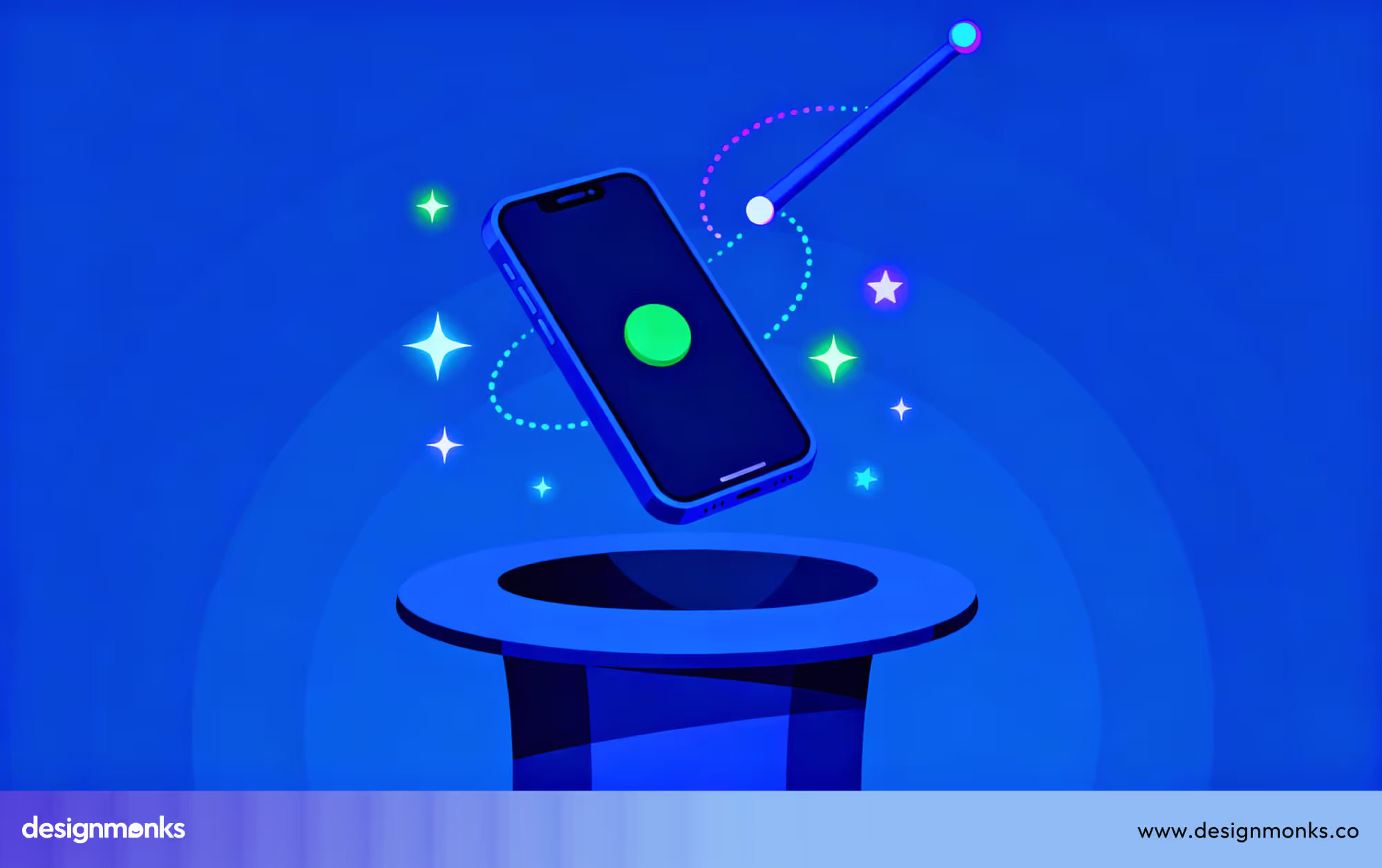
Predictive UX focuses on recognizing intent before users articulate it. By analyzing behavior patterns and situational context, interfaces can surface actions, suggestions, or content at the right moment to reduce friction without demanding attention.
Recommendation engines introduced this idea years ago, but timing and accuracy were often poor. Today’s models are more restrained, prioritizing relevance and subtlety so predictions feel supportive instead of manipulative or distracting.
The real challenge in 2026 isn’t prediction, it’s restraint. Designers must allow reversibility, explain suggestions clearly, and avoid assumptions so that anticipation can empower users while preserving autonomy and trust throughout the experience.
5. Emotionally Intelligent User Experiences
Rather than reacting only to clicks, emotionally intelligent UX responds to hesitation, repetition, and tone. Interfaces adapt feedback, pacing, and messaging to help users feel supported during confusion, pressure, or high-stakes decision moments.
The idea originated in affective computing, but early systems lacked accuracy. Modern AI interprets behavioral signals more reliably, allowing microcopy, visuals, and interaction intensity to shift without making emotional detection obvious or uncomfortable.
Designers must be careful not to simulate fake empathy. Strong emotional UX relies on restraint, recovery-friendly flows, and respectful responses that guide users forward without labeling emotions or over-personalizing sensitive situations.
6. Accessibility-First Inclusive UX
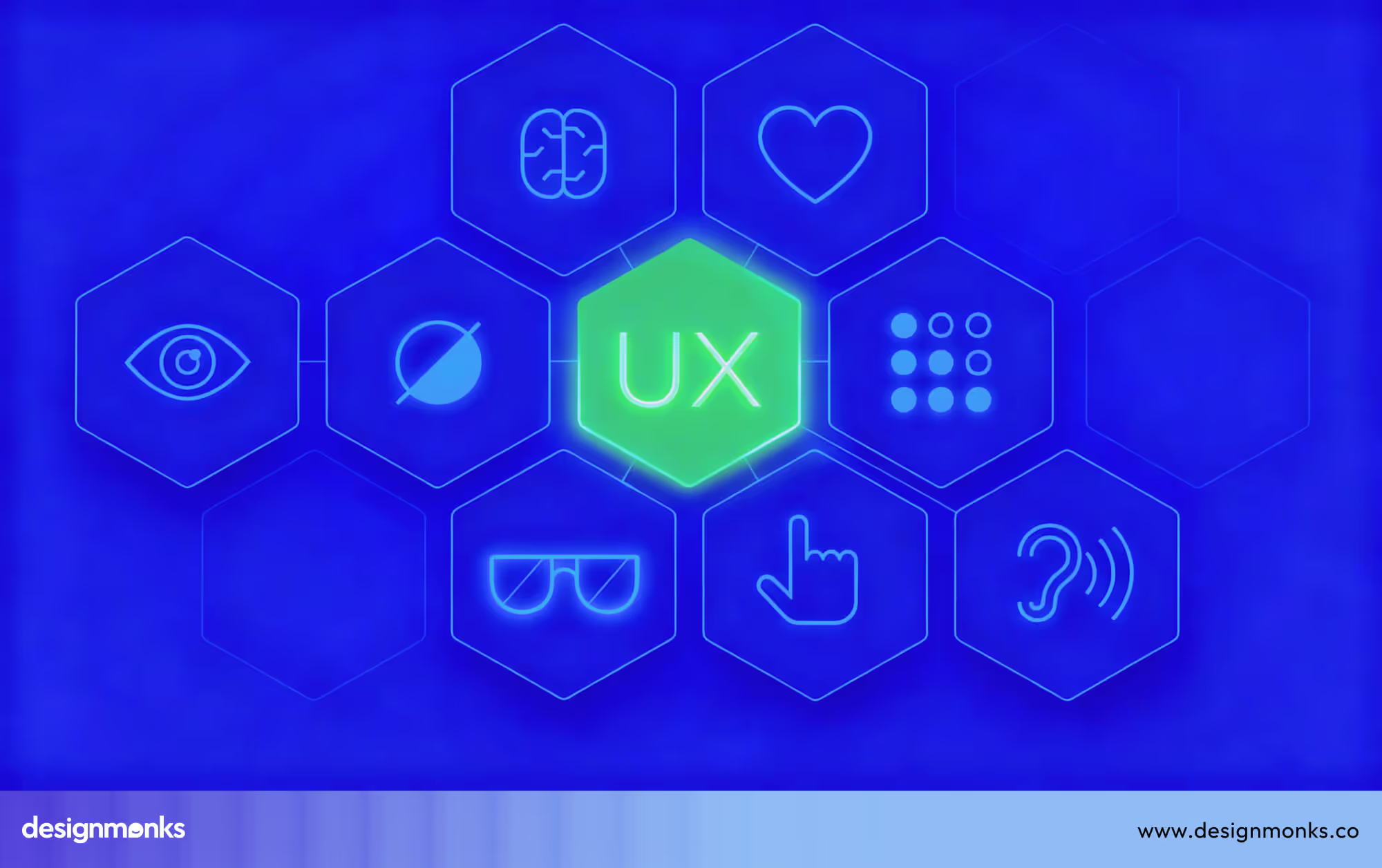
Accessibility-first UX treats diversity as a starting point. Layouts, interactions, and content are designed to work across abilities, environments, and devices, improving clarity and resilience for everyone, not only users with permanent disabilities.
While accessibility was once handled through late-stage compliance, inclusive design now improves usability overall. Keyboard navigation, readable contrast, flexible layouts, and reduced cognitive load often result in faster, clearer experiences for all users.
As products grow more complex, exclusion becomes costly. Designers should test early with diverse users, prioritize adaptable systems, and consider temporary limitations like stress, injury, or poor connectivity during real-world usage.
7. Immersive Spatial and AR UX
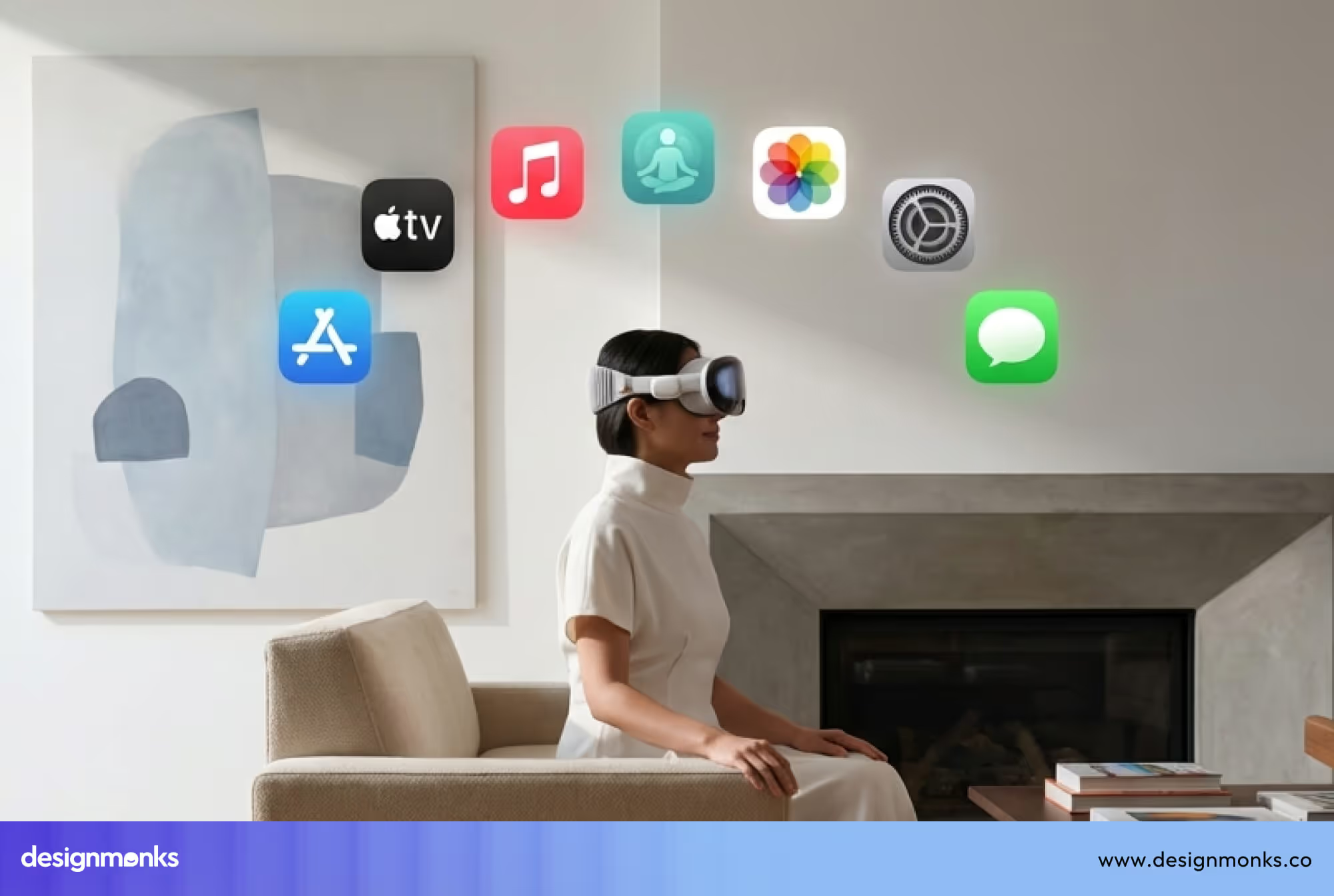
Immersive spatial and AR UX introduces depth, scale, and physical awareness into interaction. Instead of navigating flat interfaces, users explore information in space to make learning, visualization, and decision-making more intuitive and experiential.
Hardware limitations once made AR feel experimental. Improvements in sensors, headsets, and spatial mapping now support stable interactions. It lets designers focus on usefulness rather than spectacle or technical novelty.
Successful spatial UX avoids overload. Designers must guide attention carefully, respect physical comfort, and ensure spatial elements serve clear goals, integrating naturally into environments without overwhelming perception or interrupting real-world focus.
8. Minimal UI with Context
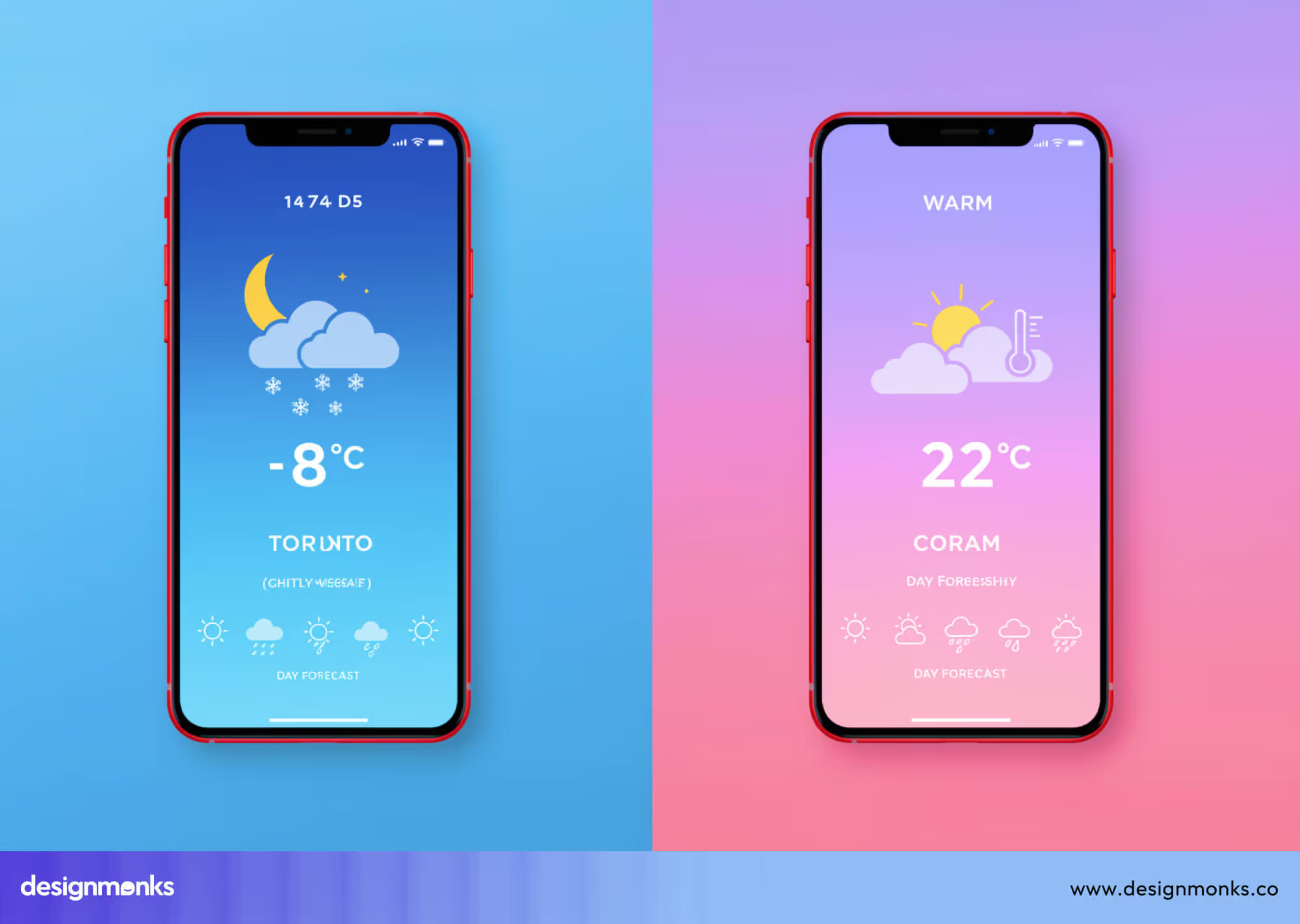
Minimal UI with context removes visual clutter while preserving meaning. Interfaces reveal information progressively, based on intent and timing. It lets users stay focused without navigating dense menus or overwhelming dashboards.
Earlier minimalist trends often hid functionality. Context-aware systems now surface controls only when relevant, using behavioral signals and environment cues to maintain clarity without sacrificing discoverability or control.
Designing this balance requires a strong hierarchy and smart defaults. Simplicity should feel intentional, not empty, ensuring users always understand where they are, what’s possible, and what will happen next.
9. Ethical and Transparent UX
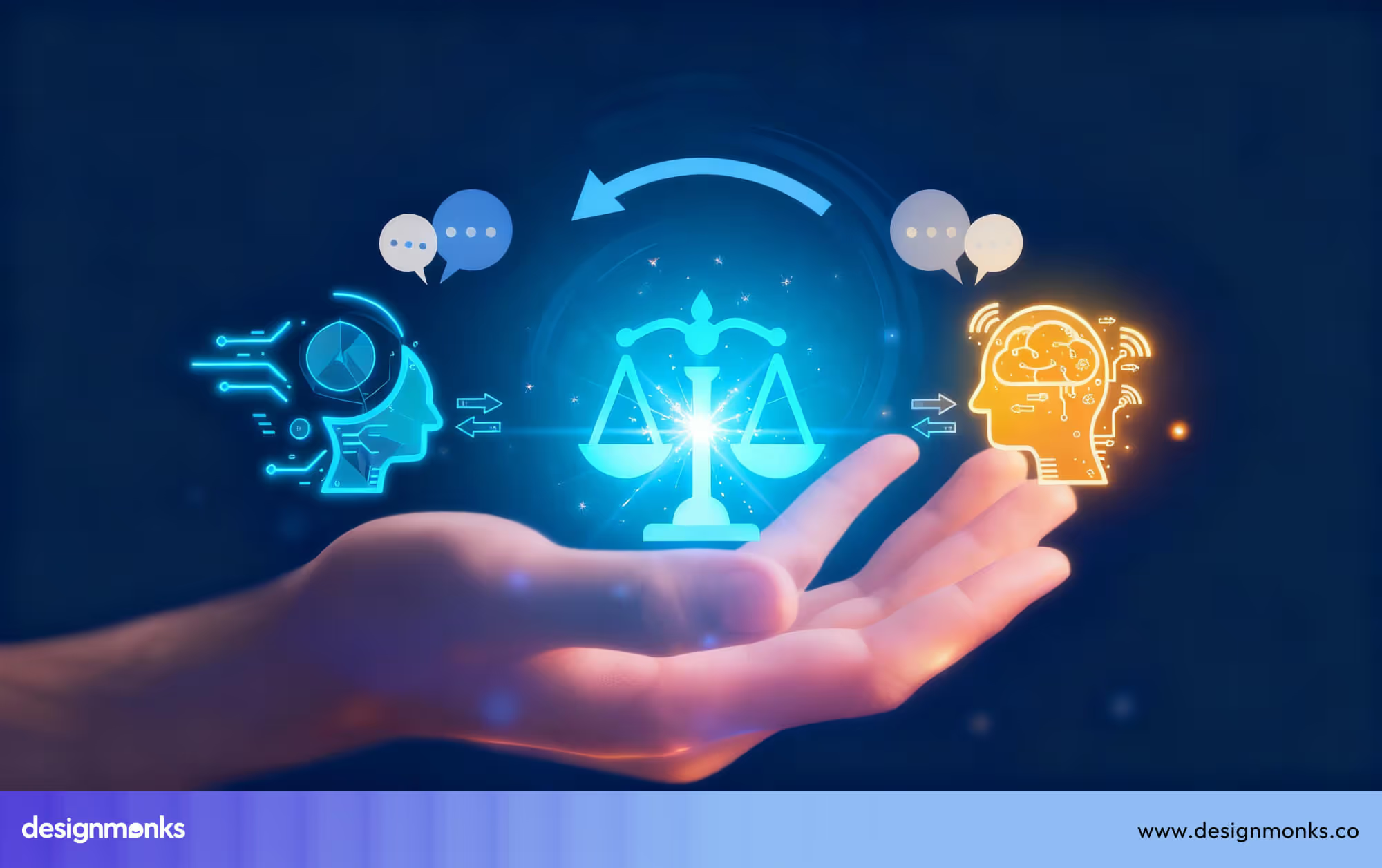
Ethical and transparent UX makes system intent visible. Users understand why decisions happen, how data is used, and what choices mean, rather than being nudged through hidden logic or manipulative interaction patterns.
For years, growth-focused design has normalized dark patterns and opaque flows. Increased regulation and user awareness now demand interfaces that explain AI behavior, permissions, and consequences in plain, accessible language.
Trust isn’t built through policies alone. Designers must embed ethics into flows, simplify consent decisions, and design accountability moments that respect autonomy while keeping experiences clear, fair, and honest.
10. AI-Scalable Design Systems
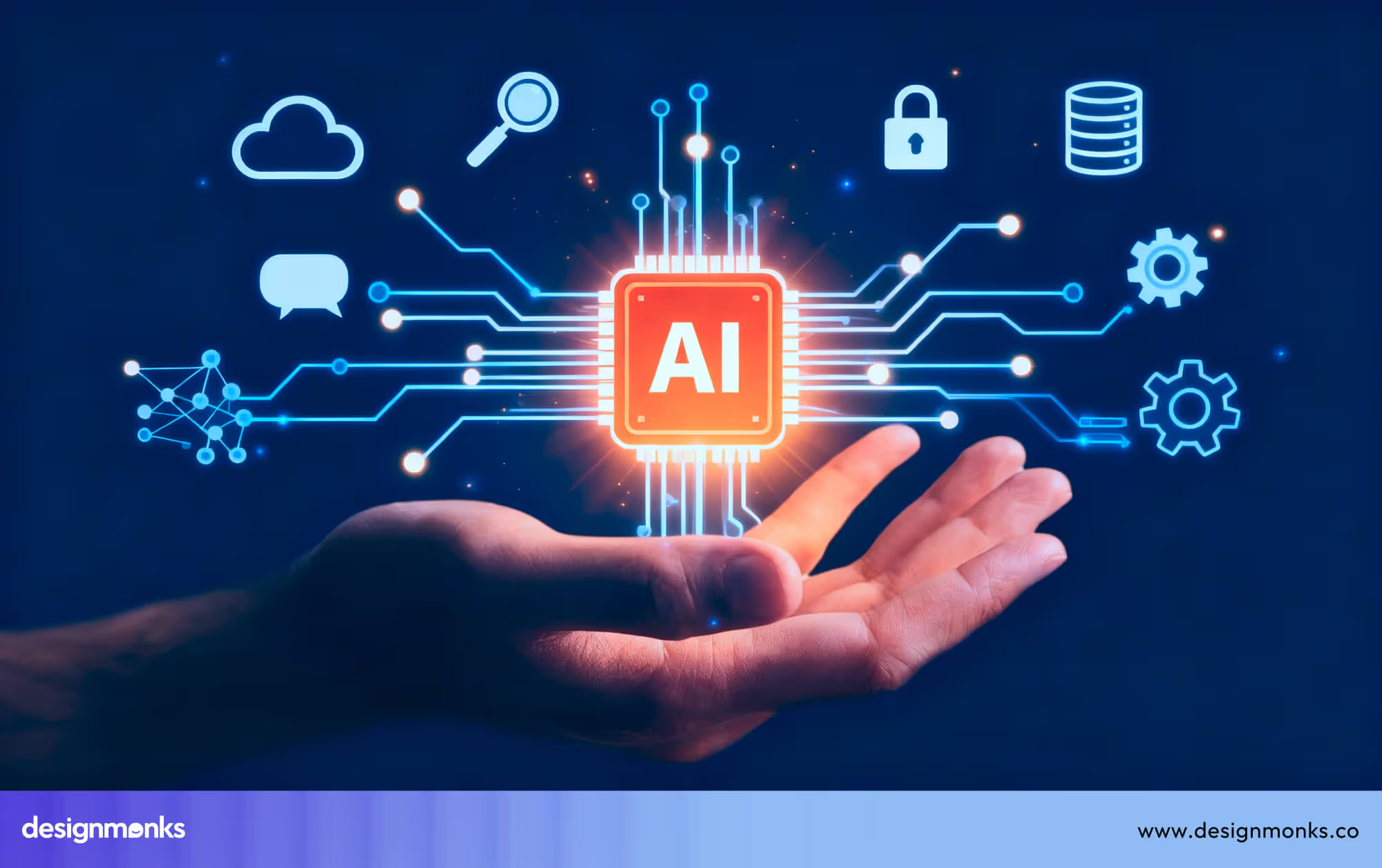
AI-scalable design systems are built to evolve, not stay static. Components adapt through tokens, rules, and logic, letting interfaces scale across products, platforms, and personalization layers without constant manual redesign.
Traditional design systems focused on consistency. As AI-driven interfaces emerged, rigidity became a limitation. Modern systems support variation, enabling layouts, content density, and behaviors to shift intelligently while preserving brand and usability foundations.
In this case, you must think beyond components. Clear naming, semantic tokens, and flexible patterns allow AI to generate and adapt interfaces responsibly to ensure automation enhances quality rather than fragmenting visual and interaction coherence.
11. Behavior-Driven Micro Interactions
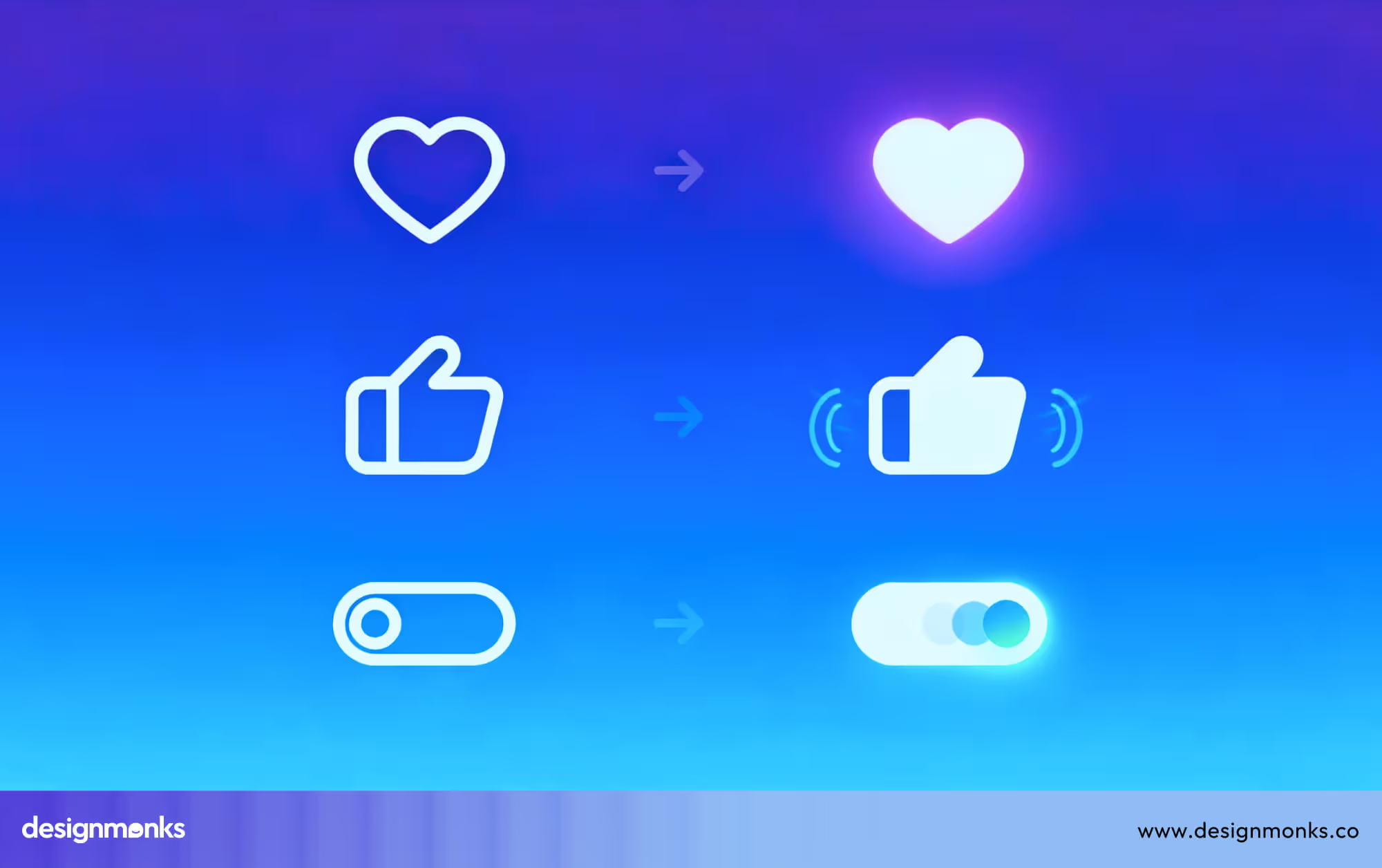
Behavior-driven micro interactions respond to how users behave, not just where they click. Animations, feedback, and transitions adjust based on confidence, hesitation, or repetition to make interactions feel responsive rather than decorative.
Early micro interactions were static enhancements. Today, behavior data informs motion timing, intensity, and frequency. It helps systems guide attention, reduce errors, and reinforce learning without adding visual noise.
To design effectively, teams should prioritize meaning over motion. Micro interactions should communicate system status, prevent mistakes, and reward progress to ensure that feedback supports usability instead of distracting or overwhelming users.
12. Privacy-First User Experience

Privacy-first UX places user control at the center of interaction design. Rather than hiding data practices in policies, interfaces communicate choices clearly, allowing users to understand, adjust, and trust how their information is handled.
Previously, privacy decisions were fragmented and confusing. Modern UX integrates consent into flows, using progressive disclosure and plain language to reduce friction while maintaining transparency and compliance.
Designers must treat privacy as an experience, not a checkbox. Clear defaults, reversible actions, and visible outcomes help users feel respected to increase long-term engagement without sacrificing ethical responsibility or product intelligence.
13. Performance-Focused UX Design
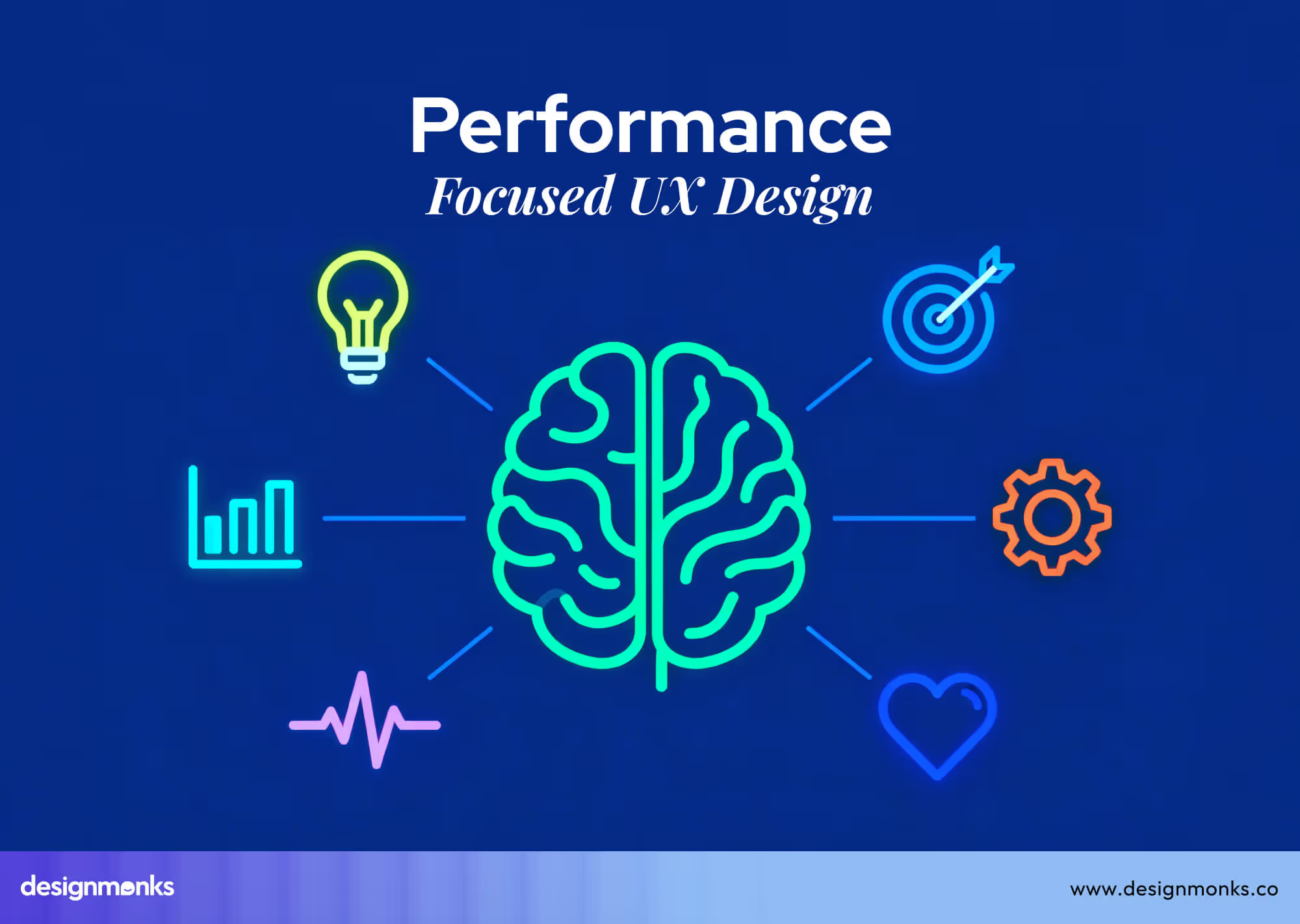
Performance-focused UX design prioritizes speed, responsiveness, and perceived efficiency. Users judge quality by how fast interfaces respond to make performance a core part of the experience rather than a purely technical concern.
Historically handled by engineering teams, performance now influences design decisions like layout complexity, animation use, and content loading strategies. Visual simplicity often directly improves interaction speed and stability.
You can design for performance by collaborating early. Thoughtful asset usage, lightweight interactions, and clear loading states ensure experiences feel fast even under limited network or device conditions.
How UI/UX Trends in 2026 Impact SaaS & AI Products
UI/UX trends in 2026 directly influence how SaaS and AI products attract users, keep them engaged, and grow revenue sustainably. Better experiences now influence conversion, retention, and long-term product success more than features alone.
Smarter Onboarding Drives Conversions
Modern SaaS UX reduces confusion by guiding users step by step toward quick wins. Adaptive onboarding helps users understand value faster, improving trial-to-paid conversion and supporting a stronger product strategy.
AI Assistance Improves Daily Retention
Built-in AI copilots help users complete tasks with less effort and fewer mistakes. This daily support builds habits, lowers frustration, and keeps users returning to SaaS products consistently.
Performance Gains User Trust
Fast-loading interfaces make SaaS products feel reliable and professional. When interactions respond instantly, users trust the system more and are less likely to abandon tasks.
Accessibility Expands Product Reach
Accessibility-first SaaS UX supports users across abilities, devices, and environments. Clear layouts and flexible interactions improve retention while opening products to larger, more diverse audiences.
Clear UX Explains Complex AI Features
Thoughtful AI integration in UX design makes the outputs easier to understand and act on. Simple visuals and explanations increase confidence, helping users adopt advanced features without feeling overwhelmed.
Ethical UX Builds Long-Term Growth
Transparent data use and clear choices help users feel respected and safe. Trust-driven UX strengthens retention, encourages recommendations, and supports sustainable UX trends for SaaS growth.
UI/UX Design Trends That Are Fading Out by 2026
Several UI/UX patterns are losing relevance as user expectations evolve. By 2026, experiences that feel rigid, overloaded, or disconnected from real behavior will struggle to support modern products and meaningful user engagement. Here are the trends that might fade out in the new year:
Static Dashboards Without Context
Static dashboards present the same data to every user, regardless of goals or behavior. As products grow complex, users expect dashboards to adapt, highlight relevance, and guide decisions instead of forcing manual interpretation every time.
Feature-Heavy Interface Design
Feature-heavy UI tries to show everything at once, assuming more options equal more value. In reality, clutter increases cognitive load, slows decision-making, and pushes users away from products that feel difficult to understand or navigate.
One-Size-Fits-All User Experiences
One-size-fits-all UX ignores differences in user intent, skill level, and context. As personalization improves, generic experiences feel outdated, forcing users to adjust themselves instead of the interface adapting to real needs.
Decorative Animations Without Purpose
Animations once impressed users, but excessive motion without meaning now feels distracting. When animations don’t explain feedback or guide attention, they reduce usability and performance rather than improving the overall experience.
Hidden Navigation and Over-Minimalism
Extreme minimalism often hides important actions behind gestures or icons. While clean visuals matter, unclear navigation frustrates users, making products harder to learn and decreasing confidence during critical interactions.
How Designers & Product Teams Should Prepare for 2026
Designers and product teams must rethink how they plan, build, and develop experiences. Preparing for 2026 means aligning UX design strategy with adaptability, intelligence, and long-term product value instead of short-term visual improvements alone.
Shift from Screens to Systems
Future-ready UX focuses less on individual screens and more on connected systems. Product teams should design flexible components, flows, and rules that scale across features, platforms, and evolving user behaviors without constant redesign.
Build UX Strategy Around Real Behavior
Relying only on assumptions or personas is no longer enough. Teams should observe real usage patterns, friction points, and intent signals to make UX decisions that feel practical, relevant, and grounded in how users actually behave.
Design for Change, Not Perfection
Interfaces will continue to evolve through AI, automation, and personalization. Product teams should embrace iteration, designing adaptable foundations instead of polished but rigid experiences that struggle to respond to new requirements.
Make Accessibility a Default Skill
Accessibility should be part of everyday design thinking, not a specialist task. Training teams to design inclusive layouts, readable content, and flexible interactions ensures products remain usable across abilities and real-world conditions.
Collaborate Earlier Across Roles
Future-ready UX emerges when designers, engineers, and product managers collaborate early. Shared understanding improves performance, feasibility, and consistency, reducing late-stage compromises that weaken overall experience quality.
Measure UX by Outcomes, Not Outputs
Preparing for 2026 means tracking how UX impacts retention, conversion, and trust. Product teams should connect design decisions to business and user outcomes, strengthening UX strategy as a core driver of sustainable growth.
FAQs
Why are UI/UX trends changing faster than before?
UI/UX trends change rapidly because technology, user behavior, and expectations shift constantly. AI, automation, and immersive UX design tools accelerate innovation, forcing designers to adapt quickly to create experiences that feel intuitive, relevant, and competitive across industries.
What skills should designers focus on to stay competitive in 2026?
Designers should master adaptive interfaces, behavioral UX, accessibility, and AI integration to stay competitive in 2026. Strong problem-solving, prototyping, and data-driven decision-making skills will be essential to create meaningful, future-ready experiences that meet evolving user needs efficiently.
How can SaaS and AI products keep users engaged and loyal?
SaaS and AI products keep users engaged and loyal by delivering personalized, predictive, and seamless experiences that reduce friction. Clear onboarding, intuitive workflows, and fast performance build trust, satisfaction, and long-term engagement across diverse user bases.
Do UI/UX trends in 2026 apply to all industries?
Most industries benefit from the UI/UX trends in 2026, but implementation varies by context, user needs, and product complexity. SaaS, AI, retail, and finance gain more from adaptive, personalized, and immersive UX, while simpler products may adopt trends selectively.
End Note
UI/UX design in 2026 is about creating adaptive, intelligent, and meaningful experiences. Success comes from anticipating user needs, utilizing AI, and designing inclusively to build trust, speed, and engagement.
Outdated practices like cluttered interfaces or one-size-fits-all UX are fading. Designers and product teams who focus on personalization, ethical interactions, and context-aware systems will drive retention, conversion, and long-term growth to ensure their digital products remain relevant and impactful in the coming years.


.avif)
.avif)
.avif)
.avif)


.avif)
.avif)
.avif)
.avif)








.avif)