.svg)




Key Takeaways
- AI in UX workflow improves efficiency by automating repetitive design tasks.
- Predictive UX helps anticipate user behavior and optimize experiences.
- AI-generated insights enhance layout accuracy and content decisions.
- Tools like Maze and UserTesting AI speed up testing.
- Human-AI collaboration ensures ethical, data-driven, and user-centered design.
How to incorporate AI into UX workflow is the question every designer is asking as AI tools transform the way we research, test, and design. Tasks that once took hours can now happen in minutes.
You can incorporate AI into your UX workflow by letting it handle the heavy analysis. AI tools review feedback, suggest layout options, and even simulate user behavior in minutes. Instead of guessing, you can test ideas faster, compare directions with clarity, and refine what actually works. That means fewer blind spots, quicker validation, and decisions backed by real evidence, not assumptions
In this guide, you’ll explore practical ways to add AI into your UX workflow. From automating repetitive tasks to enhancing testing and prototyping, small steps can lead to big improvements and more effective designs.
What “AI in UX Workflow” Means Today
AI in UX refers to the use of intelligent tools and technologies to optimize the entire user experience design process. Understanding how to incorporate AI into the UX workflow involves leveraging automation and AI-driven insights throughout each stage of UX, from research and ideation to prototyping, testing, and handoff.
For example, AI can analyze thousands of user survey responses in minutes, identify patterns, and suggest improvements. These tasks would take human teams days to complete. Modern workflows allow designers to delegate repetitive and data-heavy tasks to AI, freeing them to focus on strategic problem-solving and creative innovation.
Effective human-AI collaboration ensures that AI-generated insights are reviewed, refined, and integrated thoughtfully, enhancing overall workflow efficiency and decision-making accuracy.
Benefits of Incorporating AI Into UX Design
Incorporating AI into UX design offers designers practical advantages that make workflows faster, smarter, and more user-focused. Some of the key benefits include:
- Enhanced Efficiency: AI can handle repetitive and time-consuming tasks such as sorting large amounts of user feedback, analyzing usage patterns, and generating multiple layout suggestions quickly. This frees designers to focus on strategic and creative decisions.
- Predictive UX: AI tools can analyze user behavior to predict potential pain points, suggest design improvements, and optimize user flows before conducting real user testing, saving time and resources.
- Improved Accuracy: AI-generated insights guide designers in placing content, arranging layouts, and checking accessibility standards to ensure inclusive and effective design choices.
- Data-Driven Decision-Making: Using behavioral insights, usability analytics, and performance metrics, designers can make more informed decisions and justify design changes with real data.
- Faster Prototyping and Testing: Tools like Maze and UserTesting AI allow teams to conduct predictive testing, generate heatmaps, and receive actionable insights faster, accelerating iteration cycles.
- Better Outcomes: SaaS platforms and digital products using AI in their UX workflows have reported reduced development cycles, higher conversion rates, and improved overall user satisfaction.
Where AI Fits in the UX Workflow
AI can enhance every stage of the UX workflow, making design tasks faster, smarter, and more efficient. In research, it can highlight key user patterns, and during ideation, it can inspire new concepts. For prototyping, it can speed up creating initial layouts, while in testing, it can reveal interaction trends.
During handoff, AI also helps simplify documentation and collaboration with developers. Each stage benefits from AI in unique ways, improving both speed and accuracy. Keep reading to explore how AI works at each step in detail.
AI in User Research & Discovery
AI speeds up user research by automatically analyzing surveys, feedback forms, and behavioral data. It can detect patterns that humans might miss, such as repeated complaints or frequently used features. Natural Language Processing (NLP) allows AI to read comments, reviews, and open-ended responses to determine if users are satisfied, frustrated, or confused.
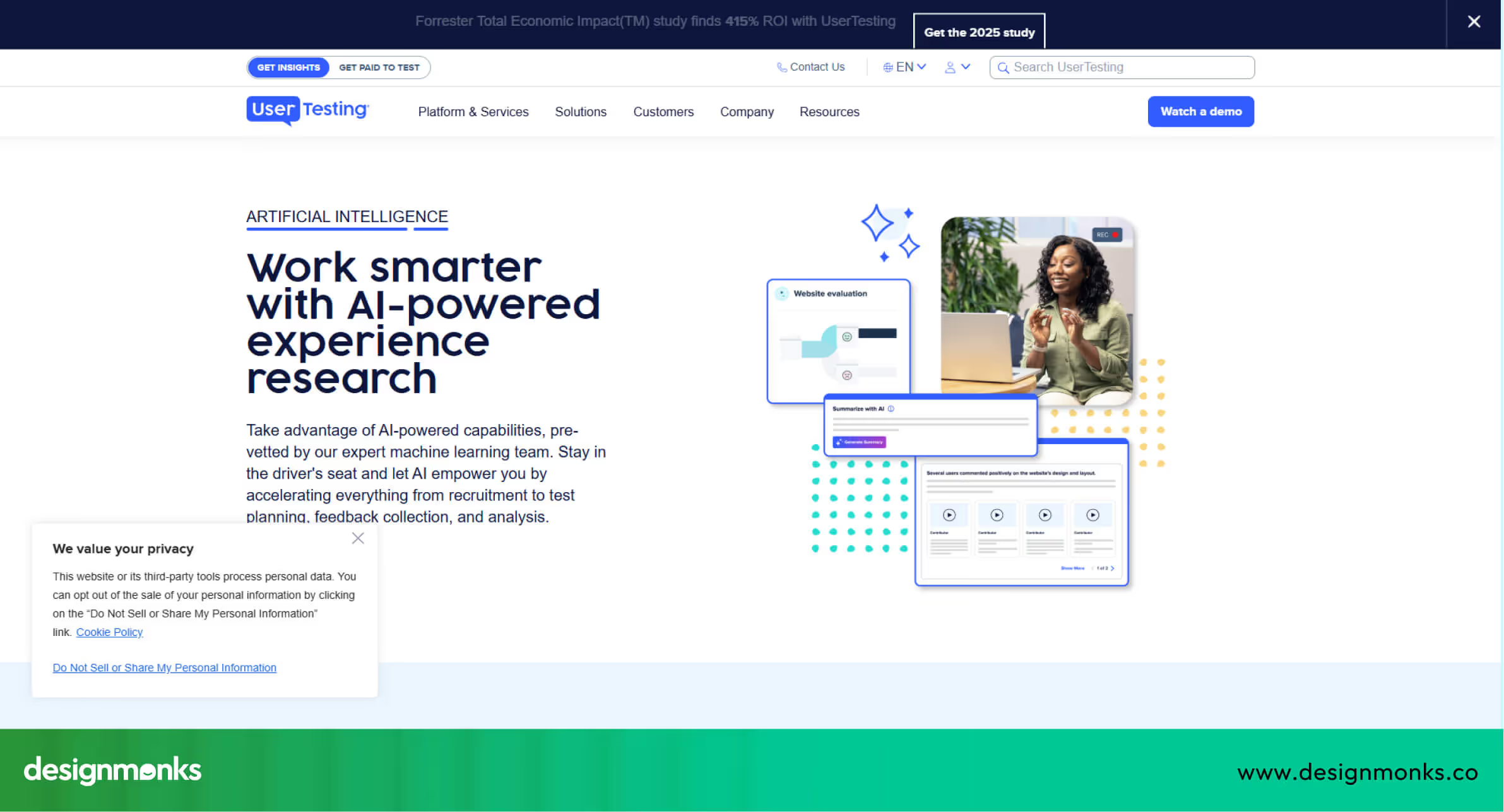
Tools like UserTesting AI and Galileo AI process large amounts of data quickly, helping designers focus on solving real user problems. This makes it easier to prioritize features, identify usability issues, and improve overall product performance.
AI for Persona Creation & JTBD Mapping
AI helps create accurate user personas and map out users’ jobs-to-be-done (JTBD) by analyzing real user behavior. It can segment audiences into groups with similar goals, needs, or behaviors. By doing this, designers get a clearer understanding of who their users are and what problems they need to solve.
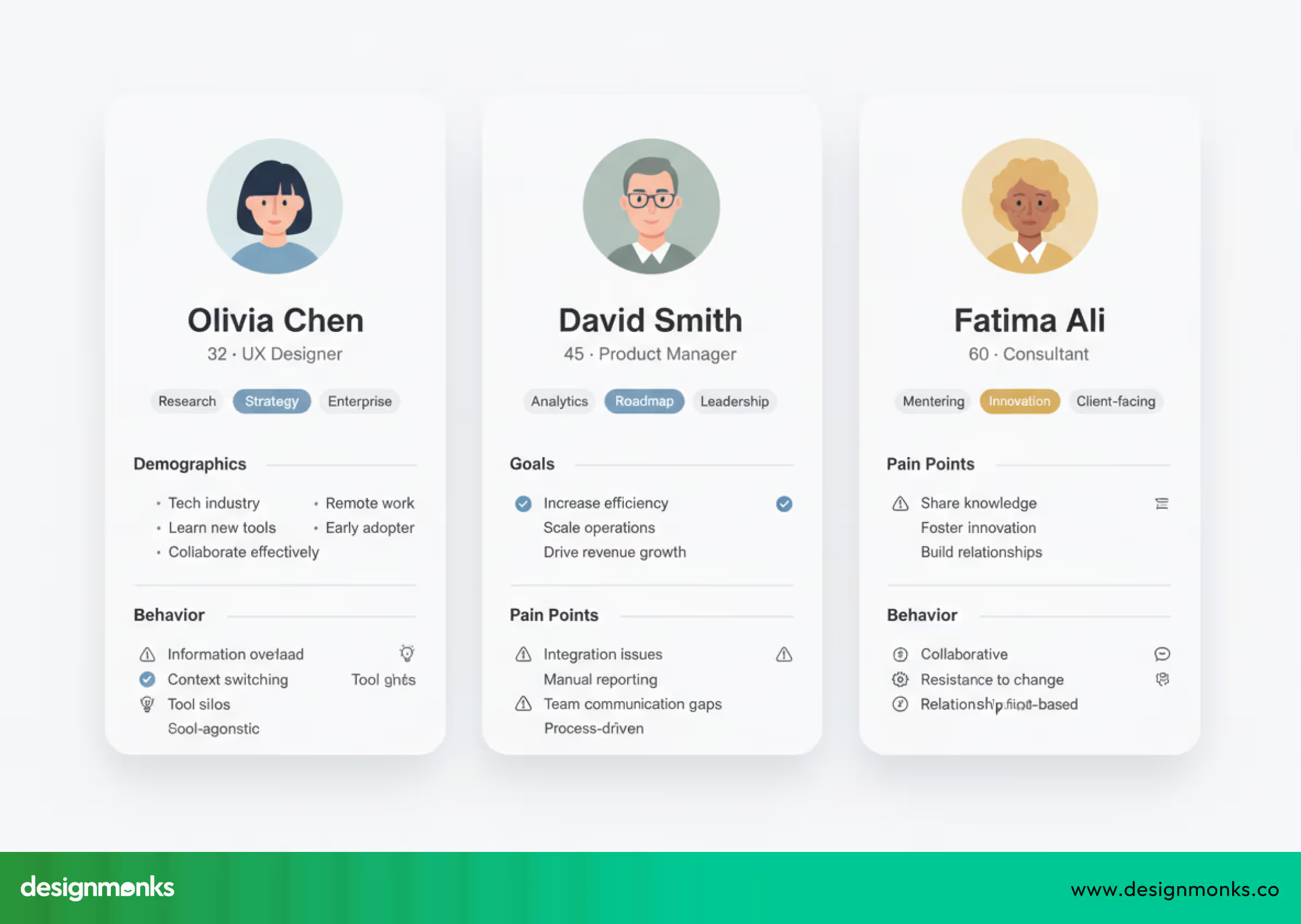
Using AI for persona creation reduces guesswork, ensures that decisions are based on actual data, and allows teams to make informed design choices faster, saving both time and resources in the early design phase.
AI in UX Writing & Content Strategy
AI assists in creating and refining UX copy, including microcopy for buttons, form labels, headings, notifications, and tooltips. It can generate multiple versions of content and suggest adjustments to tone, clarity, and readability.
Designers can then test these variations to see which resonates best with users. This approach not only speeds up writing but also ensures that content supports usability and helps users navigate the interface more easily. AI also helps maintain consistency in language across the product.
AI for Wireframing & Low-Fidelity Concepts
AI can transform design prompts into wireframes and low-fidelity layouts in minutes. Tools like Figma AI and Uizard allow teams to quickly produce multiple design options for discussion and review.
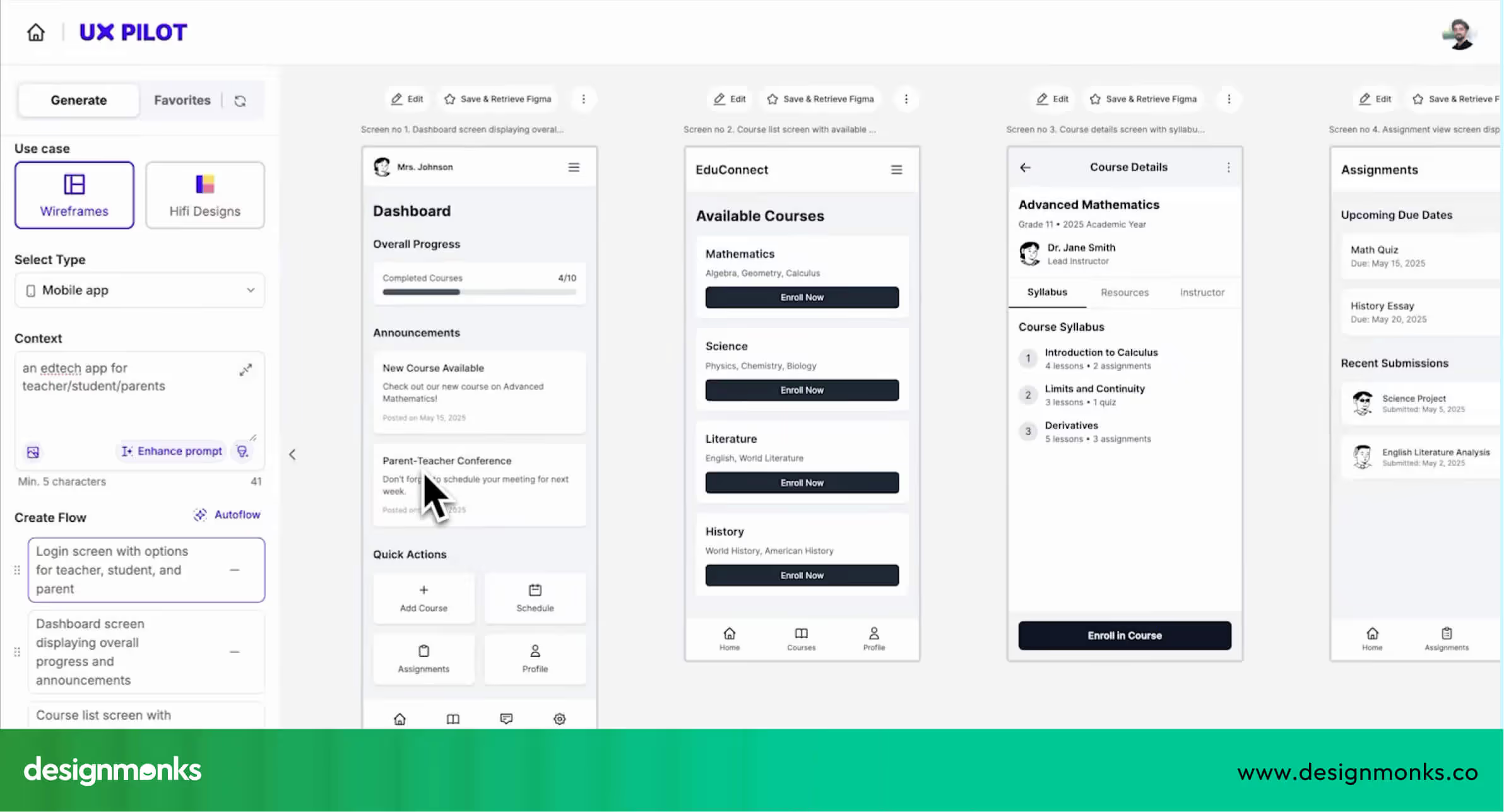
AI organizes elements, suggests placement, and prepares a visual structure that designers can refine. This reduces the time spent on manual sketching and helps teams evaluate ideas before committing to high-fidelity designs, ensuring a faster and more efficient early-stage design process.
AI for Prototyping & UI Design
AI can automatically generate UI screens, layouts, color palettes, and even design system components. These tools help designers produce consistent interfaces across multiple screens, reduce repetitive manual adjustments, and create multiple design variations for testing.
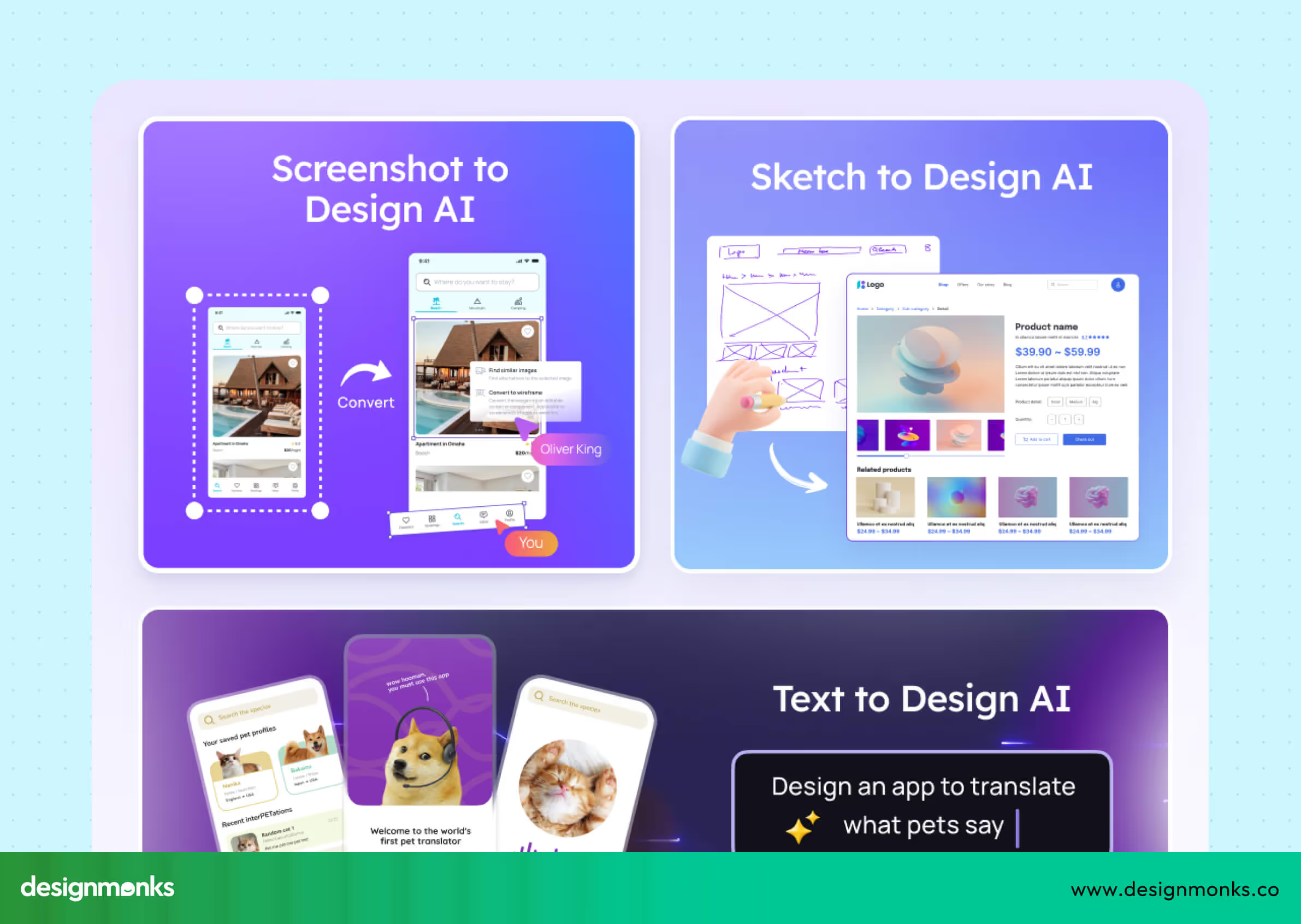
AI also speeds up the prototyping stage by generating functional screens that can be used in user testing. This allows designers to focus on improving usability, visual hierarchy, and interaction quality instead of spending time on routine tasks.
AI in Usability Testing & Heatmap Prediction
AI enhances usability testing by predicting how users are likely to interact with a design. Tools like Maze and heatmap AI analyze layouts to forecast clicks, scrolling behavior, and potential navigation issues.
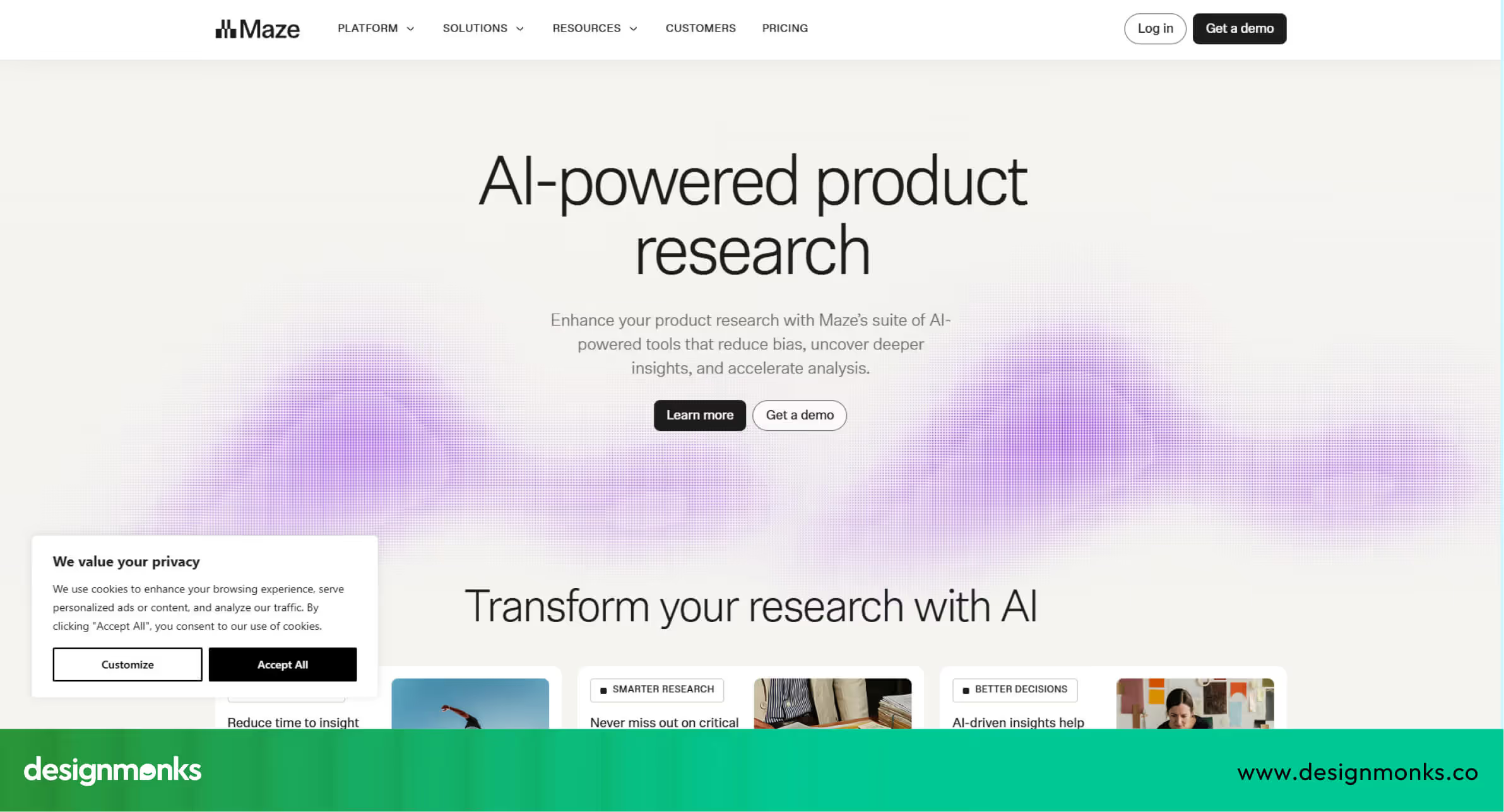
Designers can use these insights to make adjustments before launching the product. This improves efficiency and reduces the number of revisions needed.AI also provides detailed analytics on user behavior. This makes it easier to identify friction points, optimize user flows, and validate design decisions quickly.
AI in Developer Handoff & Documentation
AI streamlines developer handoff by automatically generating documentation, extracting specifications, and even producing code snippets. This ensures that developers receive accurate information on layouts, components, and interactions, reducing errors during implementation.
Designers save time on repetitive documentation tasks and can focus on refining the product. AI also helps maintain consistency in handoff materials and supports collaboration between design and development teams, making the workflow smoother and more efficient.
Best AI Tools for UX Designers
AI tools can support UX designers at different stages of their work. When used correctly, they reduce manual effort, save time, and help teams make better design decisions. Below is a simple breakdown of popular AI tools and how designers actually use them in real workflows:
Research & Discovery Tools
Tools like UserTesting AI and Galileo AI help designers understand users without spending days reviewing data. UserTesting AI analyzes user interviews, surveys, and recorded sessions, then highlights common issues and behavior patterns.
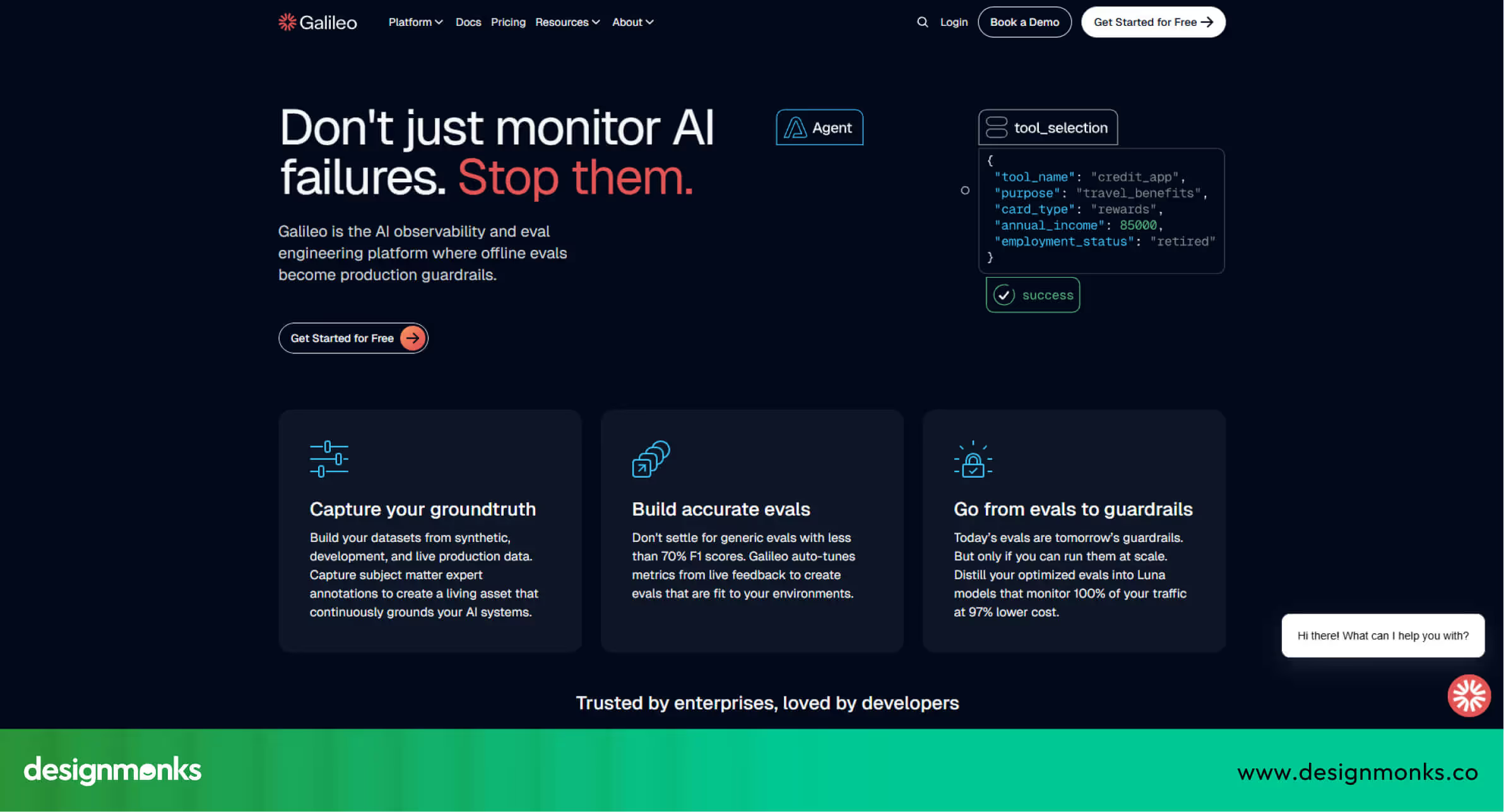
It can point out where users feel confused or stuck. Galileo AI helps teams explore early product ideas by organizing research data and showing trends. These tools make it easier to focus on real user needs instead of sorting data manually.
Wireframing & Prototyping Tools
Figma AI and Uizard help designers move from ideas to screens much faster. Figma AI can suggest layout structures, align elements automatically, and help build wireframes.
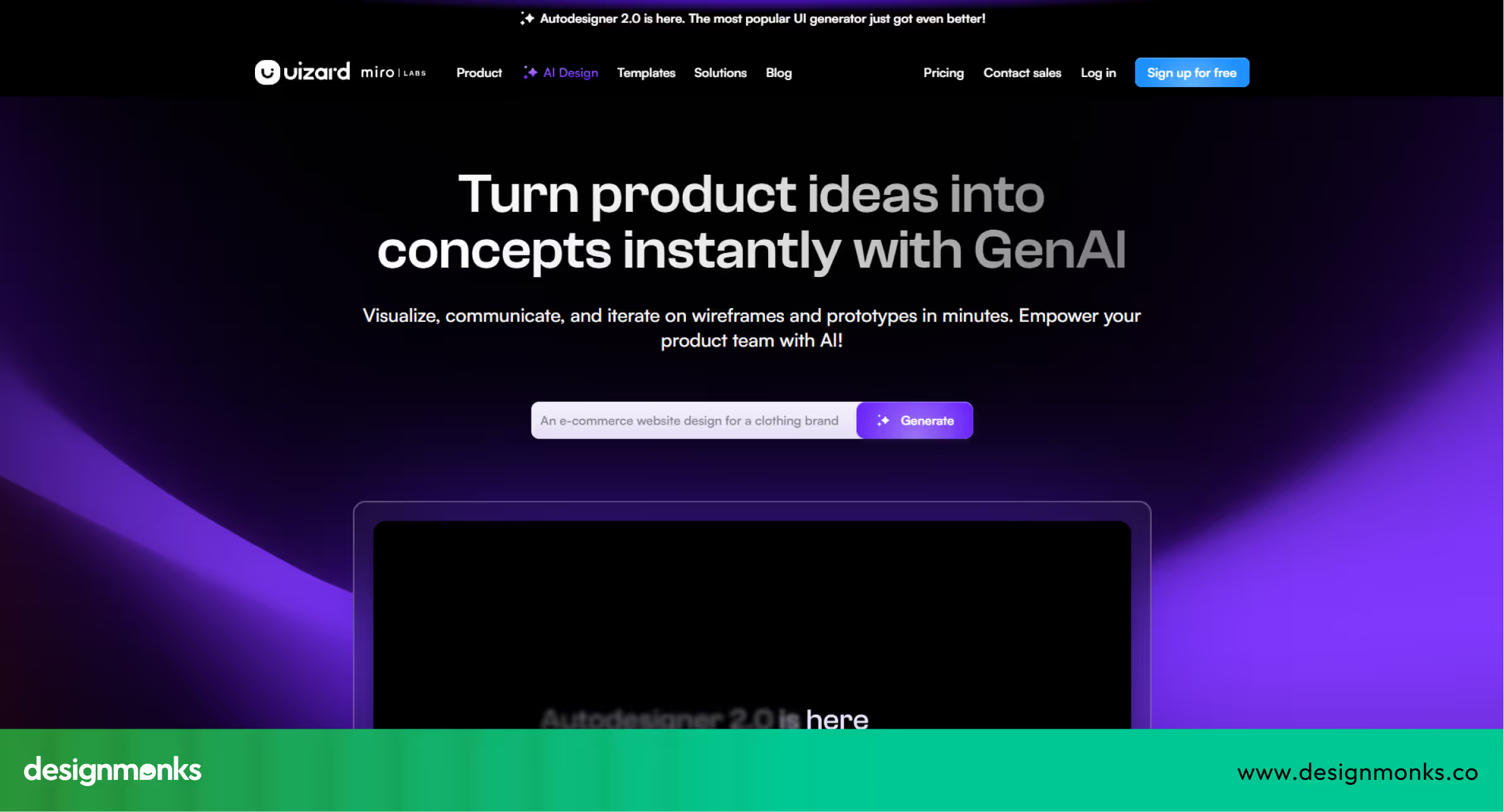
Uizard allows designers to quickly create low-fidelity screens and simple flows, even with little design setup. This is helpful when teams need to test ideas early and make quick changes based on feedback.
UI Design & Content Tools
Tools like Midjourney, ChatGPT, and other AI design tools support both visuals and writing. Midjourney is often used to generate visual styles, illustrations, or interface inspiration.
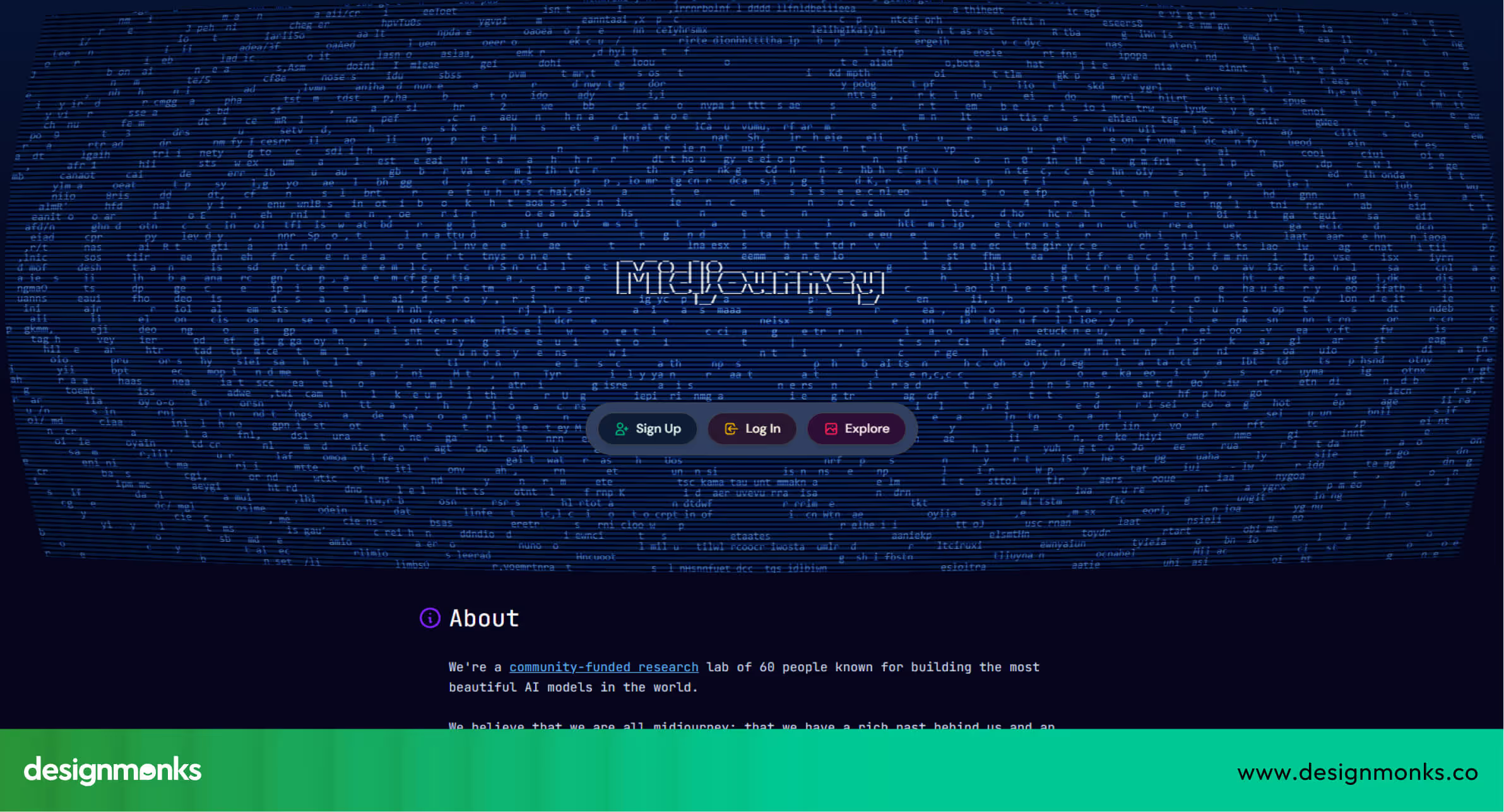
ChatGPT helps write clear button labels, onboarding text, and error messages, and can create multiple wording options for testing. AI design system tools help keep designs consistent by managing colors, fonts, and reusable components across screens.
Testing & Analytics Tools
Maze and AI heatmap tools help designers understand how users interact with designs before they are developed. Maze runs usability tests and shows where users succeed or struggle.
Heatmap tools predict where users are likely to click, scroll, or ignore content. These insights help designers fix usability issues early and make confident design decisions based on real behavior.
How to Build an AI-Driven UX Workflow
Building an AI-driven UX workflow does not mean replacing designers with tools. It means using AI to support your work in a smart and organized way. This step-by-step framework helps teams add AI gradually, without disrupting their existing design process:
Step 01:Identify manual tasks AI can automate
Start by listing tasks that take a lot of time and are repeated often. This may include reviewing survey responses, writing similar UI text, creating basic wireframes, or preparing usability reports. These tasks do not require deep creative thinking, which makes them a good fit for AI. Automating them helps designers spend more time on problem-solving and user needs.
Step 02:Select tools that fit your design stack
Next, choose AI tools that work well with the tools you already use, such as Figma, research platforms, or testing software. For example, Figma AI fits naturally into design work, while tools like Maze or UserTesting AI support testing and research. Choosing compatible tools avoids confusion and makes adoption easier for the whole team.
Step 03:Create repeatable AI prompts and templates
To get consistent results from AI, teams should use clear and repeatable prompts. This could be a standard prompt for generating microcopy, personas, or wireframes. Templates help reduce mistakes and make AI outputs more reliable, especially when multiple designers use the same tools.
Step 04:Validate AI-generated outputs with usability insights
AI results should never be used without checking them. Designers should review AI-generated designs, content, or insights and test them with real users. Usability testing, feedback sessions, and analytics help confirm whether AI suggestions actually improve the user experience.
Step 05:Create documentation and governance
Finally, teams should document how AI is used in their UX workflow. This includes tool usage guidelines, prompt examples, data privacy rules, and ethical standards. Clear documentation helps teams use AI responsibly and ensures consistency as the workflow grows.
Ethical Considerations When Using AI in UX
Using AI in UX design requires clear boundaries and accountability. AI tools are not neutral, they reflect the data they are trained on. If that data is biased or incomplete, the user experience will be biased as well, often excluding or disadvantaging certain user groups. Designers must actively check for these issues instead of assuming AI outputs are fair.
Privacy cannot be an afterthought. Many AI tools rely on user data, which makes compliance with regulations like GDPR non-negotiable. UX teams should limit data collection to what is strictly necessary, protect it properly, and be explicit about how and why it is used.
Transparency is critical to user trust. When AI influences recommendations, content, or decisions, users should be aware of it. Hidden AI logic can quickly erode confidence in a product.
Most importantly, AI should never operate without human oversight. Designers are responsible for reviewing, testing, and validating AI-driven outputs. AI can speed up workflows, but ethical UX decisions must remain human-led to ensure fairness, trust, and long-term usability.
Real-World Examples of AI in UX Workflows
AI supports designers by providing insights, predicting behavior, and making processes faster and more accurate. The following examples show how companies use AI to improve user experience:
Airbnb: Improving Search and Discovery
Airbnb uses AI to study how users search for places and make bookings. UX teams use these insights to improve search results, filters, and listing layouts. This helps users find suitable homes faster and reduces confusion during the booking process.
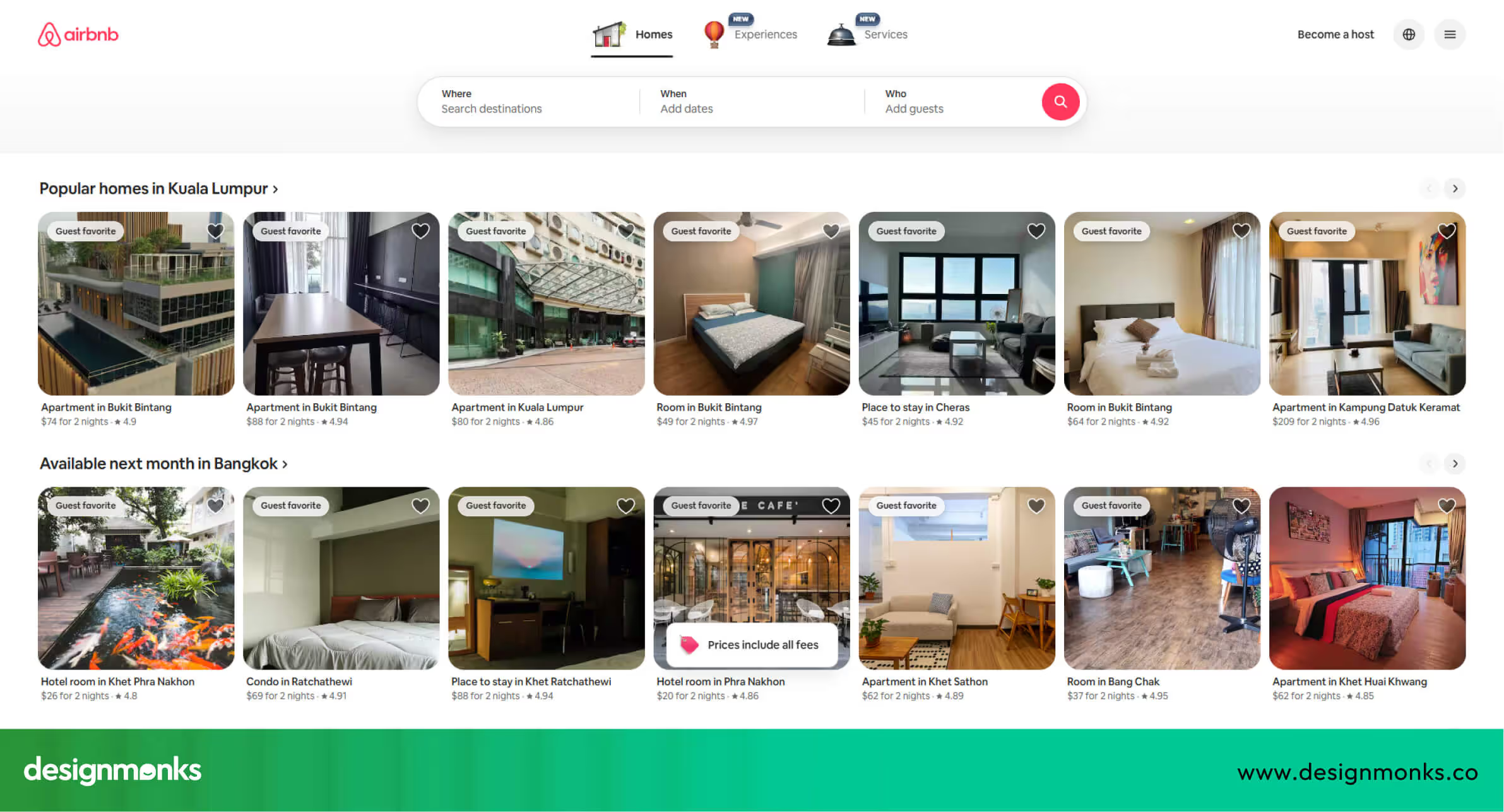
AI also identifies common user pain points and helps designers focus on areas that need improvement. Over time, this leads to a smoother booking experience and higher customer satisfaction.
Spotify: Personalizing the User Experience
Spotify uses AI to analyze listening habits and app usage. Designers use this data to improve navigation, playlist suggestions, and feature placement. AI helps make the app feel more personal and easier to use for different listeners.
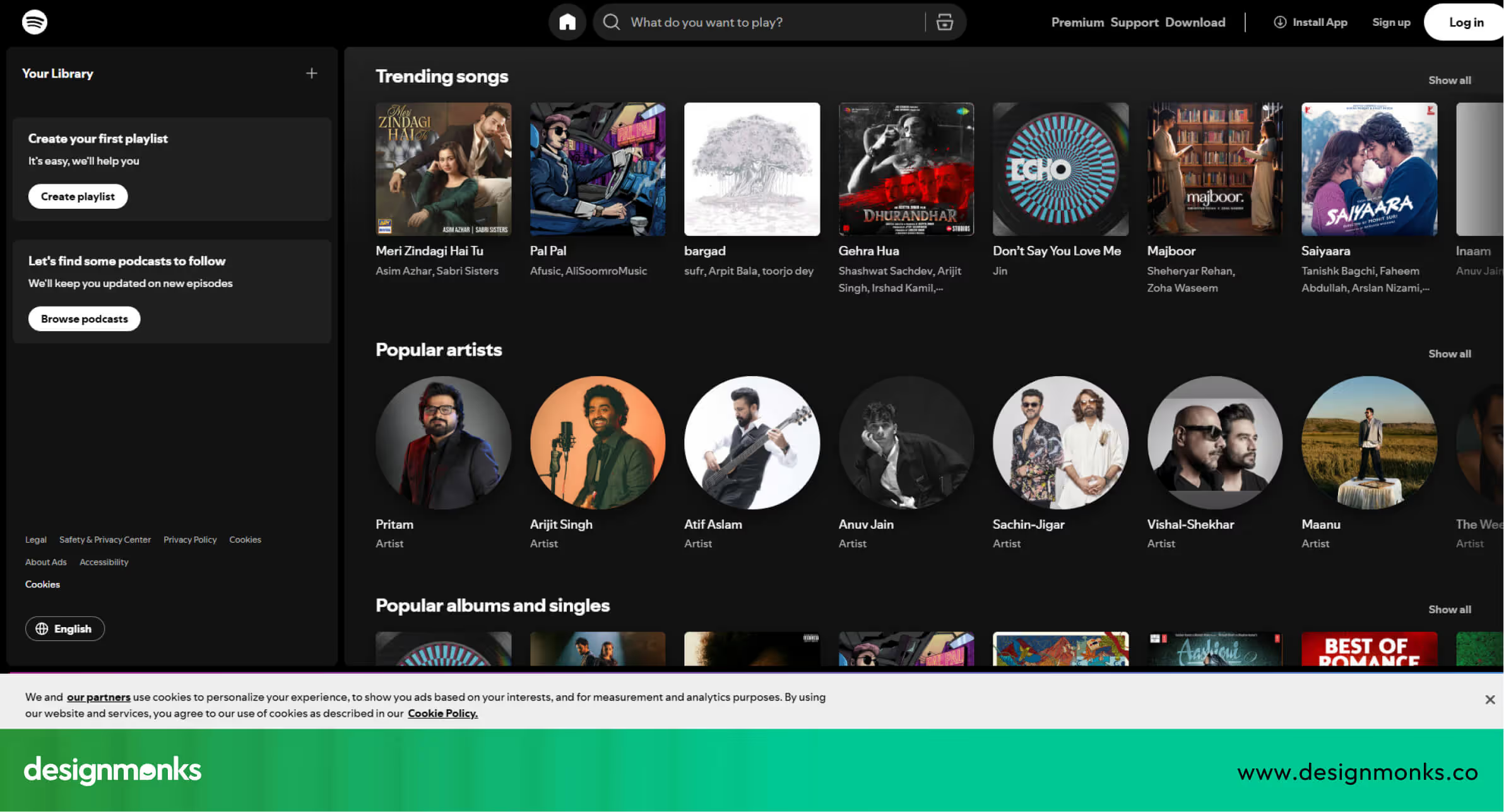
It also predicts which songs or playlists users might enjoy next, improving engagement. This continuous personalization keeps users returning to the app regularly.
Duolingo: Making Learning Easier
Duolingo uses AI to track how learners interact with lessons. UX designers use this information to adjust lesson flow, screen layout, and wording. This helps users stay engaged and learn more effectively.
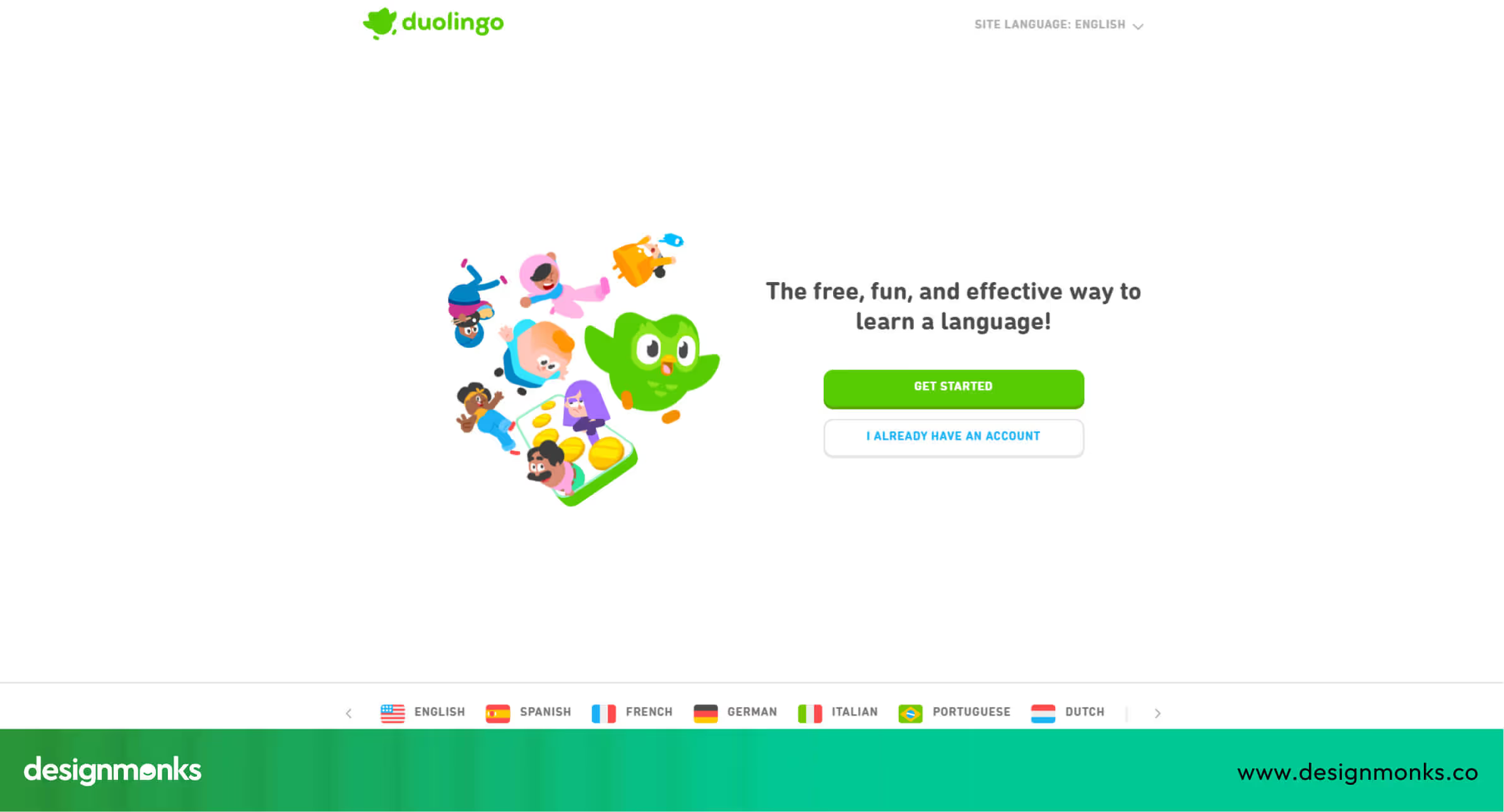
AI also identifies which exercises are too easy or too difficult for learners. This allows the platform to adapt lessons in real-time for each user, improving learning outcomes.
Shopify: Improving Onboarding for New Users
Shopify uses AI to test onboarding steps and user messages. Designers use AI insights to improve instructions and page flow. This makes it easier for new users to set up their online stores.

AI can also identify where users get stuck during setup. By addressing these issues, Shopify ensures a smoother experience and reduces drop-offs during the onboarding process.
Limitations & Risks of AI in UX
While AI can make UX design faster and smarter, it is not perfect. Designers need to be aware of its limitations and risks to use it effectively. Understanding these challenges helps teams combine AI with human judgment for the best results:
- AI hallucination: AI can sometimes generate incorrect or misleading suggestions. For example, it might propose layouts, content, or features that don’t actually meet user needs.
- Inaccuracy: AI outputs depend on the quality of the data it’s trained on. Poor or biased data can lead to flawed results and design errors.
- Over-dependence on AI: Relying too much on AI can reduce human creativity, judgment, and empathy, which are essential for user-centered design.
- Design homogenization: AI may produce similar layouts, components, or styles across different products. This reduces uniqueness and weakens brand identity.
- Ethical and privacy concerns: Some AI tools process user data, without careful handling, there’s a risk of violating privacy rules or creating biased outcomes.
- Mitigation: Combine AI insights with human review, usability testing, and careful evaluation to ensure quality, accuracy, and originality in designs.
FAQs
Can beginners use AI in UX design?
Yes, beginners can use AI in UX design. Many AI tools are beginner-friendly, they help with research, testing, writing microcopy, and generating layouts without requiring advanced technical skills.
Does AI replace designers?
No, AI supports designers by saving time and improving accuracy. Human creativity and judgment are still essential for making design decisions.
How can I ensure AI outputs are ethical?
To ensure AI outputs are ethical, check for bias, maintain data privacy, follow regulations like GDPR, and validate outputs with real users.
Which UX tasks benefit most from AI?
Repetitive or data-heavy tasks benefit most from AI. For example, tasks like analyzing surveys, creating wireframes, testing prototypes, and generating content variations.
How do I integrate AI into my existing workflow?
You can integrate AI into your existing workflow by identifying tasks to automate and choosing compatible tools. You can also create repeatable prompts, validate results, and document processes.


.avif)
.avif)
.avif)
.avif)


.avif)
.avif)
.avif)
.avif)








.avif)