.svg)


Key Takeaways
- Remote work platform UX boosts clarity, collaboration, and reduces mental load.
- Async-first design ensures tasks move forward smoothly across distributed teams.
- AI-powered UX predicts next steps, automates tasks, and saves time.
- Trust, transparency, and accessibility improve adoption and team confidence.
- Scalable design systems keep your platform consistent, flexible, and future-ready.
Behind every great remote team is a remote work platform UX that quietly does the heavy lifting. With thoughtful design, teammates stay focused on the work, not the interface.
Modern platforms now act like calm guides, highlighting priorities and removing distractions before they slow anyone down. Clear navigation, faster loading, and smarter notifications help remote teams trust the system and stay centered on real results.
In this guide, you’ll find practical ideas you can apply right away for your remote work platform UX. We’ll explore patterns that save time, improve collaboration, and gently shape healthier workflows. So your product grows confidently with every new remote team.
What Defines Remote Work Platform UX in 2026?
The remote work platform UX in 2026 extends far beyond the appearance of a screen. It’s about how remote work platforms support thinking, decision-making, and collaboration from start to finish.
Modern UX design connects people, tools, and information so work feels natural, not forced.
AI assistance now predicts next steps, reduces repetitive actions, and builds trust by explaining why recommendations appear. Instead of adding more buttons, future UX design focuses on clarity, confidence, and flow across SaaS UX environments.
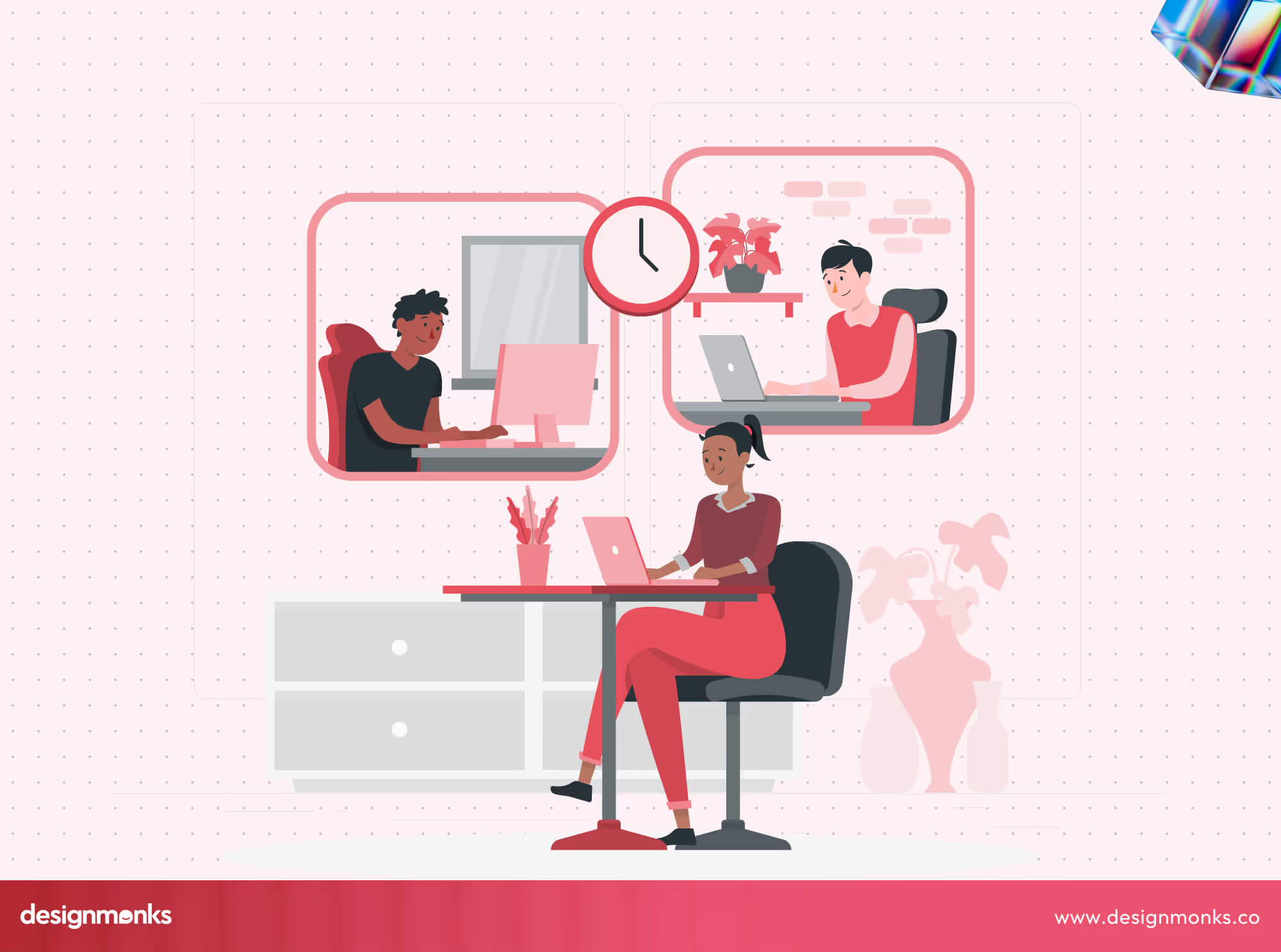
Another big change is the shift from tool-centric UX to workflow-centric UX. In the past, teams juggled separate apps for chat, tasks, files, and approvals. Now, platforms like Notion, Asana, and Monday.com connect the entire workflow. A note from a meeting can automatically become a task inside the platforms. The system can then assign responsibilities, send reminders, and update dashboards all without extra clicks.
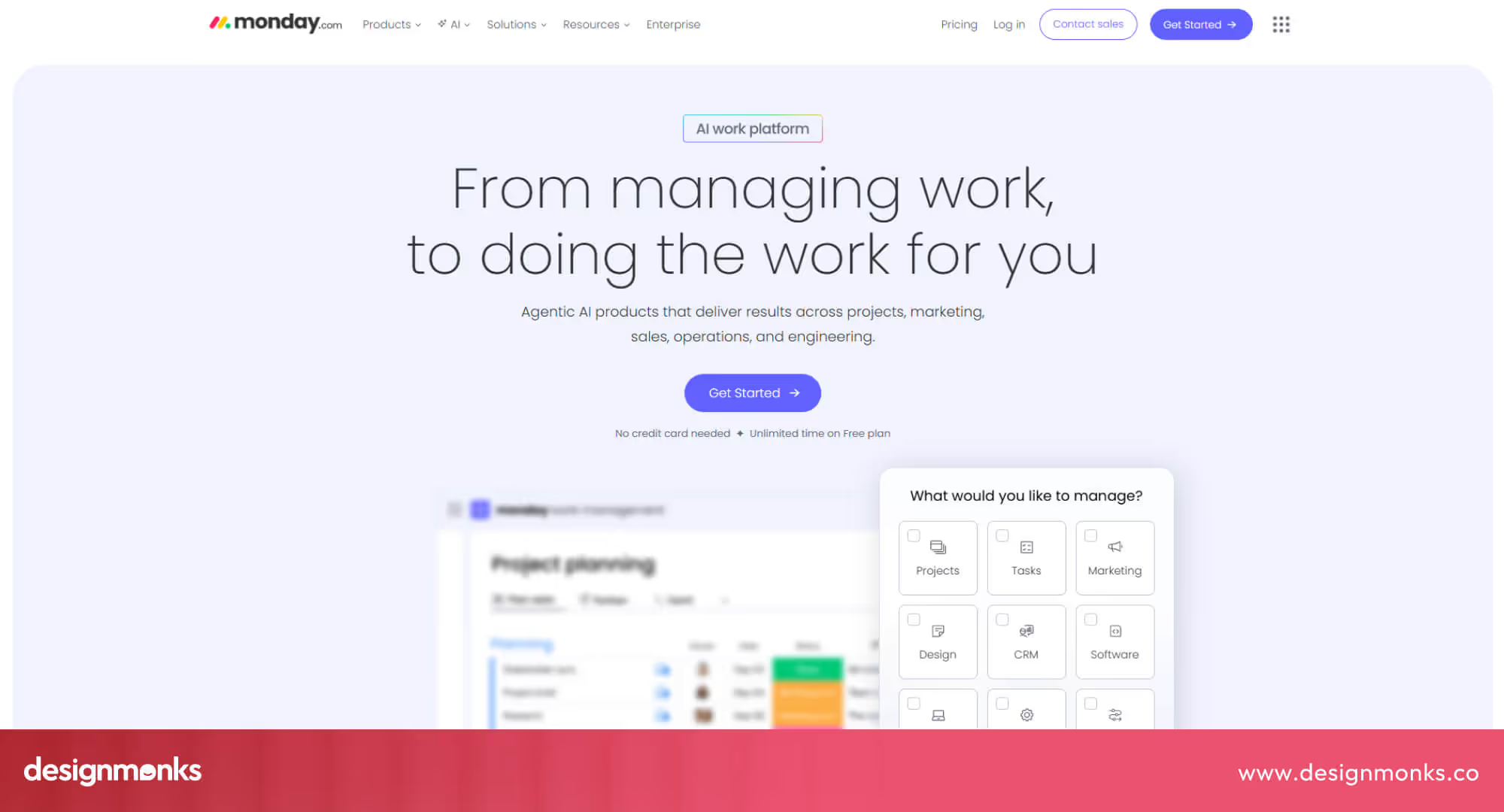
This works because these platforms combine AI assistance, workflow automation, and context-aware UX. They analyze what’s discussed, identify actionable items, and place them directly within the project boards, task lists, or dashboards where teams actually do their work.
This seamless integration keeps information organized, reduces manual work, and ensures teams can focus on completing tasks instead of managing tools.
Why 2026 UX Expectations Are Fundamentally Different
In 2026, user expectations for remote work platforms have changed significantly. Teams now work asynchronously, meaning people often start and finish tasks at different times.
This makes async collaboration a key part of user experience design. Platforms must present information clearly, reduce unnecessary notifications, and guide users so they can stay productive without waiting for others.

Another important factor is cognitive load. Remote workers handle multiple tools, tasks, and communications at once. Modern UX must reduce mental effort by organizing workflows, prioritizing actions, and showing only relevant information. Clear layouts, predictive suggestions, and intelligent notifications help users make decisions faster and avoid mistakes.
Finally, AI-powered UX is becoming a standard expectation. Users now expect AI-native software to assist automatically. They want AI to suggest next steps, summarize activity, and automate repetitive tasks.
Platforms like Notion, Asana, and Monday.com increasingly integrate AI features that support decision-making and streamline workflows. This combination of async-first design, reduced cognitive load, and AI-native features defines the new baseline for remote work UX in 2026.
Core UX Principles Powering Remote Work Platforms (2026)
If you want a remote work platform to actually make your users' lives easier, it has to go beyond looking good on the screen. In 2026, the most effective platforms focus on usability, accessibility, and collaboration tools that help teams work efficiently, stay connected, and trust the system.
Modern productivity UX reflects how distributed teams really work asynchronously, under constant interruptions, and with diverse needs. Platforms that follow these core principles see higher engagement, faster onboarding, and fewer mistakes. To make this concrete, let’s break down the three principles that form the foundation of modern remote work UX:
Async-First UX & Reduced Cognitive Load
The first principle is async-first design, which lets tasks, updates, and comments move forward even when teammates aren’t online at the same time. Platforms like ClickUp, Trello, Notion, and others organize work in dashboards and timelines, highlight priority items, and offer smart suggestions or notifications.
Reducing cognitive load like this helps users stay productive even in busy, high-interruption environments. By making asynchronous workflows clear and predictable, these platforms ensure work keeps moving without constant check-ins or coordination.
Trust, Transparency & Psychological Safety in UX
Once your workflow is running smoothly, the next challenge is trust. Teams need visibility without feeling micromanaged. Platforms can deliver this in several ways, such as privacy cues for shared documents, status indicators for availability, and audit trails that track actions and changes.
Clear notifications about who can access what and when give users confidence while they work. These practices reduce stress, encourage collaboration, and make asynchronous work more reliable, so teams can focus on completing tasks rather than worrying about miscommunication.
Accessibility as a Default, Not a Feature
Finally, accessibility ensures everyone can participate fully, no matter their location, ability, or workflow style. Platforms following WCAG 3.0 standards provide adjustable text sizes, high-contrast colors, screen reader support, keyboard navigation, and clear labels. Accessibility benefits everyone, it reduces errors, improves adoption, and makes workflows smoother for global and neurodiverse teams.
By combining async-first design, trust and transparency, and accessibility, remote work platforms create experiences that are productive, reliable, and inclusive. These principles set the standard for 2026 UX and prepare teams for the next wave of innovation, including AI-native UX patterns, which we’ll explore next.
AI-Native UX Patterns in Remote Work Platforms
Modern remote work platforms are starting to feel smarter, almost like they know what you need before you do. That’s because AI is quietly built into the experience, not in a flashy, in-your-face way. But rather it's built in ways that actually make your work easier.
From helping with repetitive tasks to guiding you through complex workflows, AI-native UX patterns are becoming the backbone of productive, stress-free remote work. To understand how this works, it helps to look at the key patterns that define AI-native UX today:
Copilot UX vs Command-Based UX
Traditional platforms often made you hunt through menus and buttons to get work done. AI copilots flip that around.
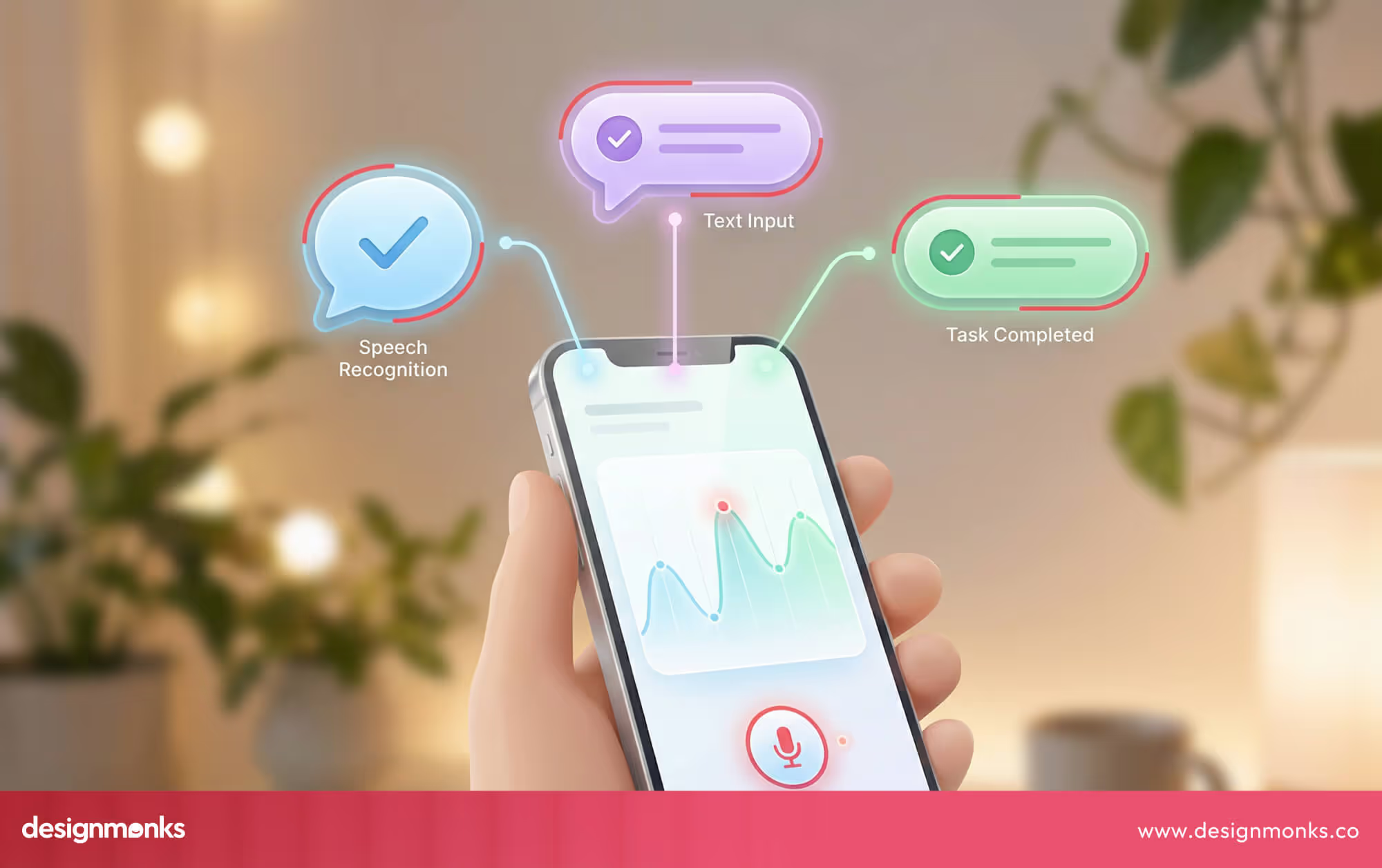
You can type or speak what you want, and the system interprets your intent. It will then assign tasks, set deadlines, and send notifications automatically. This conversational UX makes complex actions feel simple, saves time, and reduces mistakes.
Context-Aware & Predictive Interfaces
AI doesn’t just respond to commands, it learns from how you work. Context-aware and predictive design adjusts what you see based on your role, workload, time of day, and past behavior. Tasks get prioritized intelligently, suggestions appear when you need them, and notifications only pop up when they matter.
By combining AI copilots with adaptive, predictive interfaces, remote work platforms help you stay focused, reduce friction, and get more done. And all of that without feeling like the tool is watching over your shoulder.
UX Benchmarks: Leading Remote Work Platforms (2026)
If you want to understand what makes a remote work platform truly effective, it helps to look at the leaders in the space. Instead of focusing on features, let’s examine how the UX of top platforms shapes collaboration, reduces friction, and keeps teams productive:
Slack: Channel-based Mental Models
Slack organizes conversations into channels, making it easy to separate topics and projects. This mental model reduces cognitive load by keeping discussions focused and searchable.
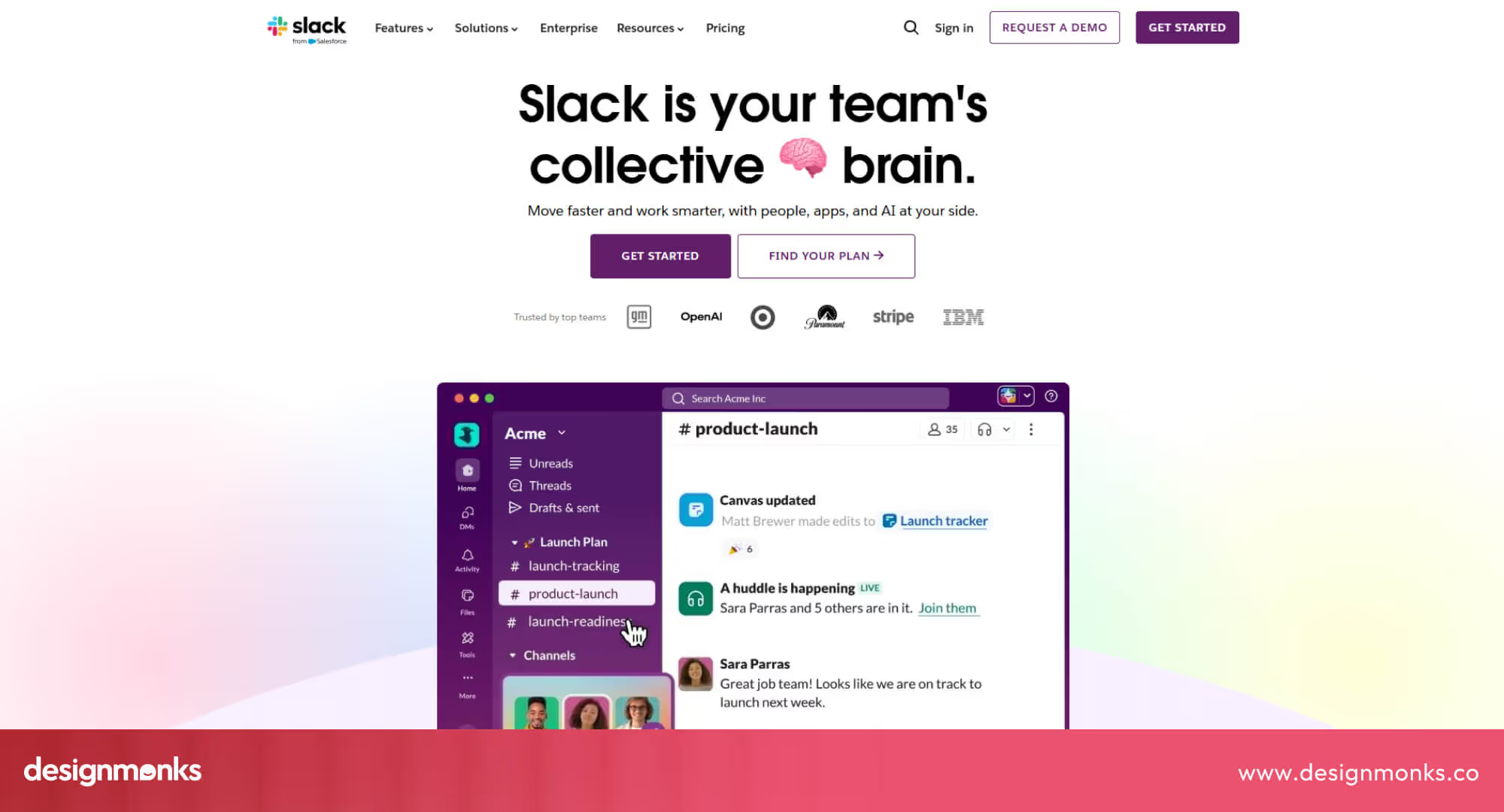
Notifications and mentions are designed to catch attention without overwhelming, and integrations with other tools help work move forward without leaving the app. For teams, this means fewer lost messages and a clearer sense of where things stand, especially in async-heavy environments.
Notion: Modular Workspace UX
Notion’s strength lies in flexibility. Its modular blocks let users build pages, databases, and dashboards exactly how they need them. This approach gives teams control over their workflow and encourages self-organization.
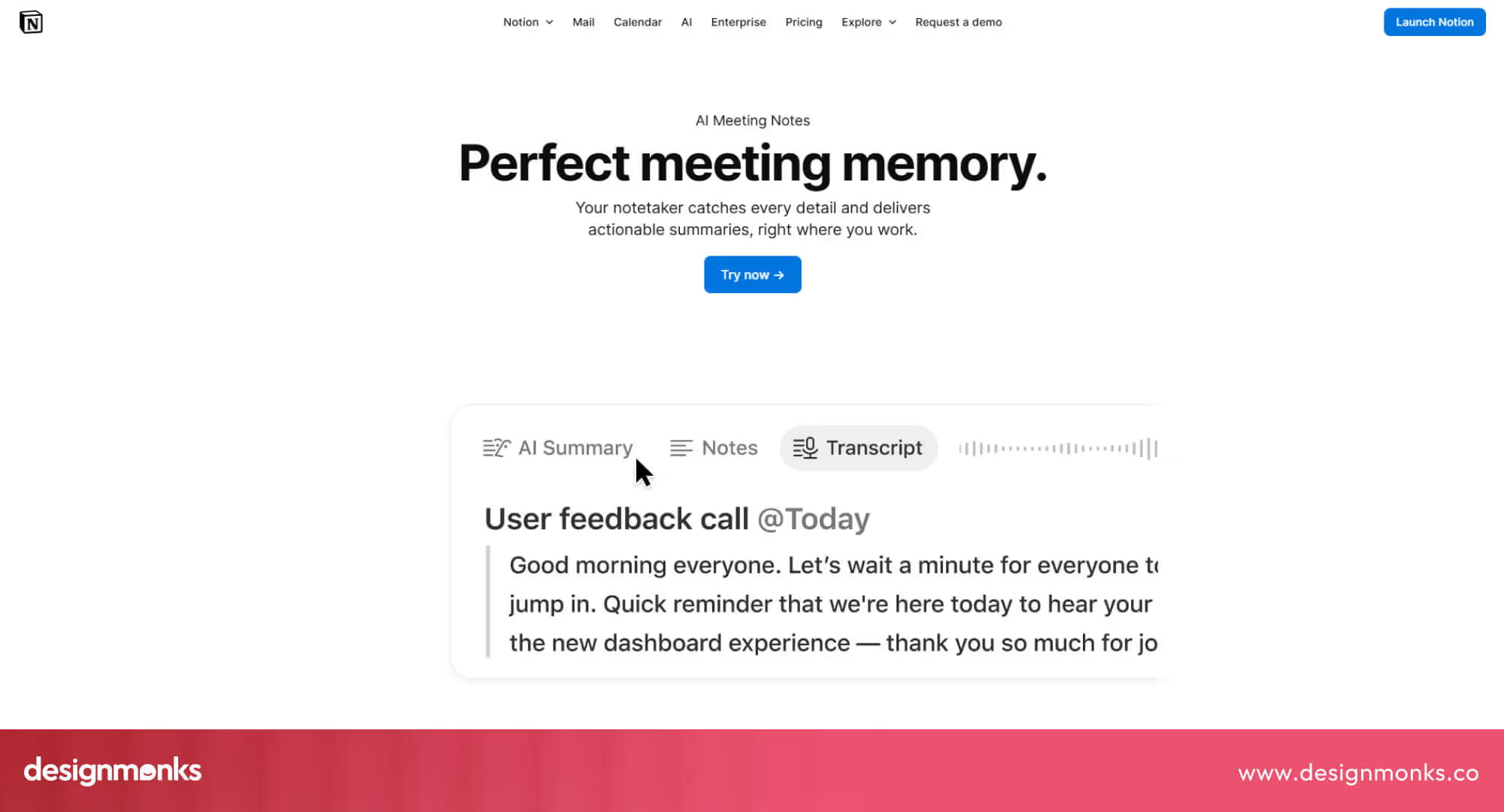
The UX is consistent across modules, so once you learn the basics, creating, linking, and managing content becomes intuitive. It’s a perfect example of workflow-centric UX that adapts to the team rather than forcing them into rigid structures.
Teams: Enterprise Workflow UX
Teams focuses on structured enterprise workflows, combining chat, meetings, files, and task management in one place. Its UX emphasizes context, for example, showing related files or meeting notes alongside conversations.
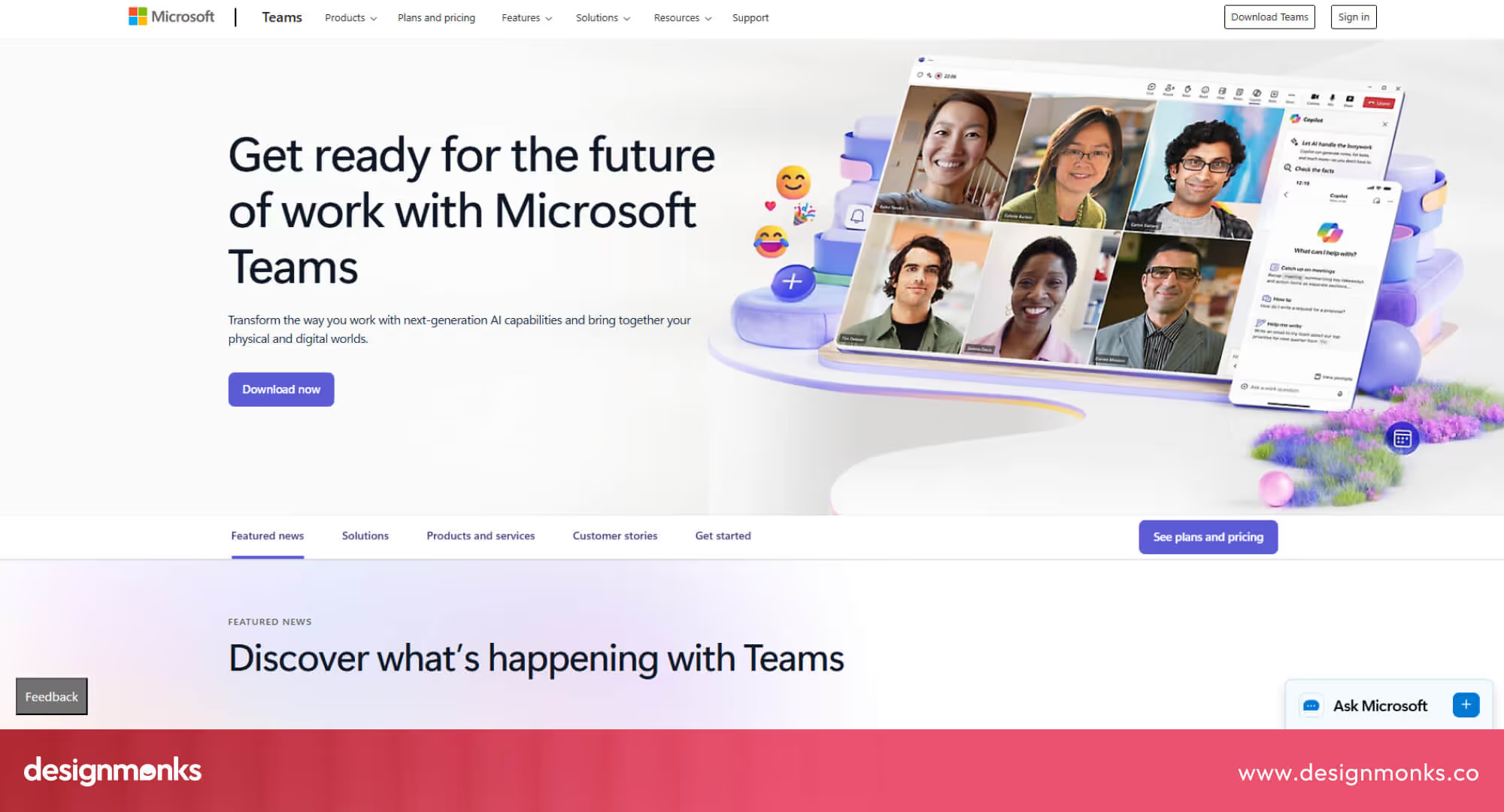
For large organizations, this reduces friction between departments and helps everyone stay aligned. The design balances complexity with clarity and makes it easier to manage multiple projects without losing focus.
Zoom: Real-time vs Async Tension
Zoom excels at synchronous communication, but its UX also acknowledges the tension between live meetings and async work. Features like meeting recordings, transcripts, and integrated scheduling help bridge the gap.
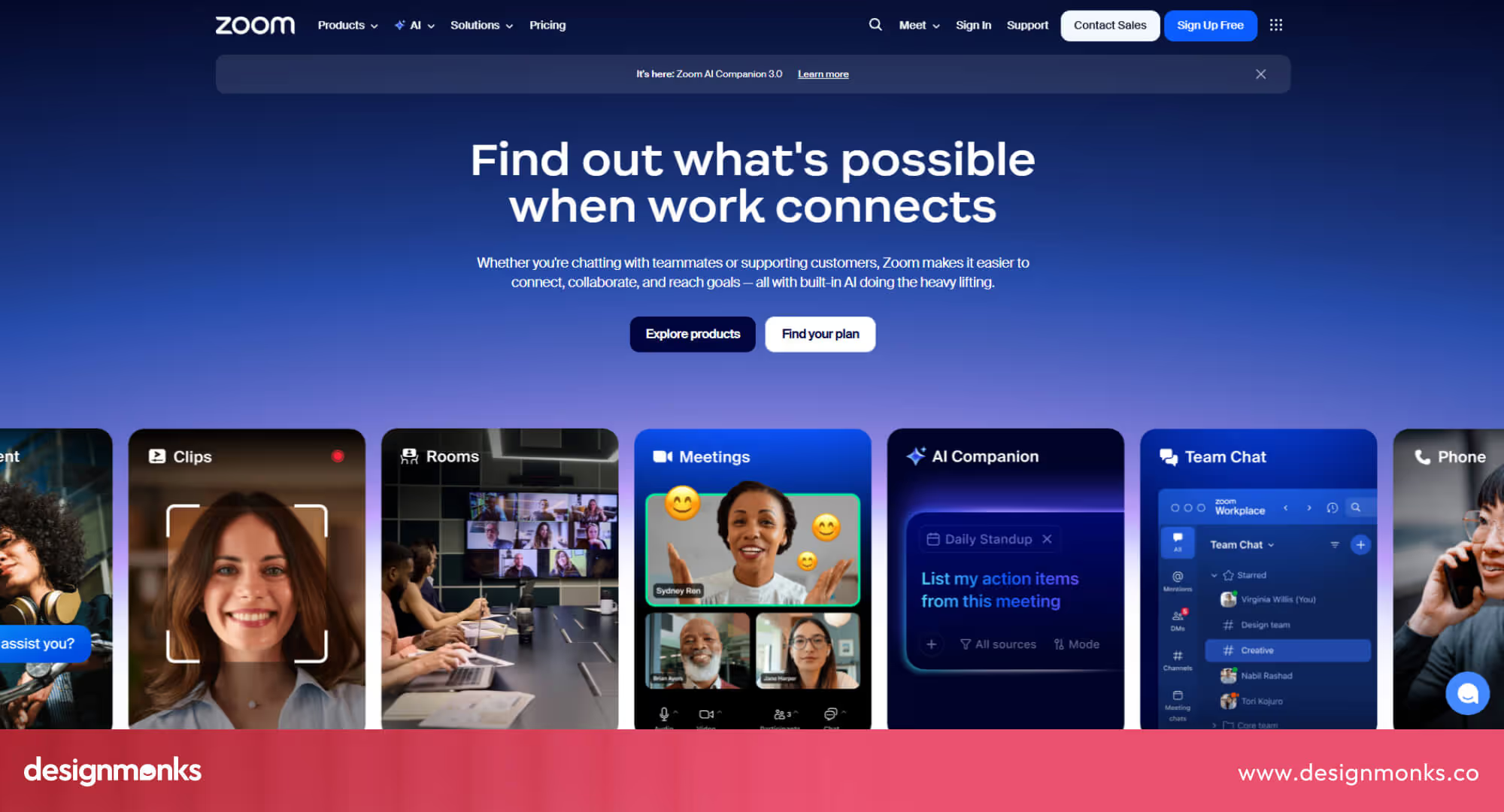
Users can catch up on discussions they missed and follow up in their own time. It’s a reminder that UX isn’t just about live interactions, it’s also about supporting asynchronous collaboration effectively.
By comparing these approaches, it’s clear that great UX isn’t about cramming in features. It’s about designing experiences that match how teams actually work, whether that’s focused messaging, modular workflows, or structured enterprise processes
Designing a Future-Ready Remote Work Platform UX
Designing a remote work platform for 2026 means thinking bigger than layouts and features. A future-ready UX needs to support real workflows, async communication, and teams that rarely work at the same time. The goal isn’t just to make tools “usable.” It’s to help people think clearly, stay focused, and move work forward without friction.
To reach that level, design decisions can’t be based on guesses or assumptions. They need to come from real behavior and real data. That’s why the process begins with one simple idea: understand how distributed teams actually work before trying to redesign their tools:
UX Research Methods for Distributed Users
Strong remote work UX always starts with understanding how people actually work, not how we assume they work. For distributed teams, that means studying workflows across time zones, tools, and communication habits. You can use methods like:
- Remote usability testing
- Product usage analysis (Telemetry)
- AI-assisted pattern discovery
This helps uncover real user pain points, such as confusing flows, notification overload, and unclear responsibilities. This way, you can then turn them into simple, clear experiences. If you're exploring how research can shape better product decisions, you can see how we approach UI/UX design in our company.
Scalable Design Systems for Remote SaaS
Once research shows how teams actually work, the next step is making sure the product can grow without becoming complicated. That’s where scalable design systems matter. Instead of redesigning every screen from scratch, a design system creates reusable patterns that keep everything consistent even as new features are added.
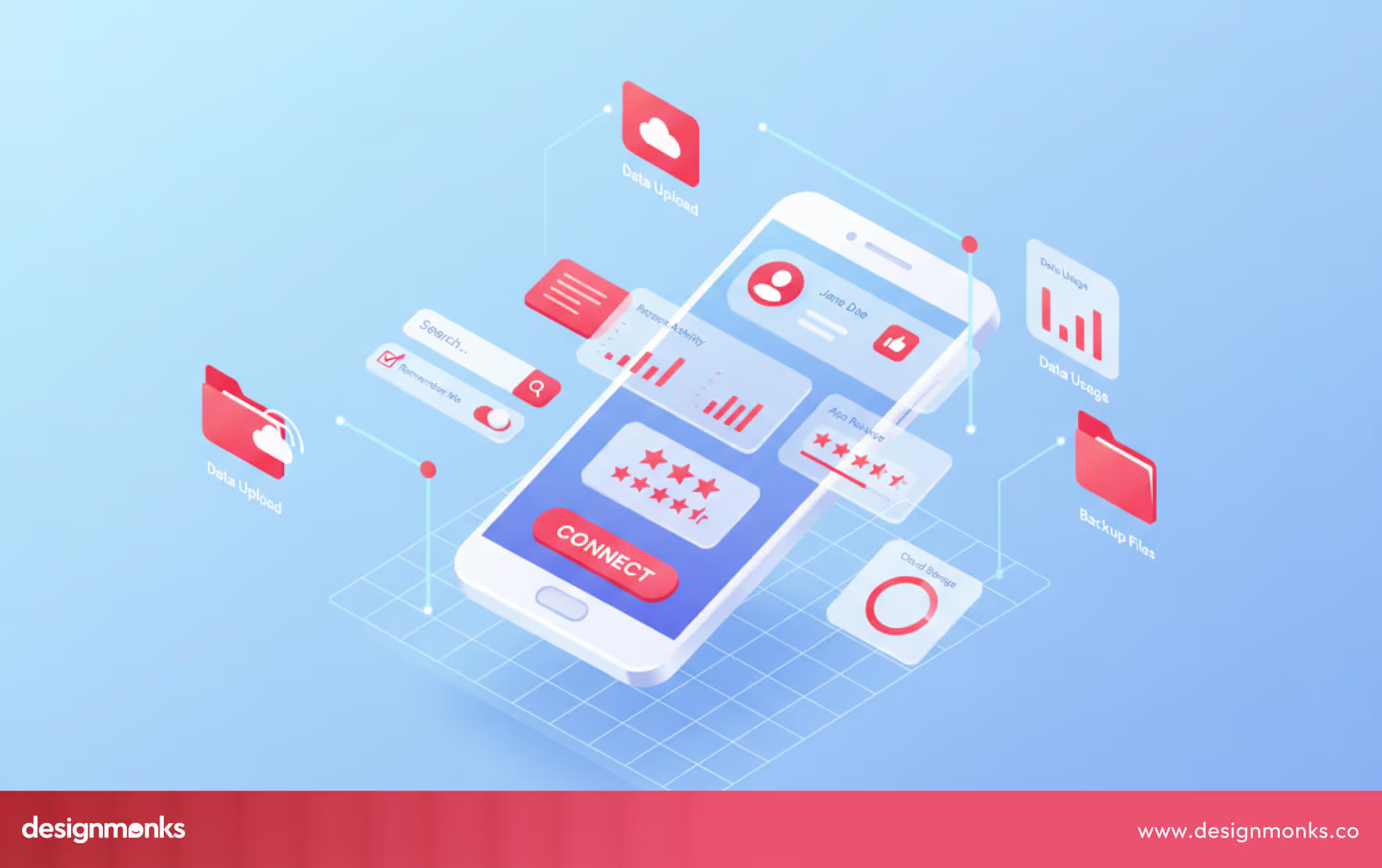
For remote work software, change is constant. AI tools evolve, workflows expand, and integrations increase. A strong design system makes those updates feel natural. Designers and developers share the same components, logic, and rules, so every new feature still feels like part of the same product.
These systems define more than visuals. They include behavior, motion, accessibility, and clear states for AI-driven actions so users always understand what the platform is doing, even as it grows.
If you’re building a platform that needs to scale confidently, our SaaS design services help teams create design systems that stay flexible and future-ready.
UX Metrics That Matter for Remote Platforms in 2026
When it comes to remote work platforms, traditional metrics like DAU or MAU only tell part of the story. DAU counts how many people use your platform each day, while MAU tracks unique users over a month. These numbers show engagement at a surface level, but they don’t reveal how effectively your platform helps teams actually get work done.
To design truly effective experiences, you need UX-focused metrics that measure productivity, collaboration, and clarity. These give insight into real-world workflows, not just clicks or logins. Here are some key metrics to track for 2026-ready platforms:
- Time-to-Outcome: Measure how long it takes users to complete tasks or reach their goals. Faster, smoother workflows mean the platform is helping teams move work forward efficiently.
- Collaboration Success Rate: Track how often teams complete shared work without bottlenecks or miscommunication. High success shows your workflows and async tools are effective.
- Cognitive Load Signals: Monitor patterns like excessive navigation, repeated errors, or abandoned tasks. Lower cognitive load indicates your interface is intuitive and reduces mental friction.
- AI Assistance Acceptance Rate: See how often users follow AI suggestions or use automated features. This shows whether your AI is genuinely helpful and trusted, rather than ignored.
Focusing on these metrics helps you understand how your platform performs in real workflows and gives actionable insights for continuous improvement far beyond just counting logins or messages.
Conclusion
A strong remote work platform UX in 2026 is more than a polished interface, it’s the foundation that keeps teams productive, connected, and confident. By focusing on clear workflows, thoughtful notifications, and intuitive interactions, platforms can guide users without adding friction.
Applying the principles in this guide will help you create experiences that save time, support collaboration, and reduce cognitive load. The result is a platform that grows seamlessly with every remote team, making work feel natural and effortless.


.avif)
.avif)
.avif)
.avif)


.avif)
.avif)
.avif)
.avif)







.avif)