
.svg)



Key Takeaways
- Hire designers who understand how property search really works
- Choose hiring platforms based on your budget and project needs
- Agencies are better for complex projects and full platform design
- Good design helps users stay longer and take action faster
- Always check experience, not just how nice the designs look
Scroll through any property site, and chances are it feels outdated. Cluttered listings, broken filters, and ignored forms all point to one thing: the wrong designer. That’s why you need to find real estate UI designers who understand property search and how buyers actually behave.
Hiring a general designer might seem easy, but it often backfires. Real estate platforms are complex. They need clear search, simple flows, and trust-driven design. Only someone with PropTech experience can handle this without confusing users.
So how do you make sure you don’t get it wrong and hire the right person? Let’s break it down!
Where to Find Real Estate UI Designers?
First you'll have to make the choice that you want to hire and then the next question is where to actually look. The right channel depends on your timeline, budget, and how much risk you're willing to manage:
Top Platforms to Hire Designers
Finding real estate UI designers isn't just about posting a job and waiting. The platform you use determines the quality of candidates you'll see, how much vetting you need to do yourself, and how fast you can get started.
Here are the top platforms to hire designers:
On Upwork, search for "real estate UI" or "PropTech UX" specifically in profile descriptions, not just job titles. On Toptal, tell them you need PropTech experience, and they'll match you with relevant candidates from their vetted pool.
Dribbble and Behance are not hiring platforms, they're discovery tools. Use search terms like "property dashboard," "real estate app," or "listing portal" to find designers whose work fits what you're building, then contact them directly.
In-house vs Freelance vs Agency
Not every project needs the same type of hire. But usually going for an agency solves the problem without high risk. Here is a quick breakdown to help you decide:
Why Choose a Specialized UI/UX Agency for Real Estate?
When your project is complex, multiple user types, integrated data feeds, or a full platform launch, a specialized agency gives you something a freelancer usually can't:
- Proven PropTech frameworks: Agencies use tested real estate design patterns and systems instead of starting from scratch.
- Multi-disciplinary teams: UX researchers, designers, and UI experts work together for faster and better decisions.
- Faster iteration: Testing and improvements happen quickly within the same cycle, not delayed over weeks.
- Scalable design systems: Agencies build reusable components that developers can easily expand and maintain.
- Accountability and structure: Clear milestones, deliverables, and project management keep everything on track.
Top UI/UX Agencies for Real Estate
Below are some of the top UI/UX agencies for real estate, each with different strengths depending on project size, complexity, and business goals:
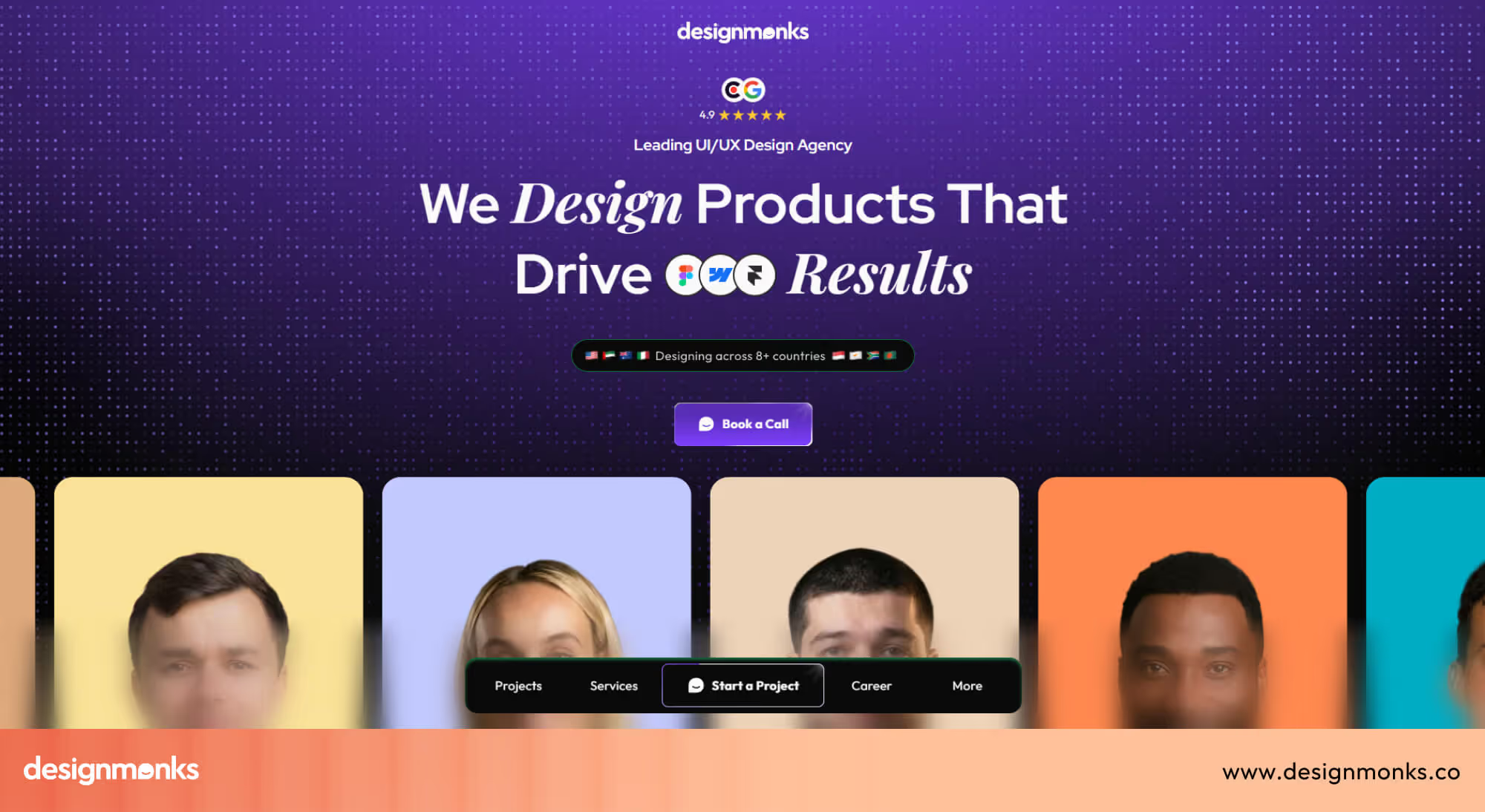
Design Monks
Design Monks is a product design agency that provides UI/UX services for real estate platforms, SaaS products, and marketplace-based digital systems.
Overview:
- Website: Design Monks
- Location: Global (Remote-first team)
- Pricing: Mid to premium range
- Clients: Lendiview, Likely, Crantech, Property Finder, and many more
They help proptech startups and growing real estate companies design property search platforms, listing systems, and dashboards that are simple and easy to use. Over time, they have built a strong reputation for turning complex real estate systems into clean and intuitive user experiences.
Their process usually starts with understanding user behavior, followed by mapping property search flows, filtering systems, and map-based interactions. They then design structured wireframes and scalable interfaces that support large property databases.
For example, in this real estate platform case study, you can see how complex listing systems and search flows were simplified into a clean, conversion-focused experience.
Design Monks focuses heavily on conversion-driven UX, ensuring users can quickly find, save, and act on listings. Their strength lies in simplifying complex real estate logic like filters, location-based search, and MLS-style data into smooth user journeys.
This makes them one of the best choices for companies that want high-performance real estate platforms with strong UX thinking and scalable design systems.
Tenet
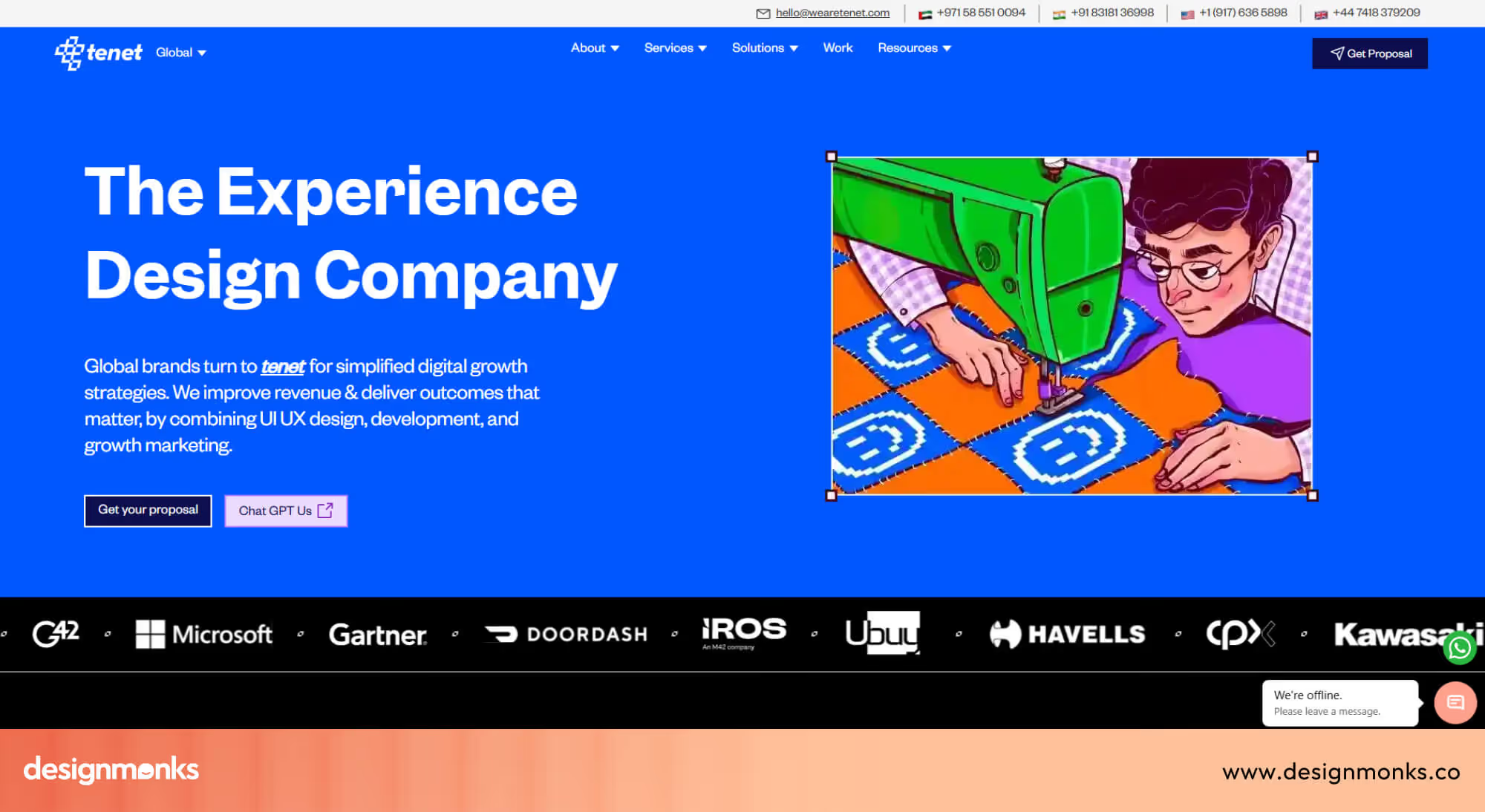
Tenet is a strategic design agency that provides UI/UX and branding services for enterprise-level real estate companies and large digital platforms. They help established property firms modernize their digital presence through structured design systems, brand-led UX, and research-driven product design.
Overview:
- Website: Tenet
- Location: United States
- Pricing: Premium
- Clients: Kubicond, Pazazz, ASDAv, and many more
Tenet has built a strong reputation for working on large-scale transformation projects where both brand and user experience need alignment. Their process focuses on research, strategy, and experience design, and ensures that real estate platforms reflect both business goals and user needs.
They are especially strong in creating consistent design systems and aligning product experience with brand positioning. Their work includes full UX overhauls for established companies looking to modernize legacy systems.
Tenet is a strong choice for enterprise real estate companies that need strategic design depth, structured execution, and long-term digital transformation.
GojiLabs
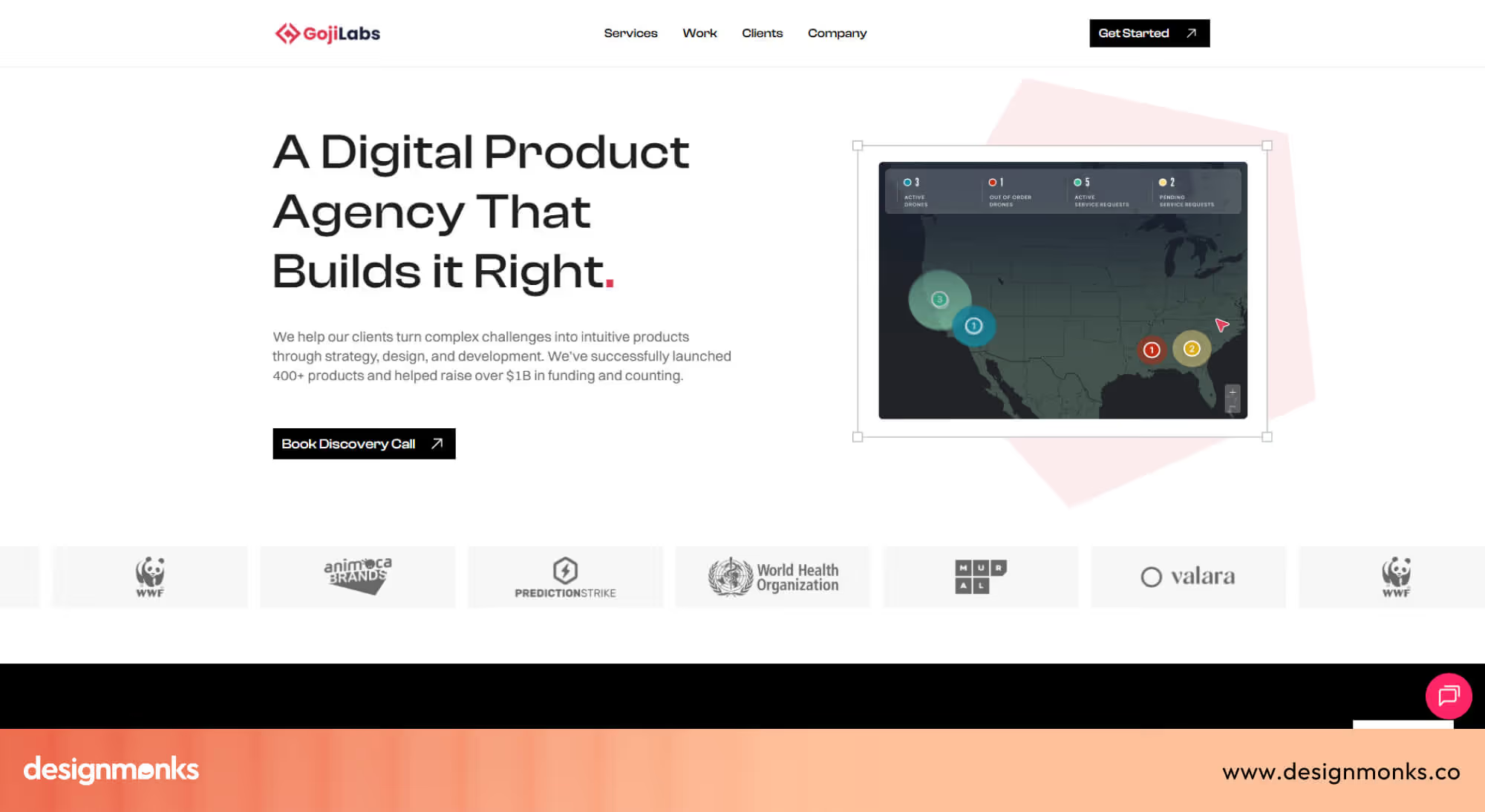
GojiLabs is a product development and UX agency that provides design and development services for startups, including real estate platforms and proptech applications.
They help early-stage teams turn ideas into working digital products with clean UI/UX and functional engineering support.
Overview:
- Website: Gojilabs
- Location: Los Angeles, USA
- Pricing: Mid to premium range
- Clients: Gitcha, Pocket, Valara, WWF, and many more
GojiLabs helps startups launch digital products quickly by combining UX design with full-stack development. Their process includes product planning, user flow creation, interface design, and technical implementation.
They are particularly useful for teams that want both design and development under one roof. Their work focuses on usability, clean interfaces, and fast product delivery.
GojiLabs is a strong choice for early-stage real estate startups that need to move quickly from idea to product without managing multiple vendors.
When evaluating any agency, always ask to speak directly with the designer who will lead your project, not just the business development team. The work quality depends entirely on who is actually doing the design.
What Does a Real Estate UI Designer Do?
Now that you know where to find them, it's worth understanding exactly what you're hiring for. Because a real estate UI designer does a lot more than make screens look good.
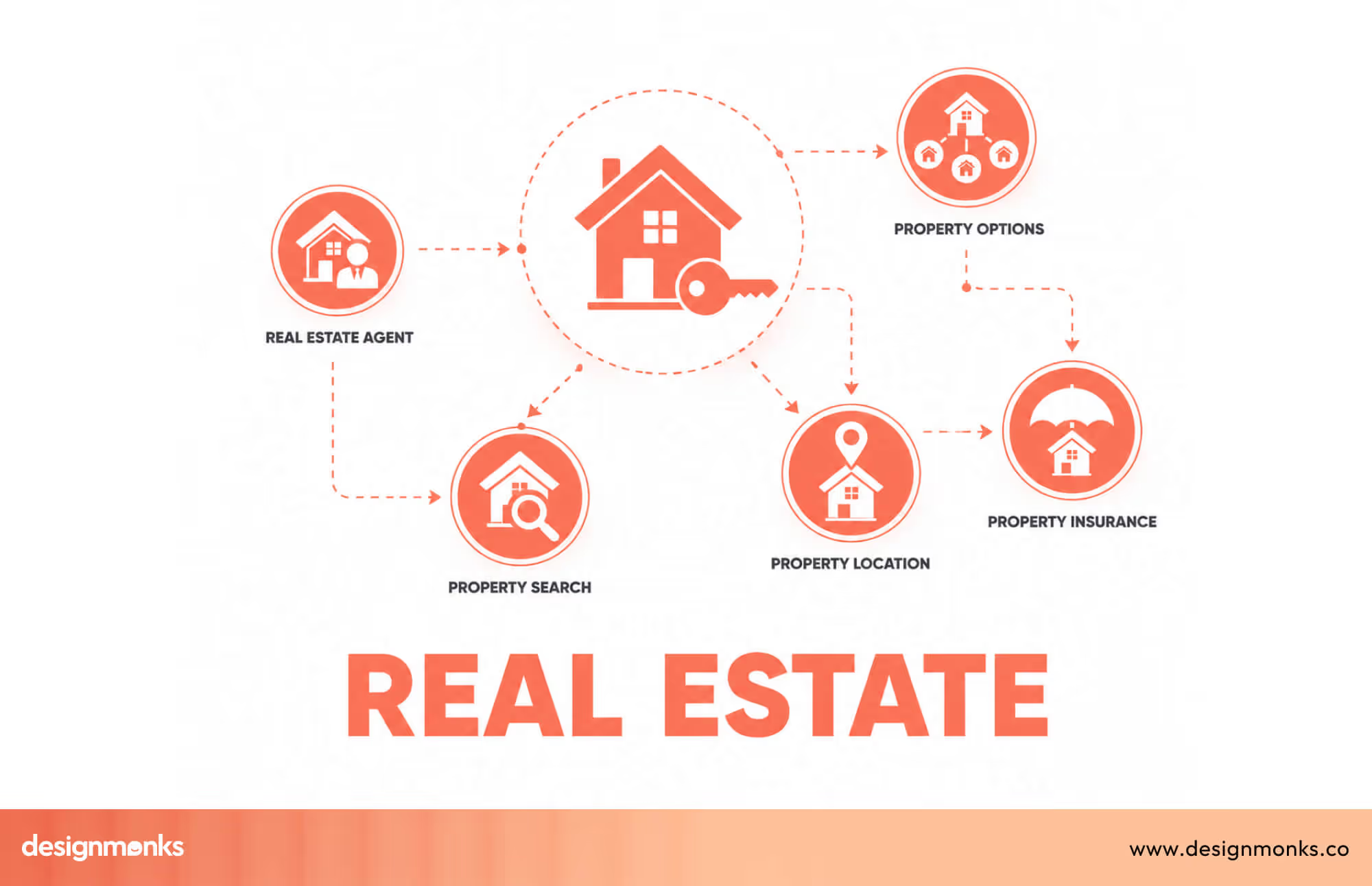
A real estate UI designer shapes how property platforms look, feel, and function. Their job is to make property search simple, fast, and easy to act on, whether the user is a first-time buyer, a renter, or a seasoned investor.
Unlike generic software, PropTech platforms carry specific constraints. MLS (Multiple Listing Service) data comes in rigid formats, IDX feeds have compliance display rules, and map interactions need to sync perfectly with list views. A designer who hasn't worked in this space won't know any of that walking in, and it shows in the product.
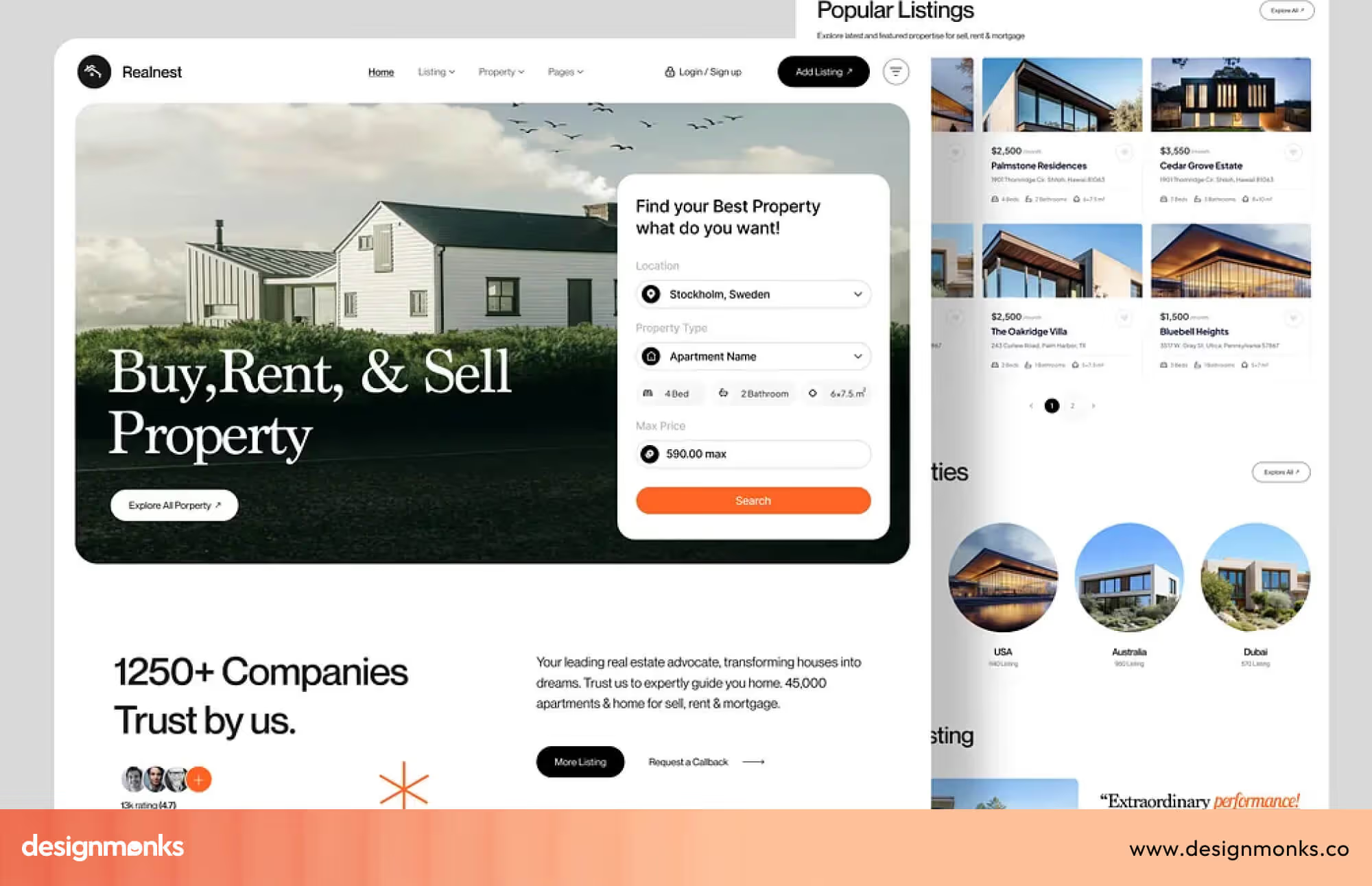
What makes real estate UX especially demanding is the stakes involved. Users aren't casually browsing, they're deciding where to live or invest. That emotional weight means every friction point, every confusing filter, every slow-loading listing page costs you a lead. A strong real estate UI designer understands this and designs separate, clear experiences for every user type on the platform: buyers, renters, agents, and admins.
The goal is always the same: reduce friction, support better decisions, and move users from search to action without confusion.
How Design Impacts Real Estate Conversions?
Most property platforms treat design as a finishing touch, but that’s a costly mistake. In reality, real estate UI design is what keeps users on your site and turns visits into leads.
Studies show 94% of first impressions are design-related, and platforms with strong property search UX can see up to 3x higher conversions. Faster, clearer filters also help users find what they need quickly, which reduces bounce rates.
That same clarity improves user engagement across the platform. Clean listing pages, simple navigation, and smooth map browsing make it easy for users to explore properties without confusion. When the experience feels easy, users stay longer, view more listings, and are more likely to return.
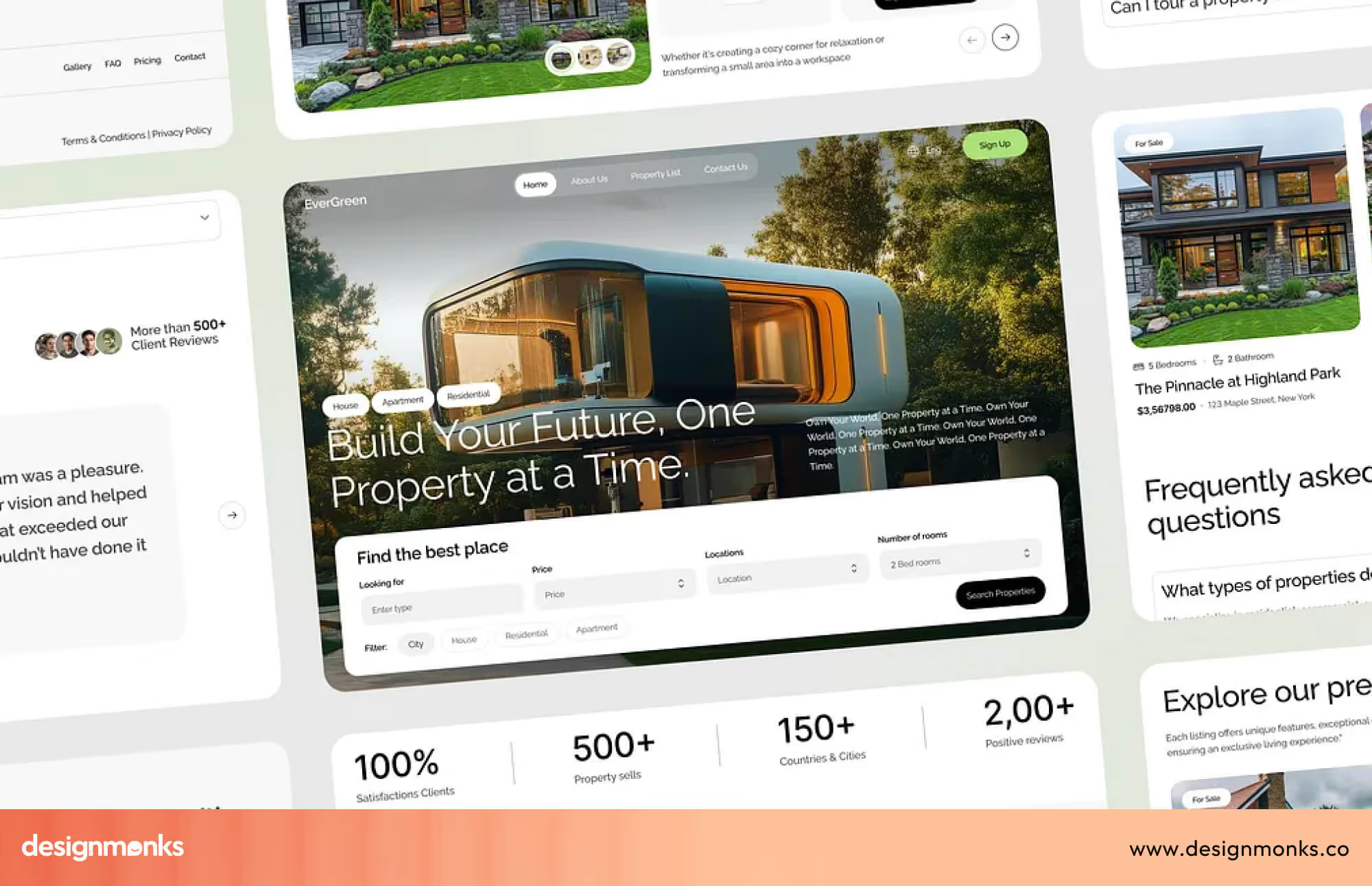
As engagement increases, decision-making becomes faster. When key details like price, photos, and location are easy to scan, users spend less time searching and more time taking action. This leads to quicker inquiries and higher-quality leads.
Good design doesn’t just make your platform look better, it improves performance by increasing engagement, reducing drop-offs, and driving more conversions.
If you want to see what high-performing property platforms actually look like in practice, these real estate UX design examples break down how top platforms structure listings, filters, and user flows.
Key Features Every Real Estate UI Should Include
Before you hire a designer, get clear on the features your platform actually needs. A strong real estate UI is not about adding more, it’s about building the right things that improve search, usability, and conversions:
- Smart Search Filters: Users should be able to filter by price, location, property type, bedrooms, and more, without delays. Filters must update results instantly and stay easy to use, even with large data sets.
- Map Integration: A good property platform needs map-based browsing. Tools like Google Maps Platform or Mapbox help users explore listings visually, view nearby areas, and understand location context.
- Saved Listings and Alerts: Users should be able to save properties, compare options, and get alerts when new listings match their search. This keeps them engaged and brings them back.
- Lead Capture Forms: Forms should be simple and well-placed, not disruptive. When connected to a CRM, they help track and manage leads efficiently.
- Mobile-Friendly Listing Cards: Most users browse on mobile, so listing cards should be easy to scan. Photos, price, and key details must be visible without extra clicks.
- Agent or Broker Dashboard: For internal users, dashboards should include lead tracking, listing management, and basic analytics in one place. This keeps operations smooth and organized.
If you're looking to speed things up, using a ready-made real estate UI template can help you launch faster while still following proven UX patterns.
How to Evaluate a Real Estate UI Designer
Portfolio quality alone isn't enough. A designer might have beautiful visual work but no understanding of how property search actually behaves. Here's how to evaluate rigorously:
What to Look for in A Portfolio
The first thing to check is whether they have actual real estate case studies. Not just pretty screens, but full case studies that explain the problem, the design decisions made, and the outcome.
Any designer can make something look good. Fewer can explain why each decision was made in the context of user behavior and business goals. Here's what you should focus on:
- Real estate or PropTech case studies: Direct experience in the domain is a strong advantage
- Search and filter UX: Do their filter designs feel intuitive? Are they built for speed?
- Dashboard work: Can they handle data-heavy screens without overwhelming the user?
- Mobile designs: Are their mobile screens genuinely usable, not just desktop designs scaled down?
- Conversion-focused thinking: Are CTAs and lead forms placed with purpose, or dropped in as afterthoughts?
If a candidate's portfolio lacks direct real estate work, look for adjacent complexity: fintech dashboards, data platforms, marketplace products. These share the same design challenges.
Questions to Ask Before Hiring
Your interviews should go beyond "tell me about your process." Ask questions that require real answers, not rehearsed ones:
- Have you worked with MLS or IDX data? How did you handle the display rules?
- Walk me through a filtering system you designed. What tradeoffs did you make?
- How do you approach mobile design differently from desktop for property search?
- What metrics would you track to know if a design is performing well?
- How do you balance information density with visual clarity on a listing detail page?
- What's the most complex filtering system you've designed, and what tradeoffs did you make?
Watch for: Candidates who talk only about visual tools (Figma, colour palettes, font choices) without mentioning user behaviour or conversion goals are visual designers, not UX strategists. You need someone who thinks about both.
Cost of Hiring a Real Estate UI Designer
Pricing is one of the most common things people get confused about when hiring design talent. Pricing varies significantly by experience level, location, engagement type (hourly vs project), and whether you're working with a freelancer or agency.
Here's a clear breakdown so you know what to expect before you start conversations:
- Junior freelancer ($25–$55/hr): Good for execution tasks with clear briefs. Lower risk on smaller, defined projects.
- Senior freelancer ($75–$150/hr): Full ownership of UX strategy and visual design. Best value for mid-scale products.
- PropTech agency ($8k–$60k+): Project-based. Covers research, strategy, design system, and full developer handoff.
Factors That Affect the Cost
The rates above are a baseline. Several variables will push your project cost up or down beyond the base rate:
- Complexity of features: A simple listing showcase costs far less than a full marketplace with agent tools and saved search alerts
- Number of user roles: Designing separate experiences for buyers, agents, admins, and developers adds significant scope
- Third-party integrations: Google Maps, CRM connections, IDX feeds, and payment gateways each add design work
- Design system requirement: Building a reusable component library adds 20–40% to cost but saves money in every future sprint
- Research and usability testing: User interviews and test sessions add budget upfront but prevent expensive redesigns later
Common Mistakes When Hiring UI Designers
Even experienced product teams make avoidable errors when hiring for a real estate UI project. These mistakes recur across real estate companies hiring design talent.
Knowing them in advance saves months of expensive backtracking. These are the most common mistakes and how to sidestep each one.
Hiring a Generalist Without Testing Domain Knowledge
A talented generalist designer can produce work that looks great in a portfolio review. But they usually fall apart when they meet real MLS data, compliance requirements, or actual user behavior on a property search.
So, always ask domain-specific questions before making an offer. Hiring without probing this knowledge leads to expensive revisions.
Ignoring UX strategy in favor of visuals
Skipping research to save time often leads to redesigns later. Many teams also judge designers only by how polished the screens look, not the thinking behind them.
This can lead to hiring UI designers without strong UX skills, even when conversion matters. It gets worse when wireframes, user flows, or annotated work are not reviewed during the portfolio process.
Neglecting mobile performance
Over 60% of property searches happen on mobile. If the designer you're evaluating doesn't have strong, genuine mobile-first work in their portfolio(not desktop designs scaled down), that's a problem.
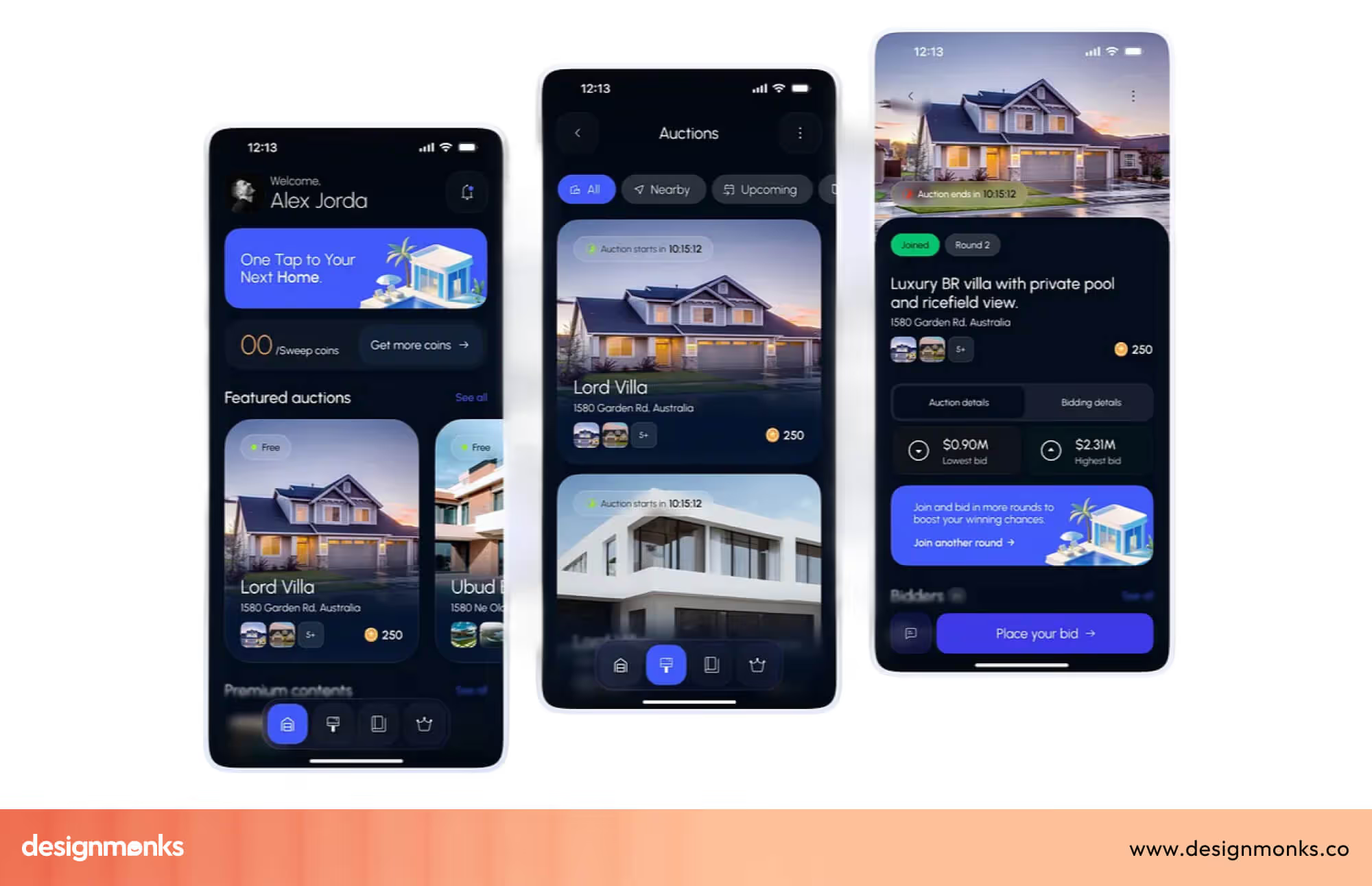
Ask every candidate to walk you through a specific mobile design decision they made in a previous project and why they made it. The quality of their answer tells you more than their portfolio does.
No Clear Deliverable Agreement
Before anyone starts work, agree on exactly what gets delivered. It can be Figma files, design system documentation, exported assets, dev handoff specs, and usage rights. Most project disputes come down to this one thing not being agreed on from the start.
FAQs
How do I protect my IP when working with a freelancer?
Ensure your contract includes a full intellectual property assignment clause that transfers all design rights to your company upon final payment. For agencies, check that this is standard in their master service agreement. Also, clarify whether the designer can include your project in their portfolio, usually fine, but worth confirming upfront.
How long does a real estate UI/UX project take?
A focused feature redesign typically takes 3 to 6 weeks. A full platform build covering discovery, wireframes, visual design, and developer handoff usually runs 3 to 6 months, depending on scope. Adding a full design system to the scope adds another 4 to 8 weeks.
What Deliverables Can I Expect at the End of A Project?
You can expect an organised Figma file with all screens by user flow, a design system with documented components and tokens, exported assets in developer-ready formats, and annotated handoff specs covering spacing and interactions. Confirm all of this in the contract before any work begins.


.avif)
.avif)
.avif)
.avif)


.avif)
.avif)
.avif)
.avif)







.avif)




