.svg)




Key Takeaways
- UX research repository tools keep user insights organized, searchable, and accessible across teams.
- Dedicated platforms offer research analysis, while general tools provide flexible storage options.
- Choose a repository based on team size, research volume, budget, and workflow.
- Consistent tagging and evidence links make research easier to find and reuse.
- Regular maintenance and adoption tracking help teams turn research into better product decisions.
What happens to a great user insight six months after research ends? Too often, it gets buried in a presentation, lost in a folder, or forgotten by the team. But UX research repository tools can help keep those valuable insights within reach.
These platforms give teams one organized space for interviews, observations, reports, quotes, and findings. With better search, tagging, and collaboration, researchers can quickly revisit past studies, uncover patterns, and answer new questions without starting from scratch.
But with so many options available, how do you pick the right tool? Keep reading to explore the top UX research repository tools and find the one that best fits your needs!
What Is a UX Research Repository?
A UX research repository is a central place to store, organize, search, and share user research data and findings. Instead of keeping research scattered across files, shared drives, and chats, it keeps everything organized and easy to find.
Companies like Design Monks provide UX research services to help businesses understand user needs and improve their digital products. But completing the research is only part of the process.
If the findings aren't stored properly, teams may struggle to find them later or end up repeating research they've already done. UX research repository prevents this by keeping valuable insights accessible and ready to inform future design decisions.
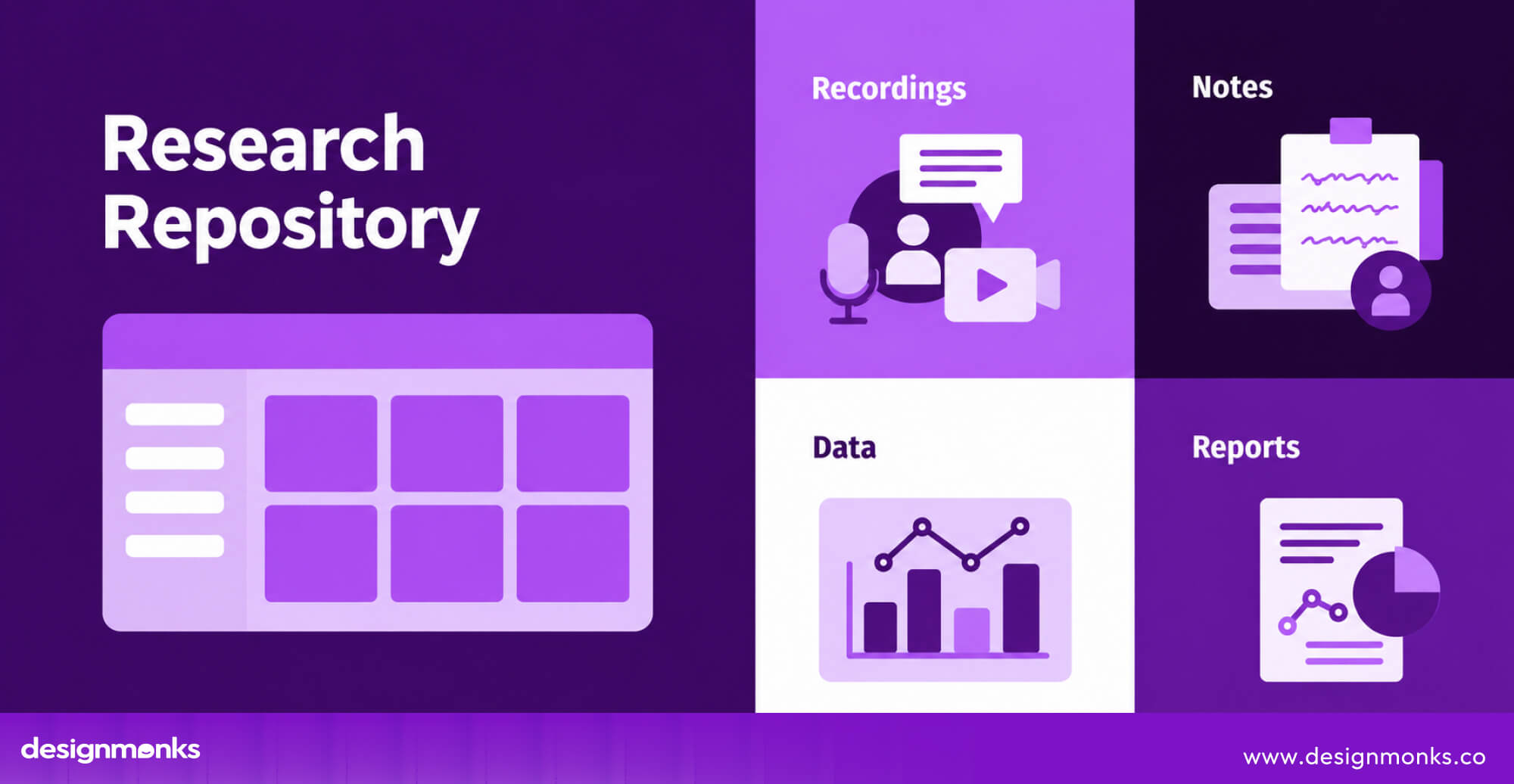
But repository tools do more than store files. It uses tags, details, and links to connect related research and make searching easier. This helps teams find past findings and use them to make better design decisions.
What Does a UX Research Repository Store?
A UX research repository can store different types of user research, including:
- Interview transcripts and recordings
- Usability testing results and observations
- Survey responses and user feedback
- Research notes, highlights, and user quotes
- Reports, presentations, and summaries
- Key insights, common themes, and recommendations
A good repository connects these items. For example, a recommendation links to the insight behind it, which connects to user quotes and the original recording. This helps teams check the evidence and understand why a decision was made, even months or years later.
Research Repository vs. Research Management Tool
The main difference is what each tool helps you do.
A UX research repository helps you store and find research after it's collected. For example, if your team wants to check what users said about a confusing checkout page six months ago, the repository tool helps you find those interviews, feedback, and insights.
A UX research management tool helps you plan and run research studies. For example, if you want to test a new checkout page, it helps you recruit participants, schedule sessions, manage consent forms, and organize the study.
Some tools offer both features. Choose a repository tool if your main challenge is finding and reusing past research. Choose a management tool if you need help organizing and running research studies.
Why Do UX Teams Use Research Repository Tools?
A UX research repository helps teams get more value from their research by keeping findings organized and easy to access. This makes it easier to reuse past research, share insights across teams, and make better product decisions.
Here are the main ways a repository helps UX teams in their daily work:
Prevent Duplicate Research
Without a repository, teams may repeat research they've already done simply because they can't find the old results. A repository lets teams check past research before starting a new study. If the answers already exist, they can reuse them. If more information is needed, they can focus on the remaining questions.
Make Research Easy to Find Across Teams
Research often stays with the people who conducted it. Designers, product managers, marketers, and developers may not know where to find the information they need.
A repository lets everyone search for relevant findings without always asking a researcher for help. Clear labels, short summaries, and organized topics make research easier to understand and use.
Turn Research Into Better Product Decisions
Research is useful when it helps teams decide what to improve or build next. A repository connects research findings with user feedback and recommendations, so teams can understand the reasons behind a decision.
For example, if a team wants to improve its checkout process, it can find past usability test results and user comments to identify problems. This gives the team clear evidence to support its design decisions.
10 Best UX Research Repository Tools in 2026
The best UX research repository tool depends on how your team collects, organizes, and uses research. Some tools help you analyze interviews and find patterns across studies, while others let you build a searchable library of findings using databases, tags, and templates.
The following tools cover different team sizes and research needs. Before we move to a detailed discussion, here's an overview of the tools:
Pricing and feature availability may change. You should always check each tool's official website for current plans and limits. Now let's move to detailed discussion:
Dovetail
Dovetail stands out for teams that need to analyze customer feedback across many projects, not just store individual research reports. Researchers can highlight transcript excerpts, tag patterns, and connect findings to supporting evidence.
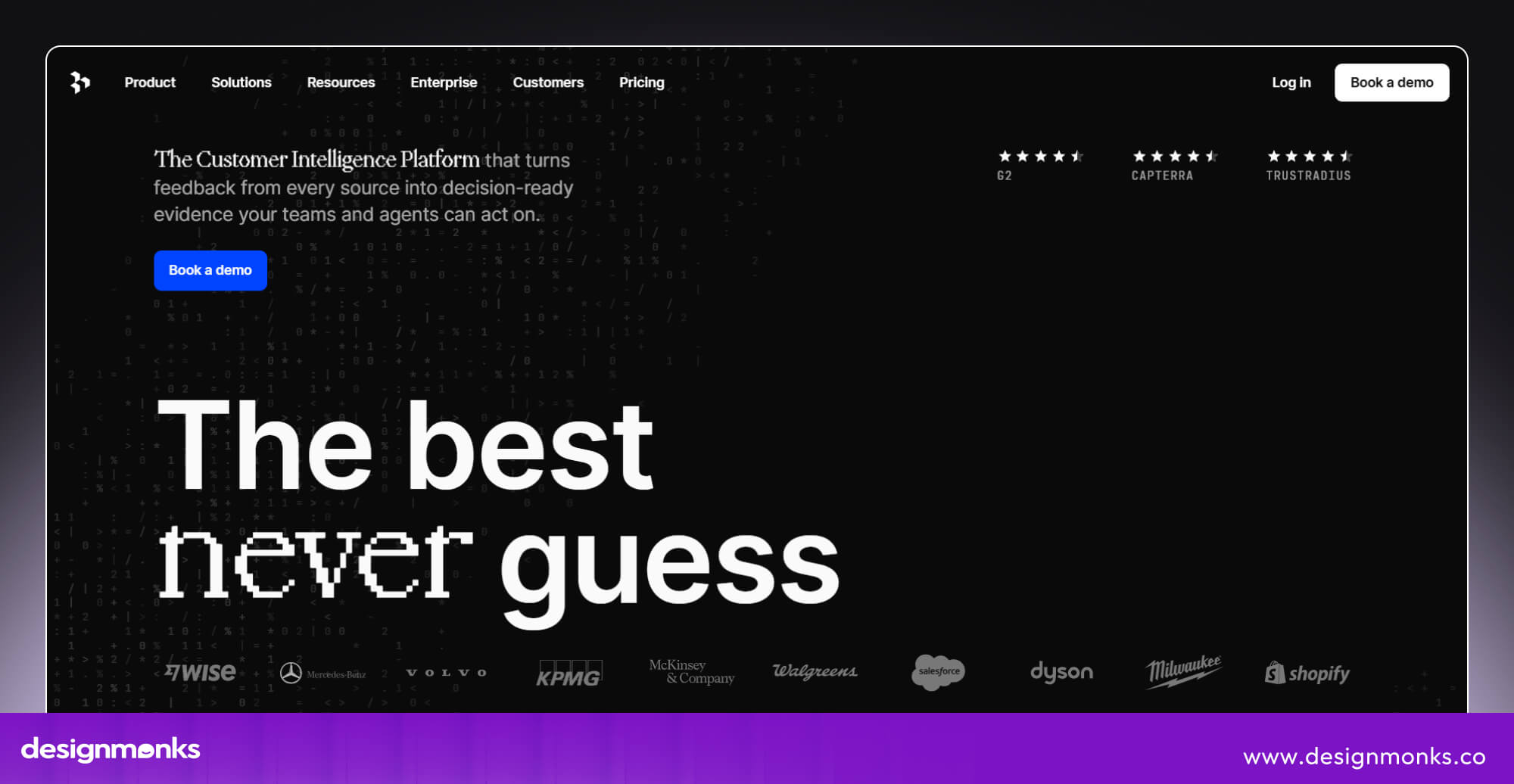
Its AI search and analysis features also help teams explore feedback from multiple sources, including interviews and customer conversations. This makes it useful for organizations where product, design, and customer-facing teams all need access to research.
However, teams should check whether the features they need are available on their chosen plan.
Condens
Condens is particularly useful when researchers need to show exactly how an insight came from user evidence. Its workflow connects recordings, notes, highlights, and findings. This makes it easier to move from raw feedback to a supported recommendation.

Its AI-powered search can also answer questions across existing research and help teams check what they already know before commissioning another study. Its focus on evidence and structured organization makes it a strong choice for teams that want a reliable repository rather than a collection of disconnected reports.
Marvin
Marvin focuses on reducing the manual work involved in reviewing and synthesizing research. Its AI-assisted analysis helps researchers summarize interviews, explore recurring themes, and find relevant information across research data.
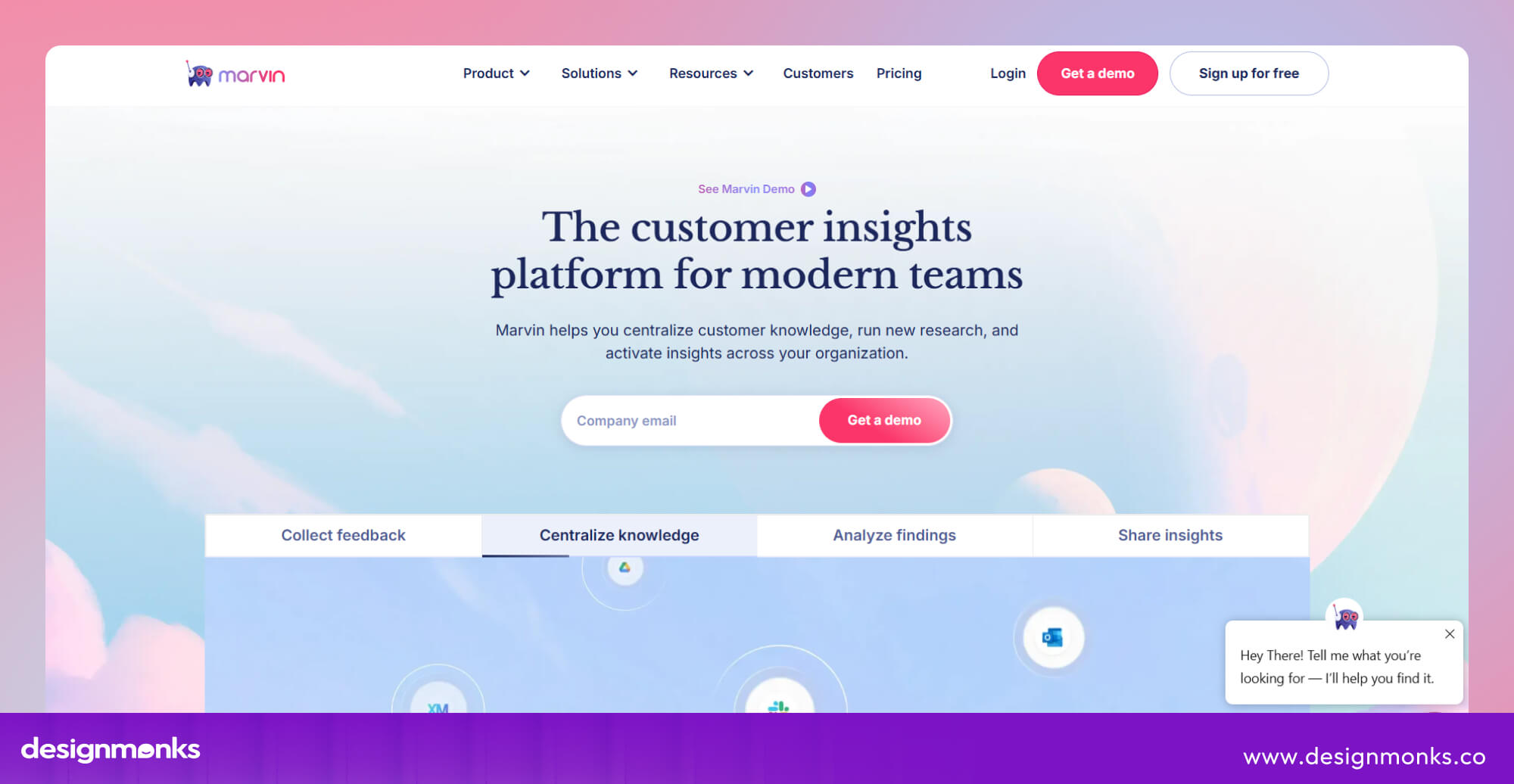
This can be especially valuable when teams have more recordings and transcripts than they can review quickly. The key consideration is how much control researchers need over the analysis process.
AI-generated themes still require human review, particularly when findings will influence important product decisions.
Aurelius
Aurelius focuses on turning qualitative research into findings that product teams can act on. Researchers can collect notes, group related observations, attach supporting evidence to insights, and connect recommendations to those insights.

Its collections feature also helps teams bring related findings together across multiple projects, such as research about a particular user group or product feature. This makes it worth considering for teams that struggle to turn scattered notes into clear recommendations.
Stravito
Stravito is designed for organizations that need to make research useful beyond the research department. It brings market research, customer insights, and other business knowledge into a central library, where employees can search for information relevant to their work.
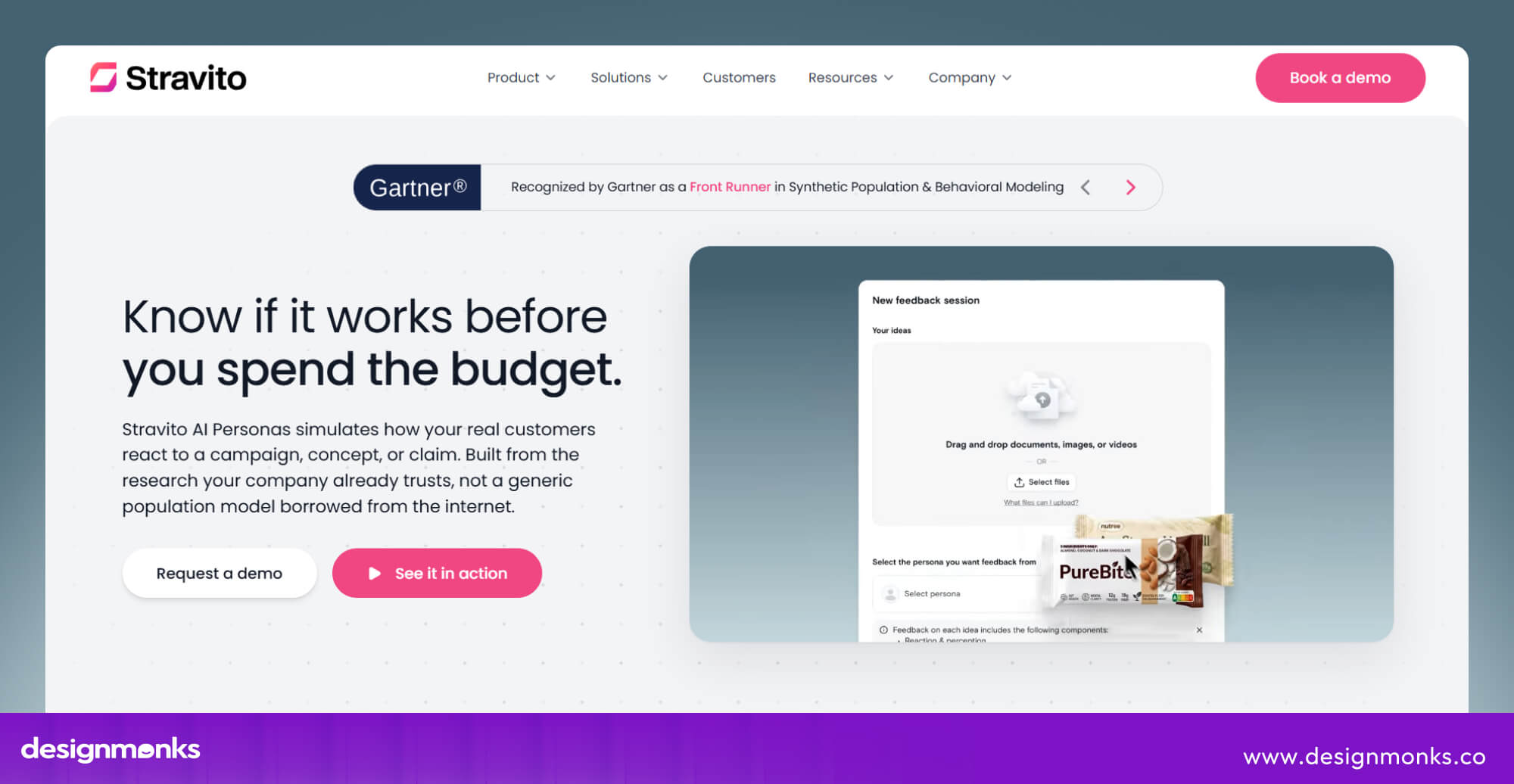
Its strength is organization-wide discovery rather than detailed UX interview analysis. It's a better fit for larger businesses with research spread across departments than for small design teams that mainly need transcript tagging and usability-test analysis.
UserBit
UserBit combines research management with UX deliverables such as personas and journey maps. This helps teams connect what they learned from users with the documents they use during product design.
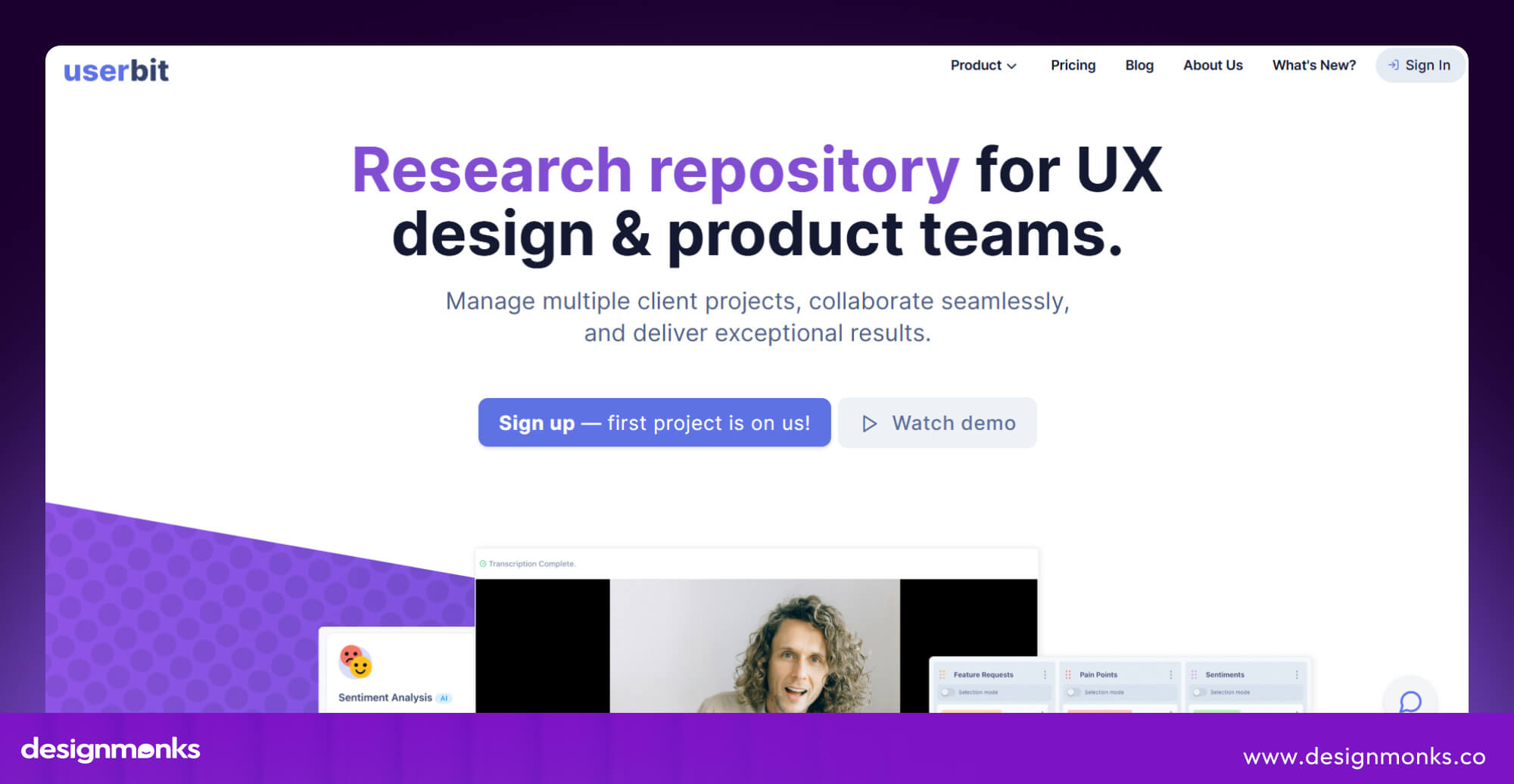
For example, researchers can organize findings about user frustrations and use those findings to inform a journey map. The main appeal is keeping research and related UX documentation together, rather than managing them in separate systems.
Notion
Notion works well for teams that want to build a repository around their existing workflow. Researchers can create databases for studies, save user quotes, tag insights, and link findings to product documentation.
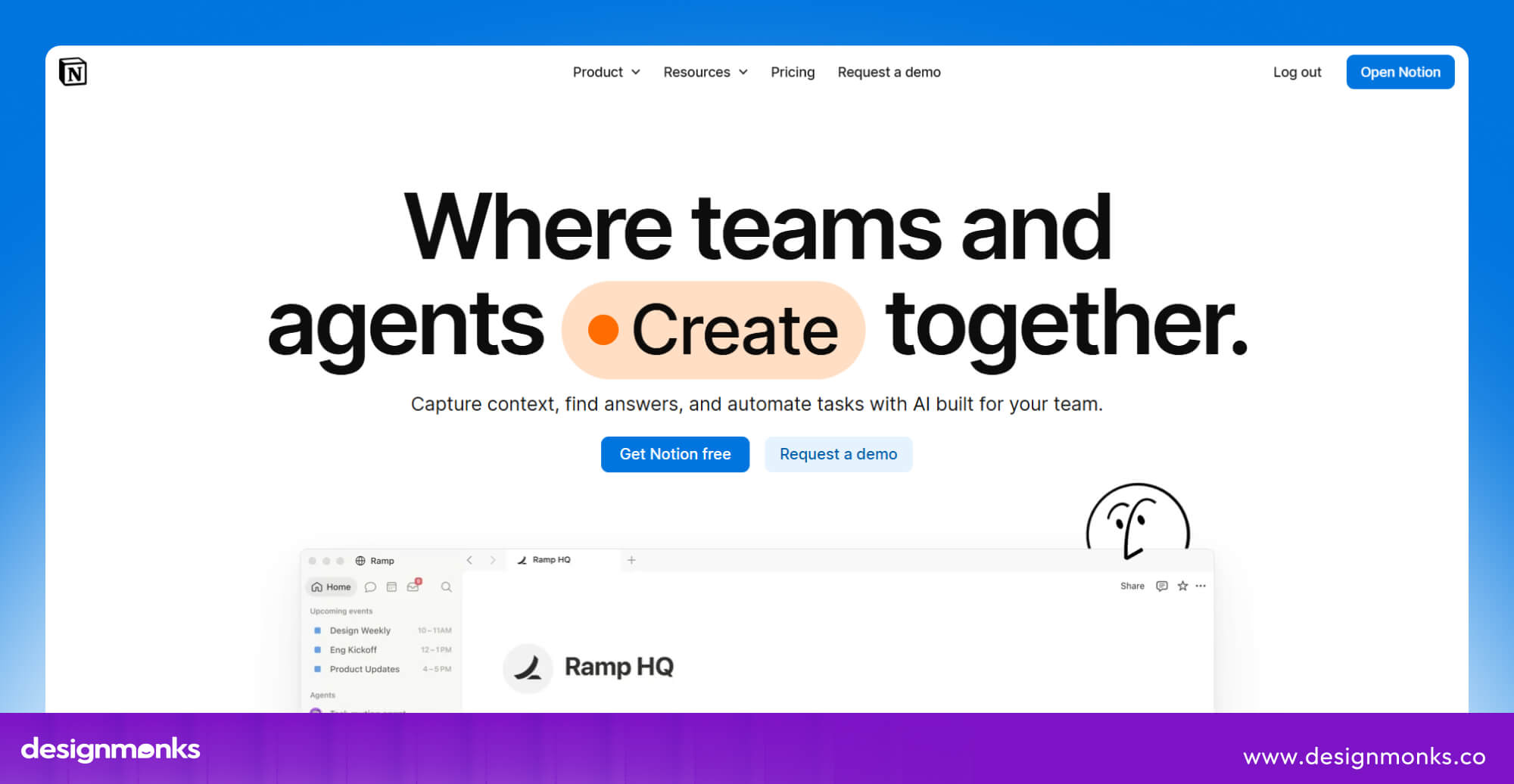
Its flexibility is a major advantage because teams can organize information around their own research methods without adopting a specialized platform. The trade-off is maintenance.
Researchers must establish consistent tagging, connect evidence manually, and keep the database organized. As research grows, this can become harder without dedicated analysis features.
Airtable
Airtable is useful when teams need precise control over how research information is categorized and connected. Researchers can link studies to findings, product areas, research methods, and recommendations, then create filtered views for different teams.
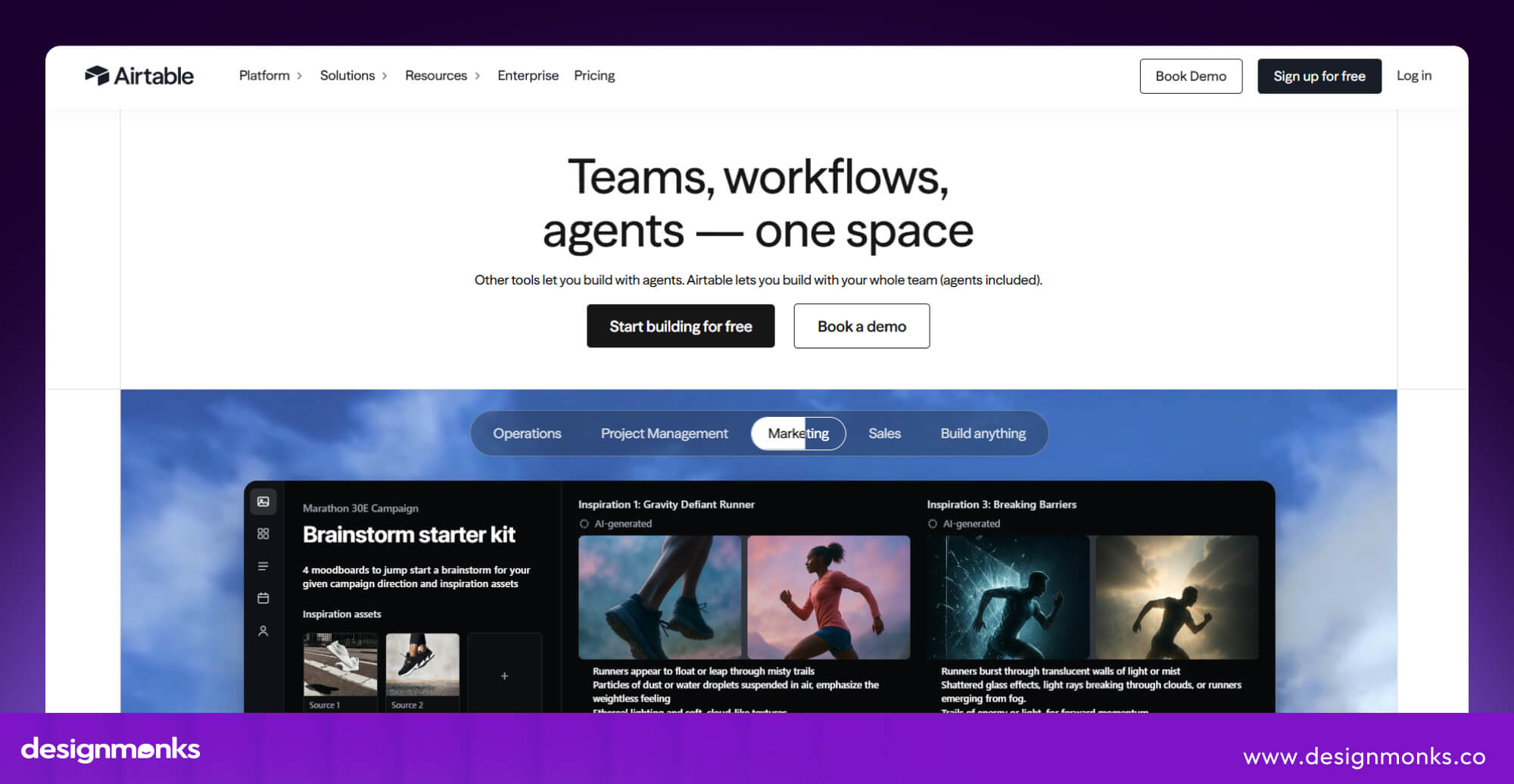
This structure works particularly well for tracking research across several products or projects. However, Airtable is primarily a database platform, not a dedicated qualitative research tool.
Teams that need transcript analysis, automatic evidence extraction, or research-specific synthesis will likely need additional software.
Confluence
Confluence is a practical choice for organizations that already use Atlassian products to manage projects and documentation. Teams can create consistent templates for research reports, organize findings into spaces, and connect insights with product requirements and project decisions.
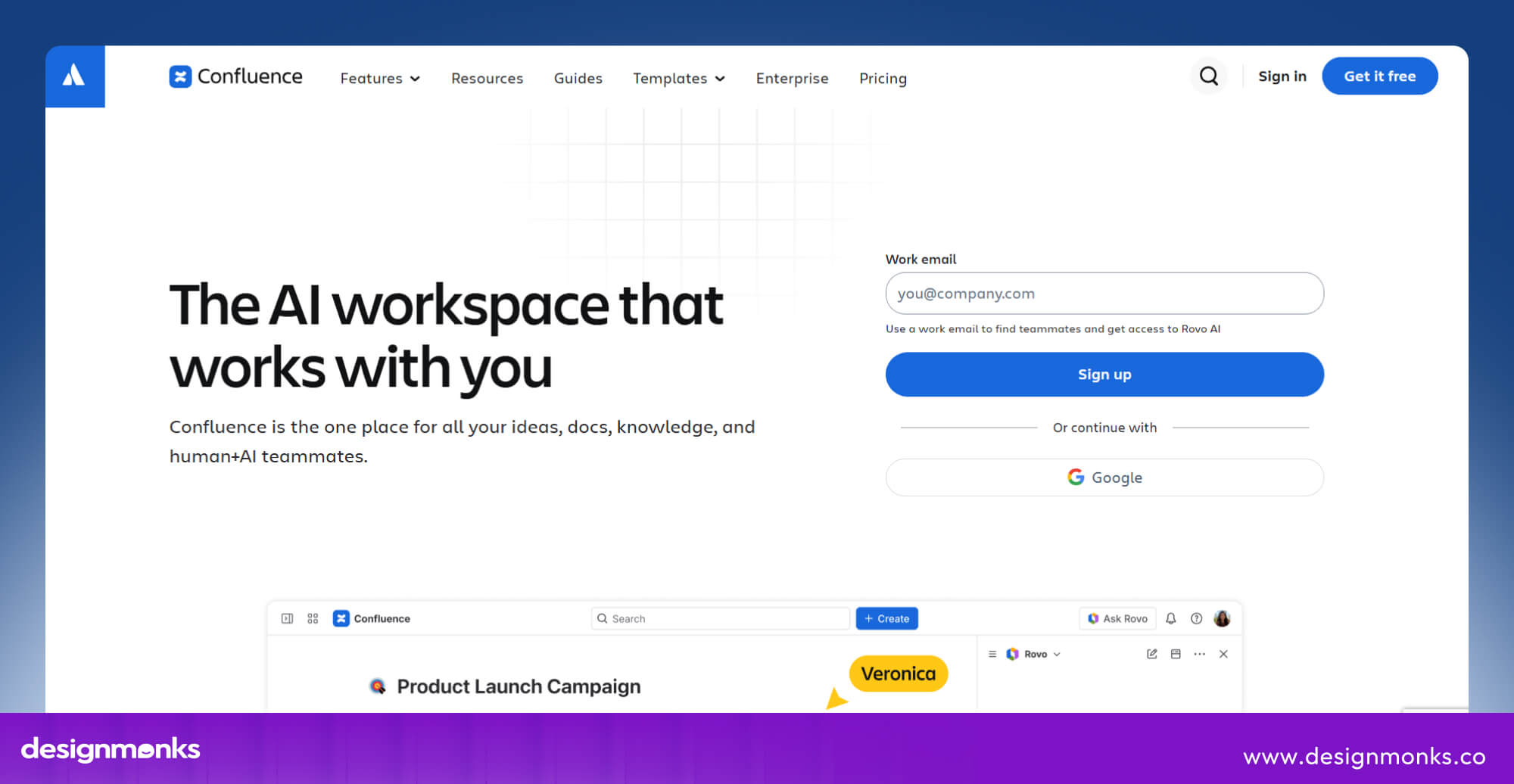
This makes research easier to find within an established company knowledge base. Its limitation is the analysis process. Confluence can document what researchers learned, but it does not replace a specialized tool for coding interviews or analyzing large amounts of qualitative feedback.
Looppanel
Looppanel focuses on making interview and usability-test analysis faster. It helps researchers transcribe sessions, generate notes, tag important moments, and retrieve findings without reviewing entire recordings again.
Sharing clips also gives stakeholders direct access to user evidence instead of relying only on a summary presentation.

This is particularly useful for teams conducting frequent moderated research sessions. However, teams that need a carefully curated, organization-wide insights library should compare its repository and stakeholder-access features with platforms such as Condens and Dovetail.
What Features Should a UX Research Repository Tool Have?
Choosing a tool is easier when you know which features your team needs. Here are the key things to look for when comparing UX research repository tools:
Search and Research Discoverability
A repository should make it easy to find past research. Look for search across notes, transcripts, tags, and reports, along with filters for dates, research methods, and product areas. Good search helps teams find useful findings without knowing exactly where they were saved.
Research Tagging and Taxonomy
Tags and categories help teams organize research consistently. For example, using the same tags for onboarding research across different projects makes related findings easier to find. Look for tools that let teams manage tags, remove duplicates, and keep categories organized as the repository grows.
AI-Powered Research Analysis
AI features can help transcribe interviews, summarize findings, suggest tags, and identify common themes. These features save time when reviewing large amounts of research. However, researchers should always check AI-generated results against the original data and understand how the tool protects their information.
Collaboration and Stakeholder Access
A good repository lets designers, product managers, and other team members access research without always asking a researcher for help. Look for shared reports, comments, curated collections, and access controls.
These features help teams understand user findings and use them in product decisions.
Integrations
Your repository should work with the tools your team already uses. Common integrations include:
- Figma: Connect research findings with design work.
- Slack: Share insights and updates with the team.
- Jira: Link research findings to product tasks.
- Zoom: Import recorded research sessions.
- Google Drive: Access existing research files and reports.
- Notion: Share research summaries and documentation.
- Survey and usability testing tools: Bring user feedback and test results into the repository.
Check what each integration actually does. Some only share links, while others let you import data or keep information updated.
Security, Permissions, and Compliance
Research may contain personal or sensitive user information, so protecting it is essential. Look for user access controls, single sign-on (SSO), audit logs, and clear rules for storing and deleting data.
If your team works with sensitive information or serves users in different regions, check the tool's security standards, compliance certifications, and data storage options before choosing it.
Dedicated UX Research Repository vs. Notion, Airtable, and Confluence
Dedicated UX research tools help teams analyze interviews, tag recurring patterns, search across studies, and link insights to original user evidence. They make it easier to reuse research without reviewing entire studies again.
Notion gives small teams a flexible, easy-to-manage space for storing research notes, reports, user quotes, and findings alongside other project documents. Teams can build a simple repository without adopting a specialized platform. Airtable helps teams organize research in structured databases. You can connect studies, findings, user groups, and product areas, then filter the information to find what you need. It works well when teams want control over how research is categorized.
Confluence helps organizations keep research reports and findings alongside internal documentation, project requirements, and team decisions. It's especially useful for companies already using Atlassian tools, though it offers fewer specialized features for analyzing interviews.
Overall, choose a dedicated tool for deeper research analysis and evidence tracking, or a general platform if flexibility, existing workflows, and lower initial costs matter more.
How to Choose the Right UX Research Repository Tool
The best tool isn't the one with the most features. It's the one that fits your team's research needs and workflow:
Consider Your Team Size and Research Volume
Solo researchers may need only a simple, affordable tool. Small teams need easy sharing and organization, while larger teams need consistent categories, access controls, and room to grow.
If your team handles hundreds of studies, a basic folder or database may become difficult to manage.
Decide What Research You Need to Store
Think about the type of research your team collects. Interview recordings need transcription and highlighting features. Usability tests may require video clips and task-level findings.
User survey responses need easy importing and organization. If you mainly store reports and summaries, a general documentation tool may be enough.
Evaluate Search and Retrieval
A repository should help your team find past research quickly. Test it with questions such as:
- What have we learned about checkout problems?
- Have we researched admin onboarding?
Check whether the results are relevant and whether team members can find information without help.
Compare AI Capabilities
Check whether the tool can transcribe interviews, summarize findings, suggest tags, and identify common themes. Make sure you can trace AI-generated insights back to the original evidence.
Also, check how the vendor stores your data and whether it uses your information to train AI models.
Check Integrations and Existing Workflow
Look for connections to the tools your team already uses, such as Figma, Slack, Jira, and Zoom. A tool that fits your daily workflow makes sharing and using research easier. Too much manual copying between platforms can waste time and discourage adoption.
Consider Security and Governance
If your research contains sensitive user information, check who can access it and how the data is protected. Larger teams should also review single sign-on (SSO), access permissions, data retention, and compliance requirements before uploading research.
Calculate the Total Cost
Don't compare tools by subscription price alone. Consider user licenses, training, moving old research, and the time needed to maintain the repository. A cheaper tool may require more manual work, while a dedicated platform may reduce that effort.
Which UX Research Repository Is Best for Your Team?
The right UX research repository depends on how much research you handle, how your team works, and who needs access to the findings. Use these recommendations as a starting point, then compare the tools against your team's specific needs:
- For solo UX researchers: Choose a simple, affordable tool with reliable search and easy organization. Notion may be enough for a small collection of studies.
- For small product teams: Look for easy collaboration, tagging, and research-specific features. Dovetail, Condens, and Looppanel are worth comparing.
- For enterprise UX teams: Focus on security, access controls, consistent categories, and organization-wide search. Dedicated research platforms or enterprise tools such as Stravito and Confluence may be suitable, depending on your needs.
- For UX agencies: Look for separate client workspaces, flexible permissions, easy sharing, and clear reporting. These features help protect client research while allowing teams to reuse research methods and templates.
How to Set Up a UX Research Repository
Choosing a tool is only the first step. Your repository also needs a clear structure, reliable information, and a team that knows how to use it:
.jpg)
Audit Your Existing Research
Start by finding where your research is stored, such as shared drives, reports, emails, chat threads, and personal computers. List the interviews, recordings, surveys, and reports you already have. This helps you find duplicate files, identify missing information, and decide what to move into the repository.
Define Research Taxonomy
Decide how to organize research by product area, user group, research method, date, and topic. Keep the structure simple so everyone can follow it. Agree on common labels to help team members categorize similar findings in the same way.
Import and Organize Existing Research
Start with recent and useful studies rather than moving everything at once. As you add research, include basic details such as the study name, date, method, product area, and participants. This makes each study easier to understand and find later.
Establish Repository Ownership
Choose someone to maintain the repository, manage access, and keep research organized. Larger teams may assign this work to a ResearchOps specialist, while smaller teams can choose a research lead.
Clear ownership helps prevent the repository from becoming outdated or disorganized.
Train Researchers and Stakeholders
Show researchers how to add and label studies, and teach designers and product managers how to search for findings. Short training sessions, a simple guide, and real examples can help people use the repository in their daily work.
Measure Repository Adoption
Check how often people search for research, how many team members use the repository, and how often existing findings support new projects.
These measures help you understand what's working and what needs improvement.
UX Research Repository Best Practices
Follow these practices to keep your repository useful and easy to manage:
- Use consistent labels: Apply the same terms to similar research topics.
- Follow naming rules: Give studies, files, and collections clear, consistent names.
- Review tags regularly: Remove duplicate or confusing labels.
- Link findings to evidence: Make it easy to check the original user feedback.
- Mark outdated research: Help users understand when findings may no longer apply.
- Assign an owner: Make someone responsible for keeping the repository organized.
- Highlight important findings: Use short summaries and featured items to make key insights easier to find.
- Group related research: Create collections around common topics, such as onboarding or checkout issues.
- Check for existing research first: Encourage teams to search the repository before starting a new study.
- Review repository quality: Update the structure and archive research that is no longer useful.
How to Measure UX Research Repository Adoption
A repository is valuable only when people use it and apply its findings. Tracking these key measures helps UX and Research teams see whether the repository is making research easier to find and reuse:
- Monthly active users: Shows how many people use the repository each month.
- Number of searches: Indicates how often people look for existing research.
- Research reuse rate: Measures how often teams use previous studies in new projects.
- Duplicate studies: Tracks whether teams are repeating research unnecessarily.
- Stakeholder access: Shows whether people outside the research team can use the findings.
- Time to find research: Measures how quickly people can locate relevant information.
- Studies added: Shows whether researchers are regularly contributing new work.
- Popular research topics: Reveals which subjects attract the most interest and where more research may be needed.
- Insights used in product decisions: Shows whether research findings influence what teams improve or build.
Review these measures every quarter and share the results with relevant teams. If people search often but rarely reuse findings, the results may not be relevant or easy to apply. Use the data to improve the repository, rather than treating the numbers as a performance score.
FAQs
Can I use Notion as a UX research repository?
Yes. Notion can work well for small teams with limited research. If you need advanced search, interview analysis, links to original evidence, or stronger access controls, a dedicated tool may be a better choice.
What should be stored in a UX research repository?
You can store interviews, transcripts, usability tests, surveys, recordings, notes, user quotes, reports, and research findings. Link findings to the original evidence so teams can check where each insight came from.
How do you organize a UX research repository?
Use clear categories, consistent tags, and simple naming rules. Assign someone to keep the information organized and review the structure regularly.
Are UX research repositories worth it for small teams?
Yes, if your team often struggles to find or reuse past research. Notion or Airtable may be enough for smaller collections. If searching for findings and analyzing research takes too much time, a dedicated repository may be worth the investment.
How much does UX research repository software cost?
UX research repository software ranges from free plans to $500+ per month. Basic plans may cost around $15-$30 per user per month, while advanced team plans can cost $100-$500 or more per month. Enterprise tools often use custom pricing based on team size and features. Setup, training, and migration may add to the total cost, so check each vendor's current pricing before choosing.


.avif)
.avif)
.avif)
.avif)


.avif)
.avif)
.avif)
.avif)








.avif)