.svg)



Key Takeaways
- Vibe coding tools help turn ideas into working apps faster with less mental load.
- Different vibe coding tools fit different roles, like startups, designers, or large teams.
- AI coding tools support speed, but human review remains essential for quality and safety.
- Visual and conversational coding lowers barriers for beginners and non-technical creators.
- Best results come from balanced use of AI tools and clear developer judgment.
Code now feels closer to a friendly chat than a hard task. Many people build apps without deep tech skills. That change shapes how software grows today. This shift sets the stage for Top 7 Vibe Coding Tools for 2026.
These tools help people write code by allowing them to talk, click, and guide their ideas. Vibe coding means tools that feel human and relaxed. They fix errors, suggest steps, and explain code in plain words for beginners and small teams.
This blog shares tools that save time and reduce the fear of coding. Each tool fits real work, not hype. If simple and smart coding sounds useful, please read this blog till the end.
What Is Vibe Coding?
Vibe coding is a new way to write code with less stress and more flow. The tool feels like a helper, not a machine. You share ideas in plain words, and the tool turns them into working code. This style helps beginners start faster and helps experts move quicker.
Vibe coding tools use AI to support the mind, not overload it. They reduce steps, remove confusion, and guide the next move. You do not jump between many screens or files. The tool stays with you and responds fast, like a calm partner during work.
These tools focus on comfort, speed, and clarity. Errors feel less scary because help comes early. Ideas turn real without heavy effort. That ease makes vibe coding useful for solo makers, startups, and small teams.
Why vibe coding matters in 2026
- Faster app builds with less mental stress for solo makers and small teams.
- Clear AI replies that cut doubt and guide next steps without confusion.
- Simple prompts help non-technical creators turn ideas into working features fast.
- Fewer tool switches help maintain focus across long coding sessions each day.
- Early error hints lower fear and support steady progress without burnout risk.
- Great fit for startups with small teams and tight delivery timelines ahead.
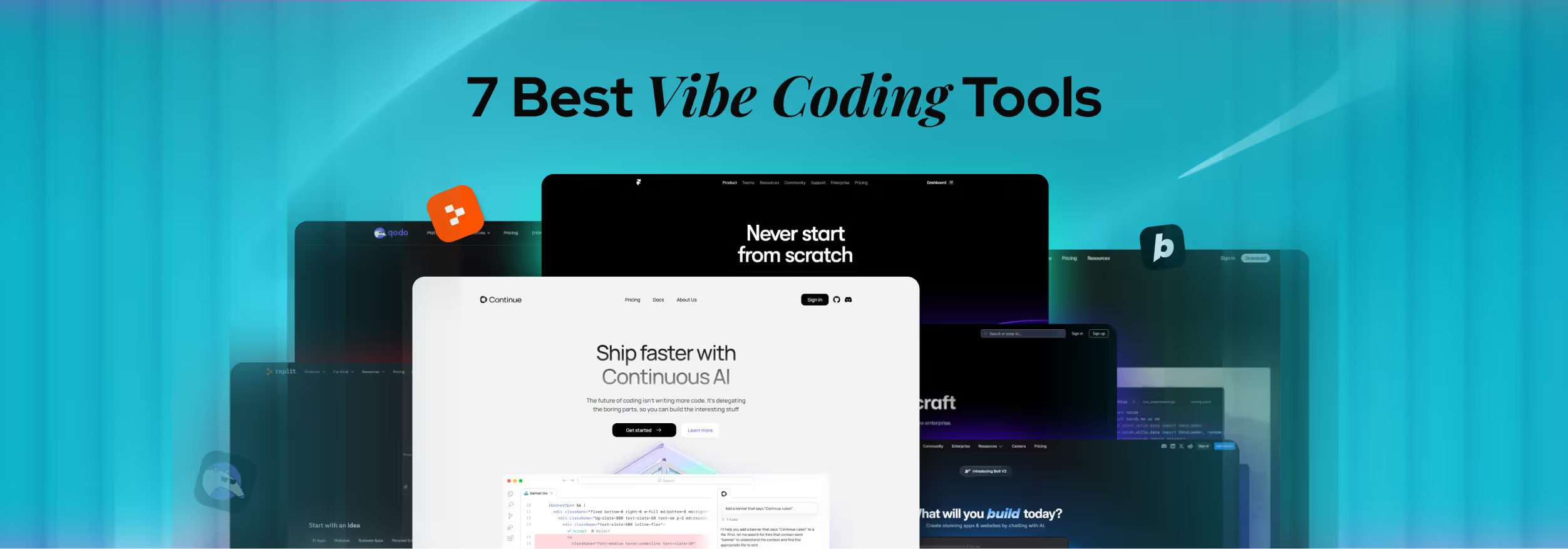
7 Best Vibe Coding Tools for 2026 (Expert Picks)
Even though there are lots of vibe coding tools available, it’s never a wise decision to go for just any tool. You need to find out the one specific tool that is suitable for your task, that you are comfortable with, and that won’t disappoint you. Otherwise, you won’t run it for the better good.
Here are the 7 best vibe coding tools, most people, especially beginners, find easy to use and suitable for their projects a the same time:
GitHub Copilot: Best for faster app ideas with AI help inside real code projects
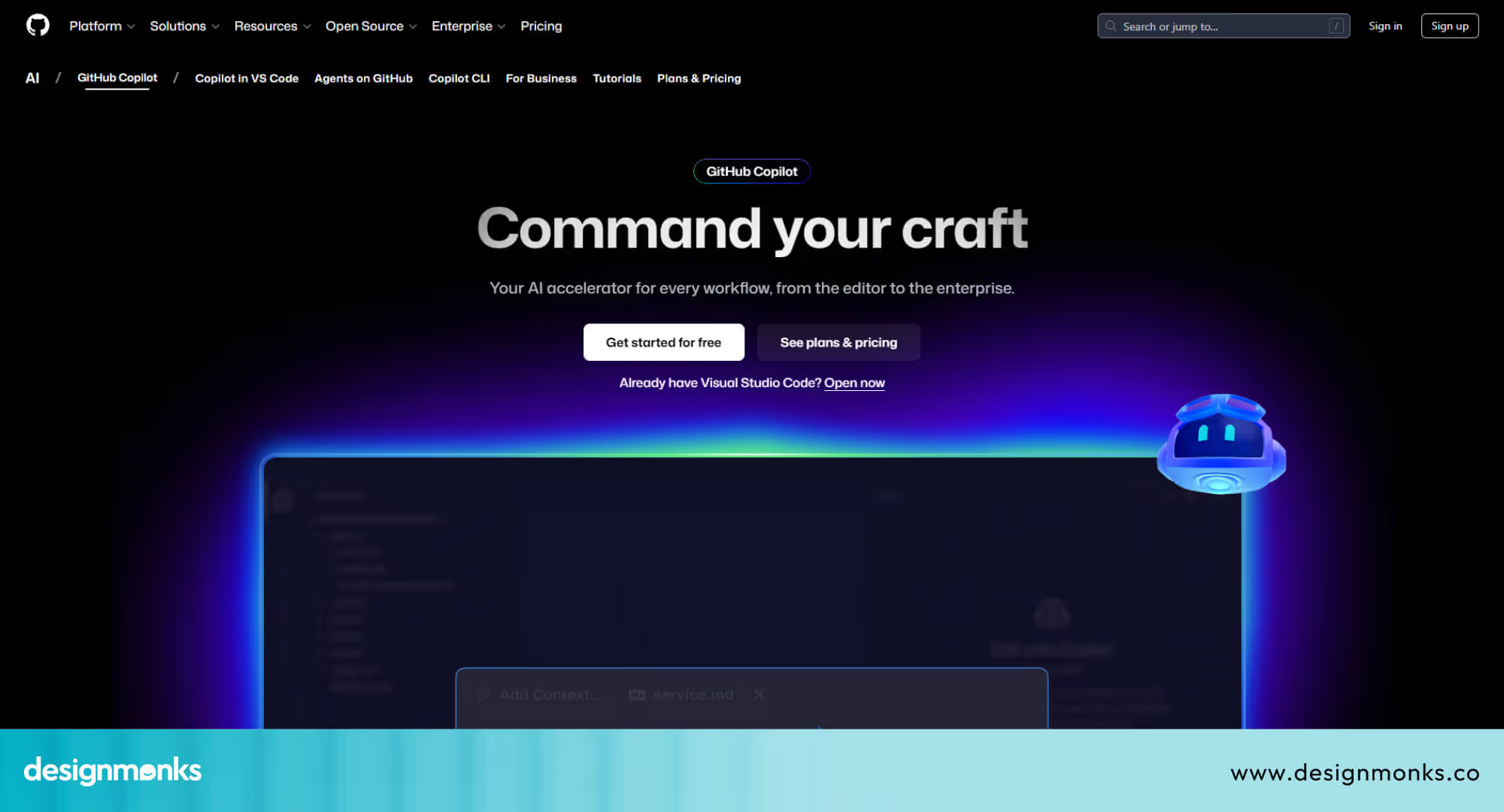
GitHub Copilot leads in 2026 because it works inside real developer tools. Coders explain tasks in plain words, and Copilot replies with useful code. It supports full projects, not small snippets, which saves time and mental effort.
This tool helps coders plan steps, edit many files, and check errors with guidance. It understands the whole project and suggests changes that make sense. Repeated tasks feel lighter, so creators focus on ideas, logic, and product goals.
Features:
- Chat-based code help using plain language inside the editor
- Agent mode handles multi-step tasks across files with user approval.
- Full project awareness across folders, files, and related documentation.
- Fast prototype support for early product ideas and demos.
- Test run support through terminal access with clear confirmations.
- Helpful for beginners and experts working on real-world apps.
Cursor AI: Best for creative visual edits and natural language coding
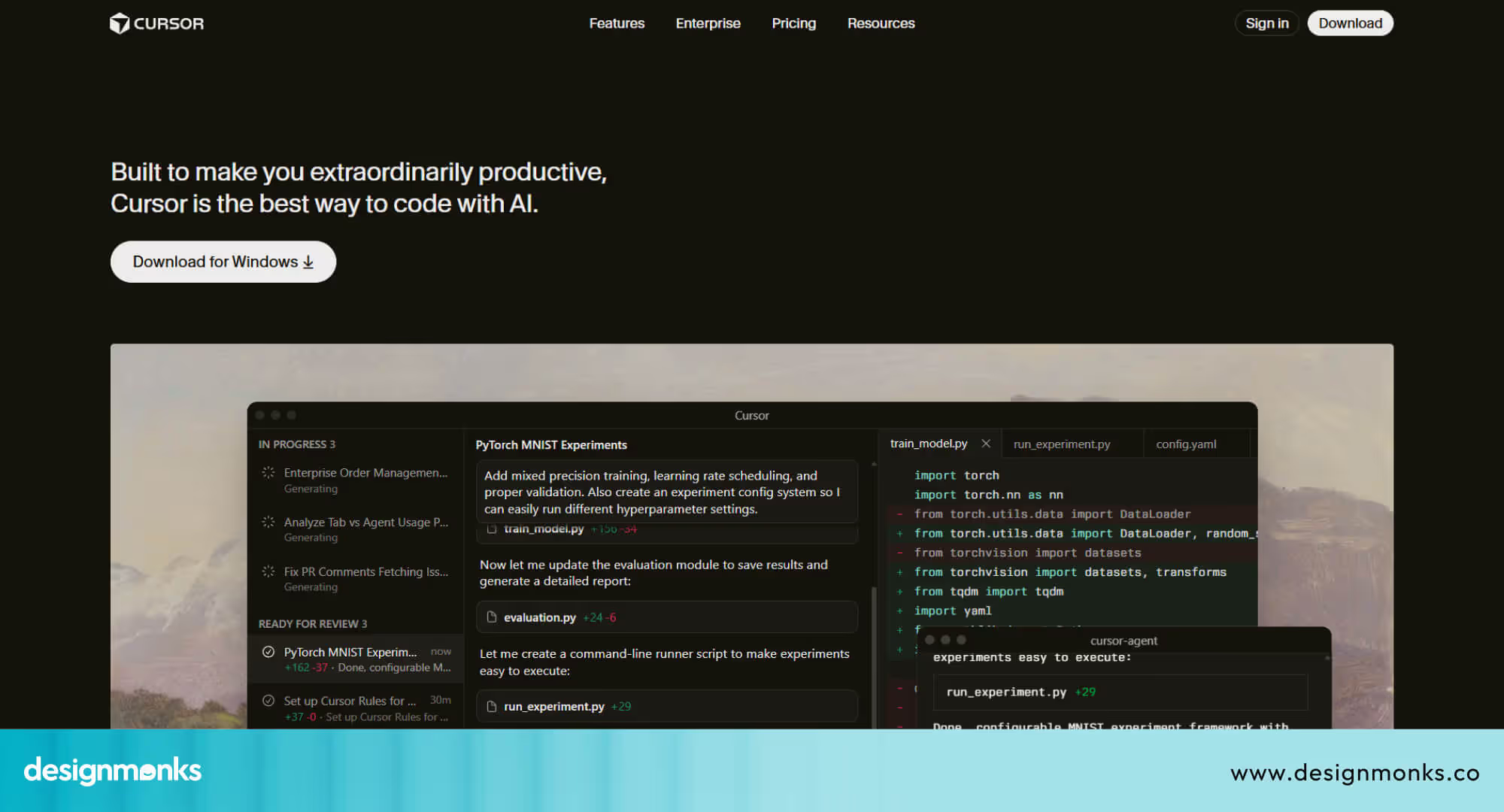
Cursor AI mixes chat and code in one calm space, and that’s the main reason why coders are into it right now. Users can change layouts, colors, and visual elements using simple text instructions. This makes building interactive apps feel playful and intuitive, even for beginners.
The tool encourages experimentation by letting creators refine ideas step by step. You can type suggestions like “Make this sidebar brighter” or “Move the login button here,” and Cursor updates the project instantly. Designers and developers can test multiple options without rewriting code manually.
Features:
- Chat-driven code edits inside a clean AI-powered editor.
- Project-wide awareness that respects the current structure and logic.
- Quick layout and style changes through plain text instructions.
- Smart code suggestions that match existing patterns and tone.
- Multi-file updates are handled through guided AI actions.
- Friendly for designers who want light code control without fear.
Replit Ghostwriter: Best for Instant coding and collaborative learning
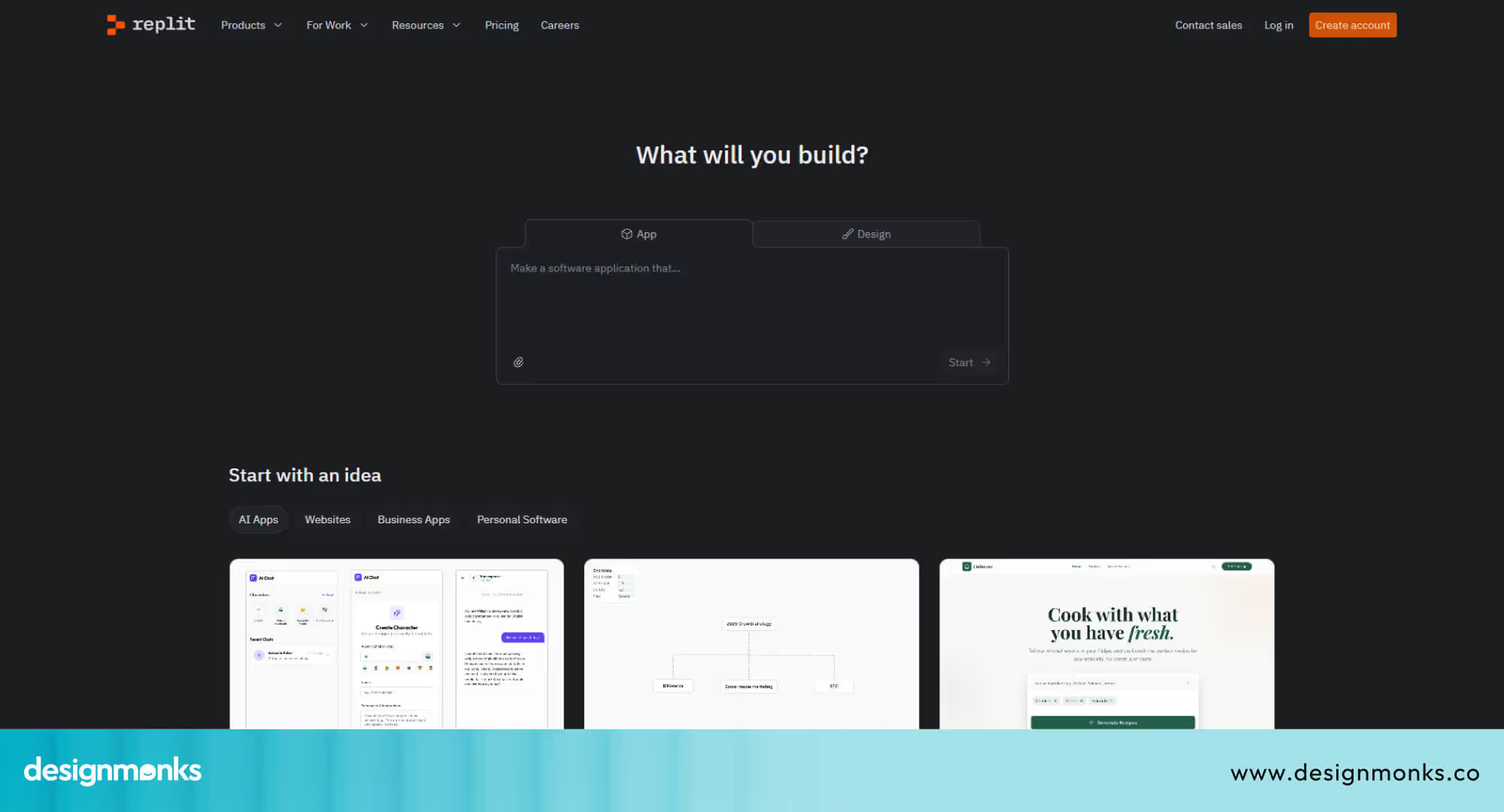
What if you open your browser and start a full coding project in seconds? No installs, no setup. That’s the strength of Replit Ghostwriter. It runs in the cloud, supports over 50 languages, and lets users begin coding immediately, turning ideas into working projects quickly.
Learning and experimenting feel natural because Ghostwriter acts like a partner. You type instructions in simple English, and the AI creates code, explains tricky parts, or fixes errors. Students, hobbyists, and small teams can explore coding safely without worrying about complicated environments.
Features:
- Cloud-based IDE for instant project access without local installation.
- An AI assistant generates files or functions from plain English ideas.
- Context-aware suggestions help code feel correct and readable in real time.
- Explanations simplify complex code and clarify errors instantly.
- Rapid deployment allows quick sharing and team collaboration on projects.
- Beginner-friendly interface lowers barriers for learning and creative experimentation.
Codeium: Best for seamless workflow and creative coding flow
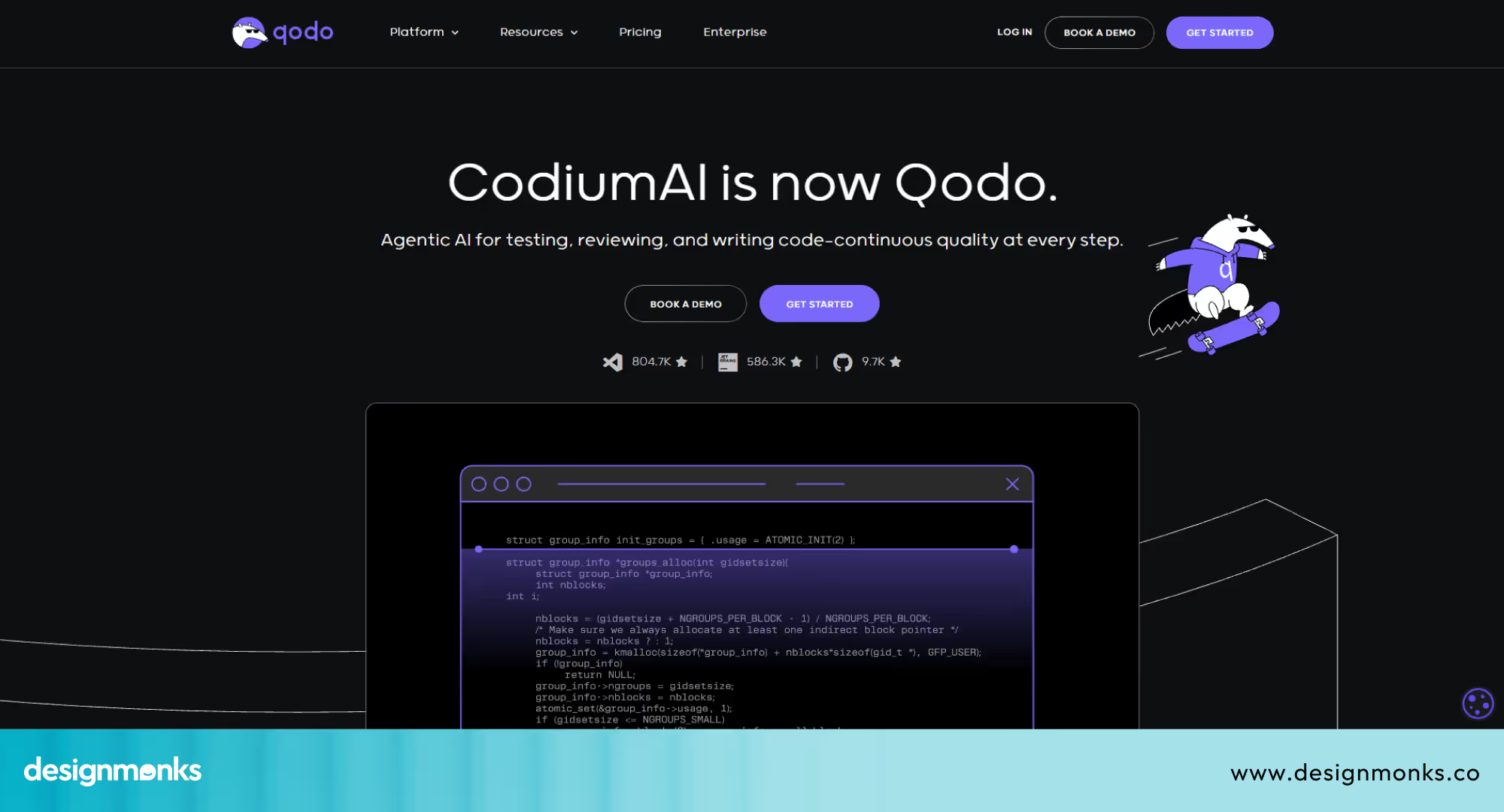
Coding can feel scattered when switching between tools, files, and tasks. Codeium keeps everything together. Integrated into popular IDEs like VS Code and JetBrains, it brings AI assistance directly into the environment developers already use. This means ideas move into code without breaking focus.
Creativity takes the front seat because repetitive coding disappears. You can describe functions or features in simple English, and Codeium generates working code instantly. Autocomplete suggestions adapt to the context, so developers stay in the “flow state” and spend energy on problem-solving and design, not boilerplate.
Features:
- Context-aware autocomplete keeps coding fast and intuitive inside IDEs.
- Natural language prompts convert simple ideas into functional code quickly.
- Works within VS Code, JetBrains, and other popular coding tools.
- Low-latency performance ensures smooth workflow without lag or distraction.
- Refactor and debug tasks handled by AI, reducing repetitive work.
- Helps developers focus on logic, design, and creative problem-solving.
Framer AI: Best for visual website creation with AI guidance
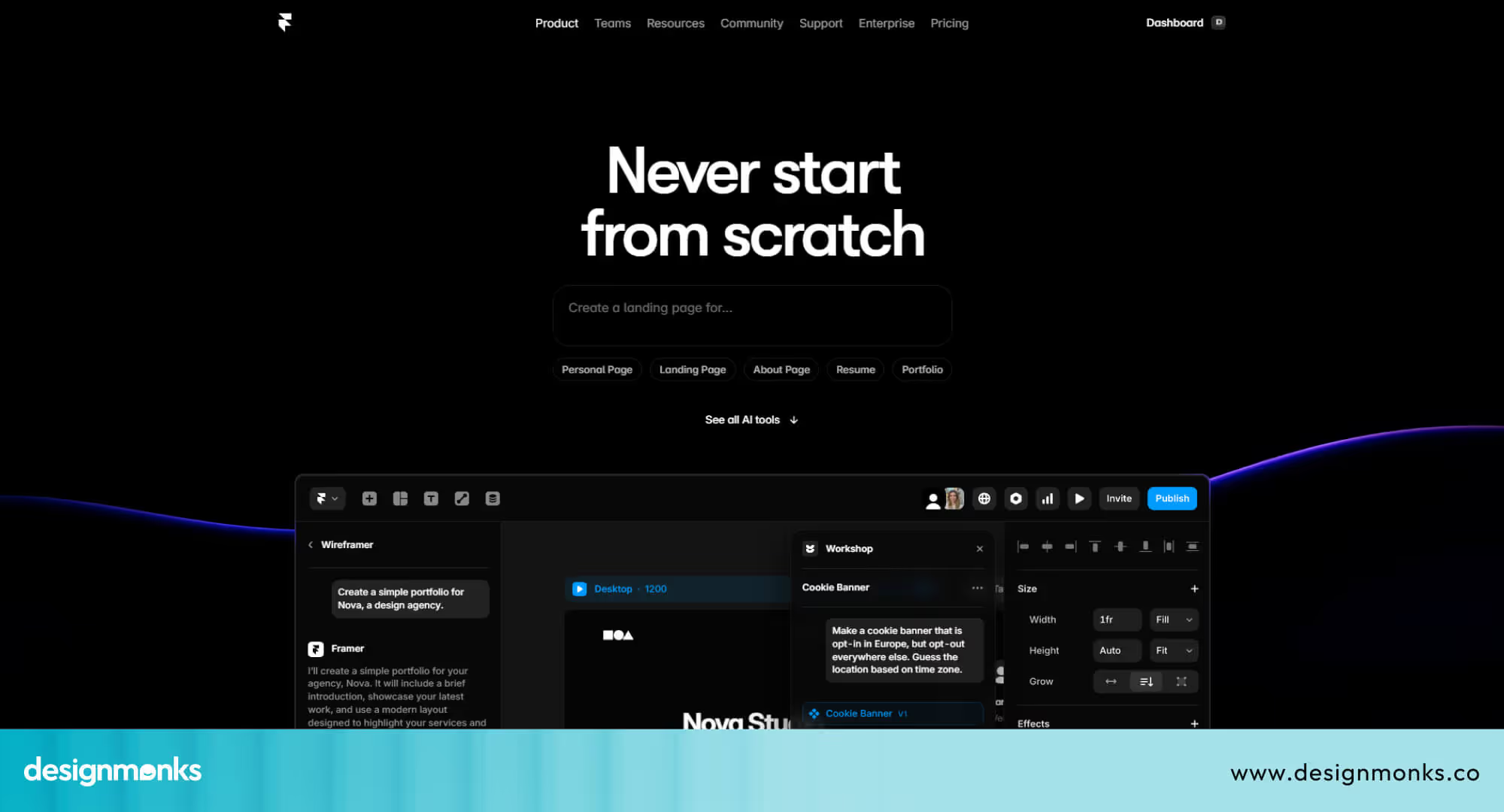
Framer AI helps designers turn ideas into websites without writing code manually. Users describe the site in plain language, and the AI generates layouts, copy, and images instantly. This allows creators to focus on the look, feel, and overall “vibe” of the project.
The platform also supports refinement through a visual editor. Designers can tweak components, styles, and interactions directly on a canvas, while the AI updates the underlying code. Framer bridges design and development, providing clean, ready-to-use code, making collaboration with developers smooth and precise.
Features:
- Generates complete websites from simple natural language prompts instantly.
- Workshop feature builds complex components using conversational AI instructions.
- Visual editor allows easy design tweaks without coding knowledge.
- Produces clean, developer-ready code for smooth design handoff.
- No-code canvas similar to Figma for rapid iteration and prototyping.
- AI-assisted adjustments keep design consistent and aligned with the intended vibe.
Bolt AI: Best for rapid full-stack app creation with guided AI
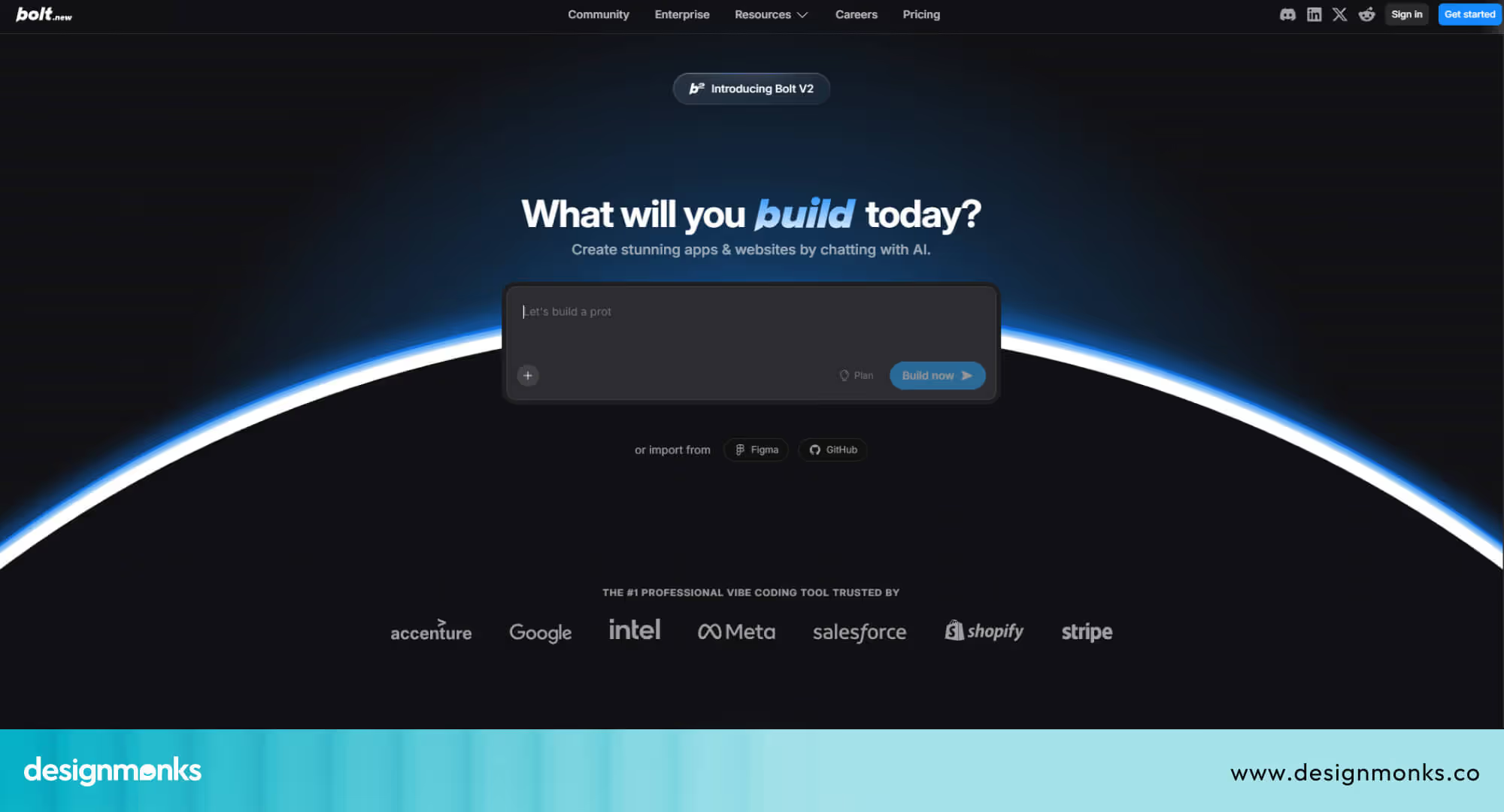
Bolt AI is built for turning ideas into working apps quickly. Users describe what they want, and the platform handles hosting, databases, and integrations automatically. This AI app builder removes technical hurdles and lets beginners and non-developers see results fast.
The tool supports step-by-step development. You can add features incrementally, refine designs, or test functionality without starting from scratch. Developers also benefit from quick scaffolding, allowing them to build prototypes or enhance apps before moving to traditional coding tools.
Features:
- Generates complete full-stack applications from simple natural language prompts.
- Built-in hosting and database management for instant deployment.
- Step-by-step iterative development without losing project context.
- Automatic testing and code refactoring for production readiness.
- Intuitive interface guides beginners through app creation easily.
- Supports developers in rapid scaffolding and complex feature integration.
Continue.dev: Best for custom AI workflows and full control
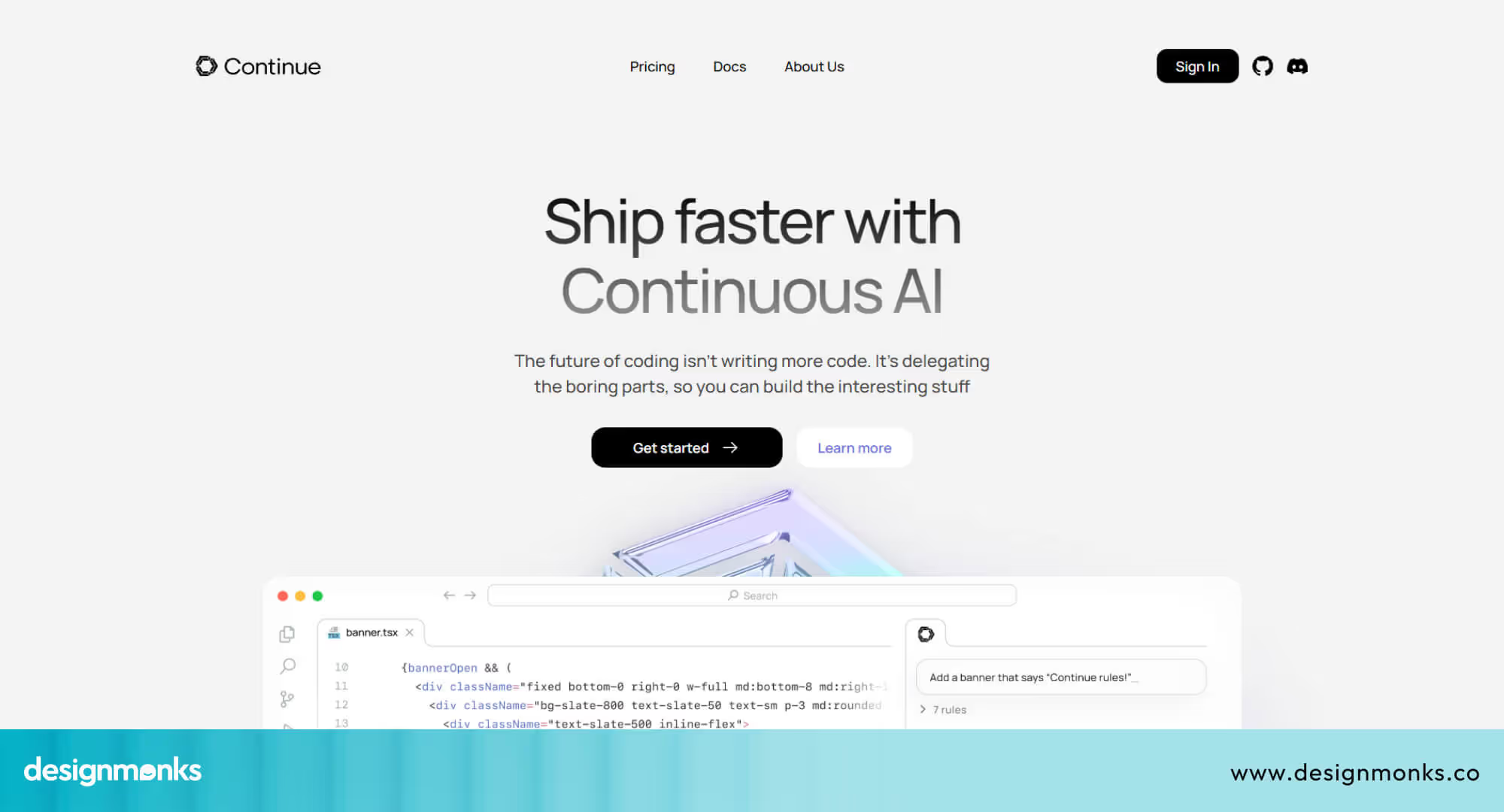
Continue.dev gives teams the power to design their own AI coding environment. Developers can pick models, set context, and decide how the AI interacts with code. This flexibility makes it ideal for users who want personalized, precise assistance rather than one-size-fits-all suggestions.
The platform fits naturally into existing workflows. It works as an extension for VS Code or JetBrains, supports multi-file edits, and integrates with Git or CI/CD pipelines. Developers can run iterative tasks, refactor code, and experiment with AI-driven processes while staying fully in control of data and environment.
Features:
- Open-source platform for fully customized AI development workflows.
- Supports multiple LLMs, including GPT, Claude, and Gemini, for flexibility.
- IDE extensions bring AI assistance directly into VS Code or JetBrains.
- Handles multi-file edits, refactoring, and complex agent-driven tasks.
- Self-hosted options give complete control over data and models.
- Integrates with existing tools like Git and CI/CD pipelines seamlessly.
Vibe Coding Tool Comparison Table (2026)
Each vibe coding tool feels different in real use. Some focus on speed, some on design, and some on control. This table helps you compare key features, pricing style, AI depth, and learning curve at a quick glance, so you can choose faster without confusion.
How We Evaluated the Best Vibe Coding Tools for 2026
Clear rules matter when tools feel similar. We reviewed each option with real use cases, simple tests, and team feedback. These strategy checks help readers trust why some tools rank higher than others.
AI Depth and Capability
We checked how deeply AI supports real work. This includes task planning, multi-file edits, code suggestions, and error help. Tools like GitHub Copilot show strong depth inside IDEs, while others stay lighter and more guided.
Speed and Response Time
Fast replies keep creative flow alive. We measured how quickly tools respond to prompts and code edits. Slow delay breaks focus. Tools with low wait time feel smoother, especially during long sessions with repeated instructions.
IDE and Workflow Integration
Good tools fit into daily work without disruption. We tested support inside IDEs like VS Code and JetBrains. Smooth links with Git, terminals, and project files help teams work without jumping between platforms.
Learning Curve and Ease
Not every user has a tech background. We checked how easy the first-time use feels. Simple prompts, clear actions, and safe edits matter. Tools with heavy setup or complex rules score lower for beginners.
Privacy and Data Control
Data safety matters for teams and companies. We reviewed model control, local run options, and data sharing rules. Tools that allow private setups or self-host choices offer better trust for serious projects.
Language and Model Support
We checked support for popular programming languages and AI models. Strong tools handle JavaScript, Python, and more without friction. Support for models like GPT or Claude adds flexibility for different coding styles and needs.
Best Vibe Coding Tools by Use Case
Every vibe coding tool does not suit every user. The right choice depends on work style, team size, and goals. Picking tools by use case saves time, avoids stress, and improves real results.
Best for Startups: Bolt AI
Startups move fast and test ideas often. Bolt AI fits this pace well. It turns short ideas into full apps with hosting, database, and logic ready. Founders can test features, pitch demos, or user flows without deep setup.
Teams can add changes step by step and keep progress intact. It simply helps startups launch early, learn fast, and adjust without wasting effort.
Best for Solo Developers: Codeium
Solo developers need focus and speed without extra noise. Codeium works inside familiar IDEs and supports steady progress. It fills gaps, suggests code, and handles repeated work quietly.
You stay inside one editor and move feature by feature. This approach suits long solo sessions where mental load must stay low, and control must stay high.
Best for Enterprise Teams: GitHub Copilot X
Large teams deal with big codebases, rules, and shared work. GitHub Copilot X supports that scale. It reads project context, helps across files, and supports testing and fixes. Teams use it inside existing IDEs and workflows.
These features keep standards clear, reduce review load, and support complex products without chaos.
Best for Designers Who Code: Framer AI
Design-led creators need visual control with light code touch. Framer AI suits this need. Designers describe pages, sections, or styles, and the tool builds layouts fast. Visual edits feel natural, like a design canvas in this AI design tool. Clean code output also helps smooth handoff to developers later.
Best for Learners and Experimenters: Replit Ghostwriter
New coders and learners need instant access and guidance. Replit Ghostwriter removes setup pain. Users open a browser and start coding at once. AI explains errors, suggests fixes, and supports learning without outside search. It makes practice feel safe, simple, and motivating.
Best for Custom AI Workflows: Continue.dev
Some teams want full control over AI behavior. Continue.dev supports that goal. Users choose models, define context, and shape workflows inside IDEs. It suits advanced teams who care about data control, custom logic, and deep AI use beyond basic suggestions.
Benefits & Limitations of Vibe Coding
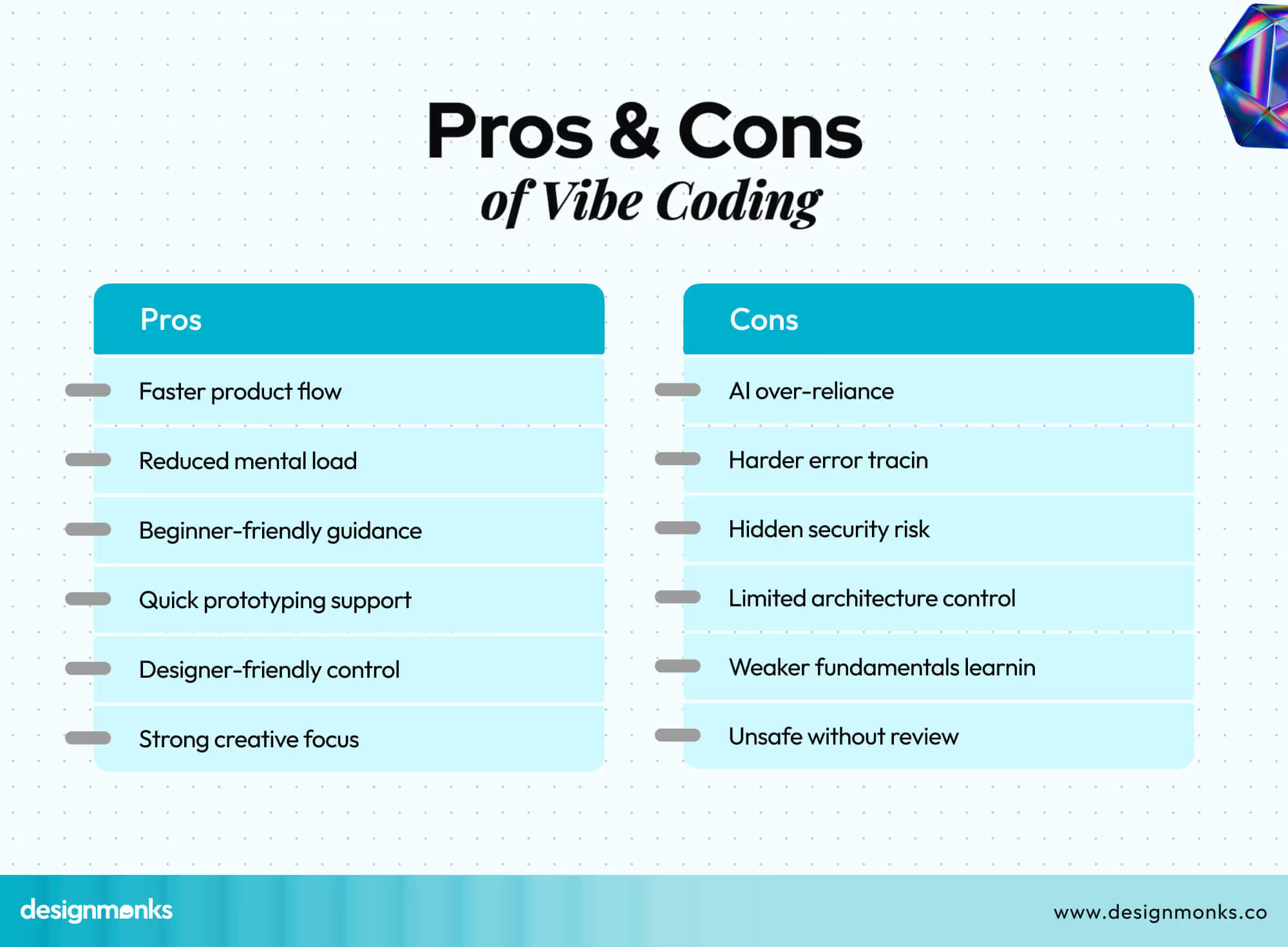
Vibe coding brings speed and ease, but it also brings risks. Knowing both sides helps creators use AI tools wisely, avoid blind trust, and keep control over code quality and long-term product health.
Benefits of Vibe Coding
Vibe coding speeds up early work. Ideas turn into screens, logic, and flows faster than manual coding. It helps startups, solo builders, and designers move forward without long setup or heavy syntax work.
Mental load stays lower during long work hours. AI handles repeat tasks, small fixes, and basic structure. Creators can spend more time on logic, product goals, and user needs instead of technical friction.
Key benefits
- Faster idea to product flow without heavy setup or complex technical preparation.
- Lower mental effort during long sessions with fewer repetitive manual code tasks.
- Helpful for beginners who need guidance inside tools without external searches.
- Strong support for quick prototypes, demos, and early product experiments.
- Better creative focus on structure, logic, and overall product direction.
- Useful bridge for designers who want light code control with visual clarity.
Limitations of Vibe Coding
Heavy AI use can weaken core coding skills over time. When tools handle logic and structure often, users may lose clarity on why the code works or fails under real conditions.
Errors can hide deeper issues. AI-generated code may look correct, but miss edge cases or performance limits. Without careful review, products may face bugs, security gaps, or scaling problems later.
Key limitations
- Risk of over-reliance on AI suggestions without a deep understanding of code logic.
- Harder error tracing when AI writes large parts of the application structure.
- Hidden performance or security flaws inside auto-generated code blocks.
- Less control over architecture in complex or long-term products.
- Learning gaps for beginners who skip fundamentals too early.
- Not ideal for critical systems without strong human review and testing.
FAQs
Is vibe coding replacing developers?
No. Vibe coding changes how developers work, not replacing their role. Developers still guide logic, review code, fix edge cases, and make final decisions that AI tools cannot handle alone.
Are AI coding tools safe for production?
They can support production work, but human review remains essential. AI may miss security risks, performance limits, or edge cases. Teams should test, review, and validate all AI-written code before release.
Can vibe coding improve UX engineering?
Yes. Vibe coding speeds up idea testing and interface building. AI for UX engineers are here, and using these tools, they can test flows, layouts, and logic faster, then refine decisions with real user insight and usability checks.
End Note
Vibe coding changes how people build software. Ideas move faster. Fear drops. Tools guide work and reduce effort. Builders can focus on logic, design, and user needs instead of syntax and setup.
Still, smart judgment matters. AI helps, but humans decide quality and direction. The best results come from balance. Choose tools that match your work style, goals, and skill level, and use them with care.


.avif)
.avif)
.avif)
.avif)


.avif)
.avif)
.avif)
.avif)








.avif)