.svg)



Key Takeaways
- Design AI agents to automate full workflows, not just single tasks.
- LangChain and Flowise are top picks for agent development.
- No-code tools like Flowise work well for non-technical designers.
- OpenAI, Anthropic, and Gemini serve as the core intelligence layer.
- Start with one tool stack and expand based on results.
Designers today spend hours on tasks that a smart AI agent can finish in minutes. That gap between manual work and automation is where most teams lose their time and energy.
So what tools actually help you build a design AI agent? Platforms like LangChain, Flowise, AutoGPT, OpenAI, and Anthropic are the best tools for creating a design AI agent right now. Each one brings something different to the table.
Well, you must be here to learn about the tools. No worries, today, we’ll cover the best tools available, what each one does, and which one fits your specific design workflow.
What Is a Design AI Agent?
An AI agent for designing is a smart program that can take a design task and complete it on its own. It does not wait for your command at every step.
Regular AI tools, like an image generator, only respond when you ask them something. An AI agent is different because it has memory, makes decisions, and keeps working toward a goal by itself.
It’s like a regular AI tool that answers one question. An AI agent handles the full project, remembers past steps, and adjusts its own plan when something changes.
Design AI agents are useful in UI/UX design, brand identity work, and product design automation. SaaS teams use them to speed up repetitive creative tasks without extra manual effort.
Key Capabilities to Look for in a Design AI Agent Tool
Not every AI tool qualifies as a true design agent. The right tool must handle complex tasks on its own, connect with your existing tools, and actually understand design as a system.
- Autonomous Workflows: The tool should complete multi-step design tasks without waiting for your input at every single stage.
- API Integrations: It must connect smoothly with tools like Figma, Notion, or Slack so your whole workflow stays in one place.
- Prompt Chaining: This means the agent links multiple instructions together in a sequence, so each step feeds into the next one automatically.
- Design System Understanding: The tool should recognize your brand colors, fonts, and components, then apply them consistently across every design output.
- Multi-Modal Generation: It should turn a text description into a UI layout, or convert a rough image into a clean, structured design.
- Memory and Context Retention: The agent must remember previous tasks and decisions so it does not repeat mistakes or start fresh every single time.
- Error Handling and Self-Correction: When something goes wrong in the process, the tool should detect the issue and fix it without your manual involvement.
Best No-Code / Low-Code Tools for Creating a Design AI Agent
These tools make it possible to build a design AI agent without writing complex code. Each one has a different strength, so the right choice depends on your workflow and technical comfort level.
1. LangChain
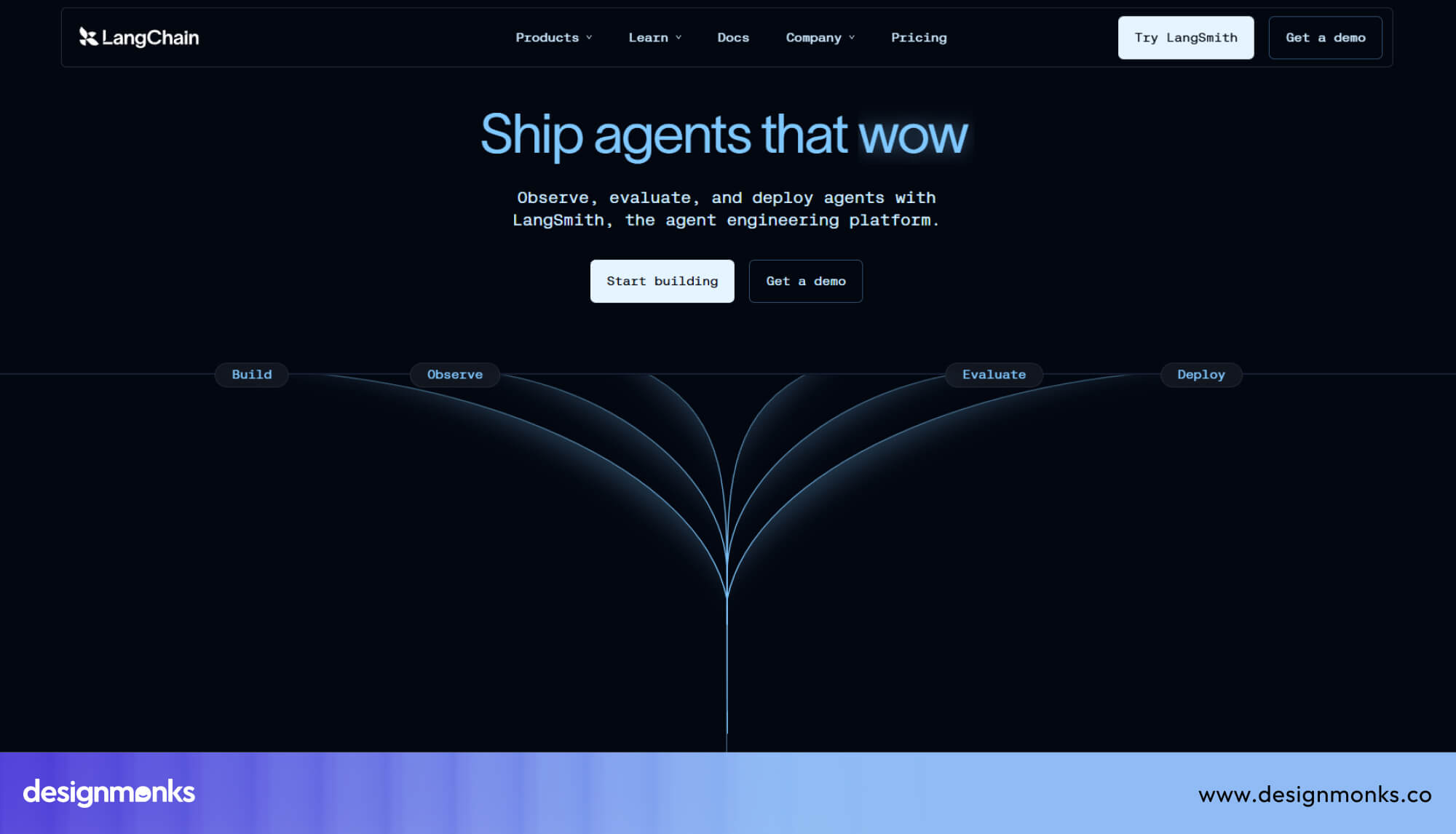
LangChain is a framework that helps you connect large language models with external tools, data sources, and APIs. It gives your AI agent the ability to reason through multi-step tasks in a structured way.
Developers and technical designers use LangChain to build agents that remember context, call external tools, and follow a logical sequence of actions. It is one of the most flexible frameworks available for agent development today.
Pros:
- Highly flexible and customizable for complex workflows
- Strong community support with regular updates
- Connects easily with OpenAI, Anthropic, and other models
- Supports memory, tools, and multi-step reasoning out of the box
- Works well with vector databases for design asset retrieval
Cons:
- Requires coding knowledge to set up properly
- Documentation can feel overwhelming for complete beginners
Use Case: A product design team can use LangChain to build an agent that pulls brand guidelines, generates UI copy, and logs outputs automatically.
2. AutoGPT
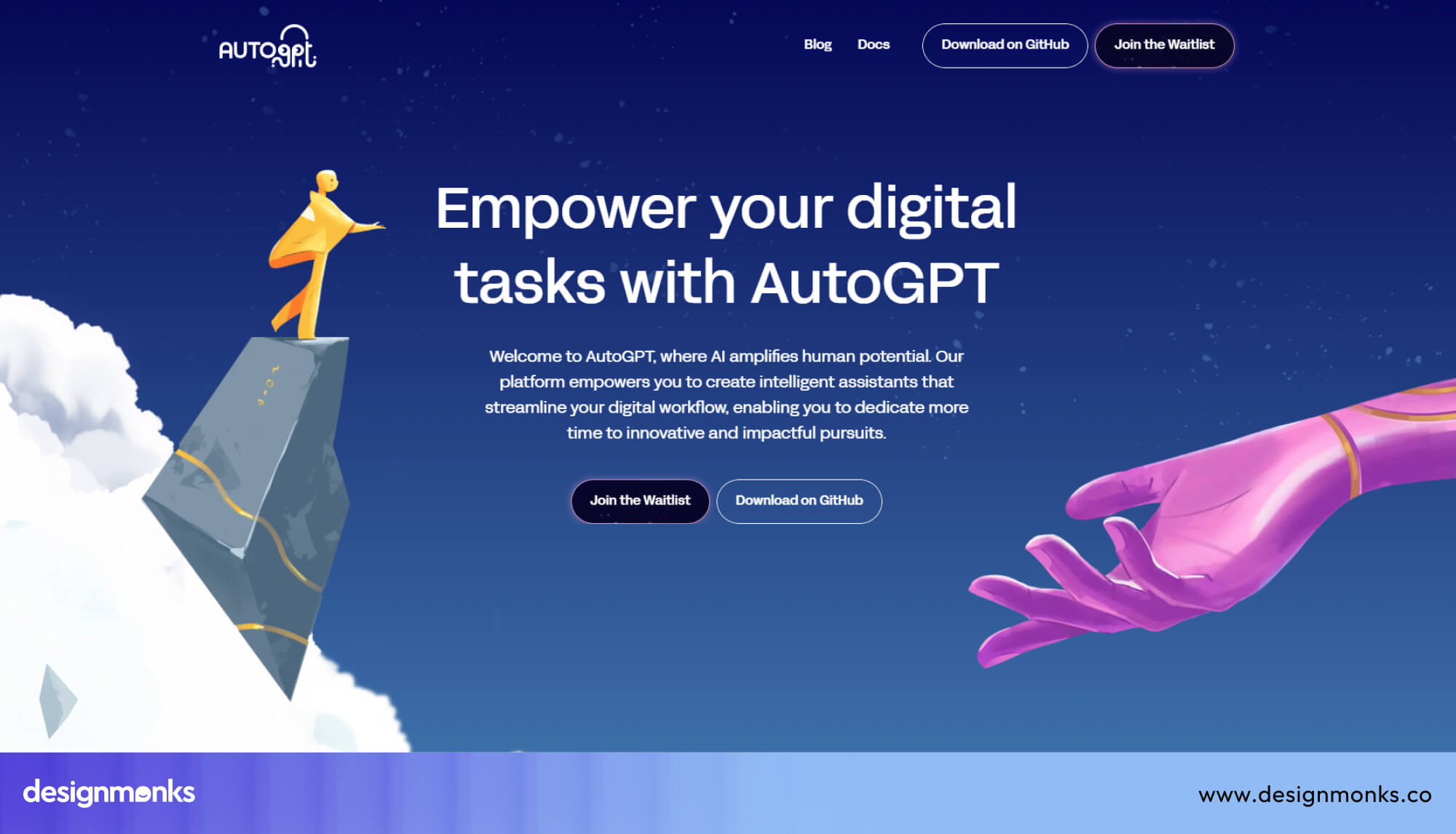
AutoGPT is an open-source AI agent that can take a single goal and break it down into smaller tasks on its own. This tool doesn’t need a human to guide every individual step of the process.
For design teams, AutoGPT can research competitors, generate design briefs, and organize creative assets without constant supervision. It is a strong option for teams that want a fully autonomous agent with minimal manual input.
Pros:
- Fully autonomous task execution without step-by-step input
- Open-source and free to use for most projects
- Handles research, writing, and file management together
- Easy to experiment with for non-developers
- Active community with many ready-made plugins
Cons:
- Can produce inconsistent results without clear goal prompts
- Requires a reliable API key setup to function properly
Use Case: A branding agency can use AutoGPT to research a client's industry, draft a mood board brief, and prepare a creative direction document automatically.
3. Flowise
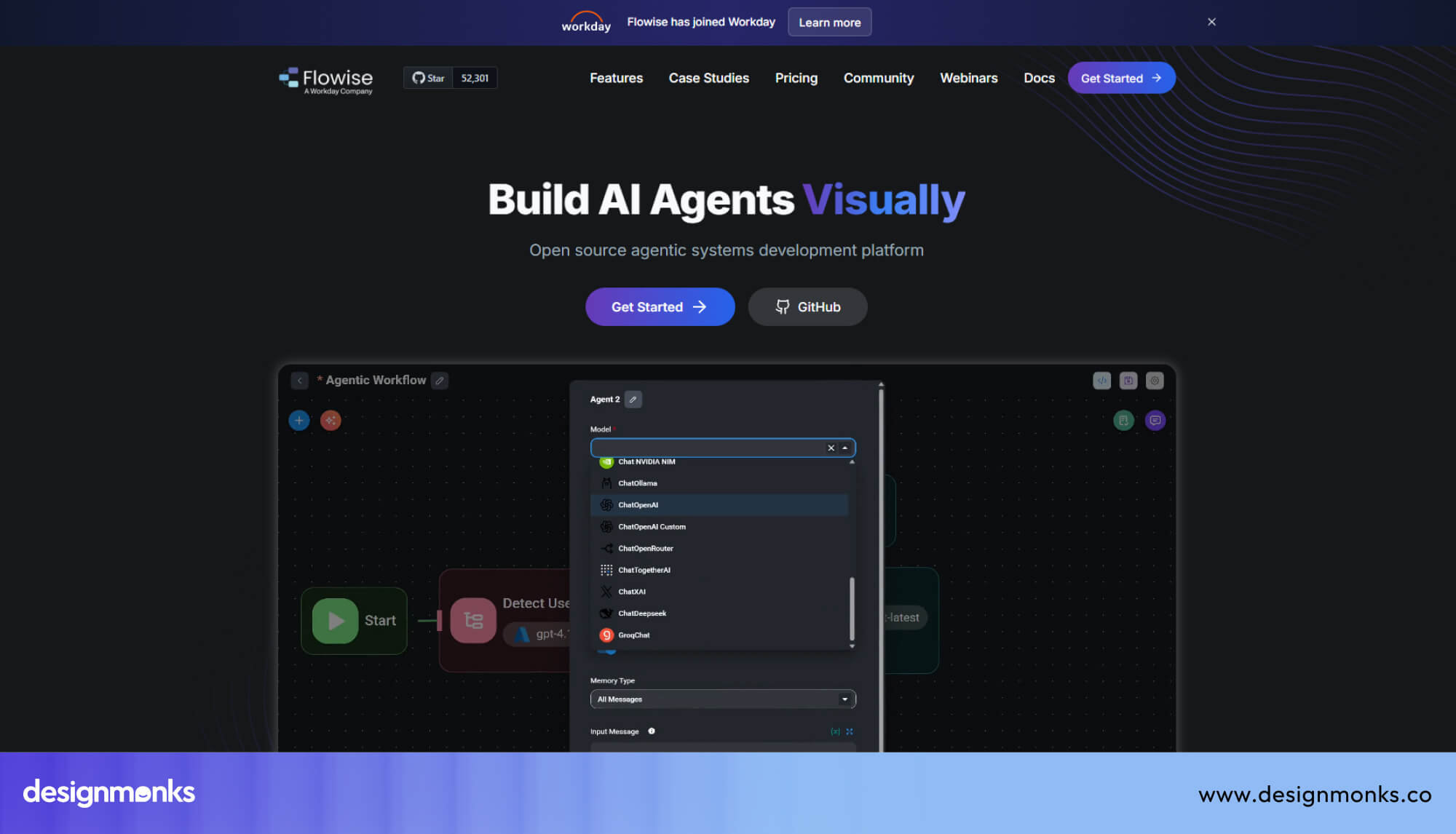
Flowise is a visual, drag-and-drop platform that lets you build AI agents and workflows without writing a single line of code. It uses a node-based interface where you connect tools and models like building blocks.
Designers and non-technical users find Flowise very approachable because the entire agent logic is visible on screen. You can connect it to OpenAI or Anthropic models and integrate design tools through simple API nodes.
Pros:
- The visual interface makes agent building easy and clear
- No coding required for most standard workflows
- Supports LangChain under the hood for added power
- Self-hostable for teams that need data privacy
- Quick to prototype and test new agent ideas
Cons:
- Advanced customization still needs some technical knowledge
- Fewer native design tool integrations compared to other platforms
Use Case: A UI/UX designer can use Flowise to build an agent that takes a design brief as input and returns structured layout suggestions and component recommendations.
Best AI Design & UI Generation Tools for Creating a Design AI Agent
AI design tools have moved far beyond simple templates and color pickers. These platforms actually generate layouts, screens, and UI components based on your text input, saving serious time on early-stage design work.
4. Figma AI
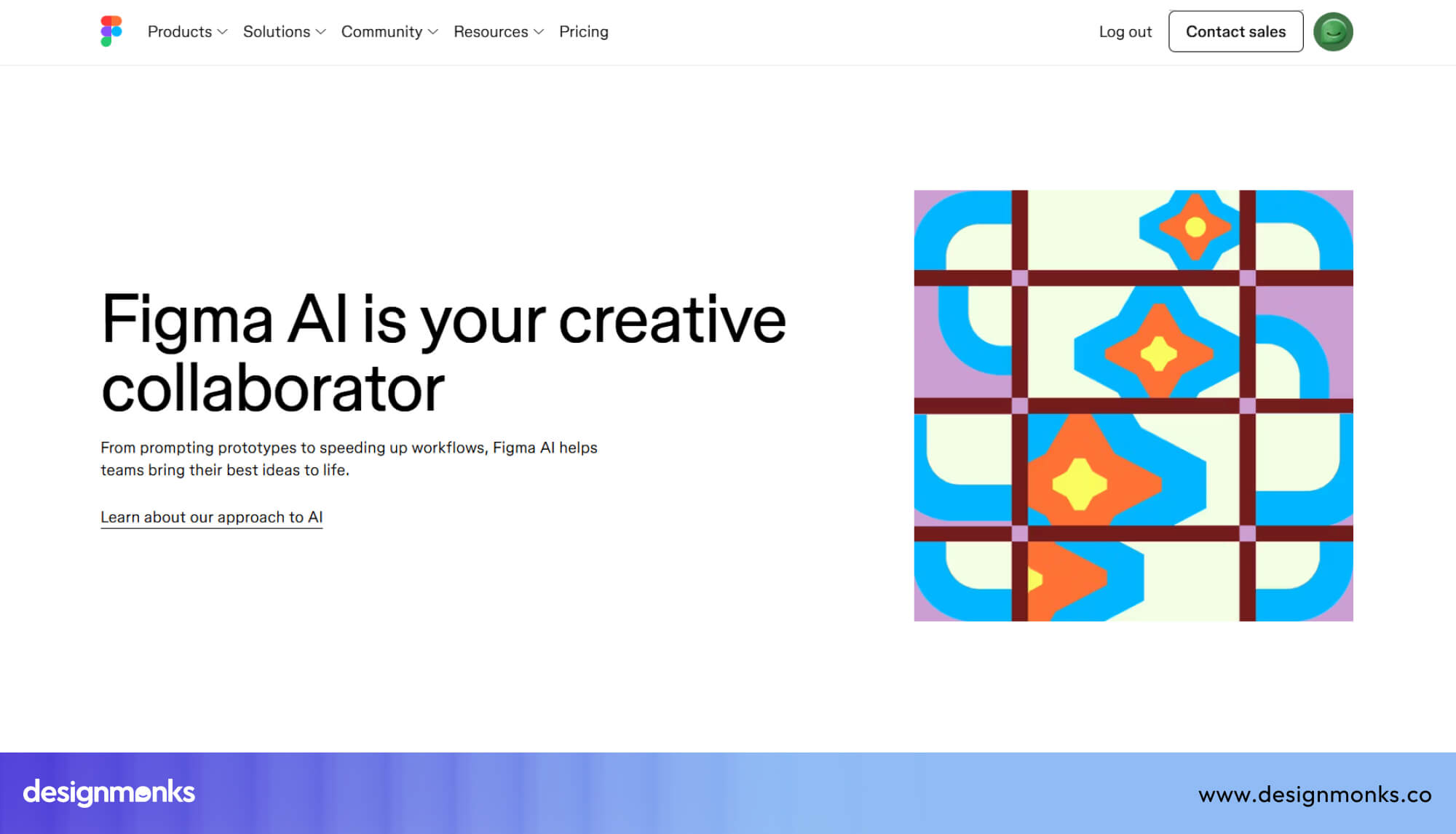
Figma AI brings artificial intelligence directly into the design tool that most professional teams already use every day. It helps designers auto-fill content, generate layer names, and get smart suggestions without leaving the Figma environment.
What makes it valuable for AI agents is its plugin ecosystem and API access. You can connect Figma AI in the design battle with other tools to create a semi-autonomous design pipeline that handles repetitive screen production tasks efficiently.
Pros:
- Deeply integrated into an already familiar design environment
- Auto-layout suggestions speed up responsive design work
- Strong API support for agent-based automation workflows
- Works well within existing Figma team libraries and systems
- Regular feature updates keep it aligned with industry needs
Cons:
- Full AI features require a paid Figma plan
- AI suggestions sometimes miss brand-specific design context
Use Case: A SaaS product team can use Figma AI to auto-generate multiple screen variations from a single component set, cutting down production time significantly.
5. Uizard
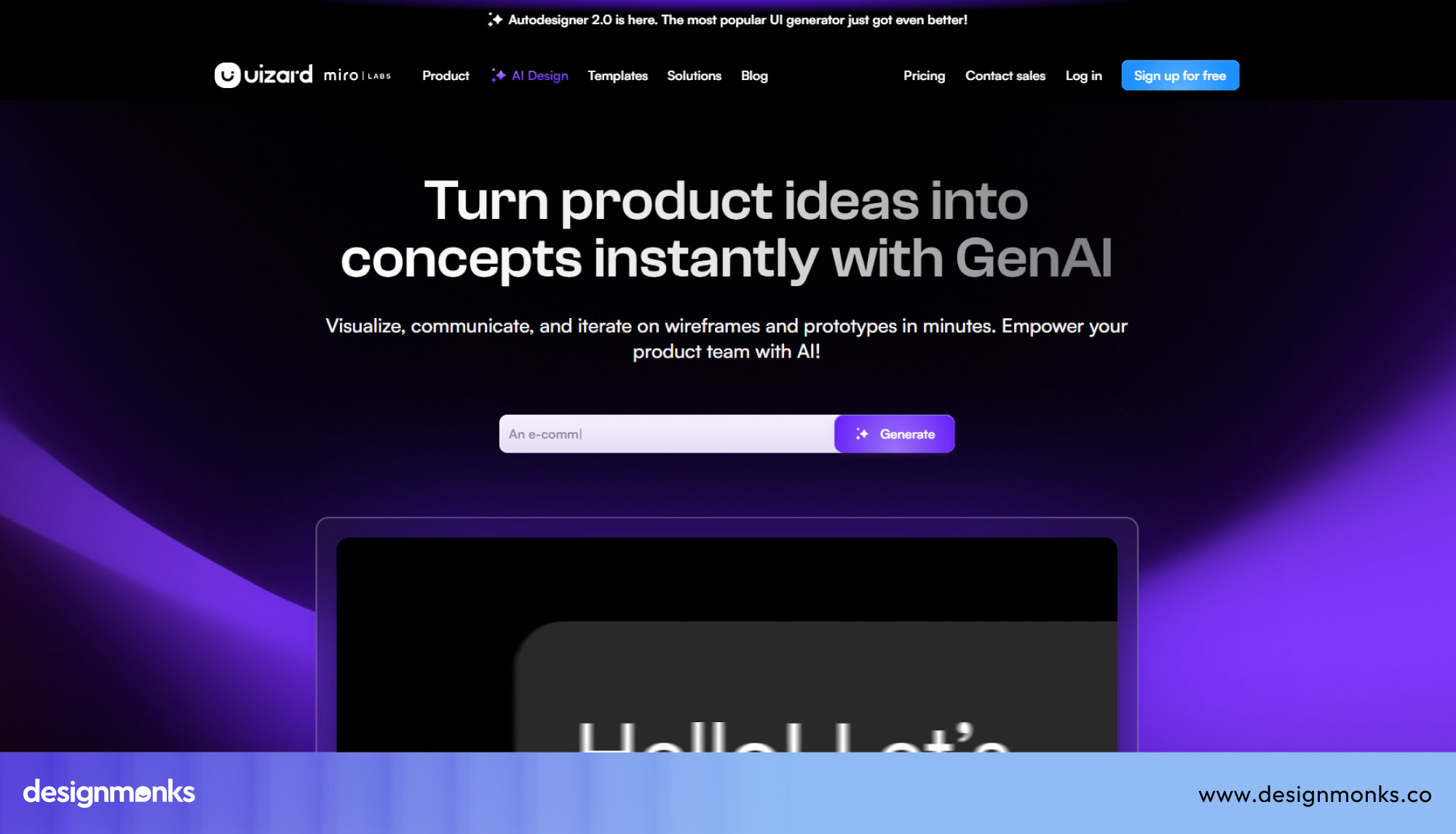
Uizard is built specifically for people who want to turn rough ideas into real digital screens without advanced design skills. It accepts hand-drawn sketches, screenshots, and text prompts as input and converts them into editable UI designs.
The platform is particularly useful for startup founders and product managers who need quick wireframes or mockups. Uizard removes the gap between having a product idea and actually seeing it represented as a visual interface.
Pros:
- Converts sketches and screenshots into editable UI screens
- Very beginner-friendly with a minimal learning curve required
- Supports collaborative editing for small product teams
- Offers ready-made templates for common app screen types
- Text-to-UI feature works reliably for basic layout structures
Cons:
- Output quality drops for highly detailed or complex interfaces
- Limited customization compared to professional design platforms
Use Case: A non-technical founder can use Uizard to quickly produce app wireframes for investor presentations without hiring a designer at the early stage.
6. Galileo AI
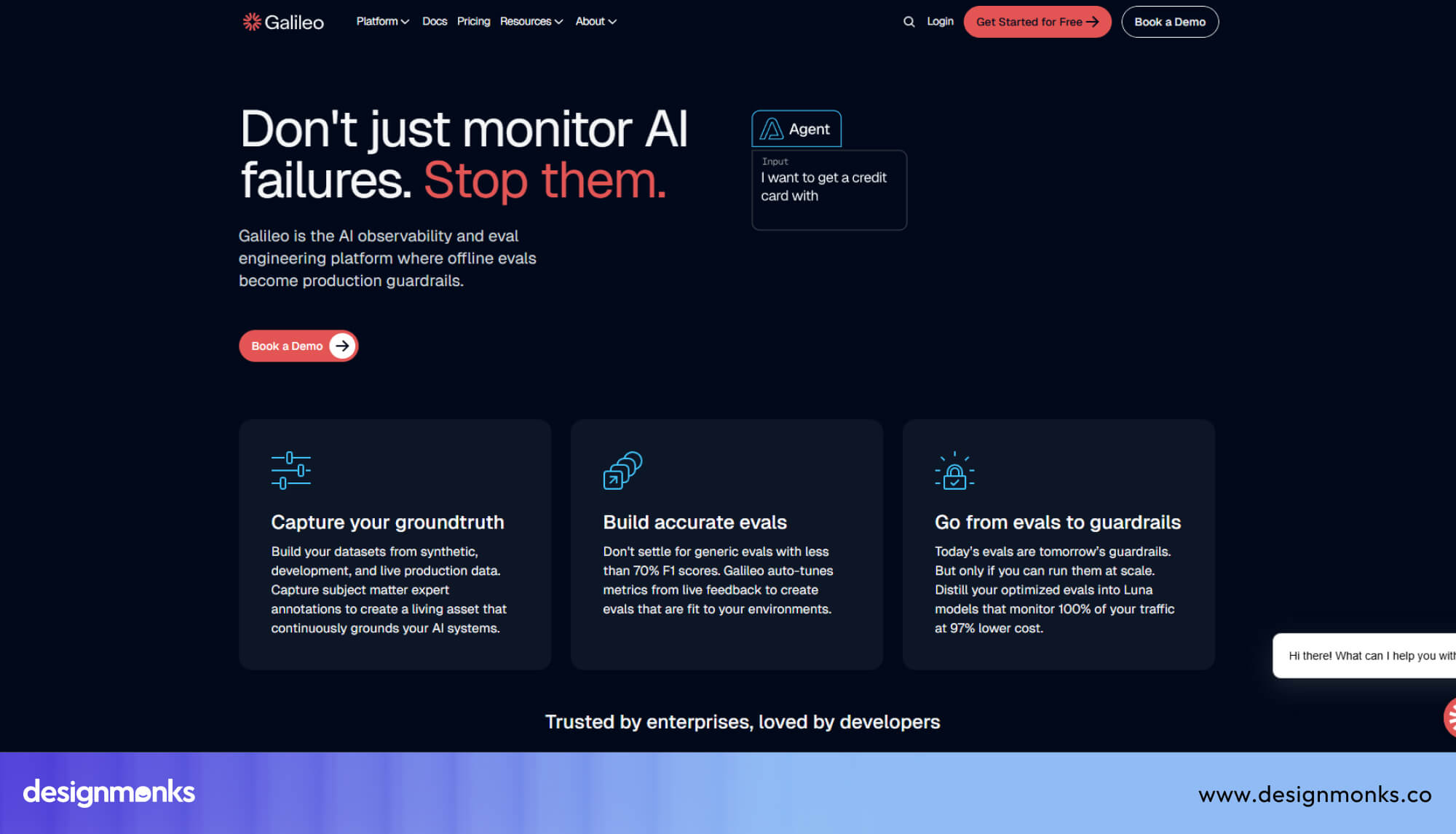
Galileo AI focuses entirely on speed, turning a simple text description into a fully detailed, high-fidelity UI design within seconds. It does not just generate placeholders but produces real-looking screens with proper visual hierarchy and content.
Unlike tools that assist with design, Galileo AI acts more like a generative engine. You describe the screen you need, and the platform delivers a polished result that a designer can refine rather than build from scratch.
Pros:
- Generates high-fidelity UI designs from plain text prompts
- Saves significant time on initial screen concept development
- Produces designs with realistic content and visual structure
- Great starting point for client presentations and early concepts
- Reduces dependency on large design teams for first drafts
Cons:
- Output still needs manual refinement for production-ready work
- Limited control over granular design decisions during generation
Use Case: A digital design agency can use Galileo AI to produce first-draft UI screens for client approval before the actual design sprint begins.
Best LLM & Model Providers for Creating a Design AI Agent
Every design AI agent needs a brain, and that brain is an LLM. Actually, LLM stands for Large Language Model, which is the core engine that reads your instructions and decides what the agent should do next.
7. OpenAI (GPT Models)
.jpg)
OpenAI's GPT models are the most widely used AI engines in the world right now. They power everything from simple chatbots to complex multi-step agents that can reason, write, and make structured decisions at scale.
For design agents specifically, GPT models excel at generating UI copy, interpreting design briefs, and producing structured JSON outputs that other tools can read. Many designers also use ChatGPT for usability testing as well. The API is mature, well-documented, and supported by almost every major agent framework available today.
Pros:
- Most widely supported model across all major agent frameworks
- Excellent at structured output and prompt instruction following
- GPT-4o handles both text and image inputs simultaneously
- Reliable API with strong uptime and developer support
- Large library of community tutorials and ready-made integrations
Cons:
- API costs can grow quickly with high-volume agent tasks
- Occasional output inconsistency with very long prompt chains
Use Case: A product design team can use GPT-4o to power an agent that reads a design brief and returns structured component recommendations with copy suggestions.
8. Anthropic (Claude)
.jpg)
Claude is Anthropic's AI model, and it stands out for its ability to handle very long documents and follow detailed instructions with high accuracy. It was built with a strong focus on safe, reliable, and honest AI behavior.
Design teams find Claude especially useful when the agent needs to process lengthy brand guidelines, multi-page design documents, or detailed creative briefs. Its responses tend to stay on topic and maintain a consistent tone across long and complex outputs.
Pros:
- Handles extremely long context windows with strong accuracy
- Follows detailed, multi-part instructions reliably and consistently
- Produces clean, well-structured text output for design documentation
- Strong performance on nuanced creative and strategic writing tasks
- Built with a safety-focused design for professional team environments
Cons:
- Fewer third-party integrations compared to OpenAI's ecosystem
- Image generation is not natively supported within Claude directly
Use Case: A brand strategist can use Claude to power an agent that reads a full brand document and produces consistent tone-of-voice guidelines across multiple design deliverables.
9. Google DeepMind (Gemini)
.jpg)
Gemini is Google DeepMind's flagship AI model, and it was built from the ground up to work across text, images, audio, and video at the same time. That multi-format capability makes it different from most other models in the market.
For design workflows, Gemini's strength lies in its ability to understand visual content alongside written instructions. An agent powered by Gemini can look at an existing design, read a brief, and suggest changes based on both inputs together.
Pros:
- Native multi-modal support across text, image, and video inputs
- Deep integration with Google Workspace and cloud infrastructure
- Strong performance on visual reasoning and image-based tasks
- Gemini Ultra handles highly complex and layered design requests
- Fast response times backed by Google's global server infrastructure
Cons:
- Still catching up with OpenAI's third-party ecosystem and plugins
- Output quality varies noticeably between Gemini model versions
Use Case: A creative ops team can use Gemini to build an agent that reviews existing ad creatives, identifies visual inconsistencies, and suggests layout corrections automatically.
Best Automation & Workflow Orchestration Tools for Creating a Design AI Agent
A design AI agent needs more than just a smart model. It needs a system that connects all your tools together and makes sure every task flows into the next one without manual effort.
10. Zapier
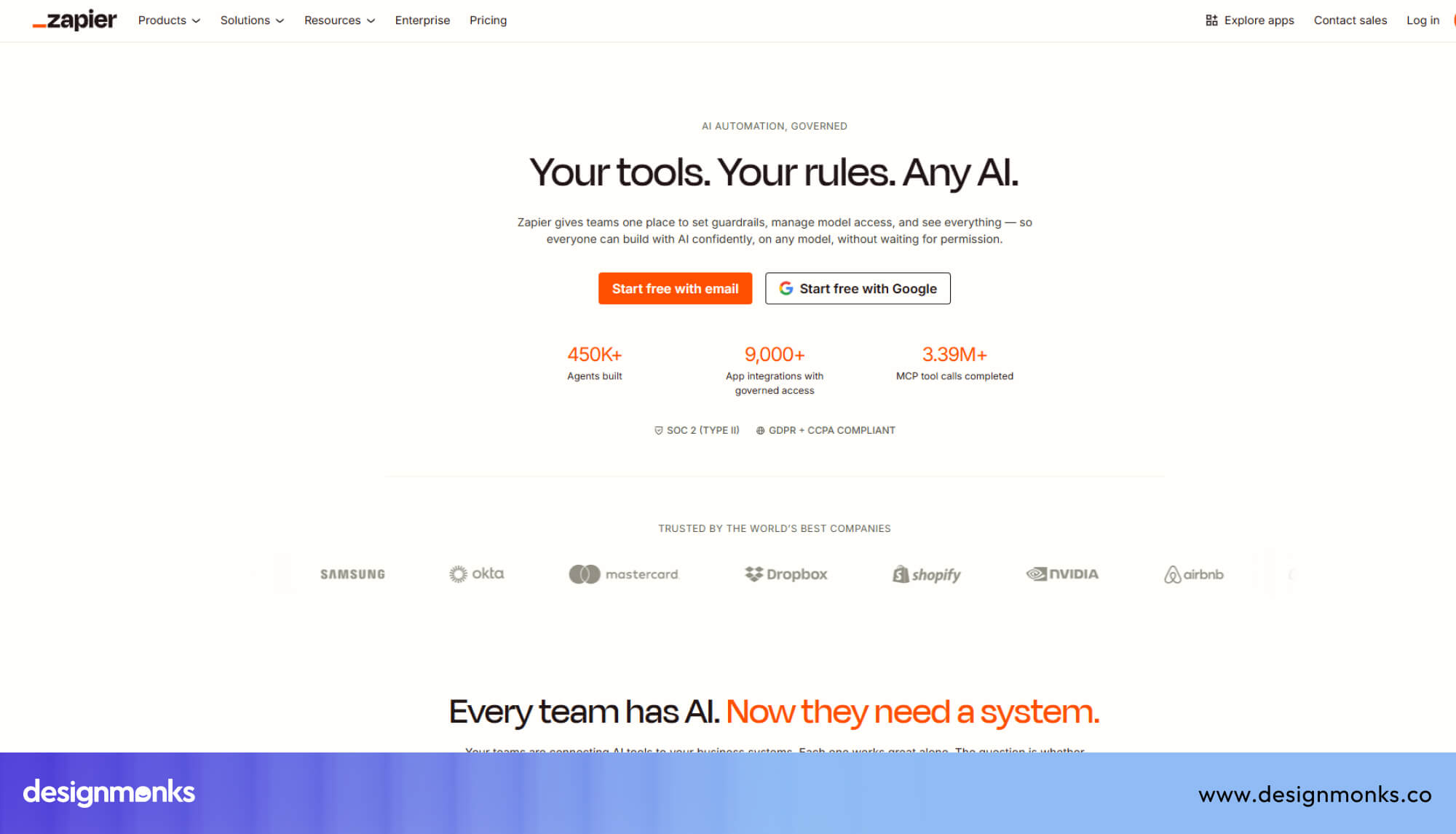
Zapier works by creating automated connections between different apps and tools your team already uses every day. Each connection is called a "Zap," and a Zap triggers an action in one app whenever something happens in another.
For design agents, Zapier acts as the glue that holds the whole workflow together. It can take an AI-generated design brief, send it to Notion, notify the team on Slack, and log everything in a Google Sheet automatically.
Pros:
- Connects with over 6,000 apps without any coding required
- Very beginner-friendly interface with clear trigger-action logic
- Supports multi-step Zaps for complex sequential design workflows
- Built-in AI actions allow direct GPT integration within Zaps
- Reliable automation with strong error notification and logging
Cons:
- Monthly task limits can get expensive at higher usage volumes
- Complex multi-step Zaps can break without clear error messages
Use Case: A design team can use Zapier to automatically send AI-generated UI copy from GPT directly into their Figma project management board for review.
11. Make
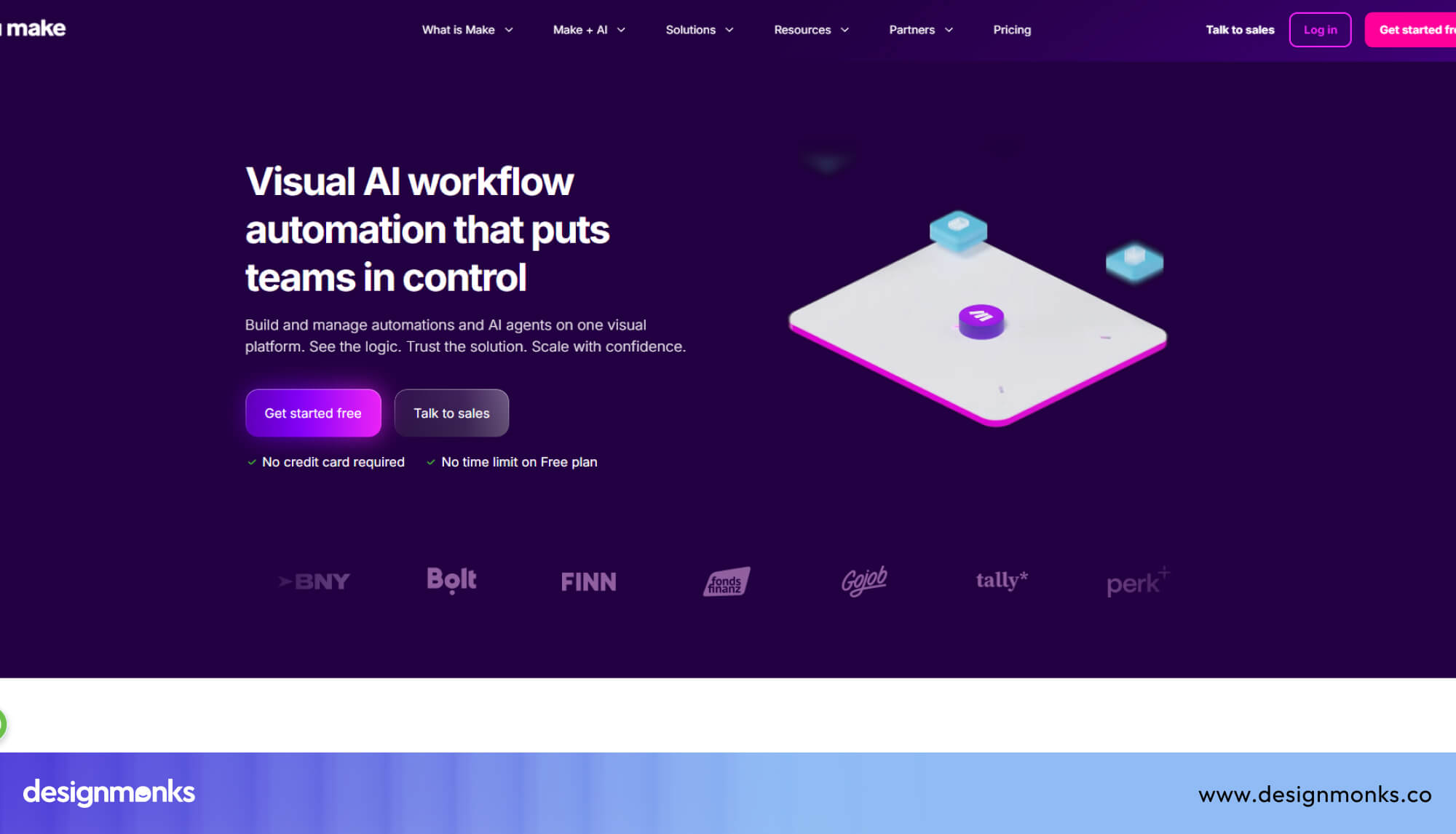
Make, previously known as Integromat, is a visual automation platform that gives you much more control over how data moves between your tools. Every workflow is built on a canvas where you can see the entire process laid out clearly.
Where Zapier keeps things simple, Make lets you build advanced logic, apply data filters, and handle errors within the workflow itself. Design teams with more technical confidence use Make to build precise, multi-branch automation that handles different scenarios differently.
Pros:
- Visual canvas makes complex workflow logic easy to follow
- Advanced data manipulation without writing actual code manually
- Handles conditional logic and branching paths within one workflow
- More affordable than Zapier at higher automation volume levels
- Strong API module for connecting tools without native integrations
Cons:
- Steeper learning curve compared to simpler automation platforms
- Some advanced modules require technical knowledge to configure properly
Use Case: A UX agency can use Make to build a workflow where client feedback automatically triggers an AI agent to revise wireframes and notify the project lead.
How to Choose the Right Tool Stack for Your Design AI Agent
The right tool stack depends on your skill level, team size, and what you actually want the agent to do. A solo designer needs something very different from an enterprise product team.
For Designers (No-Code Stack)
Tools like Figma, Zapier, and GPT work well together without any coding. This stack lets designers automate repetitive tasks, generate copy, and manage simple workflows through a visual drag-and-drop interface.
For Startups (Hybrid Stack)
Startups benefit from combining OpenAI APIs with automation platforms like Make or Flowise. This setup gives you more control over the agent's behavior without building everything from scratch.
For Enterprises (Custom AI Systems)
Large teams need scalable systems with proper data pipelines and custom-trained models. Platforms like LangChain or Anthropic's API allow deep integration, fine-tuned outputs, and full control over the agent's logic.
For Freelancers (Lightweight Stack)
A simple stack with ChatGPT, Notion AI, and Canva's AI tools covers most freelance design needs. This combination handles briefs, mood boards, and basic layout suggestions without heavy setup or extra cost.
For Agencies (Multi-Agent Stack)
Agencies handle multiple clients at once, so the stack must support parallel workflows. Tools like AutoGPT, LangChain, and Zapier together allow different agents to handle different client projects at the same time.
Real-World Examples of Design AI Agents
Design AI agents are not just a concept for the future. Teams across different industries are already using them to solve real design problems, cut production time, and deliver better results with smaller crews.
AI UI Generator Agents
Several SaaS product teams now use AI agents powered by GPT-4o and Galileo AI to generate full user interface screens from a simple text brief.
A product manager types in what a screen needs to do, and the agent returns a structured layout with proper visual hierarchy, placeholder content, and component suggestions. Startups use this approach to produce investor-ready prototypes in hours instead of days.
UX Audit Automation Agents
UX audit agents scan existing digital products and flag usability problems without a human consultant reviewing every screen manually. Teams build these agents using LangChain connected to a vision-capable model like Gemini.
The agent reviews screen recordings or static designs, checks them against UX best practices, and produces a structured report with specific recommendations. E-commerce brands use this method to identify drop-off points in their checkout flow quickly.
Branding Assistant Agents
Branding agents help creative teams maintain consistency across every client deliverable. An agency can build a branding assistant using Claude and Flowise, where the agent reads the brand guidelines document and checks new design assets against approved colors, fonts, and tone of voice.
This strategy removes the need for a senior designer to manually review every single piece of creative output.
Limitations & Challenges of Current Tools
Design AI agents are powerful, but they are far from perfect. Every tool available today comes with real constraints that designers and teams must understand before they commit to building a full agent-based workflow.
Lack of True Creativity
AI agents follow patterns from existing data, so they rarely produce something genuinely original. A human designer brings cultural awareness and emotional depth that no current model can replicate on its own.
Context Limitations
Most AI models can only hold a certain amount of information in memory at one time. When a design project gets complex, the agent may forget earlier instructions and produce outputs that contradict previous decisions.
Design Consistency Issues
AI agents struggle to maintain the same visual style across multiple outputs without constant correction. Small inconsistencies in spacing, color usage, using the right user interface elements, and typography can pile up quickly and create a messy final deliverable.
Over-Reliance on Prompts
The quality of an AI agent's output depends heavily on how well the prompt is written. A vague or poorly structured instruction will almost always result in a generic and unusable design suggestion from the agent.
Limited Design System Awareness
Most tools do not deeply understand a brand's specific design system unless you manually feed that information in. The agent has no natural sense of your component library, spacing rules, or established visual patterns.
High Cost at Scale
Running an AI agent continuously through API calls adds up financially very fast. Small teams and solo designers may find the monthly cost difficult to justify, especially when output quality still needs heavy manual refinement.
Whatever the AI agents may do, it’s always a good idea to do some testing with experts. If you are about to design a product using AI, Design Monks can help you with the gathered expertise of many skilled designers and AI experts.
Future of Design AI Agents
The design industry is moving toward a place where AI agents handle entire product cycles with minimal human involvement. The tools available today are just the early versions of what is coming in the next few years.
Autonomous Product Design
Within the next few years, a single product brief will be enough to get a fully designed, tested, and documented product delivered. Companies like Anthropic and OpenAI are already pushing their models toward deeper autonomous task execution.
AI-Native Design Systems
Future design systems will be built around intelligence from the very beginning, not added on top later. These systems will automatically update components, maintain visual consistency, and generate new assets that always align with established brand rules.
Multi-Agent Collaboration
Soon, multiple specialized agents will work together on a single design project at the same time. One handles UX research, another produces visual layouts, and a third reviews brand consistency, all without a human coordinator in between.
Real-Time Personalization at Scale
Personalized UI experiences for individual users will become a standard expectation rather than a premium feature. Platforms like Google DeepMind and OpenAI are actively developing models that adapt visual interfaces dynamically without any manual design intervention.
FAQs
Can AI replace UI designers?
AI can handle repetitive design tasks, but it cannot replace human creativity, cultural understanding, and strategic thinking. Designers who use AI agents will always have an advantage over those who completely avoid them.
What is the best no-code AI agent builder?
Flowise is currently one of the strongest no-code options for building a design AI agent. It combines a visual drag-and-drop interface with serious backend power through LangChain, making it accessible for non-technical designers.
How much does it cost to build an AI agent?
The cost to build an AI agent varies widely based on the tools you select. A basic agent using Flowise and OpenAI's API can cost as little as twenty to fifty dollars per month at a modest usage level.
End Note
The best tools for creating a design AI agent are already available and ready for you to use today. LangChain, Flowise, AutoGPT, OpenAI, Anthropic, and Figma AI each solve a different part of the design workflow problem. Your job is to pick the right combination based on your team size, skill level, and goals.
Start small, test one tool, and build from there. The designers who experiment now will be the ones leading their teams confidently when AI agents become the industry standard.


.avif)
.avif)
.avif)
.avif)


.avif)
.avif)
.avif)
.avif)








.avif)