
.svg)



Key Takeaways
- AI design agents speed up work without removing human creative control.
- These tools support designers across research, layout, and visual decisions.
- AI agents work best when paired with human judgment and experience.
- Ethical use and oversight remain critical in AI-driven design workflows.
- Choosing the right AI agent depends on team needs and design goals.
Have you ever thought about having a smart helper that knows design tricks and never sleeps? Well, there are some AI Agents for designing like Figma AI, Galileo AI, and Webflow AI that can do just that. They help designers work faster, improve visuals, and make ideas clear without confusion.
These AI agents can help you add AI in your UX workflow. They can easily guide you with layouts, colors, fonts, and more. You don’t need to struggle with small details or waste time. Even if you are new to design, these tools make the process smooth and simple.
Curious which AI agents can make your design work easier and faster? Well, first get introduced to the top 5 AI agents for designing in 2026, and then decide it yourself.
What Are AI Design Agents?
AI design agents are smart systems that can complete design tasks on their own. They do more than follow commands; they can plan steps and remember previous actions.
Unlike regular AI tools, autonomous systems can adjust to goals and improve over time. In 2026, these AI agents will become faster, smarter, and more practical for designers.
This shift in artificial intelligence changes UX design. Designers can now focus on creativity while AI agents handle repetitive tasks efficiently.
AI Agents vs Traditional AI Design Tools
AI agents differ from traditional AI-powered design tools in many ways. They can manage workflows, remember context, and complete multi-step tasks independently. Here are the key differences:
- AI agents can perform tasks without constant human instructions.
- Traditional tools only respond to immediate prompts given by designers.
- Autonomous systems remember past actions and adapt to new design goals.
- Classic AI tools lack memory and cannot plan multi-step workflows.
- AI agents help speed up workflow optimization and reduce repetitive work.
- Designers can focus on ideas while AI agents handle routine tasks.
How AI Agents Work in Design Workflows
AI agents support designers by automating parts of the creative and technical process. Instead of working like a single tool, they often operate as intelligent assistants that understand prompts, generate design outputs, and refine results through iterative steps.
These systems combine prompt engineering, generative design, and automation to simplify complex design tasks and speed up production.
Understanding Design Prompts
AI agents start by interpreting user instructions through prompt engineering. Designers describe layout ideas, brand guidelines, or UI structures, and the agent translates those prompts into design actions.
Generating Visual Concepts
Using generative design, the agent produces multiple layouts, color combinations, or UI components based on the provided instructions. This helps designers quickly explore different creative directions.
Executing a Multi-Agent Workflow
Advanced AI agenct design tools often rely on a multi-agent workflow, where different agents handle research, wireframing, UI generation, and asset creation. Each agent focuses on a specific task.
Handling Complex Visual Tasks
Modern AI design agent features for complex visual tasks include auto-layout generation, style matching, and component creation, helping teams accelerate design workflows.
How We Ranked the Top AI Design Agents
To rank the top AI design agents, we followed clear and practical evaluation criteria. The aim was to judge real value during everyday design workflows, not bold claims. We focused on product design and UI/UX use cases where generative AI directly affects speed and output quality.
Each tool was tested through hands-on use. We checked how it supports idea creation, layout work, revisions, and team collaboration. Design efficiency mattered more than feature count. Tools that saved time and reduced friction ranked higher.
Here are the criteria we used:
- Autonomy level: How much work the agent completes without repeated instructions
- Design quality output: Visual balance, clarity, and usefulness for real UI/UX projects
- Tool integration: How smoothly it fits with Figma, Webflow, or code-based tools
- Learning & memory: Ability to keep context and follow design intent across steps
- Team collaboration readiness: Support for sharing work, feedback, and team workflows
- Ease of use: How quickly designers can start work without long setup or learning time
- Scalability: How well the agent performs as projects, teams, or design scope grow
Top 5 AI Agents for Designing in 2026 (Expert Picks)
Many AI design tools exist today, but the right one often feels hard to pick. It’s because many of them look impressive but fail during real design work. To save your time and effort, here are five AI design agents you can trust.
1. Figma AI: Best for Speeding Up Design Workflows
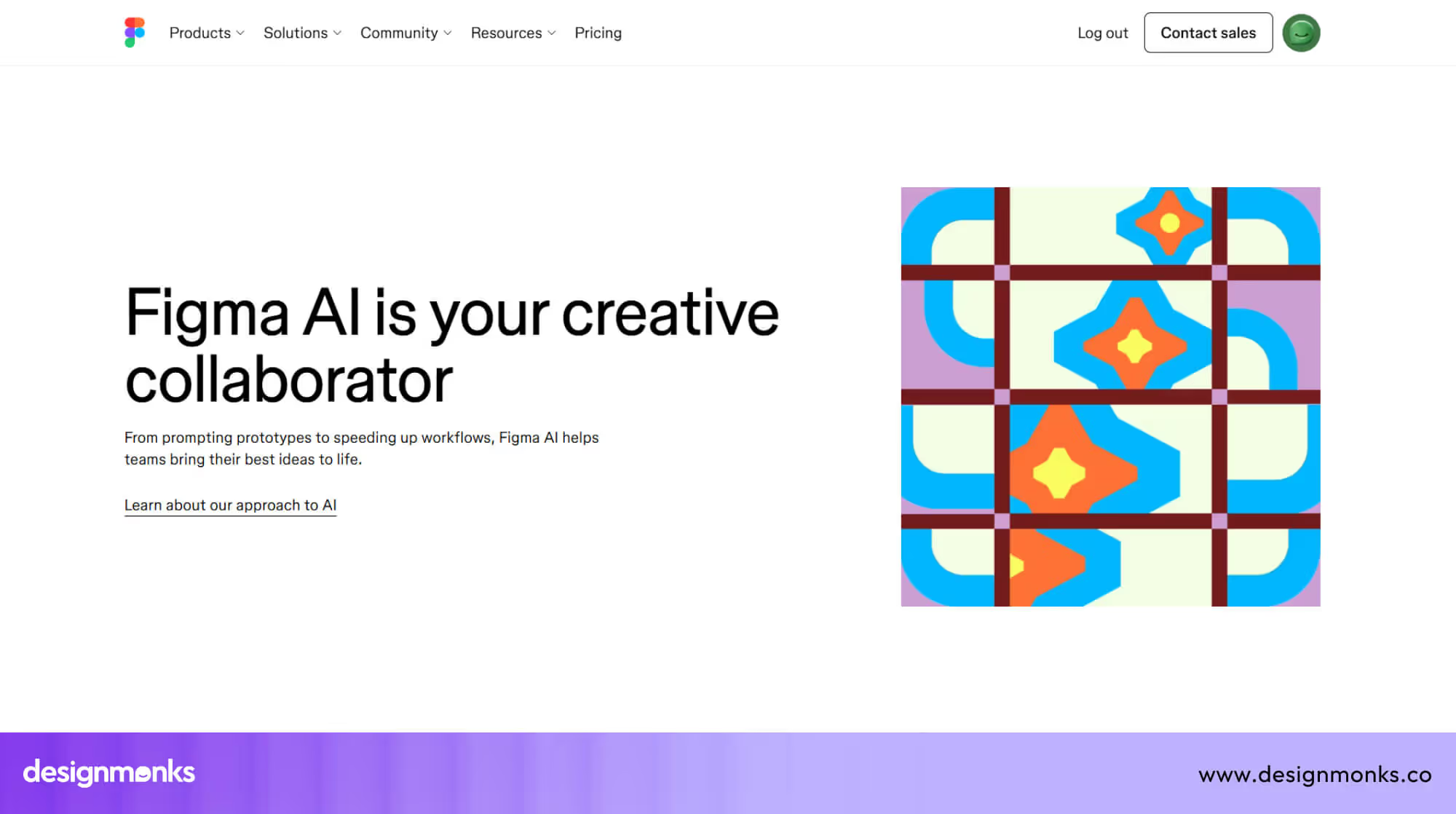
The best gift of Figma Config 2025 was this AI agent, Figma AI. It helps designers generate, refine, and organize designs faster. It focuses on turning ideas into interactive screens while keeping workflows smooth and collaborative.
I think versatility is the best feature of this AI designing agent. Whether I needed quick prototypes, interactive elements, or layer management, the AI assisted without slowing my design flow. It also helped reduce repetitive tasks, letting me focus on creative decisions instead of manual adjustments.
Figma AI works best for teams or solo designers who want speed without sacrificing control. It supports experimentation in layouts, animations, and visuals, while keeping everything aligned with the project’s design system. Some highly advanced custom interactions still require manual work.
- Core capabilities: Generates prototypes, interactive elements, and images while managing layers efficiently
- Autonomous actions: Suggests layouts, creates interactive features, and renames layers without repeated instructions
- Design stack compatibility: Fully integrated into Figma, also works with code editors and AI tools for design-to-code workflows
- Strengths & limitations: Speeds up design processes and prototyping, but complex animations may still need hands-on work
- Ideal users: UX/UI designers, product teams, and agencies looking to accelerate ideation and production
2. Galileo AI: Best for Testing UI/UX Design
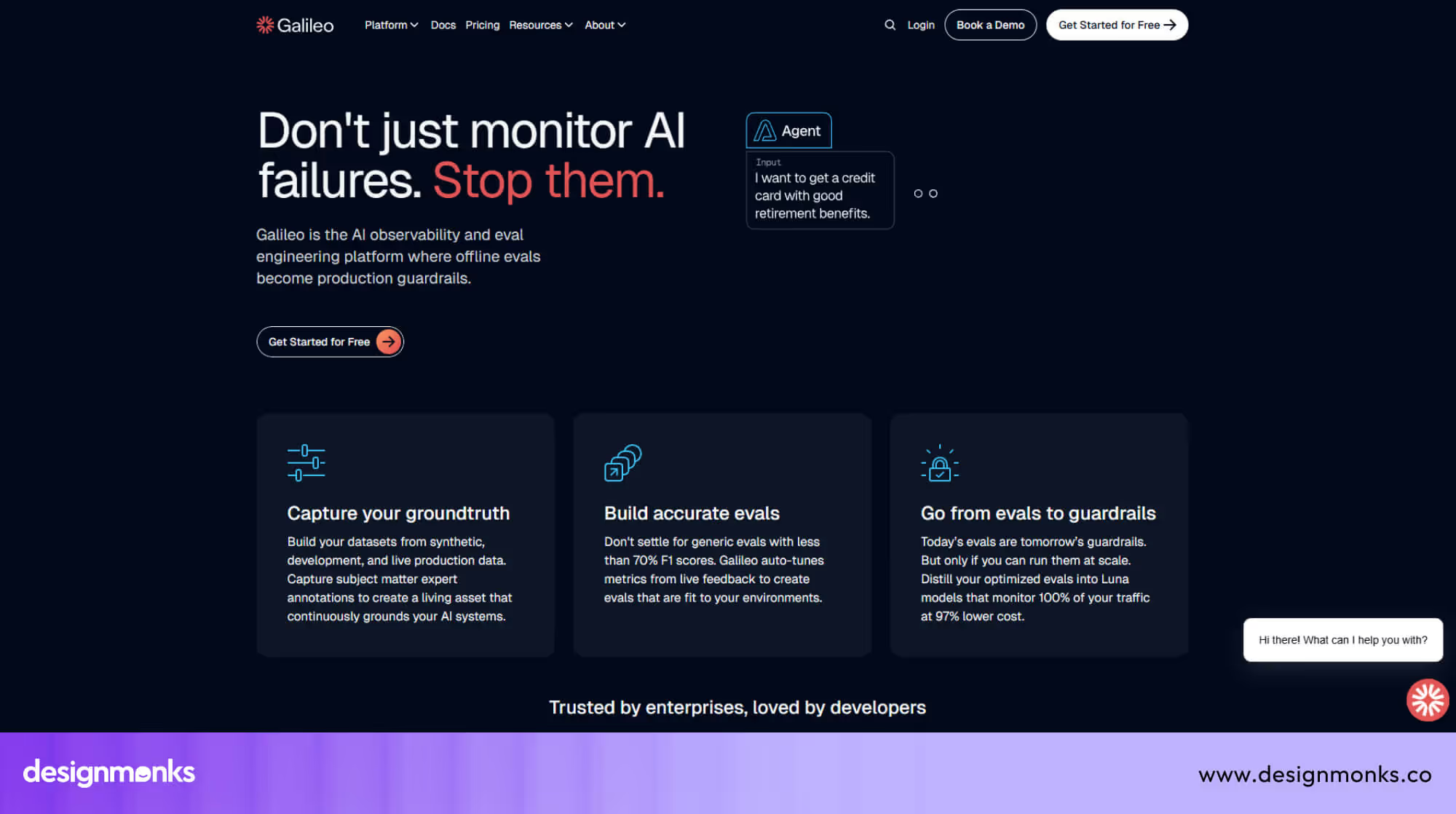
Galileo AI is a product by popular UX tool Galileo to help teams check how AI behaves inside real products. For designers, it helps ensure AI features act correctly inside user flows and screens.
After using it, the strongest value felt like clarity. The platform shows where AI actions break user experience, such as wrong responses or unsafe outputs. This helps designers and product teams fix issues before release.
Galileo AI works best when the design includes AI features like chat, search, or agents. It helps protect user trust and keeps experiences consistent. Smaller teams may find setup heavy, but results feel reliable.
- Core capabilities: Evaluates AI behavior inside user flows and AI-powered product experiences
- Autonomous actions: Detects UX-breaking AI outputs and applies control rules automatically
- Design stack compatibility: Works alongside AI agents, product systems, and incoportating AI in UX workflows
- Strengths & limitations: Strong for AI-driven UX safety, but needs technical setup
- Ideal users: Product designers, AI product teams, enterprises building AI-powered interfaces
3. Webflow AI: Best for Designing Website Pages
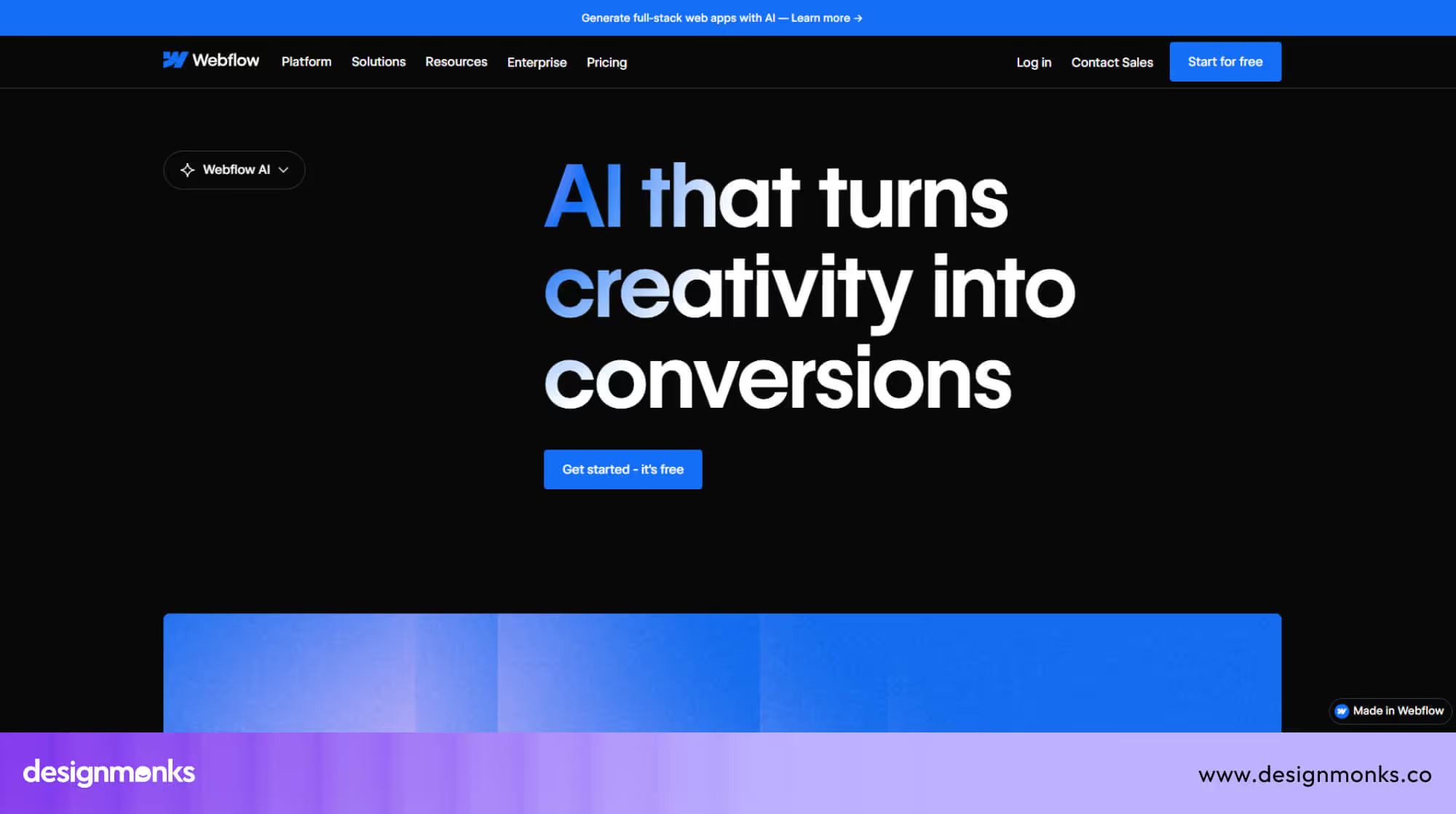
Webflow AI is an AI UX agent from Webflow that helps designers create website sections faster. It focuses on layout structure and keeps visual style consistent across pages, which helps teams work with fewer errors.
This AI product design assistant supports drag-and-drop page building and suggests section layouts based on the current page. It works well during early page creation and helps reduce repetitive layout work for designers.
Webflow AI fits designers and teams who want full control over website design without heavy development work. It works best for landing pages, campaign sites, and fast product launches that need speed and consistency.
- Core capabilities: Generates page sections that match existing styles, layout rules, spacing, and typography automatically
- Autonomous actions: Applies saved classes and layout logic without repeated instructions from the designer
- Design stack compatibility: Works inside Webflow and connects with popular content, form, and design tools
- Strengths & limitations: Strong for layout speed, but limited for deep custom elements or advanced interactions
- Ideal users: Startups, solo designers, and small teams who publish websites without developer dependency
4. Replit AI: Best for Visual Product Drafts
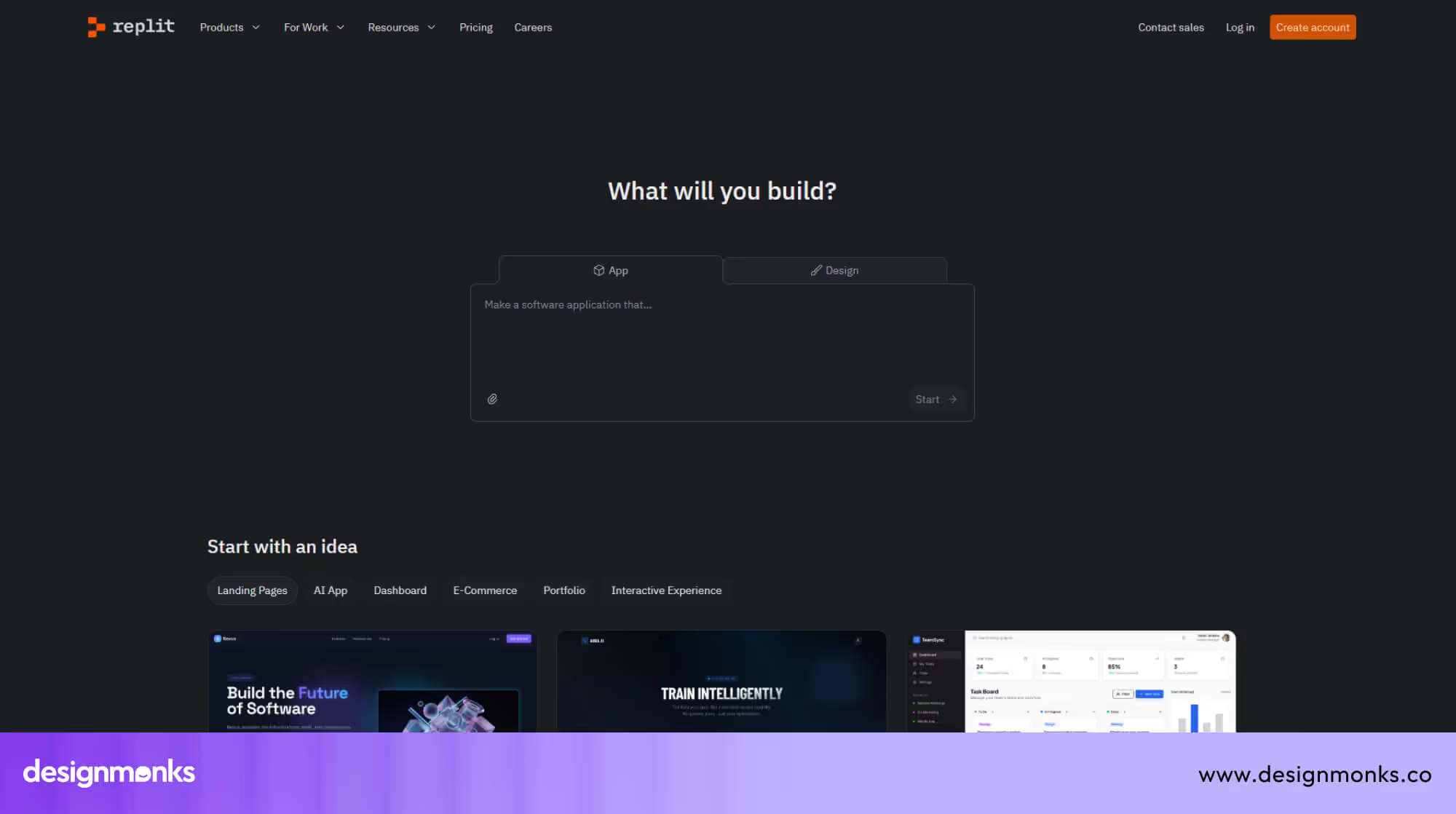
Replit AI is an AI UX agent from Replit that turns written ideas into working product drafts. It focuses on visual results first, which helps people see their product shape without writing code at the start.
During use, the tool felt conversational and responsive. After sharing an idea, it mapped steps, suggested features, and showed progress clearly. Design changes felt simple through text instructions, which made fast visual edits possible.
Designers of any level, especially those who are doing early product tests and idea demos, find this AI agent extremely helpful for designing. It works best for structure and flow, not polished UI details. Extra effort may still be needed to refine visuals before final release.
- Core capabilities: Turns written ideas into usable app drafts with visual screens and basic structure
- Autonomous actions: Plans steps, suggests features, tracks changes, and restores earlier versions
- Design stack compatibility: Works inside Replit with live preview and visible code support
- Strengths & limitations: Fast product drafts, but limited control over fine UI design details
- Ideal users: Founders, startups, agencies, and non-technical teams testing product ideas
5. UX Pilot AI: Best for Detailed Mockups
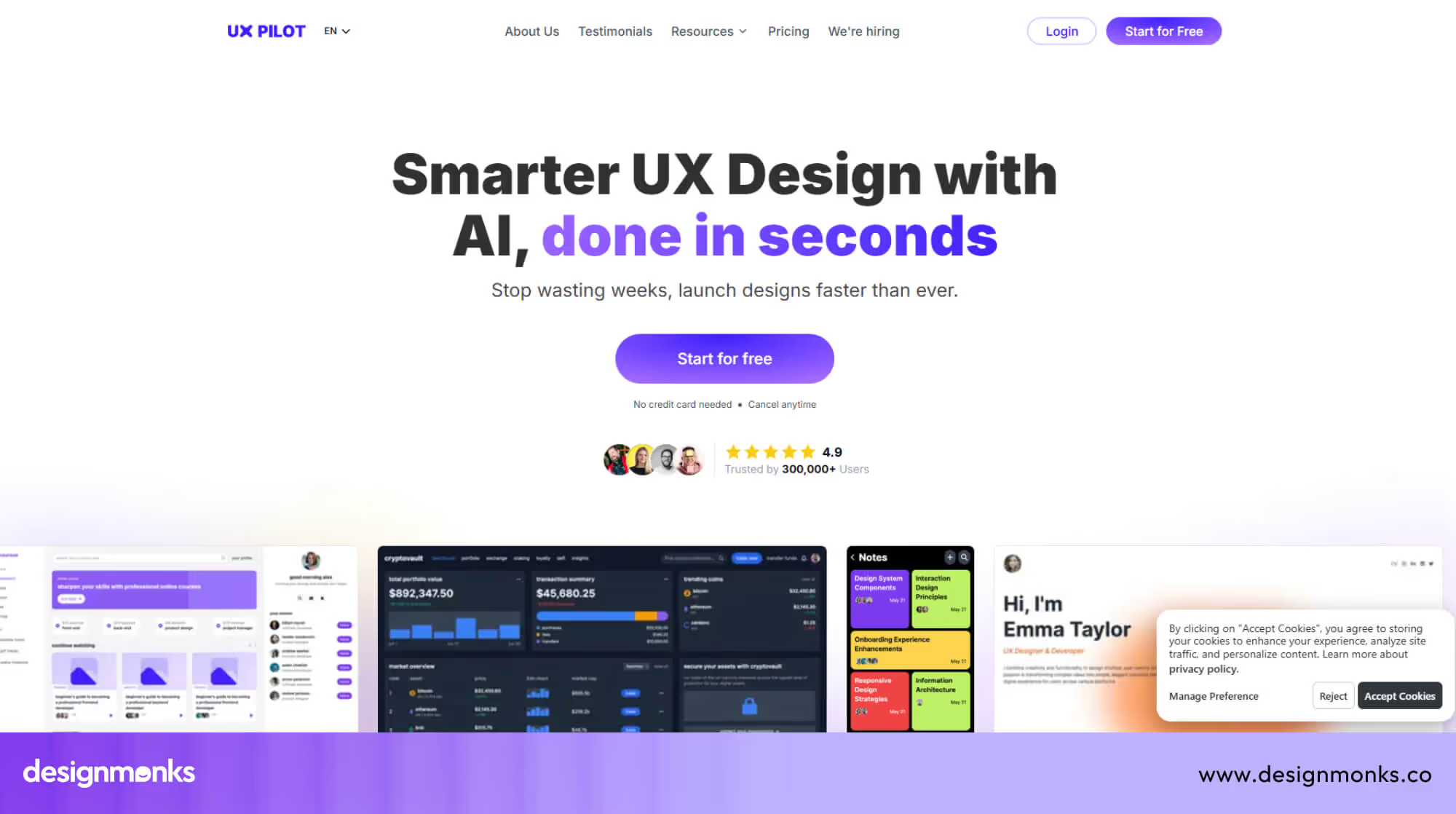
UX Pilot AI is an AI UX agent made by the UX Pilot team. It helps turn written ideas into detailed app and web screens. The designs feel close to real products, not rough sketches.
While using it, the biggest help comes from visual clarity. After writing a short idea, the tool creates full screens with layout, colors, and text. This helps teams see the product before any code work begins.
This AI product design assistant suits early product planning. It helps test ideas, explain screens to others, and collect feedback. Some results need review, but the speed makes early design work easier.
- Core capabilities: Creates wireframes and polished screen designs from simple written ideas
- Autonomous actions: Builds complete screen sets and user paths without repeated manual steps
- Design stack compatibility: Works with Figma and supports design handoff or early build use
- Strengths & limitations: Very fast for mockups, but needs human review due to early-stage AI limits
- Ideal users: UX designers, founders, product teams, and startups shaping ideas before development.
Real-World Design Workflows Powered by AI Agents
AI agents now play a real role in modern UX workflow stages. They support the full product lifecycle by helping teams move faster with fewer gaps. Instead of working alone, designers use multiple agents that support research, layout, and delivery in a connected flow.
In real projects, AI agents help during UX research, wireframing, review, and final handoff. Each agent handles a clear task and passes the context forward. This keeps design intent clear and reduces rework across teams and stages.
Research, Structure, and Screens Working Together
One AI agent reviews research notes, surveys, and feedback. It highlights patterns and key user needs. Another agent turns these insights into clear page structure and wireframes. A design-focused agent then prepares usable UI screens. This design process automation keeps ideas aligned from start to finish.
Turning Early Layouts into Polished Interfaces
After wireframes are ready, an AI agent helps refine spacing, color, and text style. It applies design rules and keeps layouts consistent. Designers review and adjust details quickly instead of starting each screen from scratch.
Final Checks and Smooth Team Handoff
Before delivery, an AI agent checks flow issues and basic UX risks. It prepares files, notes, and references for teams. This step reduces confusion and helps products move to the build stage with confidence.
Example AI Design Workflow Using Multiple Agents
Modern design teams increasingly rely on a multi-agent workflow to speed up the product design workflow. Each AI agent focuses on a specific stage, making collaboration between tools more structured and efficient.
A project usually begins with prompt engineering. Designers describe the idea, target users, and interface structure. This input guides the system to generate early concepts through generative design.
Workflow Pattern:
Idea → UX Research Agent → Wireframe Agent → UI Generator → Asset Generator → Dev Handoff
In many teams, AI agent Figma design workflow automation 2025 2026 helps refine layouts, components, and responsive structures directly inside Figma.
This structured process functions as a professional AI design agent for creative agencies, enabling faster design iteration while maintaining consistent visual systems across complex digital products.
Common Use Cases of AI Agents in Design
AI agents now support many stages of the design process. They help teams move faster from idea to visual output by automating repetitive tasks and generating design variations across different products and platforms.
- UI and Interface Generation: AI agents convert prompts into UI layouts, dashboards, and screens, helping designers quickly explore multiple interface structures.
- Wireframing and Concept Design: Design agents generate early wireframes from product ideas, allowing teams to visualize concepts before detailed UI design begins.
- Brand Asset Creation: Agents can generate logos, color palettes, typography styles, and other visual elements that follow brand guidelines.
- Landing Page and Web Layout Design: AI tools produce website layouts, hero sections, and page components to accelerate marketing page creation.
- Design System and Component Creation: Some agents generate reusable UI components and style libraries for scalable design systems.
Human Designers vs AI Agents - Collaboration, Not Replacement
AI agents support design work, but they do not replace human-centered design. A UX designer brings emotion, ethics, and context into decisions. AI helps with speed and structure, while humans protect meaning, trust, and real user needs.
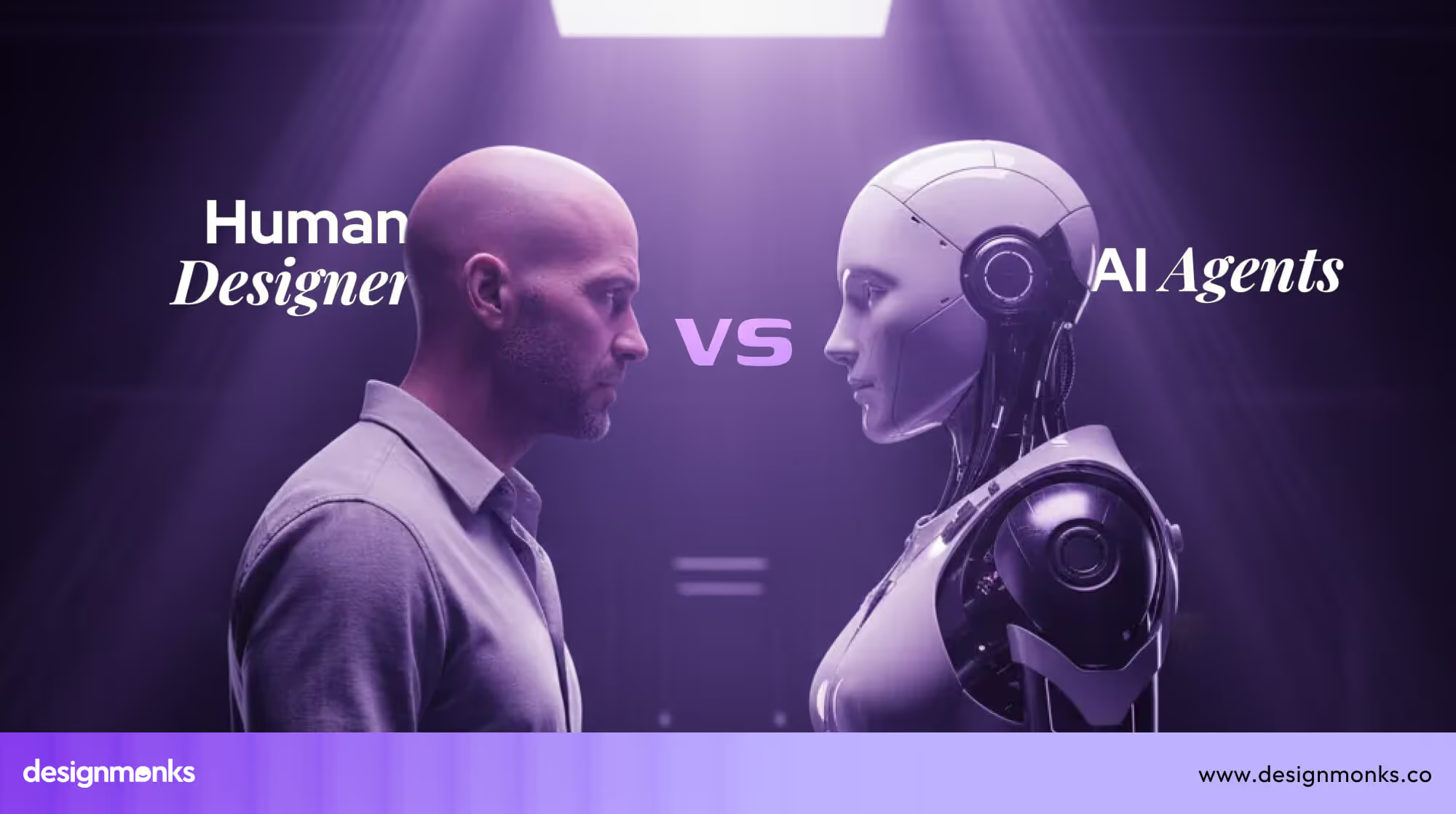
In real projects, AI-human collaboration works best when roles stay clear. AI agents handle repeatable tasks and pattern-based work. Human designers guide direction, ask the right questions, and judge what feels right for users.
Here’s why human involvement still matters and how designer roles are evolving:
- What AI agents can’t replace: Emotional judgment, cultural awareness, and ethical responsibility in product design
- Where human judgment is critical: User empathy, experience flow decisions, and trust-sensitive design choices
- New roles designers will adopt: AI supervisor, experience strategist, and quality decision maker
Limitations, Risks & Ethical Concerns of AI Design Agents
AI design agents bring speed and scale, but they also raise serious concerns. A responsible design team must review risks linked to AI ethics, bias, and data privacy. Balanced use protects users, products, and long-term trust.
Here are the major risks designers should understand about the use of AI agents in design:
Design Homogenization
AI agents often reuse familiar layout patterns and visual rules. This can make products look similar and reduce brand identity. Human designers must push originality, variation, and emotional tone to avoid flat, copy-like experiences.
Bias Amplification
AI systems learn from existing data, which may contain bias. These biases can appear in layouts, content tone, or user flow decisions. Designers must review outputs carefully to protect fairness, inclusion, and equal access for users.
IP & Originality Risks
AI agents may produce designs that feel close to existing products. This creates risks around originality and ownership. Designers must verify uniqueness and avoid publishing work that could raise legal or ethical questions.
Over-Automation Dangers
Too much reliance on AI can weaken design thinking. Teams may accept outputs without question. Human judgment remains critical to ensure usability, clarity, and emotional fit across different user scenarios.
Data Privacy & User Trust
Some AI agents rely on user data or project inputs. Poor handling of this data can harm privacy. Designers and teams must check how tools store, process, and protect sensitive information.
Transparency & Accountability
AI decisions are not always easy to explain. When issues arise, teams still carry responsibility. Designers must understand limits, document decisions, and stay accountable for user-facing outcomes.
End Note
AI design agents are changing how designers think, plan, and execute their work. They reduce friction, speed up decisions, and handle repetitive tasks, allowing designers to focus more on creativity, strategy, and user experience.
Still, the best results come from collaboration, not replacement. When human judgment meets AI efficiency, design becomes faster, smarter, and more meaningful. It helps teams build products that truly serve people.


.avif)
.avif)
.avif)
.avif)


.avif)
.avif)
.avif)
.avif)







.avif)




