
.svg)


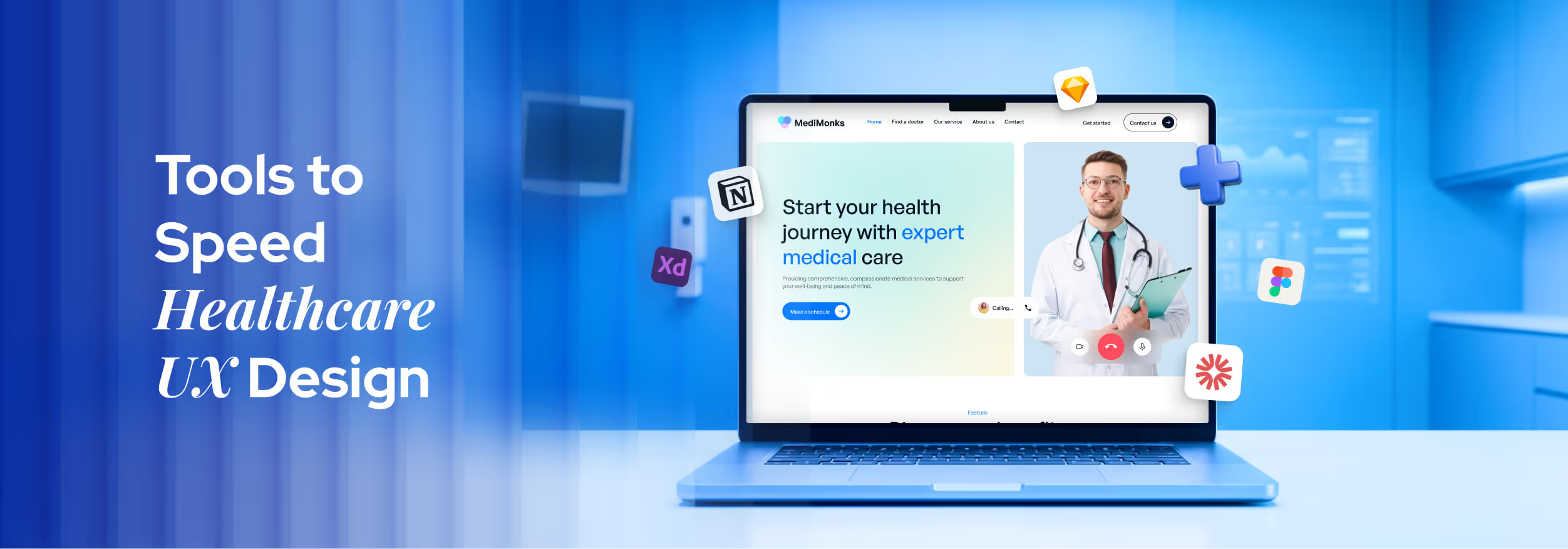

Key Takeaways
- Use the right tools to speed up telehealth UX workflows.
- Test early with patients and clinicians to reduce design risks.
- Keep interfaces simple to avoid confusion during health tasks.
- Build design systems to maintain consistency across telehealth screens.
- Run regular usability tests to improve flows and user experience.
Telehealth apps can fall apart fast when simple tasks feel confusing for patients. People come for quick help, but messy screens slow everything down and create stress during important health moments.
Many teams jump straight into features without the right tools for healthcare design. The result looks ridiculously messy, actions feel unclear, and users lose trust while sharing private health details.
Good tools like Figma, Material UI, Adobe XD, etc., can fix these issues early and make your design work feel much easier. They help you shape ideas, test screens fast, and build a smooth flow that actually makes sense.
Well, today, you will learn simple tools to speed up healthcare UX design for a telehealth MVP.
UX Design Tools That Speed Telehealth MVP Development
Many tools claim to be the best for healthcare UX design today. Things change fast once you actually use them in real projects. Luckily, these tools save time and reduce confusion. I grouped them based on their main features. Let’s check them out:
UI/UX Design & Prototyping Tools
In telehealth website design, clear screens and smooth flows are not just nice to have. Patients need quick and stress-free actions. These tools help teams build, test, and fix ideas before development starts.
1. Figma
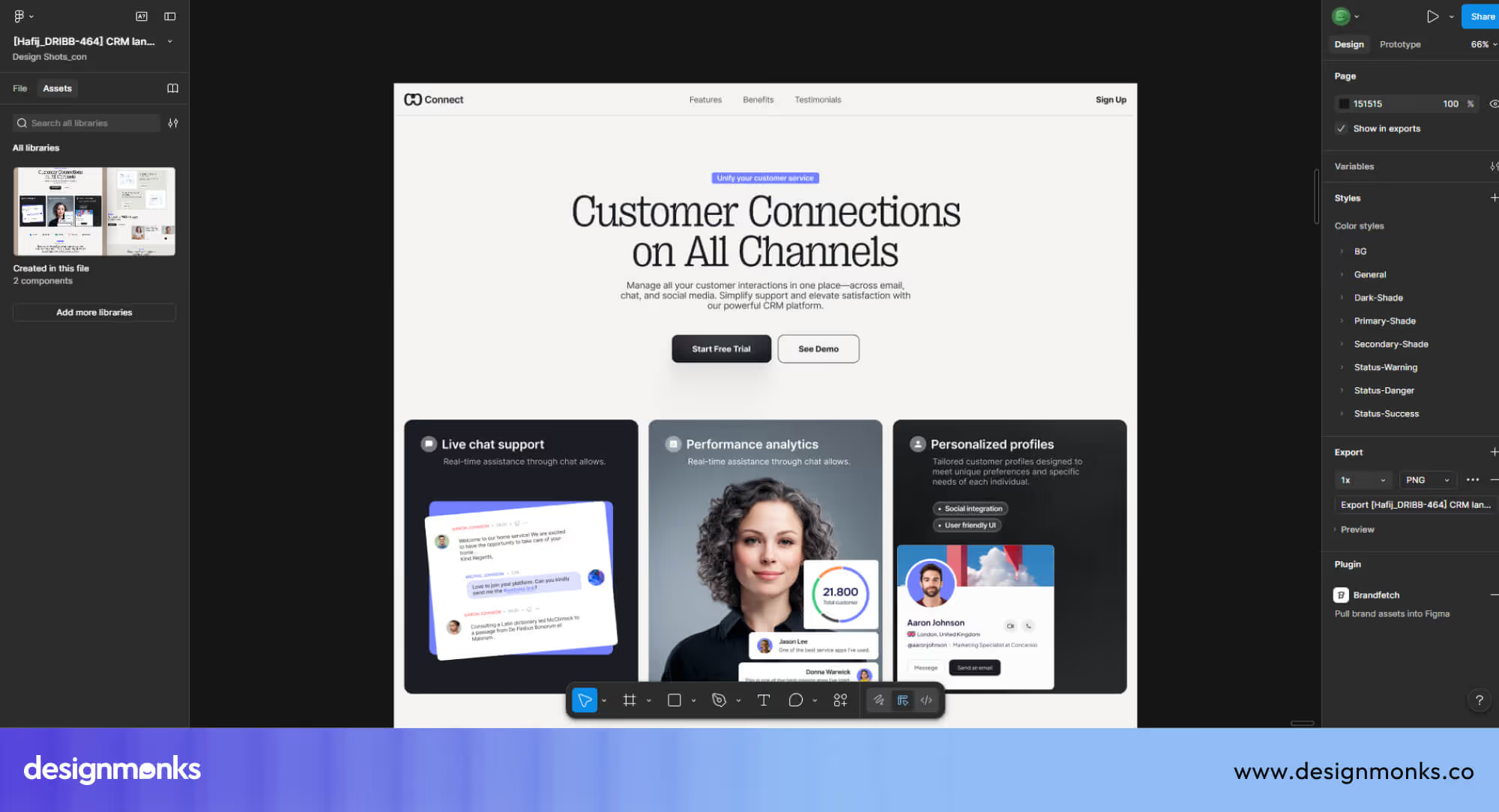
Figma is perfect when your team needs to work together in real time. Everyone can check updates live, which avoids confusion during important health feature discussions and quick decision moments.
Another strong point is its design system support for consistent medical layouts. You can reuse styles for forms, alerts, and buttons, which helps patients move through tasks without second thoughts.
2. Sketch
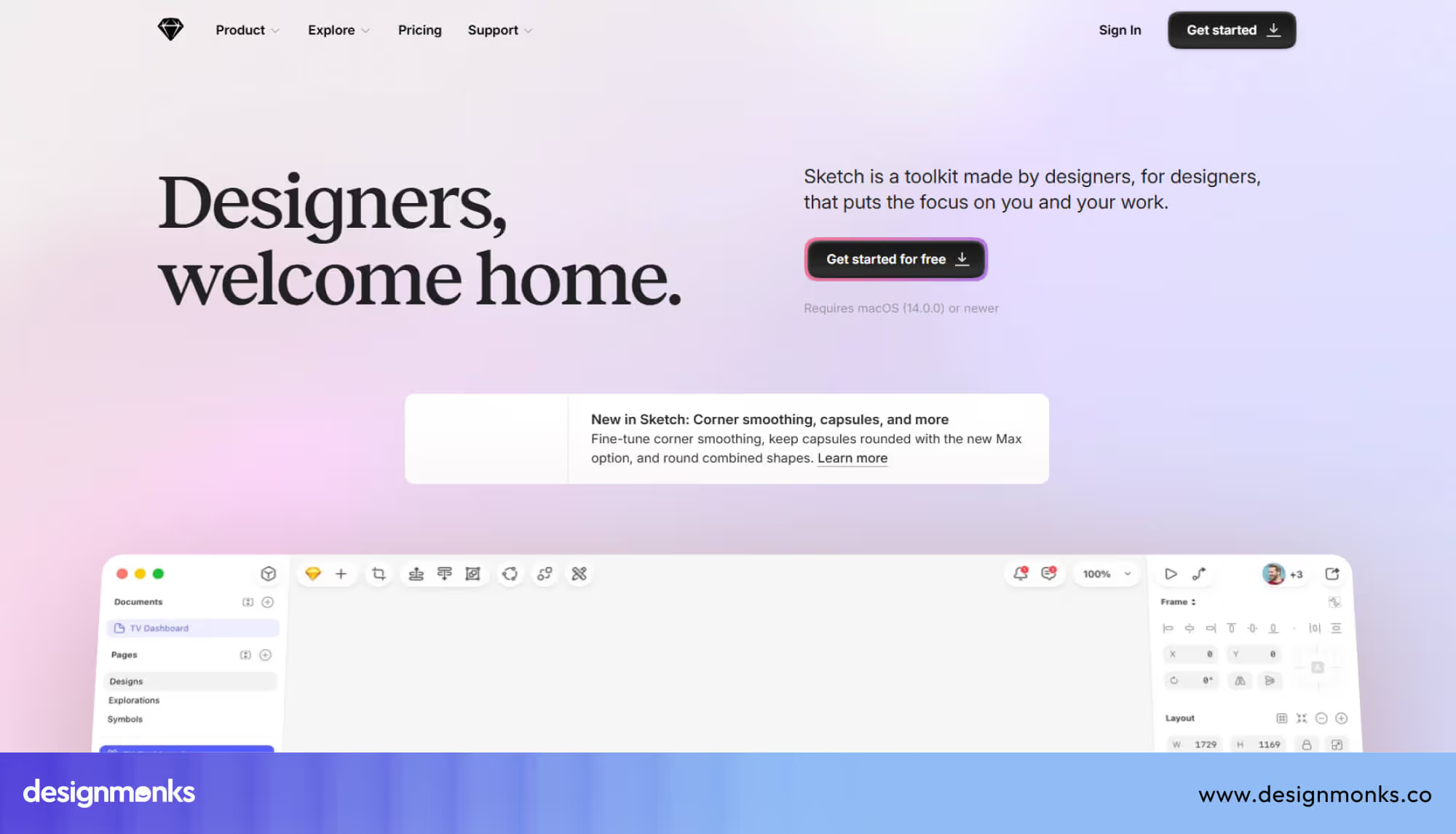
Sketch works well when you want full control over a clean and simple interface design. It helps you create layouts that feel calm and easy to scan, which matters a lot during health-related actions.
One thing that really helps here is the symbol system for reusable design parts. This feature keeps repeated screens consistent, especially when you design booking steps or patient profile sections.
3. Adobe XD
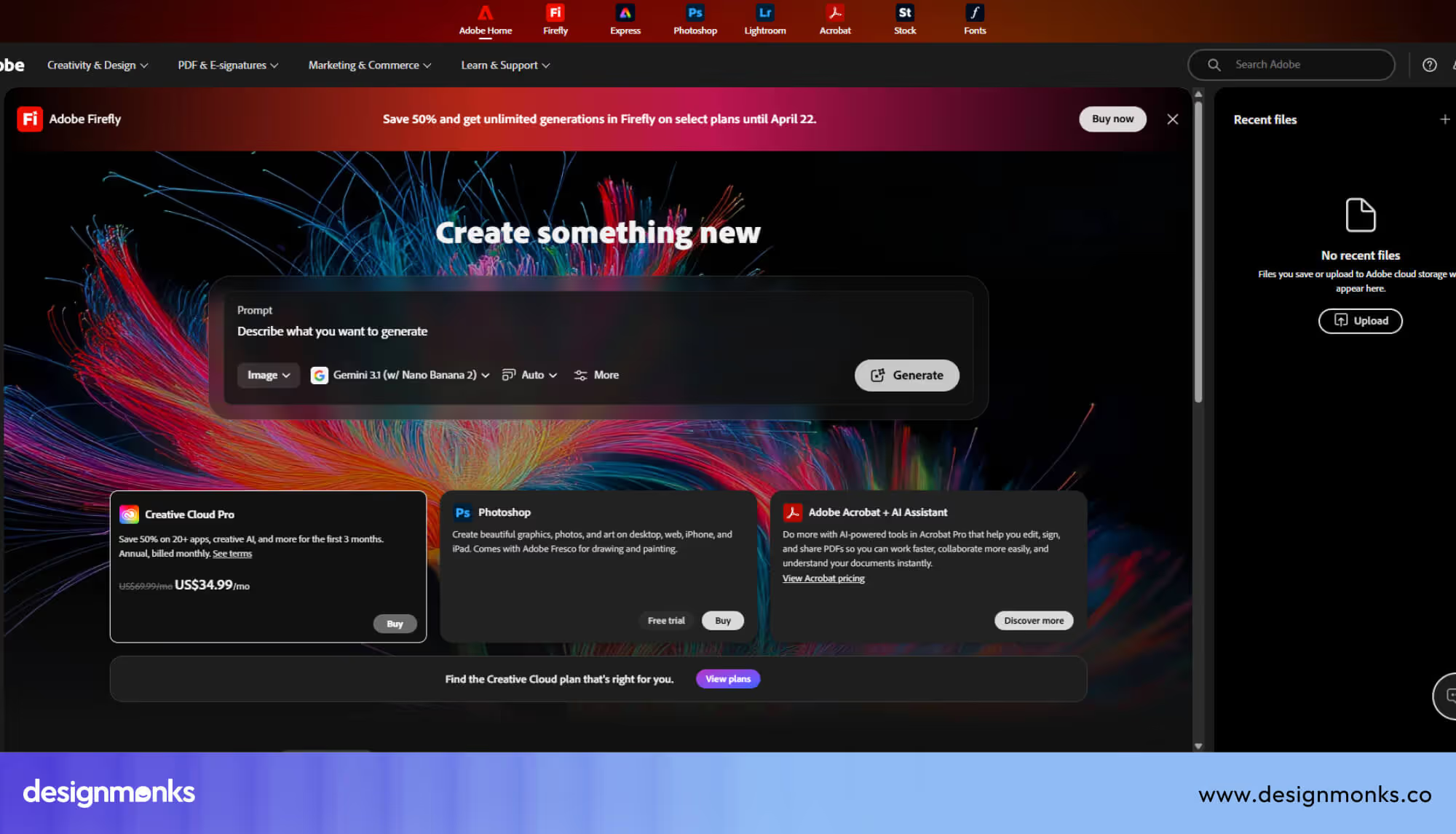
Adobe XD is useful when you want to show how your app will actually feel before development. You can build interactive flows that help teams understand real user actions in a telehealth setup.
You also get simple sharing options for quick feedback from clients or doctors. These options make it easier to review patient journeys and fix issues before the final product goes live.
Healthcare UI Component Libraries
Healthcare apps need clear and safe interfaces, and that usually takes a lot of effort. Component libraries cut down repeated work and keep everything consistent. These UI Kits also support accessibility standards, so more people can use your product without struggle.
4. Material UI
Material UI gives ready UI elements like buttons, forms, and cards. These follow a structured design system, which helps you build familiar layouts for telehealth apps without wasting time on basic design.
Another helpful part is the built-in support for accessibility in many components. Patients can read content, tap actions, and move through screens with less confusion during important health tasks.
5. Healthcare UI Kits
Healthcare UI kits come with pre-designed screens for real medical use cases. You get layouts for dashboards, appointments, and reports, which makes the design process much faster from the start.
Most of these kits follow strong accessibility standards used in healthcare products. Your interface feels safer and easier to use, especially when users deal with private data or urgent actions.
6. Accessibility Components
Accessibility components focus on users who need extra support during app use. Features like better contrast and readable text help users interact without stress or confusion in sensitive moments.
Meeting accessibility standards becomes easier with these components in place. It also builds trust, since users feel comfortable and confident while using your healthcare product.
User Testing Tools for Telehealth UX
In telehealth apps, small UX issues can confuse patients and delay important actions. User testing tools help you check real behavior early. You can test ideas with patients and doctors without a long setup or high cost.
7. Maze
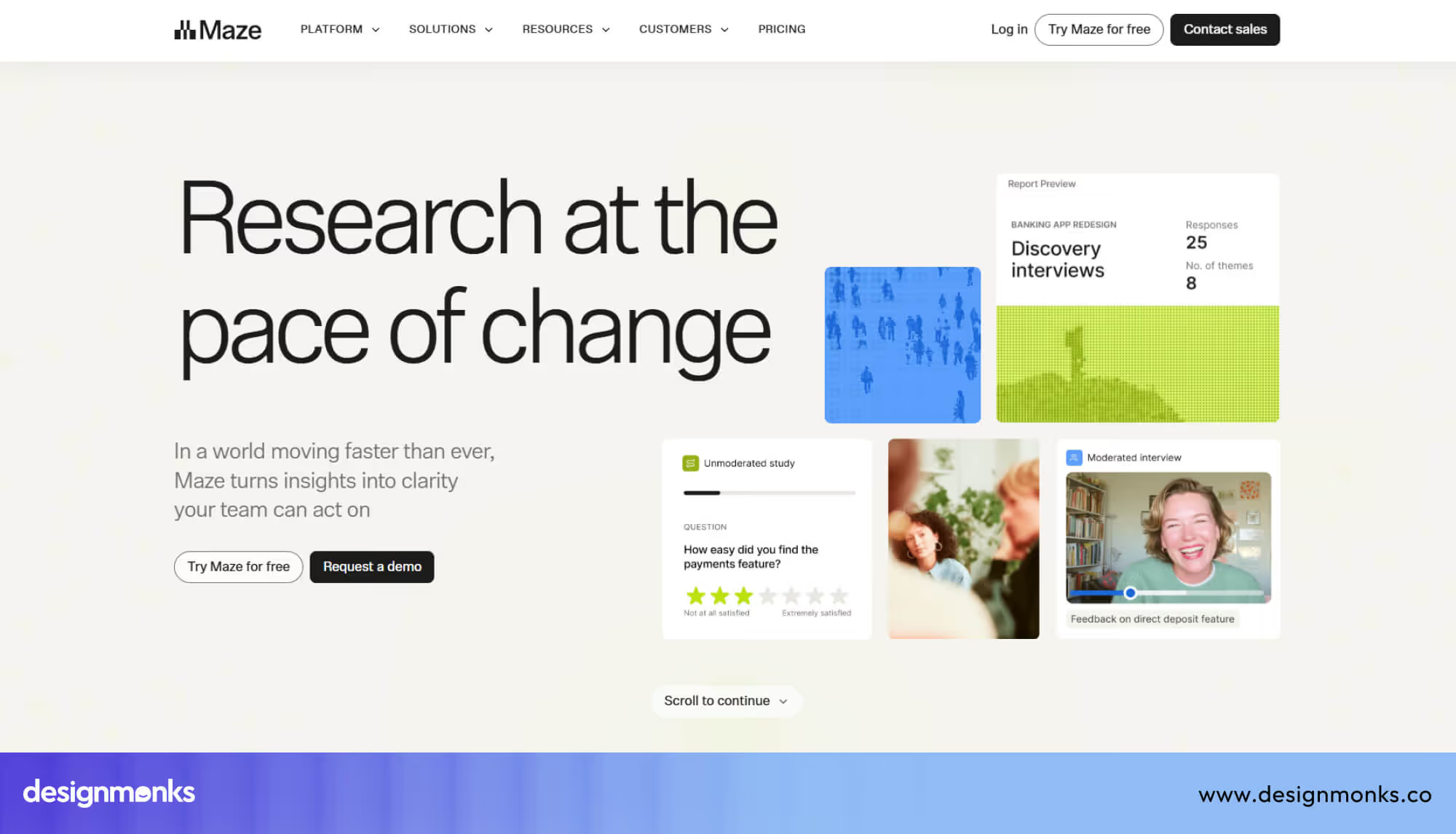
Maze helps you test prototypes quickly with real users in a remote setup. You can send a simple link, and users complete tasks on their own devices without any guidance.
You get clear behavioral insights like where users click, stop, or feel confused. This strategy helps you fix weak areas in flows like appointment booking or symptom check steps.
8. UserTesting
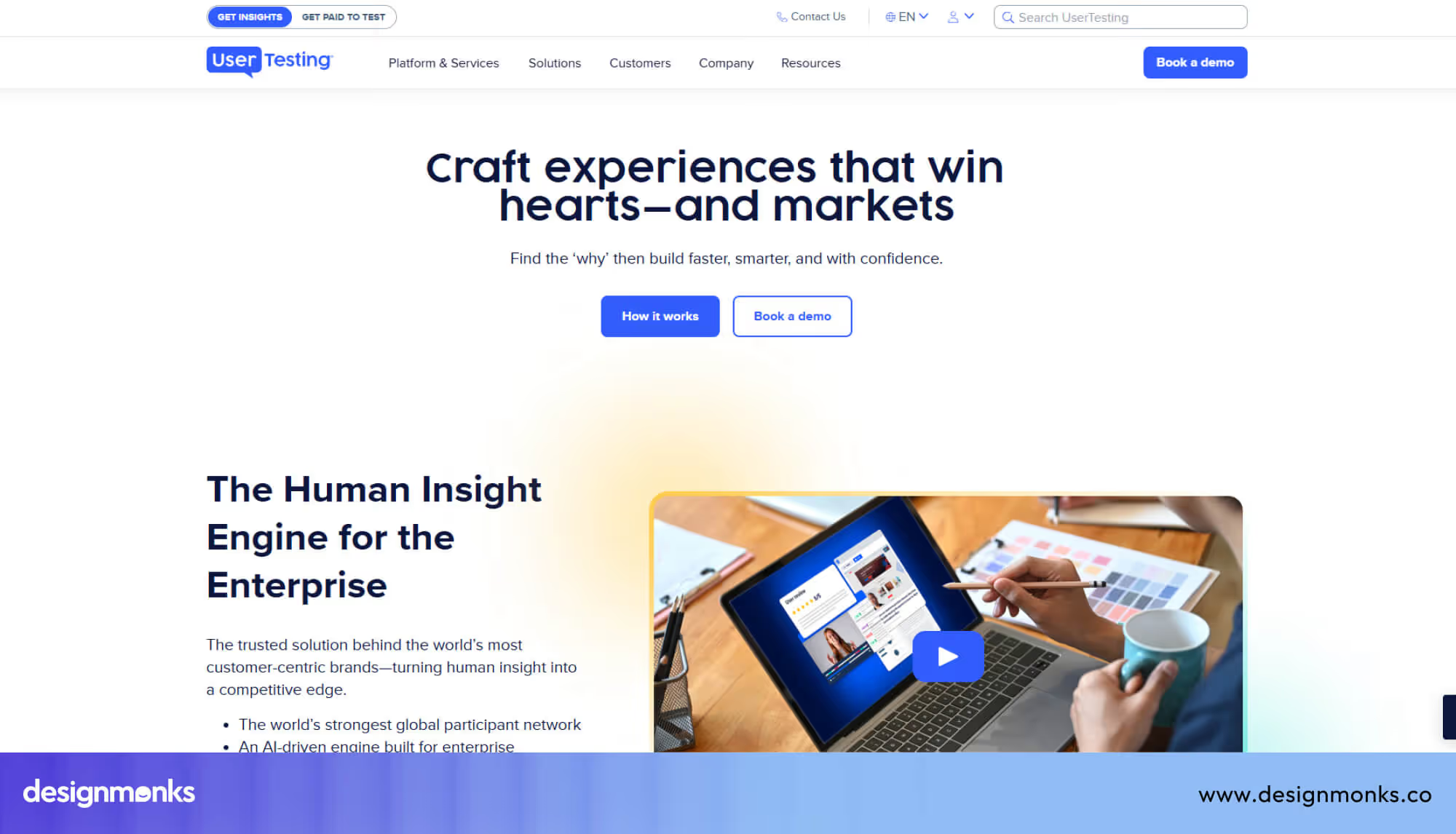
UserTesting lets you watch real people use your product and share honest feedback. You can include both patients and clinicians, which gives a balanced view of your telehealth experience.
Video feedback shows how users react during each step, which feels very real and direct. It lets you validate your prototype before development and avoid costly changes later.
9. Lookback
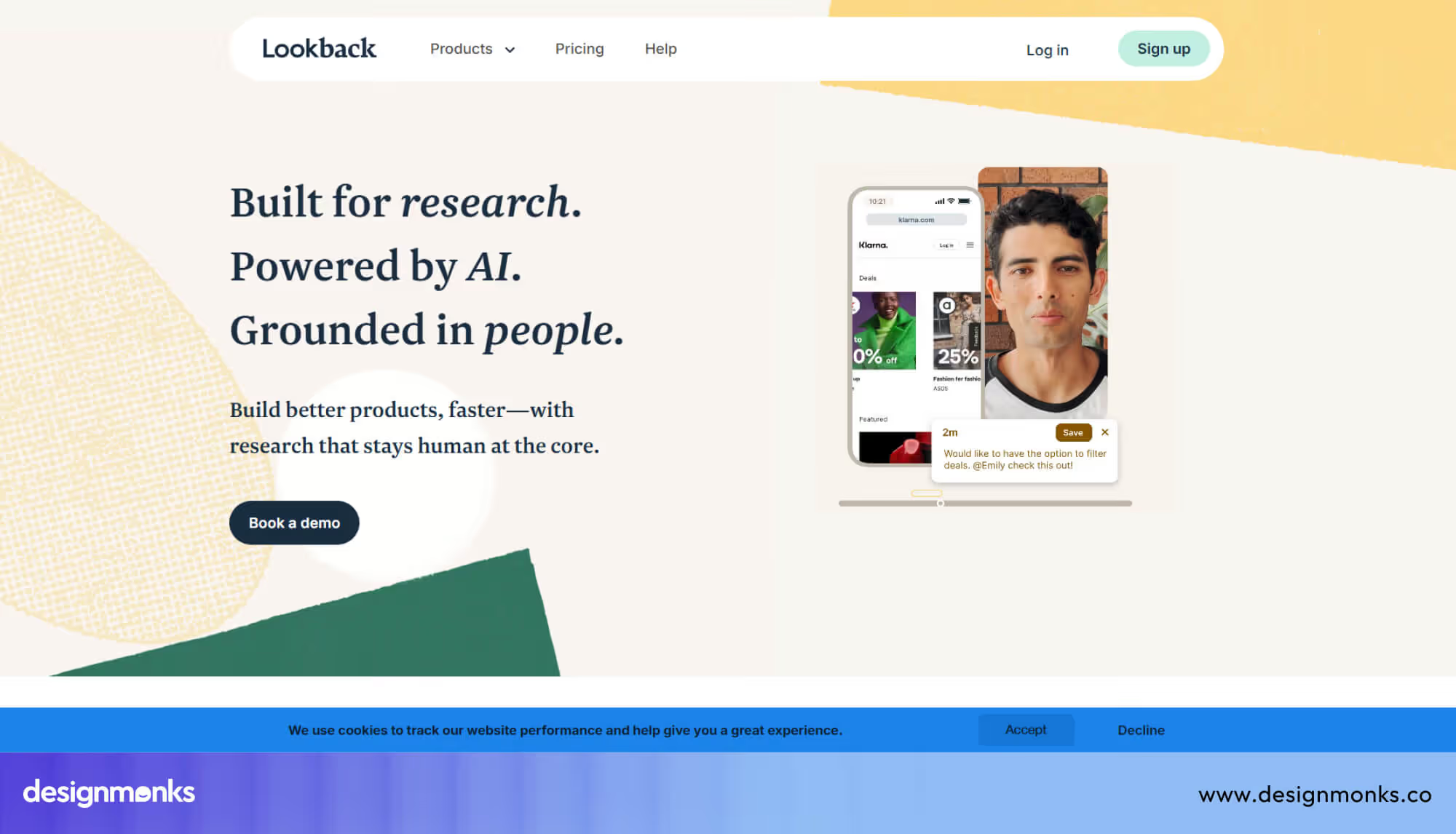
Lookback is great for live testing sessions where you can talk with users during tasks. You can ask questions while they use your telehealth app, which brings a deeper understanding of their actions.
Session recordings capture real user behavior, so your team can review and learn later. This approach speeds up the improvement of important flows like doctor consultations or medical form completion with better clarity.
Collaboration & Product Workflow Tools
Telehealth products need fast teamwork between designers, developers, and clinicians. Miscommunication can break important flows and delay releases. These tools keep everyone aligned, share updates clearly, and support smooth progress across each stage.
10. Notion
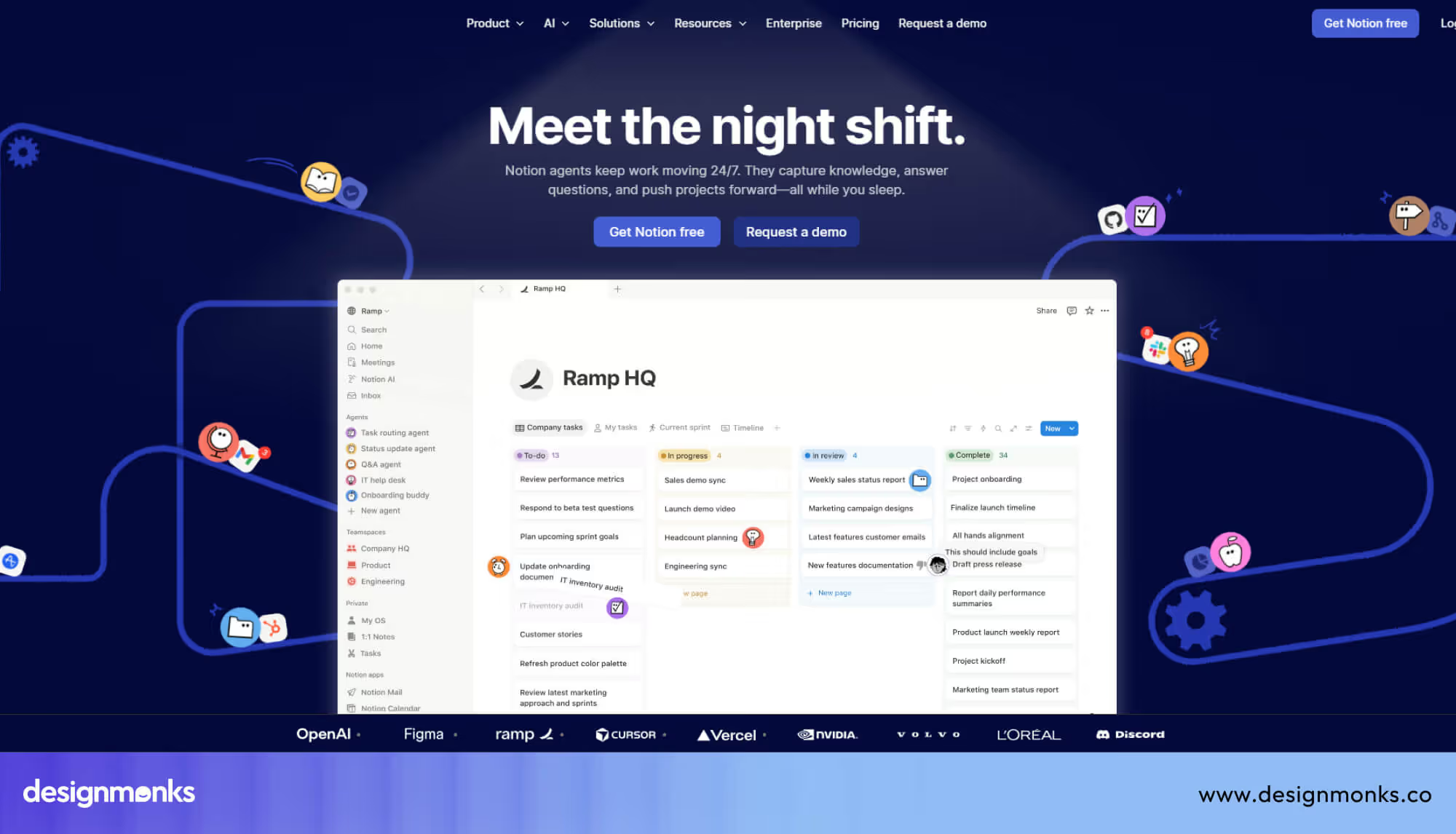
Notion works well for product documentation and team updates in one simple place. You can store design notes, user flows, and healthcare rules, so everyone understands the product without long meetings.
Teams can leave async design feedback directly on pages and ideas. It keeps discussions clear and easy to track, especially when people work in different time zones.
11. Miro
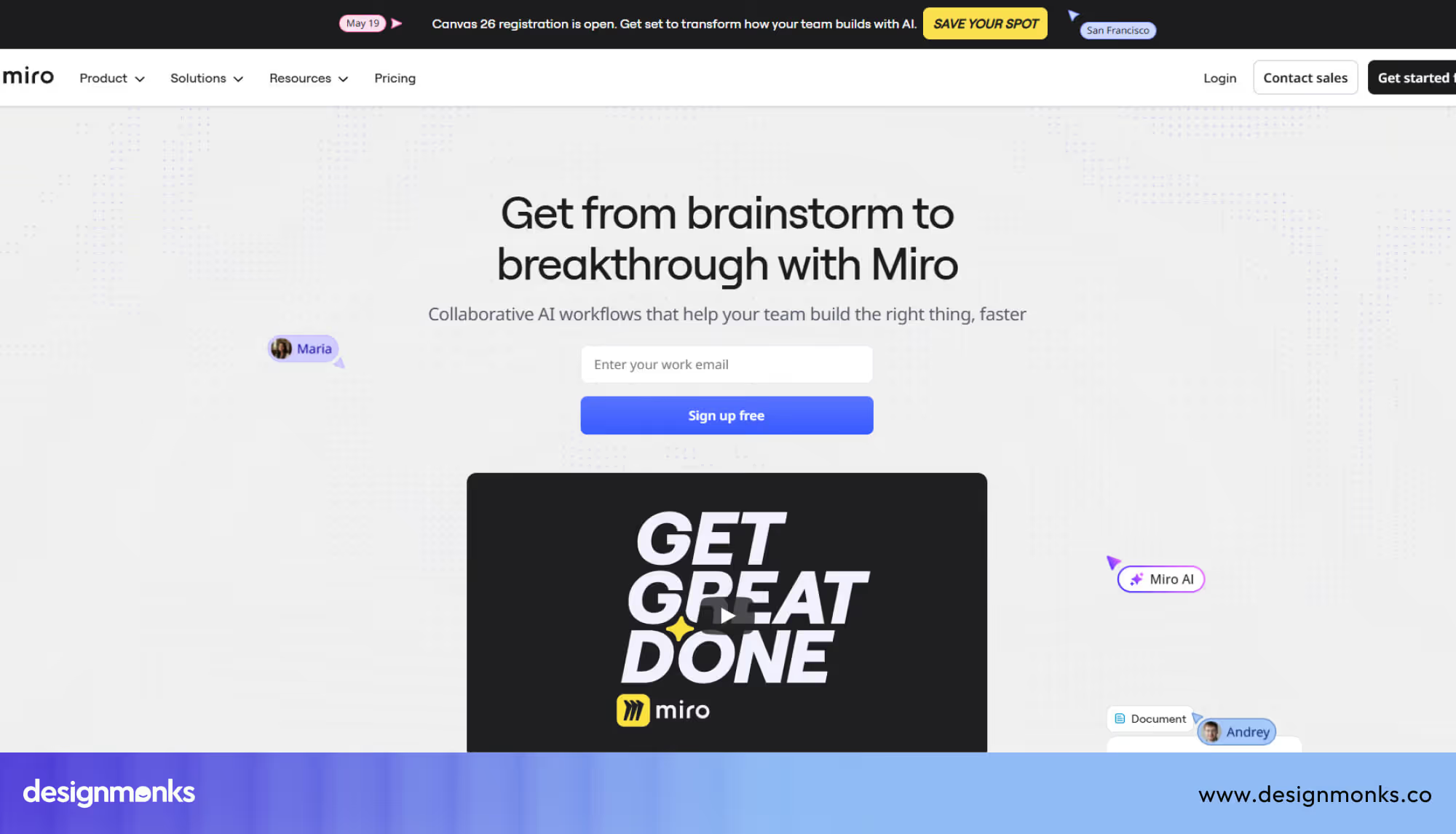
Miro helps teams plan ideas visually with boards, diagrams, and simple layouts. You can map patient journeys or service flows, which helps everyone see the full telehealth experience clearly.
Real-time and async feedback both feel smooth on shared boards. Team members can add comments, suggest changes, and improve flows without slowing down the overall design process.
12. Jira
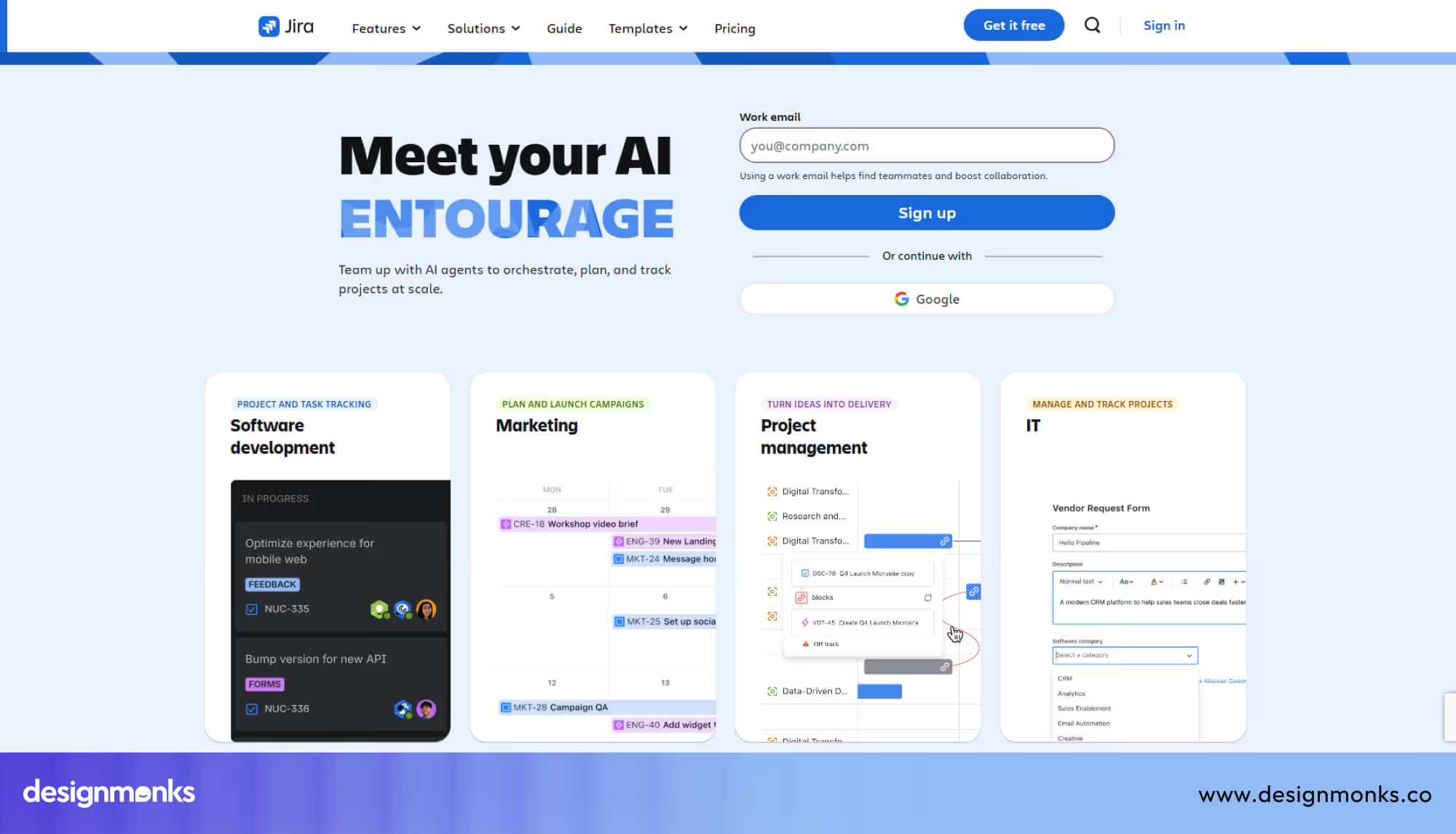
Jira is useful for managing sprint workflows and tracking development tasks. You can break features into small steps, which helps teams stay focused and deliver updates on time.
Clear task tracking keeps designers, developers, and clinicians on the same page. It becomes easier to manage priorities, fix issues, and move the product forward without confusion.
AI Tools That Accelerate Healthcare UX Design
AI tools can speed up many parts of the UX process in healthcare projects. They help you create layouts, write simple copy, and understand user behavior faster. This saves time and helps teams focus on better decisions.
AI Wireframing Tools
AI wireframing tools help you turn ideas into UI layouts within minutes. You can enter a short prompt, and the tool builds a basic screen. This gives you a quick starting point for telehealth features.
13. Uizard
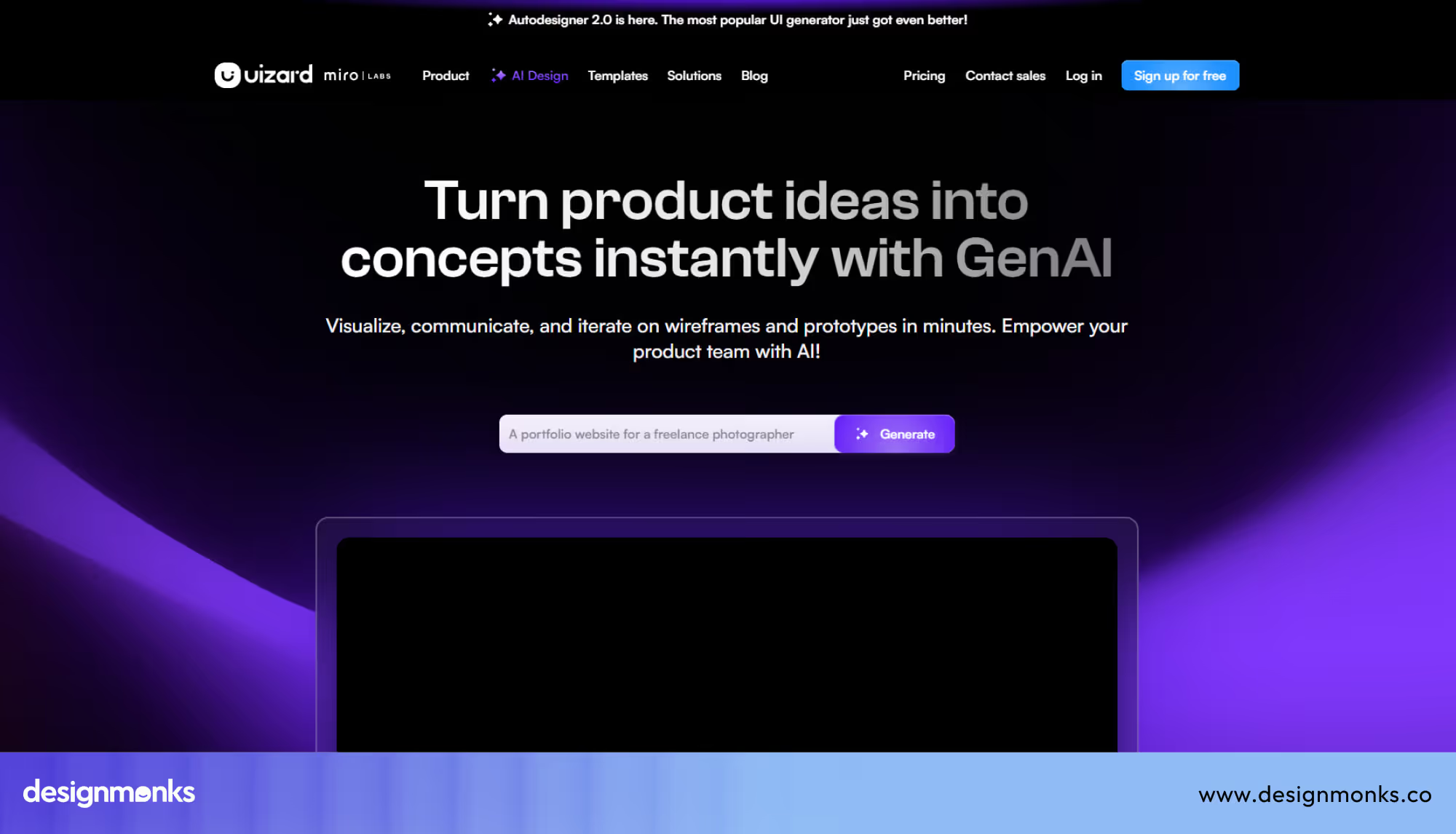
Uizard helps you create wireframes from text or rough sketches very quickly. You can describe a telehealth screen, and it builds a layout that you can edit and improve right away.
Another useful part is how fast you can test different layout ideas. This helps you explore options for screens like patient dashboards or booking flows without wasting design time.
14. Galileo AI
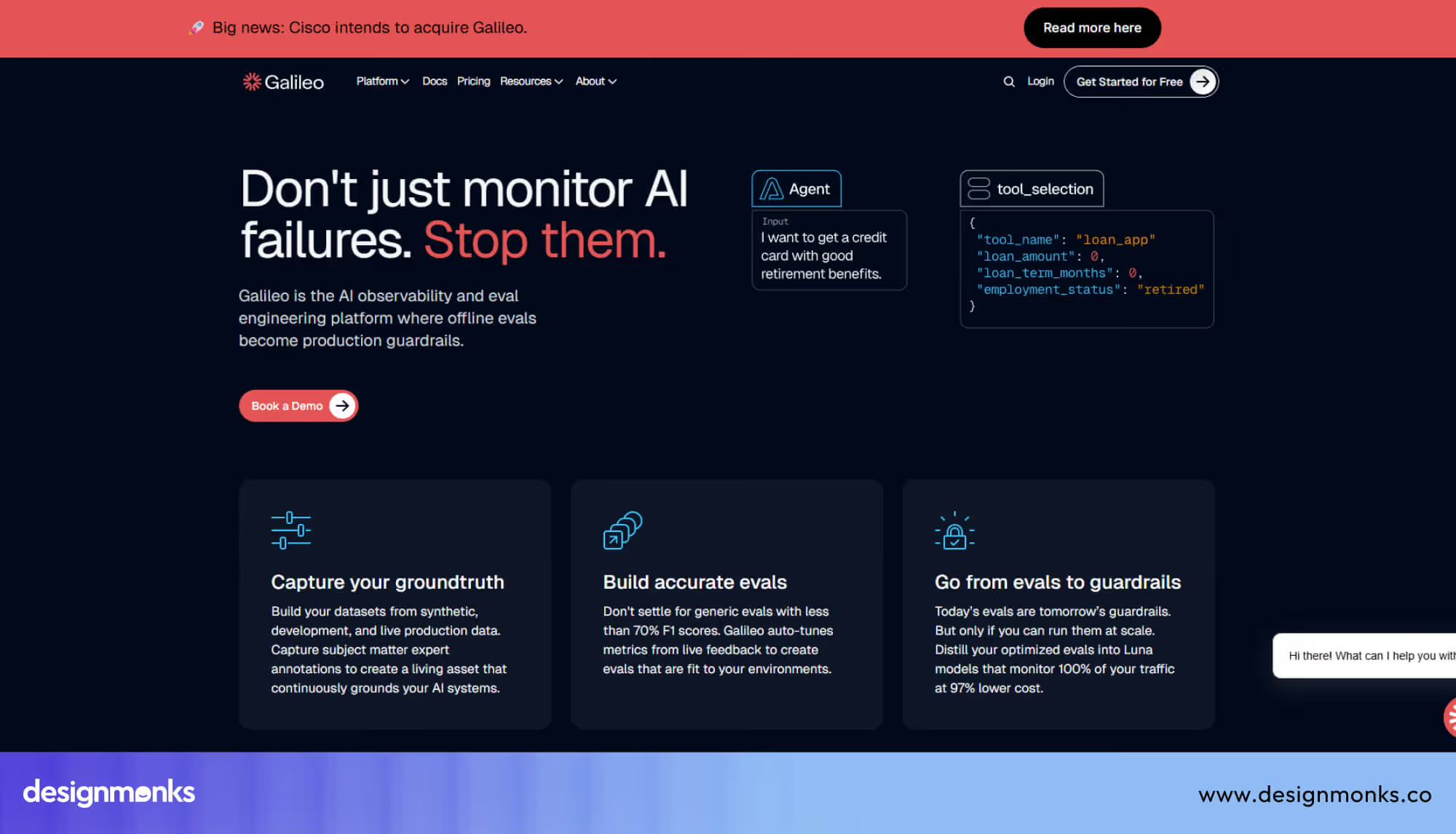
Galileo AI focuses on generating clean and modern UI layouts from simple prompts. You can get structured screens that match common app patterns, which helps speed up early design work.
It also helps you see multiple layout variations for the same idea. This makes it easier to compare options and choose a flow that feels simple for patients.
AI Research & UX Analysis Tools
AI tools can also help you understand user behavior without long research cycles. They review user data, feedback, and patterns to give quick insights that support better design decisions.
AI usability analytics tools track how users interact with your product and highlight problem areas. You can spot where patients struggle and fix those issues early in the design stage.
Automated research synthesis tools collect and organize feedback from different sources. They turn scattered data into simple summaries, which helps teams take action without delay.
Why Telehealth MVPs Need Faster UX Design Cycles
Telehealth products need fast UX cycles because patient needs change quickly and mistakes can impact real care. Teams must balance speed, safety, and clear design while still meeting strict healthcare rules and usability expectations.
The Unique UX Challenges of Telehealth Products
Telehealth design feels complex because users include patients, doctors, and support teams. Each group needs simple actions, but also accurate medical information that avoids confusion during critical health related decisions.
- Patient Safety: Interfaces must avoid errors that can affect real medical actions or decisions.
- Clinical Workflows: Doctors need structured flows that match real consultation and treatment processes.
- Accessibility Needs: Designs must support users with different abilities using clear text and visuals.
- Data Protection: Sensitive health information must stay secure and private at all interaction points.
Why MVP Speed Matters in Healthcare Startups
Healthcare startups need fast MVP cycles to test ideas before building full products. Slow design work delays feedback, which increases risk and makes it harder to adjust direction based on real user needs.
- Rapid Prototyping: Quick screen building helps test ideas before development starts fully.
- Lean Product Development: Focus stays only on essential features that solve real problems first.
- Healthcare Startup MVP: Early testing helps validate product direction with real patients and clinicians.
- Faster Feedback Loop: Teams can improve design based on real usage instead of assumptions.
Core UX Design Stages for a Telehealth MVP
Telehealth UX design follows a clear cycle that starts from research and moves into testing. Each stage helps teams reduce errors, improve clarity, and speed up decisions while building safe and usable healthcare products.
User Research for Patients and Clinicians
Healthcare research focuses on real user needs from both patients and doctors. It helps teams understand pain points, daily routines, and system gaps before design starts, especially around clinical data and care delivery processes.
- Patient Interviews: Direct talks reveal real problems during care and appointment use.
- Clinician Feedback: Doctors share workflow needs tied to real medical practice pressure.
- EHR Review: Electronic Health Records (EHR) help understand how patient data flows.
- Telemedicine Study: Telemedicine behavior shows how remote care affects user expectations and trust.
Wireframing Healthcare Workflows
Wireframing in healthcare focuses on mapping complete patient journeys and clinical workflow steps. It helps teams structure how users move through booking, consultation, and follow-up simply and clearly.
- Patient Journey Mapping: Shows every step a patient takes inside the telehealth interface.
- Clinical Workflow Design: Aligns doctors' actions with real medical consultation processes.
- Screen Flow Sketching: Quickly outlines how each screen connects in the system.
- Information Layout Planning: Organizes health data so users avoid confusion during use.
Rapid Prototyping and Testing
Prototyping helps teams turn wireframes into interactive screens for early feedback. It reduces development risks by showing how real users interact with the product before full coding begins.
- Rapid Prototyping: Builds clickable versions of telehealth flows for early review.
- Usability Testing: Observes how patients and clinicians complete tasks in real scenarios.
- Product Validation: Confirms if design choices match real healthcare needs and expectations.
- Iteration Cycles: Improves screens step by step based on user behavior insights.
Compliance Tools That Prevent Healthcare UX Mistakes
Telehealth products need careful design because small UX mistakes can create serious risks for users. Compliance tools help teams follow healthcare rules and keep patient data safe while still making the interface simple and easy to use.
HIPAA & Healthcare Compliance Support Tools
Healthcare products must follow strict rules like HIPAA, which protects sensitive patient information. These tools help teams design systems that handle data safely and reduce the chance of privacy issues during patient interactions.
A strong focus on healthcare data privacy guides how information moves inside the product. Compliance workflows help designers and developers check every step, from login to data sharing, so nothing breaks safety rules or exposes private records.
Accessibility Testing Tools
Accessibility testing tools make sure telehealth interfaces work for users with different abilities. They check if the text is readable, the button size is perfect, and interactions stay simple for everyone using the platform.
WCAG testing reviews whether the design follows global accessibility rules for digital products. Accessibility audits go deeper by spotting usability issues that could affect patients during critical health tasks like booking or consultation.
Recommended Tool Stack for a Telehealth MVP
Building a telehealth MVP becomes much faster when you use a simple and focused tool stack. Each tool handles one part of the process, so teams avoid confusion and reduce repeated work during design, feedback, and testing stages.
Telehealth MVP Tools Recommendations
- Research: Maze
- Design: Figma
- Collaboration: Notion
- Testing: UserTesting
This stack is not about using many tools. It is about using the right tools in the right order so the whole workflow feels smooth and predictable. It also helps teams reduce design errors and move from idea to product much quicker.
- Research - Maze: This tool helps you test early ideas with real users without a long setup. It gives quick feedback from patients and clinicians, so teams can spot issues in flows before full design work continues.
- Design - Figma: It supports fast interface design with real-time teamwork. Designers can build screens, adjust layouts, and keep everything consistent using a shared design system for telehealth interfaces.
- Collaboration - Notion: This one keeps all product notes, user insights, and decisions in one place. Teams can share updates easily, so everyone stays aligned on healthcare goals and design direction without long meetings.
- Testing - UserTesting: It shows how real users interact with your product through video feedback. This helps teams validate assumptions and fix usability problems before development starts, especially in patient-facing flows.
Best Practices to Design Telehealth UX Faster
Telehealth UX design moves faster when teams follow clear habits instead of random steps. These practices help reduce confusion, improve teamwork, and create patient-friendly flows that stay safe, simple, and easy to improve.
Build Healthcare Design Systems
A healthcare design system keeps every screen consistent across the product. It stores reusable UI components like buttons, forms, and alerts, so designers avoid rebuilding the same elements for every new telehealth feature.
Validate with Clinicians Early
Clinicians help catch real workflow problems before design goes too far. Early feedback from doctors ensures the telehealth flow matches real medical practice and avoids mistakes that could affect patient safety or clinical decisions.
Prototype Patient Flows First
Patient flows should come before detailed screens because they show the full journey. This helps teams map booking, consultation, and follow-up steps clearly, so users never feel lost inside the telehealth interface.
Run Weekly Usability Tests
Weekly usability tests help teams see real user behavior regularly. Small issues get fixed quickly, and patients can complete tasks more smoothly without waiting for big redesign cycles or late-stage changes.
End Note
Telehealth UX design becomes easier when teams focus on clear steps and practical tools. Each stage helps reduce mistakes and keeps the experience simple for both patients and clinicians.
Strong teamwork, early feedback, and simple workflows make a big difference. These habits help you build a telehealth MVP that feels smooth, safe, and ready for real use.


.avif)
.avif)
.avif)
.avif)


.avif)
.avif)
.avif)
.avif)







.avif)




