
Key Takeaways
- Explore Webflow alternatives based on your website's design, CMS, and business needs.
- Framer suits marketing websites, while WordPress offers greater flexibility and ownership.
- Shopify provides advanced ecommerce tools for growing online stores and businesses.
- Compare pricing, SEO features, CMS limits, and scalability before switching platforms.
- Plan website migration carefully to protect existing content, rankings, and organic traffic.
Webflow gives designers a lot of control over how a website looks and works, but it may not be the right fit for every project. Its pricing and learning curve can make other platforms more appealing, especially for small businesses. The good news is that there are plenty of Webflow alternatives worth considering.
Some offer easier visual editing, others provide better content management or e-commerce tools, and a few give you more control over your website's code and hosting. The best choice depends on what you want to build.
Let's look at the leading options, compare their features and costs, and see which platform makes the most sense for different business needs.
Best Webflow Alternatives at a Glance
The best Webflow alternative depends on whether you care more about design freedom, content management, ease of use, or selling products. Here is a quick breakdown:
- Framer: Best for design-led marketing websites and landing pages.
- WordPress with Elementor: Best for open-source flexibility and content-heavy websites.
- Wix Studio: Best for beginners, freelancers, and design agencies.
- Squarespace: Best for polished templates, portfolios, and small business websites.
- Shopify: Best for ecommerce and growing online stores.
- Bubble: Best for interactive web applications and custom workflows.
Why People Look for Webflow Alternatives?
Webflow is a powerful visual website builder, but some of its features can become difficult or expensive as a project grows. Here are the main reasons businesses start exploring other platforms.
Webflow Pricing and Seat Costs
Webflow pricing can become confusing because you may need to pay for both a Site plan and a Workspace plan. The Site plan covers website hosting and features, while Workspace plans manage collaboration, staging, and team access.
Additional seats can increase the total cost when several people work on a project. Webflow also restructured its pricing in May 2026. It introduced a Premium Site plan by combining its former CMS and Business plans, increased CMS limits, and introduced a Team plan for growing organizations.
The Basic plan also increased to $15 per month with annual billing. These changes make it important to calculate your complete website and team costs before choosing a plan.
Learning Curve and Design Complexity
Webflow uses a visual editor based on CSS concepts such as containers, padding, margins, positioning, and flexbox. This gives designers detailed control, but beginners may need time to understand how everything works.
If you simply want to build a business website without learning these concepts, Wix Studio or Squarespace may feel easier. They offer more guided editing experiences and ready-made layouts.
CMS Limits and E-commerce Gaps
Webflow has a capable CMS, but its collection structure and item limits may not suit every large publishing project.
Its e-commerce system also lacks some of the advanced inventory, sales, payment, and order-management features available in dedicated platforms like Shopify. Other reasons include:
- Code export and lock-in: Exporting Webflow code does not include CMS data, e-commerce functionality, or several built-in features.
- App-style requirements: Websites with complex logins, user dashboards, and custom portals may need a dedicated application builder.
- AI features: Some businesses prefer platforms with different AI-assisted design, content, and development workflows.
How to Choose a Webflow Alternative
Before switching platforms, consider what your website needs today and what it may need as your business grows. Score each platform against these six criteria:
- Design control: Can you customize layouts, typography, animations, and responsive behavior?
- CMS depth: Does it support your expected number of posts, products, collections, and content types?
- Ecommerce: Can you manage payments, shipping, inventory, discounts, and orders?
- SEO: Does it offer metadata editing, redirects, clean URLs, and sitemap management?
- Code ownership: Can you export your website code or move it to another hosting provider?
- Price at scale: How much will hosting, additional users, storage, and advanced features cost as your website grows?
A platform that looks affordable at the beginning may become expensive when you add more users or content. Compare the long-term cost rather than choosing based on the starting price alone.
The Best Webflow Alternatives Compared
Here are six platforms worth exploring. Each serves a slightly different purpose, so the right option depends on your website goals:
Framer: Best for Design-Led Marketing Sites
Framer is a strong choice for startups, creative professionals, and businesses that want modern marketing websites without dealing with too many technical settings. Its visual editor makes it easy to create responsive layouts, add animations, and customize page elements.
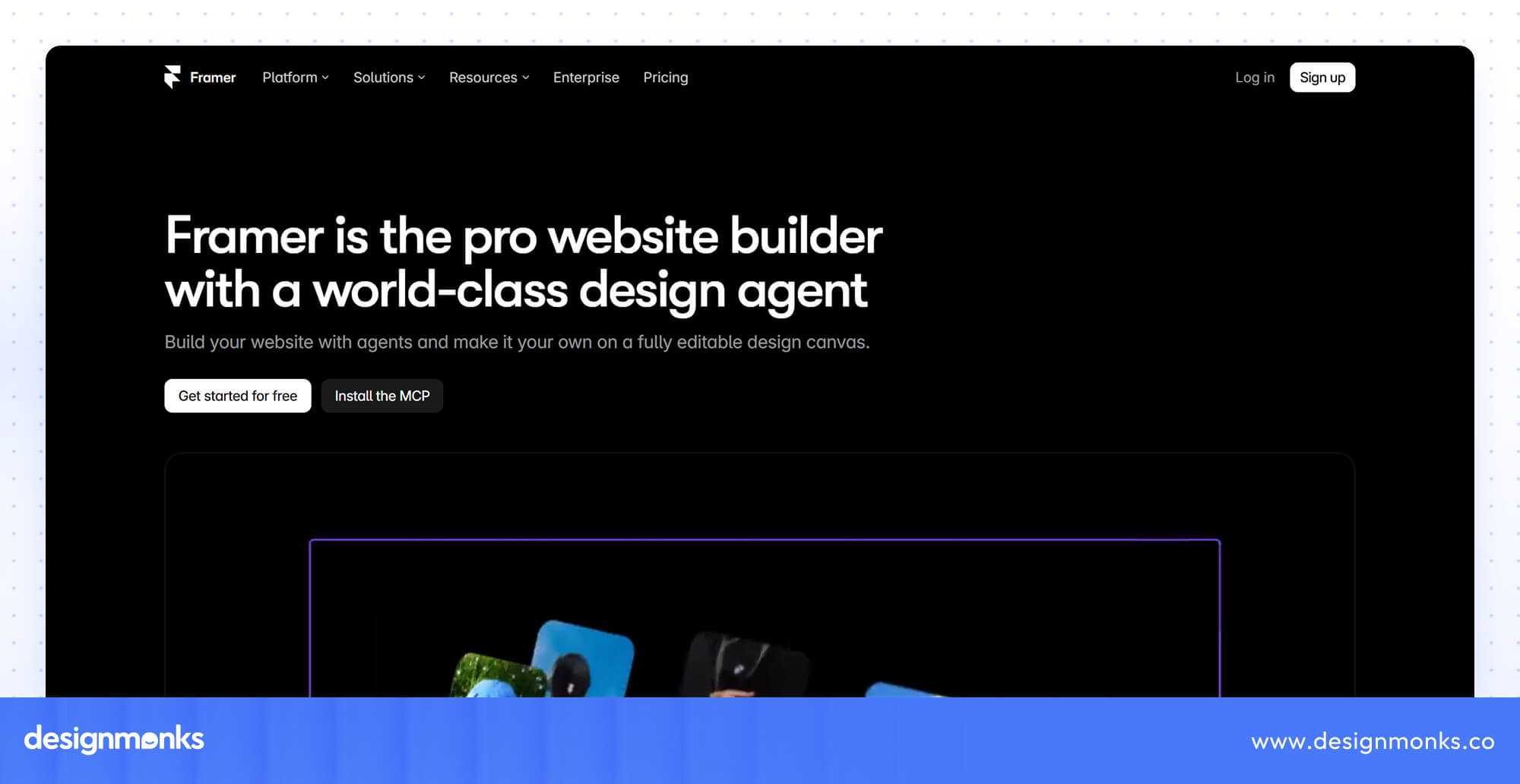
It also offers attractive templates and built-in SEO tools. Designers familiar with Figma may find its interface particularly comfortable.
However, Framer's CMS may not be suitable for complex publishing needs, and larger websites may require additional integrations or higher-tier plans. It offers a free plan, while its Basic plan starts at $10/month and Pro at $30/month with annual billing.
Overall, Framer is one of the best Webflow alternatives for landing pages and design-focused websites.
Check our Framer design servcie.
WordPress (with Elementor): Best for Ownership and Flexibility
WordPress with Elementor is a great option for bloggers, publishers, and businesses that need more control over their websites. WordPress.org is open-source software, which means you can choose your hosting provider, manage your website files, and extend its functionality through thousands of plugins and themes.
Elementor adds a visual drag-and-drop editor and allows you to build and customize pages without manually writing every line of code.
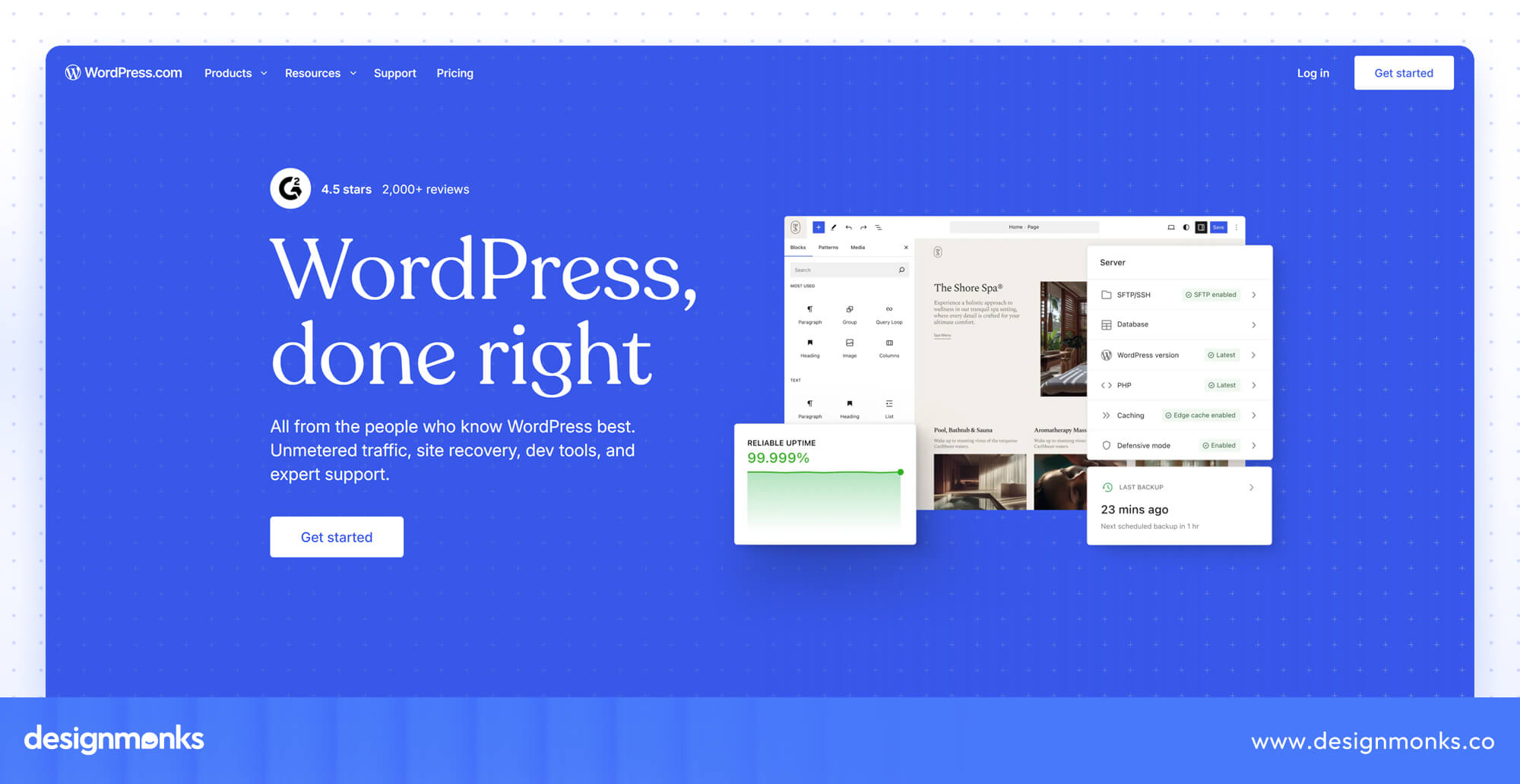
The main drawback is that you are responsible for hosting, security, backups, updates, and plugin compatibility. Using too many plugins can also affect website performance. WordPress itself is free, but hosting, domain registration, premium themes, and Elementor plans may add to the cost.
Still, it is an excellent Webflow alternative if you value content ownership, customization, and long-term flexibility. Particularly for large blogs and content-heavy websites, it's a great alternative.
Wix and Wix Studio: Best for Beginners and Agencies
Wix Studio is designed for small businesses, freelancers, and agencies that manage multiple client websites. It offers visual editing, responsive design controls, reusable components, and ready-made templates.
This makes website creation easier for people who don't want to handle every technical detail. Its collaboration features are also useful for agencies working with multiple clients and team members.
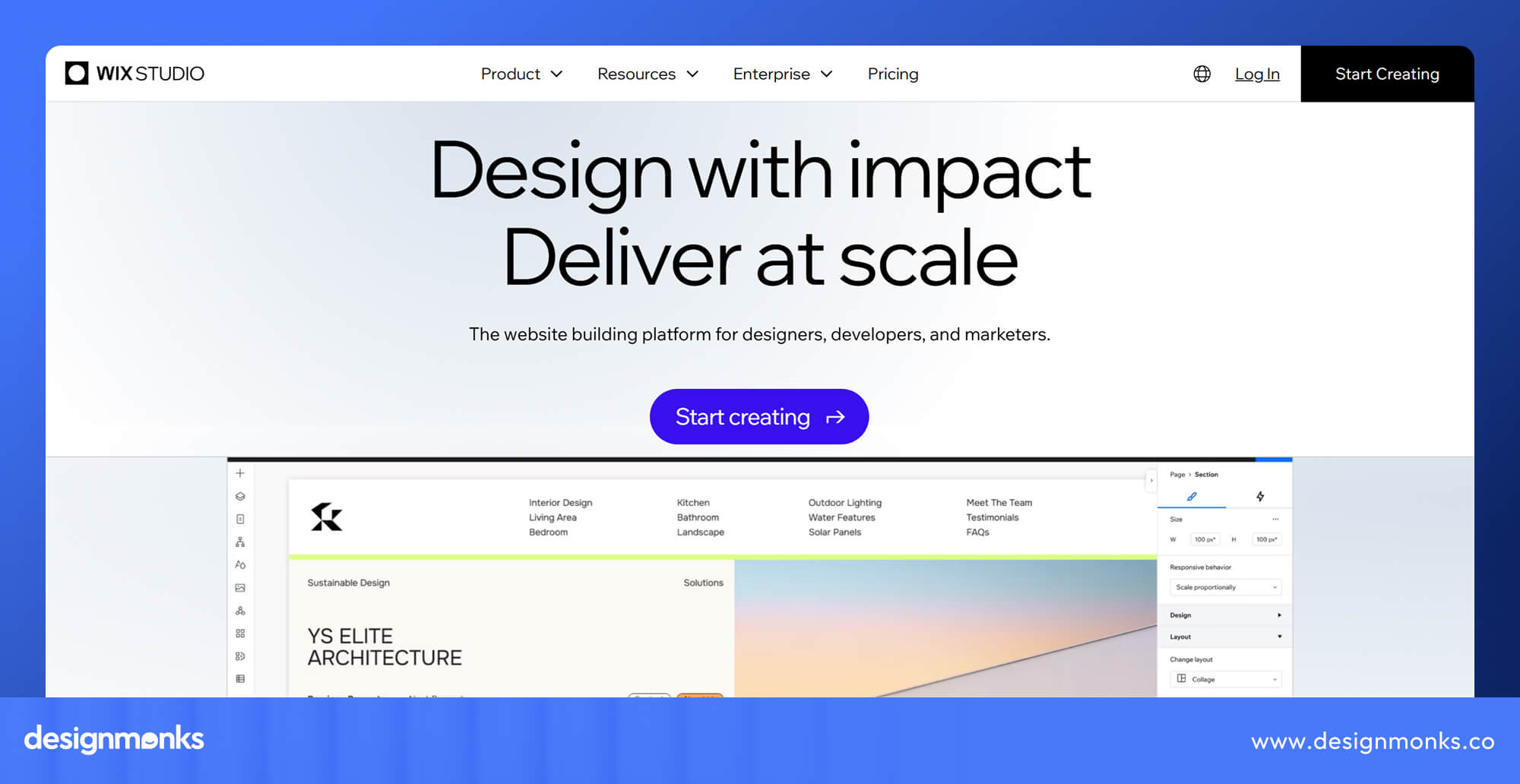
Wix provides a free plan, while paid plans offer additional website, business, and e-commerce features. Pricing varies depending on your location and billing period.
If you're looking for an easier Webflow alternative with built-in business tools and agency-friendly features, Wix Studio is worth considering.
Squarespace: Best for Templates and Portfolios
Squarespace is a practical choice for photographers, designers, consultants, and small businesses that want a professional-looking website without spending too much time on customization.
It offers professionally designed templates, a straightforward drag-and-drop editor, built-in SEO tools, hosting, and e-commerce features. You can create a polished portfolio or business website without installing and managing multiple plugins.
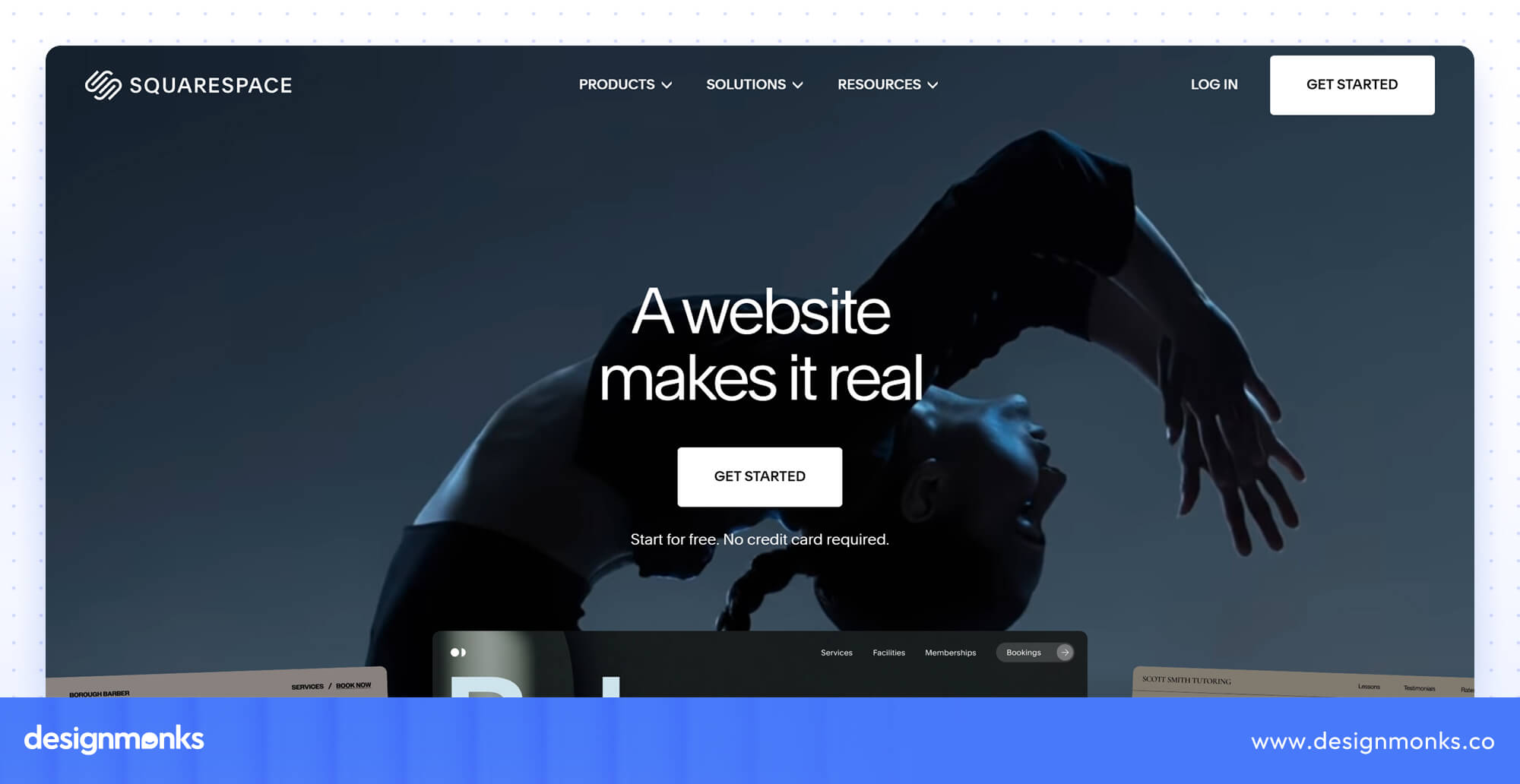
However, Squarespace offers less design flexibility than Webflow. Businesses that need complex content structures or highly customized layouts may find its editing options restrictive.
Its annual Basic plan starts at $16/month, with higher plans offering additional business and selling features. Overall, Squarespace works well when attractive templates and easy website maintenance matter more than advanced design control.
Shopify: Best for Online Stores
If your main goal is to sell products online, Shopify is a better option than Webflow. It is built for retail brands, direct-to-consumer businesses, and growing online stores. You get product management, inventory tracking, payment processing, checkout, shipping integrations, and sales reporting in one platform.
Its app ecosystem also allows you to add marketing, customer support, and other store management features as your business grows.
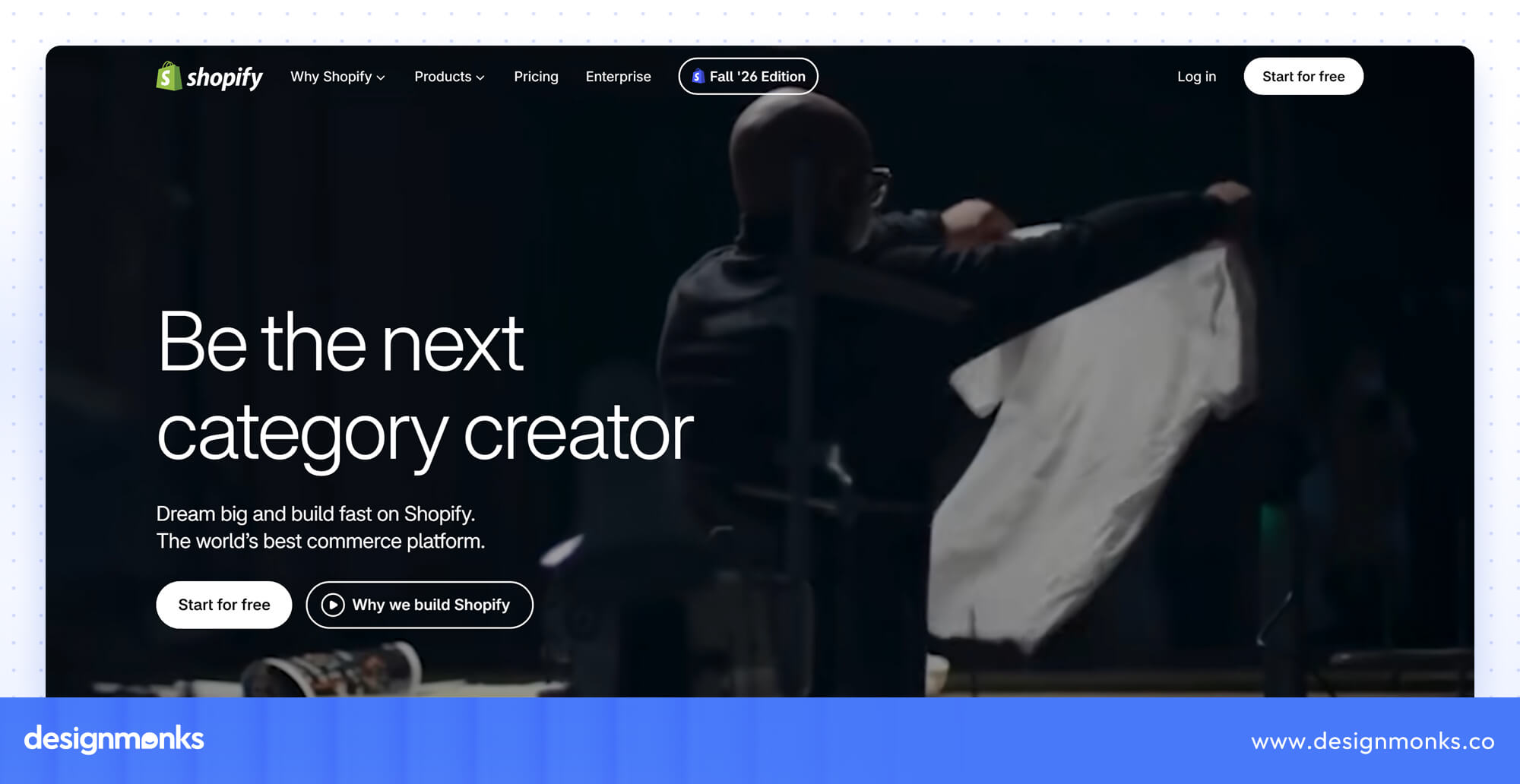
The downside is that customizing your storefront beyond the available themes may require Shopify's templating language, or additional development. Subscription and app costs can also increase over time.
Shopify's Basic plan generally starts around $29/month with annual billing, while payment processing and additional apps may add expenses. Despite these costs, it is a strong choice for businesses that need dedicated ecommerce features rather than a website that simply displays products.
Bubble: Best When You Need a Web App, Not a Site
Unlike traditional website builders, Bubble is designed for businesses that want to build interactive web applications. It is particularly useful for SaaS founders, startups, and teams creating products with user accounts, dashboards, databases, and custom workflows.
Bubble provides visual tools for setting up authentication, conditional logic, and dynamic interfaces without writing traditional code.
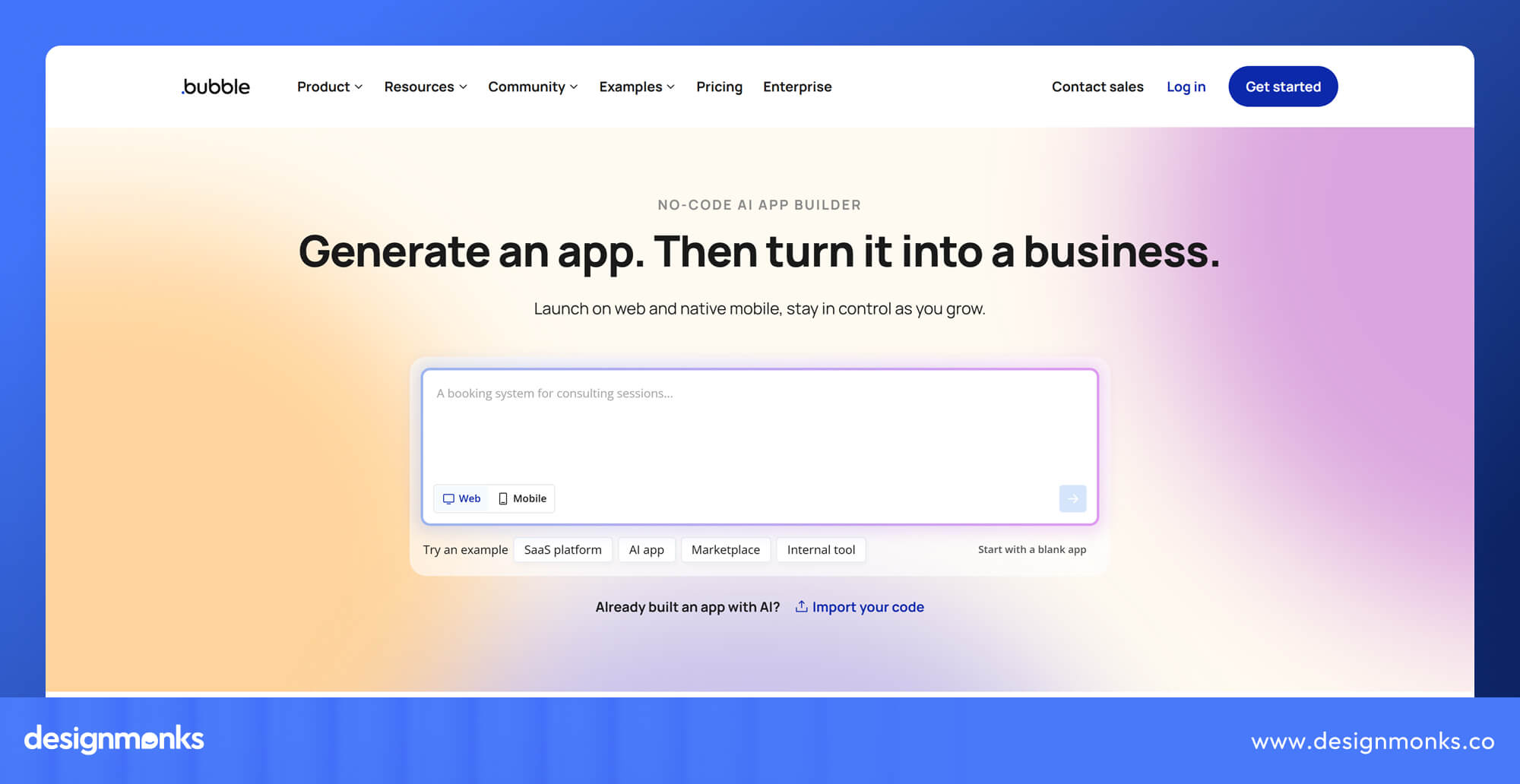
However, its learning curve is steeper than that of basic website builders. You also need to consider application performance, workload usage, and dependence on the platform.
Bubble offers a free development plan, while paid plans increase in cost based on application requirements. It isn't a direct replacement for Webflow if you only need a marketing website.
But if you're building an actual web application, it makes much more sense. WeWeb and Softr are two other no-code platforms worth exploring for similar projects. Other alternatives worth knowing:
- Duda: Useful for agencies that need white-label website building and client management.
- Webstudio: An open-source visual website builder for people who want more control.
- Pixpa: Suitable for photographers and creative professionals building portfolio websites.
- Hostinger: A budget-friendly website builder with AI-assisted website creation.
Webflow Alternatives by Use Case
Not every website needs the same features. Here is how the main alternatives compare when you have a specific goal or budget:
- Best free Webflow alternative: Framer, Wix, and WordPress offer free ways to start. WordPress requires separate hosting, while Framer and Wix have platform-specific limitations on free plans.
- Cheapest alternative: WordPress can be the most affordable because its core software is free. Hostinger is another option for businesses that want an inexpensive hosted website builder.
- Best for ecommerce: Shopify is the strongest choice for product catalogs, inventory, checkout, and order management.
- Best for agencies: Wix Studio and Duda offer collaboration and client management features. Duda is particularly useful for white-label services.
- Best for SaaS marketing sites: Framer works well for landing pages and product websites. WordPress is worth considering for SaaS companies with larger content libraries.
- Best open-source alternative: WordPress and Webstudio give you more control over the underlying website setup than hosted builders.
Webflow vs Alternatives: Pricing and Feature Comparison
Choosing a website builder becomes easier when you compare the features and starting costs side by side. The following table highlights the six main alternatives and Webflow:
WordPress software is free, but hosting and other services cost extra. Features depend on the selected plan, integrations, and extensions.
One important difference is code ownership. WordPress gives you access to your website files and database, while Webflow's code export only covers selected static assets.
Shopify also allows theme code customization, but its hosted store functionality remains tied to the platform. Framer and Squarespace focus more on managed website publishing than full code portability.
AI features are becoming more common across website builders. However, check what each platform actually offers. Some provide AI content generation, while others focus on website creation, layout suggestions, or workflow assistance.
What Each Option Costs at Scale
Your website's total cost depends on its size, content, features, and maintenance needs, not just the starting subscription price. Consider these three common scenarios:
1. A small portfolio website: Framer Basic, Squarespace Basic, and Wix are affordable starting options for simple portfolios. WordPress can also be budget-friendly, but requires separate hosting and maintenance.
2. A blog with 500 published posts: WordPress offers flexible content management through categories, tags, and plugins. Webflow's Premium plan supports up to 20,000 CMS items, making it suitable for this content volume too. Framer is another option, but check its CMS limits.
3. An online store with 50 products: Shopify is a strong choice for managing inventory, checkout, and orders. Wix and Squarespace also support stores of this size, while Webflow suits smaller stores with simpler selling needs.
Remember to include hosting, premium themes, apps, transaction fees, and maintenance when comparing the actual costs.
When Webflow Is Still the Better Choice
Looking at alternatives does not mean Webflow is the wrong platform. It remains a strong option for businesses that need visual design control alongside managed hosting and content management. In such cases, Webflow is still the better choice:
- You need detailed design control: Its visual editor gives designers precise control over spacing, typography, responsive layouts, animations, and interactions.
- You manage a structured CMS: Its collections and dynamic pages work well for blogs, case studies, resource libraries, and other structured content.
- You need localization: Webflow offers localization features for businesses publishing content in multiple languages.
- You want design and development in one workflow: Designers can build and publish pages without handing every small layout change to developers.
If these features match your requirements, switching platforms may create more work than value. So, make sure to compare the actual limitations you face before making a decision.
How to Migrate From Webflow Without Losing SEO
Moving to another website builder can affect your search rankings if you change URLs, remove content, or forget important SEO settings. A proper migration plan helps protect the organic traffic you have already earned.
Here's how you can migrate from Webflow without losing SEO:
Audit Content and URLs Before You Move
Start by exporting your Webflow sitemap and identifying every published page. Also export your CMS collections, including blog posts, product information, and other dynamic content.
Create a spreadsheet that maps each existing URL to its new destination. Record the page title, meta description, headings, images, internal links, and any important structured data. This gives your new website a clear content checklist.
Pay special attention to pages that receive organic traffic or backlinks. These deserve an accurate replacement rather than a generic redirect to your homepage.
Rebuild, Redirect and Test
Once the new website is ready, recreate the important content and SEO elements. Keep URL structures consistent wherever possible. For changed URLs, set up permanent 301 redirects from the old pages to their new destinations.
Before launching, check mobile responsiveness, page speed, internal links, forms, canonical tags, robots directives, and XML sitemaps. Submit the new sitemap through Google Search Console after migration.
For the next four weeks, monitor indexing, traffic, rankings, and crawl errors. Compare the results with your pre-migration baseline and fix missing pages or redirect problems quickly.
If you need expert help designing during the move, Design Monks can help with migration. They can give your website a fresh new look as well.
FAQs
What is the best overall Webflow alternative?
WordPress with Elementor is a strong overall alternative because it offers extensive customization, content management, and plugin support. Framer is a better choice if your priority is modern website design and quick publishing.
Is there a free Webflow alternative?
Yes. WordPress, Framer, and Wix offer free starting options. However, free plans usually have limitations involving custom domains, hosting, storage, or advanced features.
What is the easiest Webflow alternative?
Wix Studio is one of the easiest alternatives for beginners who want visual editing and built-in business features. Squarespace is another good choice if you prefer professionally designed templates and straightforward customization.
What is the cheapest Webflow alternative?
WordPress can be one of the cheapest options because its core software is free. However, you still need to pay for hosting, a domain, and potentially premium plugins or themes.
Which Webflow alternative is best for ecommerce?
Shopify is generally the best option for businesses focused on online selling. It offers dedicated tools for inventory, payments, checkout, shipping, and order management.
Which Webflow alternative is best for SEO?
WordPress is a strong choice because it supports detailed SEO customization through plugins such as Yoast SEO and Rank Math. Webflow, Framer, Wix, and Squarespace also provide built-in SEO features.
Can I export my website code from Webflow?
Yes, Webflow allows code export through eligible paid Workspace plans. However, exported files do not include CMS functionality, e-commerce databases, user accounts, and several other platform features.
Conclusion
The best Webflow alternative depends on what you want your website to achieve. Framer is excellent for design-led websites, WordPress offers flexibility, Wix Studio simplifies website creation, and Shopify handles e-commerce more effectively.
Before switching, compare pricing, CMS requirements, customization, and long-term ownership.
You can also get help from agency experts like Design Monks for choosing the right platform or building a website. They can help you plan, design, and develop a digital experience that fits your business goals.