.svg)


Key Takeaways
- Simple websites take 2-4 weeks, while complex sites need 8-20+ weeks.
- Website timelines depend on type, features, content readiness, and design complexity.
- Parallel work on content, design, and development speeds up overall timeline.
- Delays often come from scope changes, poor communication, or missing content.
- DIY, freelancer, or agency choice directly impacts website speed and quality.
Every website starts with an idea, but turning it into reality takes time. Many beginners wonder how long does it takes to create a website, especially when they see others launch quickly online.
The truth is, not all websites are the same. A basic site can be done in 2-4 weeks, but a detailed website with more pages and advanced features may take 8-20+ weeks. It all depends on what you want to build.
In this guide, we will break down the full process, show realistic timelines, and help you understand how to plan your website journey with confidence.
How Long Does It Take to Create a Website?
A website can take anywhere from 2-4 weeks for a simple site to 8-20+ weeks for a complex one. The total time depends on many factors, including the number of pages, design complexity, features, and how ready the content is.
Simple business websites with a few pages, like home, about, services, and contact, can be completed within 2-4 weeks. This is because there are fewer elements to design, build, and test.
Corporate websites are larger and more detailed, and often include many pages, a custom design, and brand guidelines. So it usually takes them 4-8 weeks to complete. SaaS Platforms are even more complex as they include user accounts, dashboards, data processing, and integrations with other tools. As a result, it takes them at least 8-20+ weeks to be completed.
Content also plays a major role. If text, images, or videos are not ready, the project can be delayed significantly. Communication between the client and the developer affects the timeline as well. Approvals and revisions can add days or weeks.
Even testing before launch is important, as checking responsiveness, links, forms, and functionality ensures the website works properly. Overall, the timeline reflects the website’s complexity, the level of customization, and how prepared all materials are for the build.
Website Timeline Breakdown (Step-by-Step Process)
Before starting, it’s important to understand that building a website is not a single task. It is a step-by-step process where each stage takes time and depends on the previous one.
The timeline can change based on the size of the website, the features needed, and how quickly decisions and content are ready.
Discovery & Planning (1-2 weeks)
This is the first step where you decide the purpose of your website. You define your goals, understand your audience, and create a sitemap.
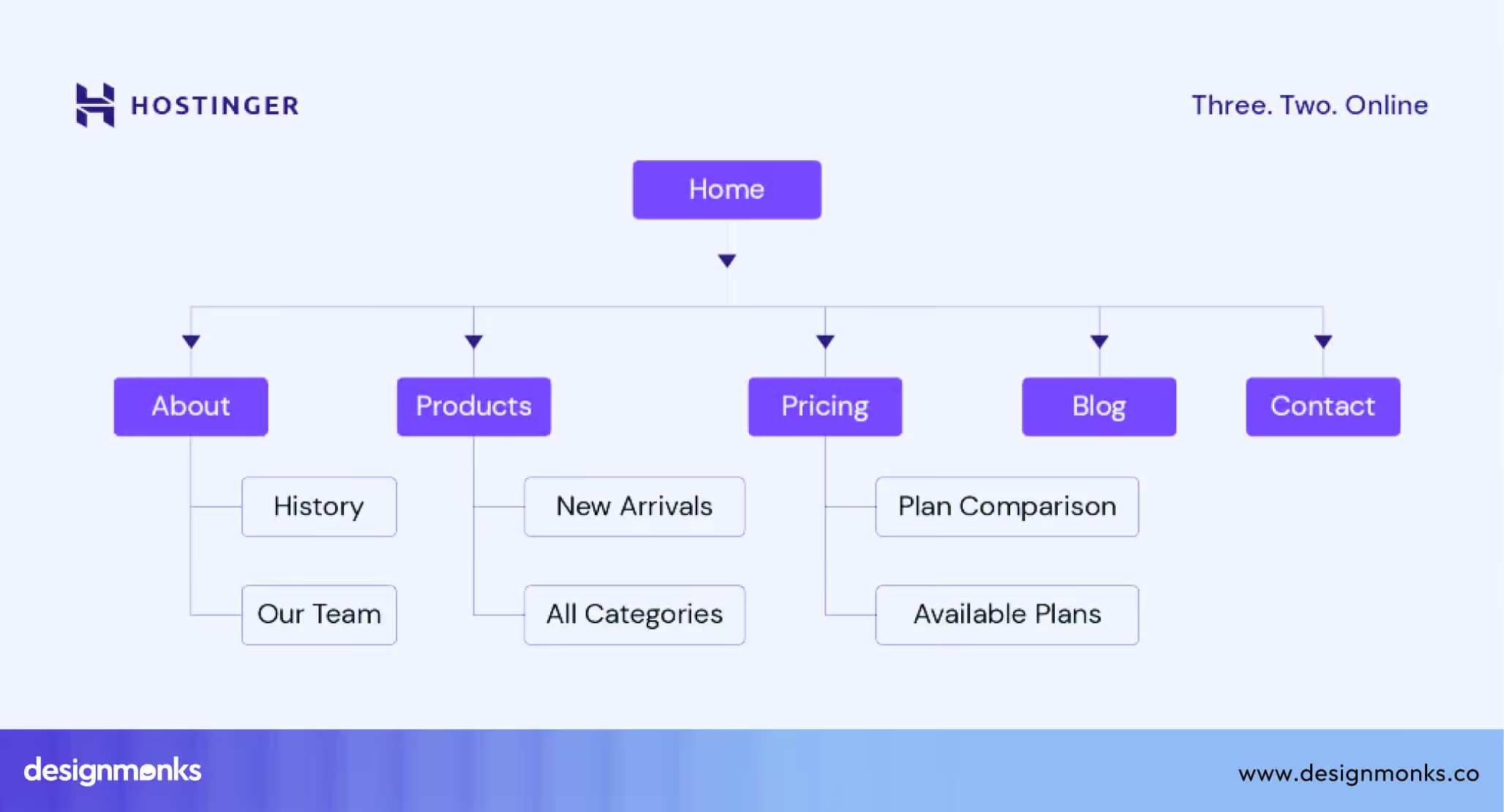
A sitemap is a simple plan of all pages. This step takes time because clear planning helps avoid confusion later.
UI/UX Design (1-3 weeks)
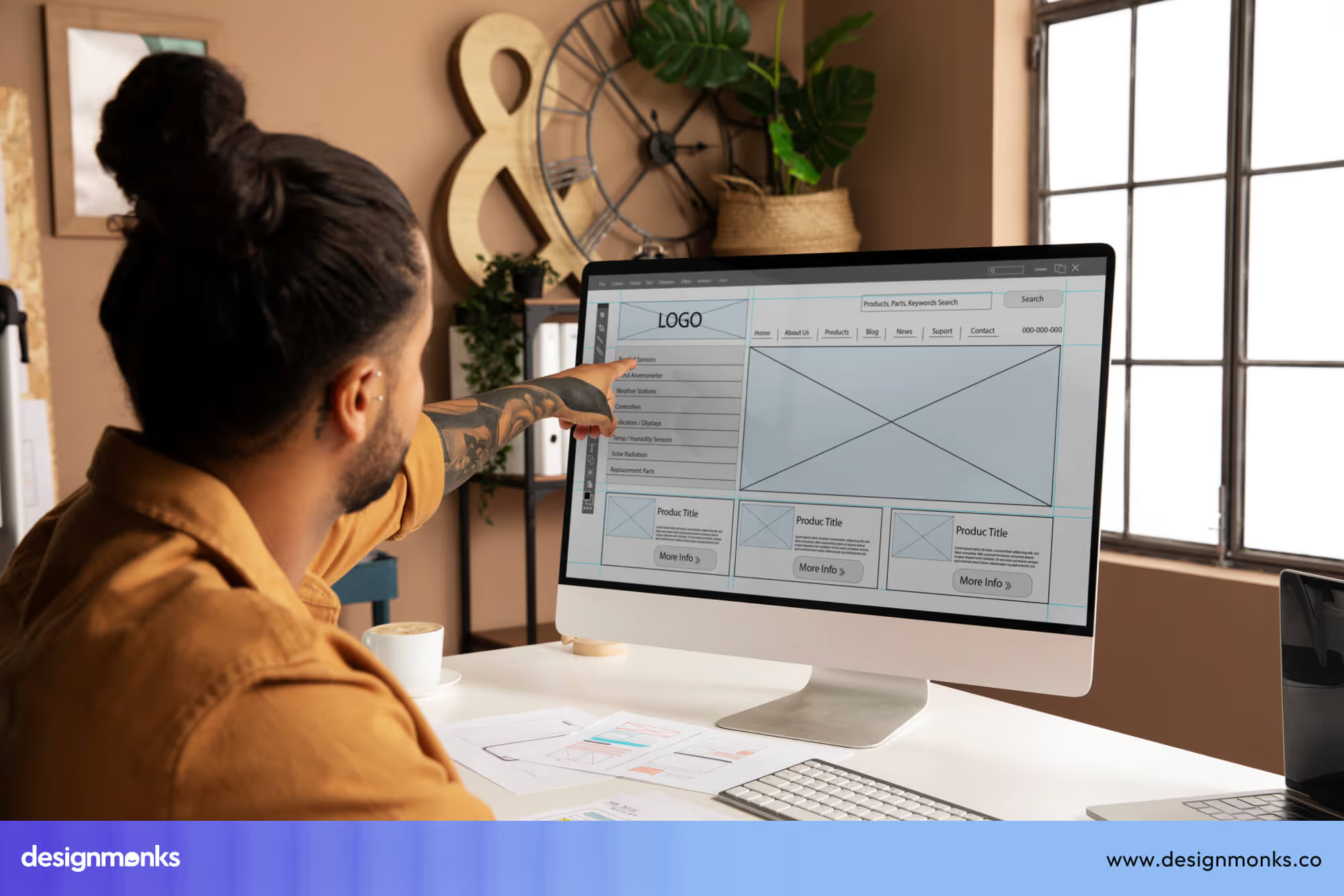
In this stage, the overall look and experience of the website are planned. The UI/UX design process starts with wireframes, which are simple layouts that show where content, images, and buttons will be placed.

Then comes visual design, where colors, fonts, and styles are added to match the brand. After that, prototyping is done, which creates a clickable version of the design so you can see how the website will work before it is built.
This step takes time because every page needs to be clear, easy to use, and consistent.
Development (2-6 weeks)
This is the stage where the website is actually built. Frontend Development focuses on what users see, like layouts, buttons, and animations. Backend Development handles how the website works behind the scenes, such as databases, forms, and user accounts.

Both parts need to work together smoothly. The more features your website has, the longer this step will take because each function must be built and connected properly.
Content Creation (1-3 weeks, parallel)
This step involves preparing everything that appears on the website. This includes writing clear and simple text (copywriting), selecting or creating images, and adding SEO content so the site can be found on search engines. \

Content creation often happens at the same time as development to save time. However, if the content is not ready, it can slow down the whole process because developers need the final text and images to complete each page.
Testing & Launch (1-2 weeks)
Before the website goes live, it needs to be checked carefully through QA testing. This type of testing involves testing all pages, links, and features to find and fix errors. Responsiveness is also tested to make sure the website works well on phones, tablets, and computers.
Once everything is working correctly, the website is deployed, which means it is launched and made available to the public. This step is important to ensure users have a smooth experience from the start.
Website Development Timelines by Type
The time needed to build a website depends on the type of website and the features it includes. Different websites need different levels of design, development, and testing:
Small Business Website (2-4 weeks)
These websites are usually simple, with a few pages like home, about, services, and contact. They often use basic layouts or templates, which saves time.
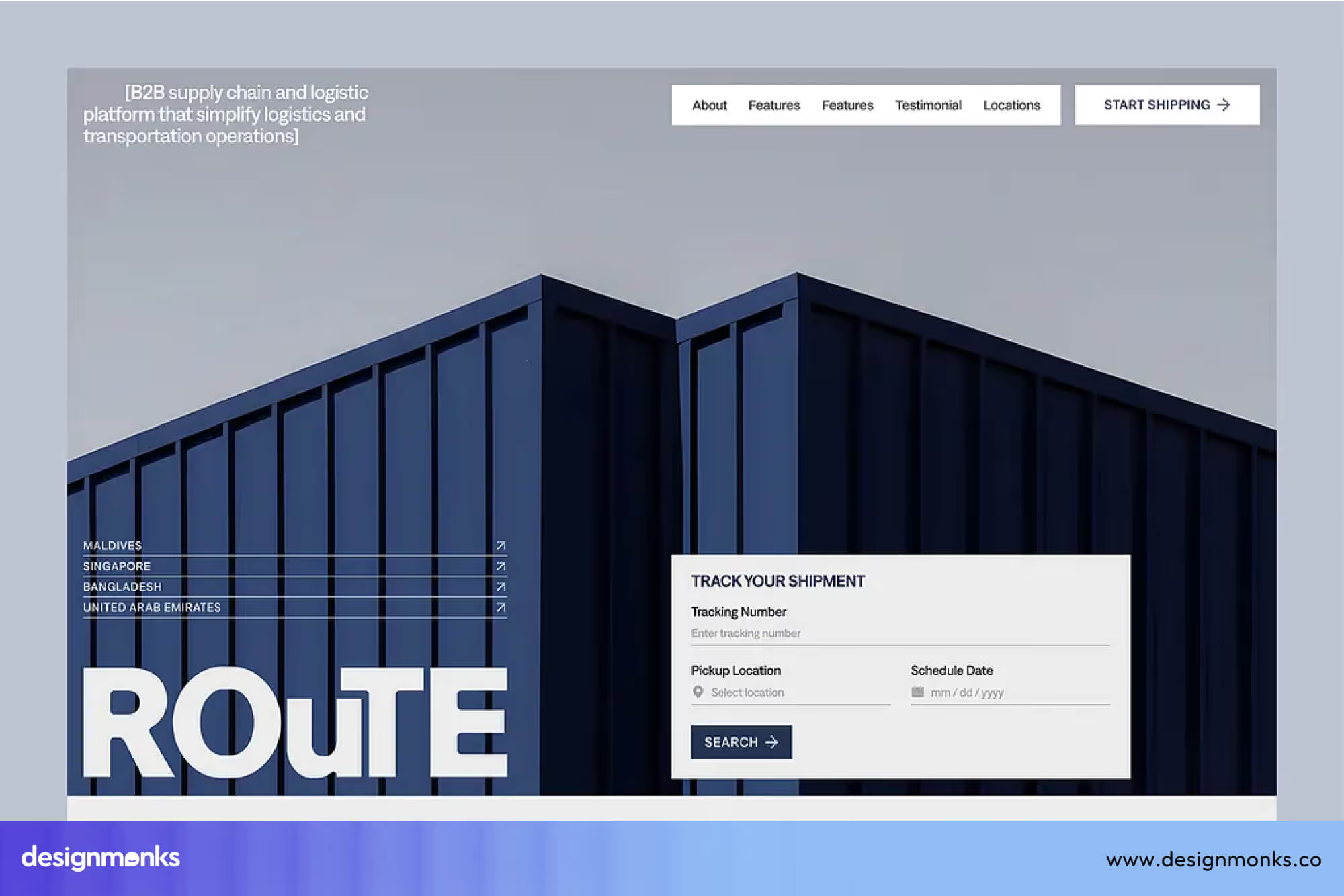
There are fewer features to build and test, so the process is quicker. If the content is ready early, the timeline can be even shorter.
Corporate Website (4-8 weeks)
Corporate websites are larger and more detailed. They often include many pages, custom design, brand guidelines, and sometimes integrations like forms or tools.
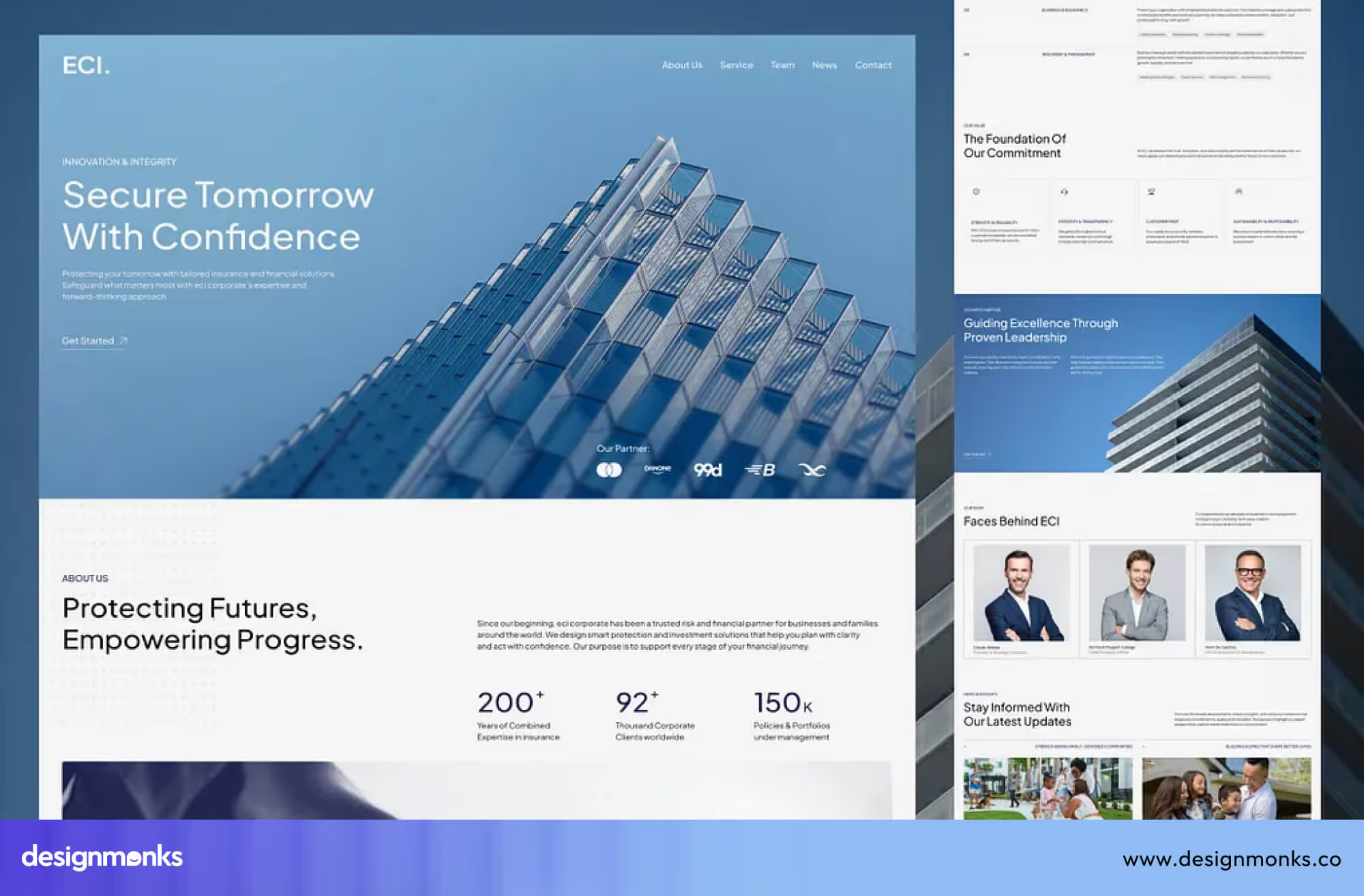
More pages mean more design and development work, and content review can take longer, which increases the timeline.
eCommerce Website (6-12 weeks)
These websites need product pages, filters, shopping carts, and secure payment systems. Each part must work correctly to handle real transactions.

Extra time is needed for testing checkout flows, user experience, and security to avoid issues.
SaaS Platform (8-20+ weeks)
SaaS platforms are more complex. They include user accounts, dashboards, data processing, and integrations with other tools.
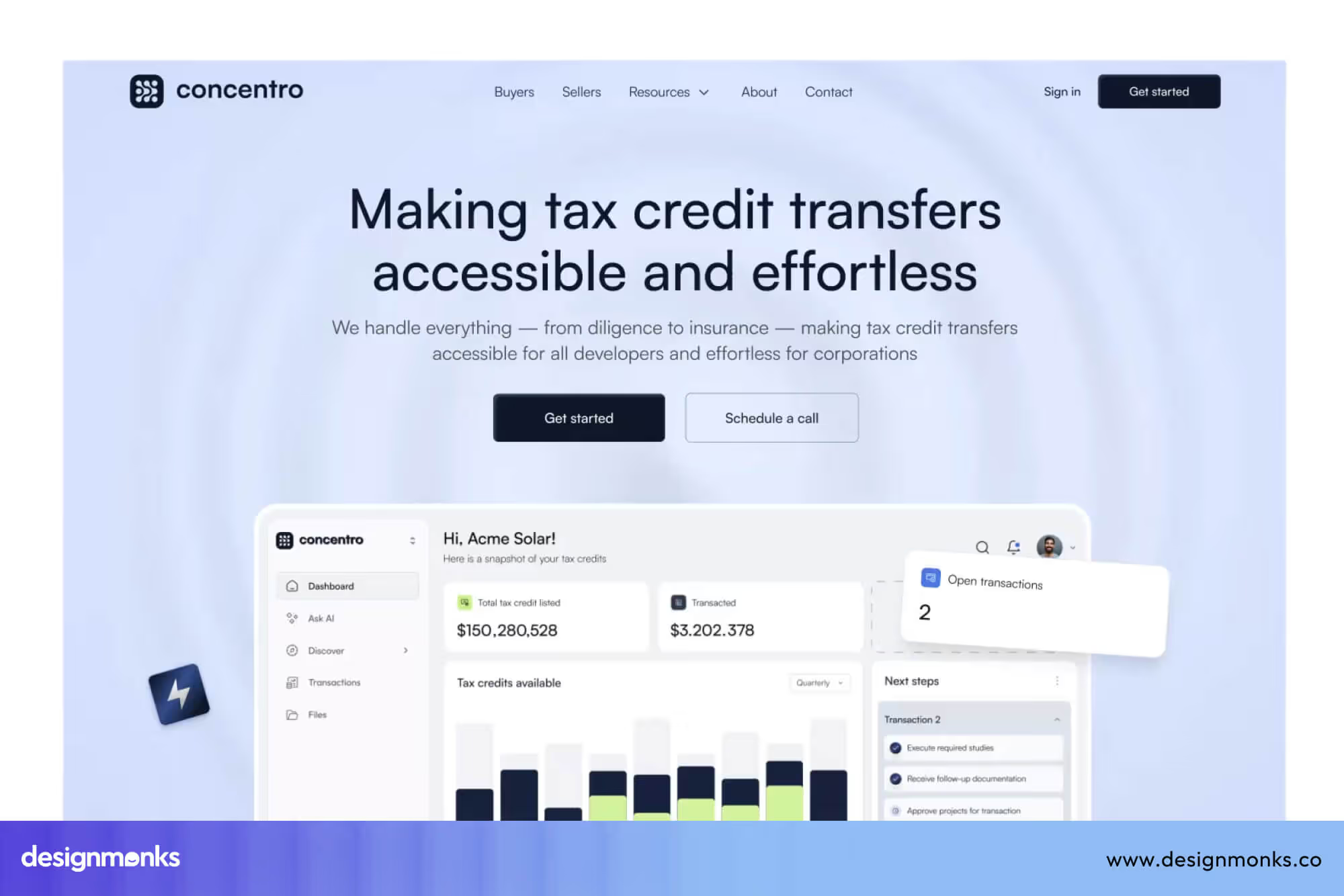
These features require strong backend development and detailed testing. Regular updates and scalability also add to the development time.
DIY vs Freelancer vs Agency Timeline Comparison
The way you choose to build your website has a direct impact on both the timeline and the final quality. Each option comes with its own speed, flexibility, and limitations:
DIY Tools (1-3 weeks)
Using tools like Webflow or Wix is the fastest way to create a website. These platforms offer ready-made templates and no-code tools, so you can build a simple site quickly.
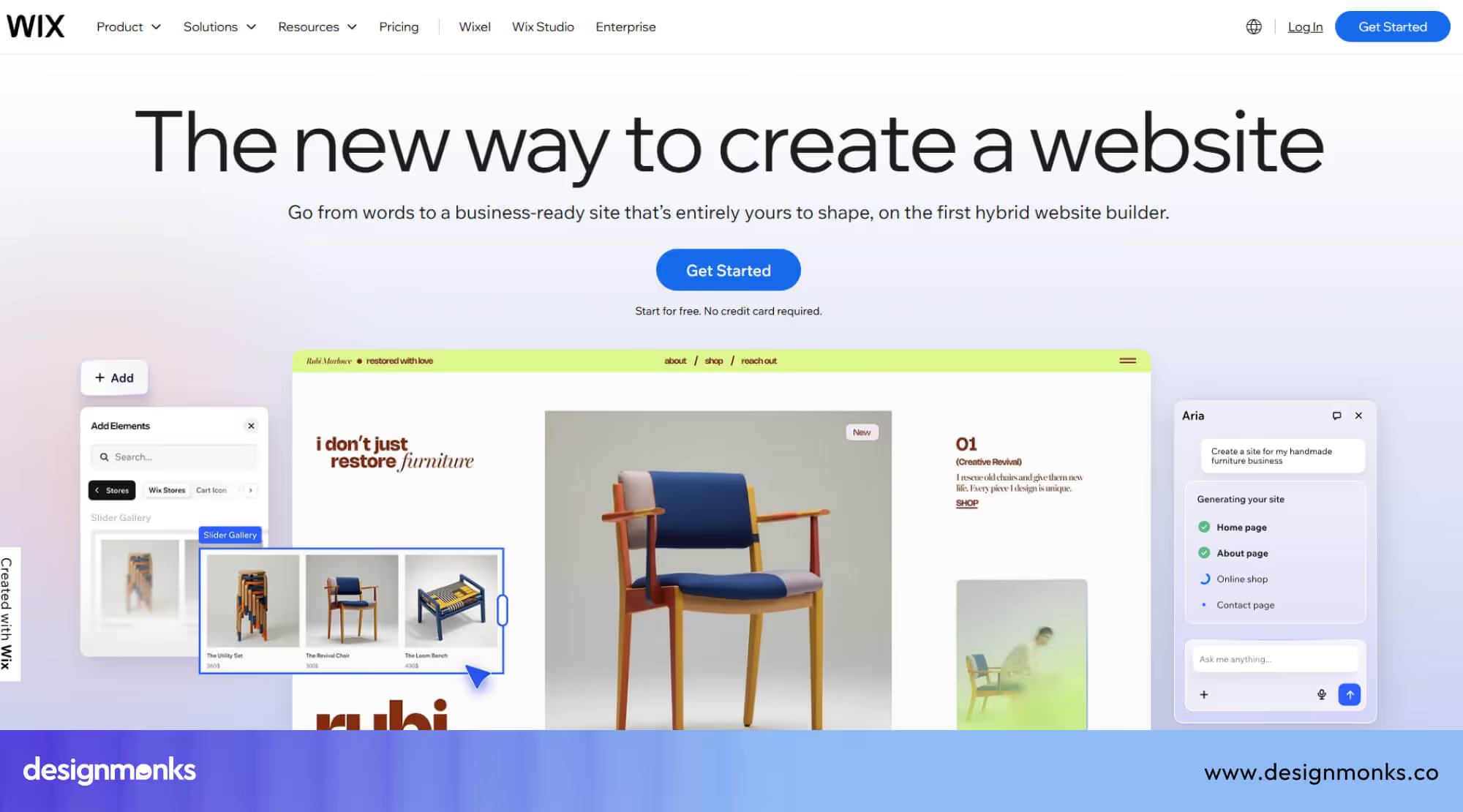
However, you are limited in customization, advanced features, and long-term scalability. This option works best for very basic websites. For further customization, you would need to talk with experts to help you out with advanced features and more.
Freelancer (3-8 weeks)
Hiring a freelancer gives you more flexibility and customization compared to DIY tools. A freelancer can design and build a website based on your needs. However, timelines can vary depending on their availability and skill set.
Since one person is handling multiple tasks, it may take longer if revisions or complex features are involved.
Agency (4-20+ weeks)
Working with an agency takes more time, but it provides a complete and structured process. Agencies have dedicated teams for planning, design, development, and testing. This means better quality, smoother workflows, and fewer issues after launch. They also handle complex features, integrations, and scalability more efficiently.

Overall, an agency is the best choice if you want a website that is built properly from start to finish. Instead of quick fixes, you get a well-planned product that performs better, lasts longer, and needs fewer changes later.
This is where choosing the right agency makes a real difference. A team like Design Monks stands out for its clear workflow, fast yet structured delivery, and strong focus on quality.
With experienced designers and developers working together, they not only build websites on time but also ensure the final result is smooth, scalable, and ready for long-term growth.
How Design Monks Handles Website Timelines
Design Monks follows a clear and organized process to manage website timelines efficiently. Each stage is planned with defined tasks and timelines, so there is no confusion about what needs to happen next.
This clarity helps reduce delays, especially during feedback and approvals, because both the team and the client stay aligned throughout the project.

This structured approach also allows different parts of the project to move forward at the same time. While design is being finalized, other team members can prepare development or content work. By reducing waiting time between stages, the overall project moves faster without putting pressure on any single phase.
Another key factor is their structured design system. Instead of creating everything from scratch, they use reusable components and consistent styles. This not only speeds up design and development but also reduces revisions, since everything follows a clear system.
Because of this combination of clear planning, parallel work, and efficient systems, Design Monks is able to deliver websites faster while still maintaining high quality and consistency across the entire project.
Common Delays in Website Projects (and How to Avoid Them)
Website projects often run into delays due to a few predictable issues. Knowing what these are makes it easier to manage timelines and avoid unnecessary slowdowns:
Scope Creep
This happens when extra features, pages, or changes are added after the project has already started. Each new addition increases the workload and extends the timeline, even if it seems small.
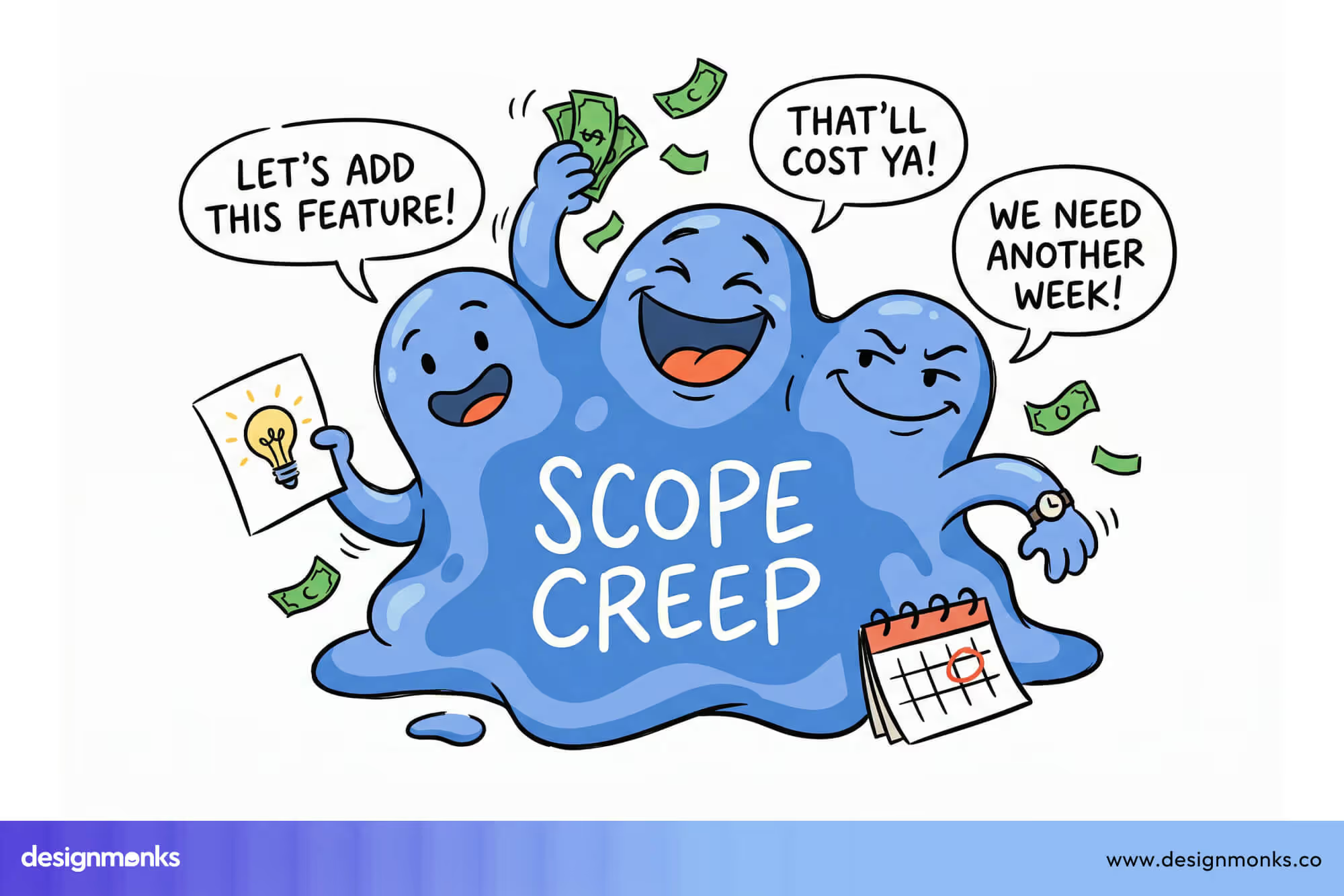
The best way to avoid this is to clearly define the full scope at the beginning and stick to it as much as possible. If changes are needed, they should be planned separately instead of interrupting the current workflow.
Poor Communication
Delays often come from slow feedback, unclear instructions, or missed approvals. When the team is waiting for responses, progress stops. Regular updates, clear expectations, and quick replies help keep the project moving without gaps between stages.
Technical Issues
Some delays are caused by unexpected bugs, integration problems, or limitations in tools and platforms. Certain features may take longer to build or fix than expected. These issues can be reduced with proper planning and by working with experienced developers who can solve problems faster.
Content Delays
Content like text, images, and videos is needed to complete the website. If these are not ready on time, design and development cannot be finalized.
This is one of the most common reasons projects get delayed. Preparing content early and sharing it on schedule helps avoid blocking the rest of the work.
By addressing these common issues early, you can reduce risks and keep your website project on track without major delays.
Factors That Affect Website Development Time
Planning a website isn’t just about design and coding, it’s about timing. Many projects take longer or shorter than expected, depending on several key elements. Understanding these factors upfront can help you set realistic deadlines, allocate resources efficiently, and avoid unexpected delays:
Website Complexity (Simple vs Advanced0: A simple landing page or small business website can be completed quickly. More complex websites, like a SaaS Website, need advanced features, dashboards, integrations, and more planning. Each additional feature requires extra coding, testing, and careful setup, which increases the timeline.
Number of Pages & Features: More pages mean more work for both design and development. Extra features like forms, login systems, dashboards, or third-party integrations add time because every element needs to be built, tested, and optimized.
Custom Design vs Template: Custom Web Design takes longer because each page and component is created from scratch. Templates are faster since the structure already exists, but they offer less flexibility and uniqueness for your brand.
Client Feedback & Revisions: Delays often happen when feedback is slow or multiple revisions are requested. Quick responses and clear decisions help the team stay on track and prevent unnecessary pauses in the project.
Content Readiness: Ready-to-use text, images, and videos speed up development. Missing or incomplete content can stop progress, forcing developers to wait, which can delay the timeline by several days or even weeks.
FAQs About Website Development Time
Can you build a website in 1 week?
Yes, you can build a very simple website using templates or basic tools in 1 week. However, it will have limited features and customization.
Will Adding SEO Delay My Website Launch?
Yes. Adding SEO can take a little extra time because it involves keyword research, content improvements, and technical setup. But this work helps your site rank better and perform well in the long run.
How long does a website redesign take?
A website redesign usually takes 3–8 weeks. But it depends on how many changes are needed and whether new features are added.


.avif)
.avif)
.avif)
.avif)


.avif)
.avif)
.avif)
.avif)








.avif)