.svg)



Key Takeaways
- Design language defines visual style, tone, and overall product personality.
- The design system provides reusable components, rules, and a structured design workflow.
- Both work together to ensure strong consistency and faster product development.
- Early-stage products need language focus, and scaling products require design systems.
- A clear understanding avoids confusion, improves teamwork, and enhances user experience.
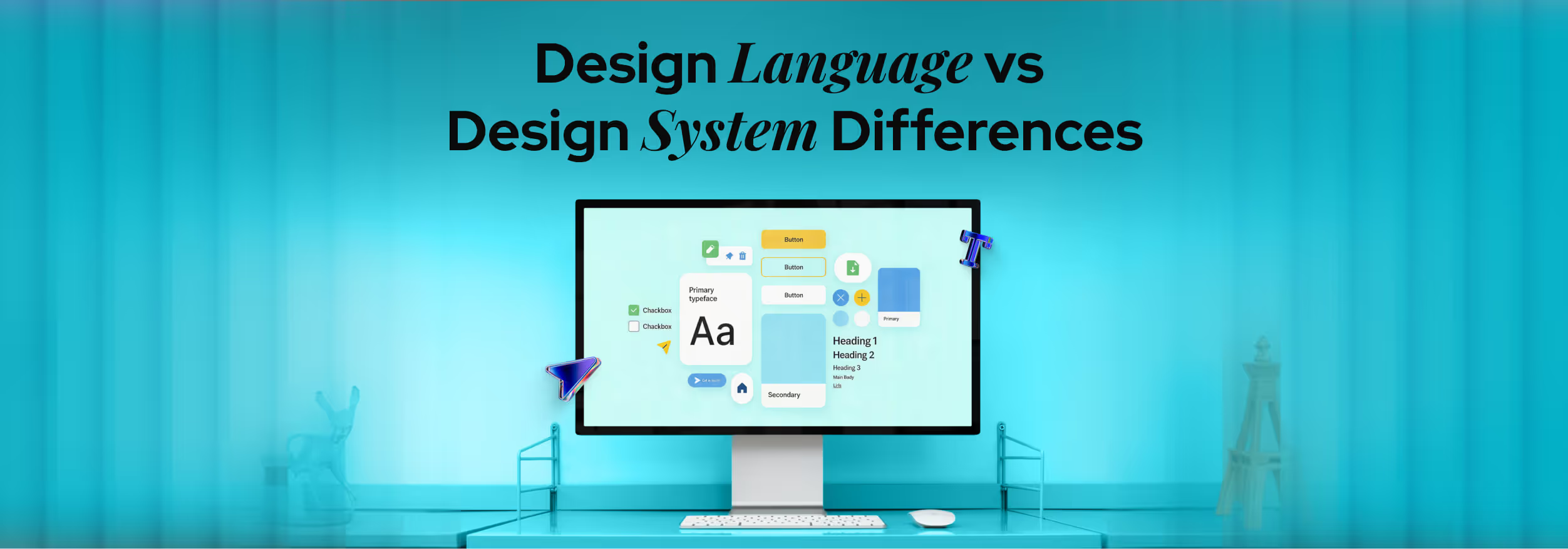
Design language sets the visual style and voice of a product, while a design system provides reusable components and clear rules for building interfaces. Many teams are confused about the design language vs design system fact and treat both as the same concept during product work.
This confusion creates communication gaps and slows down design decisions across teams. When people lack clear knowledge, they repeat work, break consistency, and struggle to maintain a unified product experience across different screens and features.
You can learn these ideas with simple explanations and real use cases in one place. Check this blog to understand the facts clearly and apply them in your design work.
What Is a Design Language?
Design language means the visual and conceptual style that defines how a brand looks and feels across products. It includes rules and patterns that guide every design decision with clarity and purpose. This concept connects closely with visual identity and brand design, which determines how users see and remember a product.
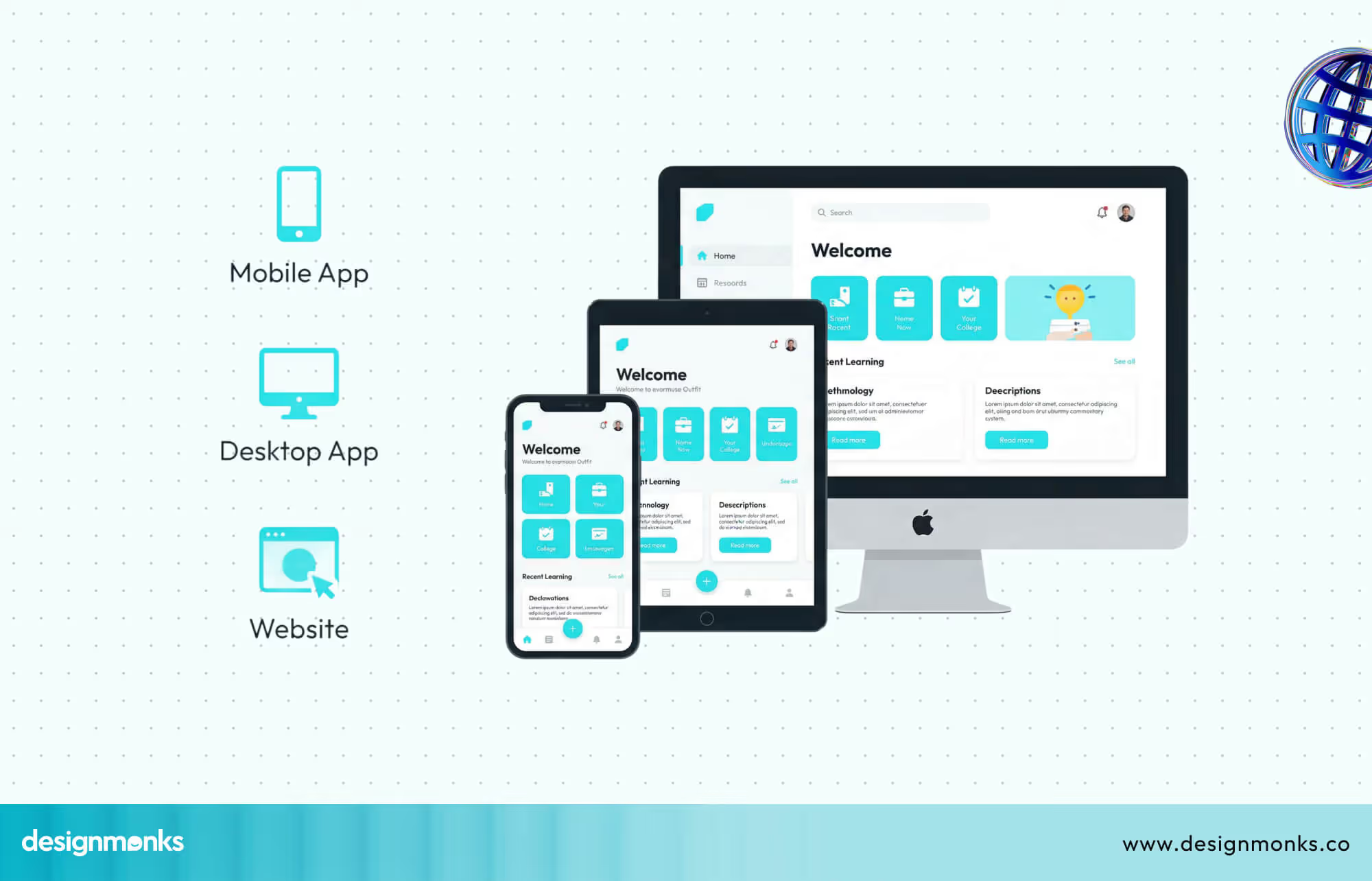
A strong design language helps teams create a unified experience across screens, platforms, and features. It also ensures that every part of the product reflects the same tone, style, and personality.
Core Elements of a Design Language
A design language includes colors, typography, shapes, motion, and tone across the interface. These are mostly UI elements that work together to create a clear and familiar style guide that users can easily recognize and trust.
Purpose of a Design Language
The main purpose of a design language is to keep visual consistency across products and platforms. It also builds strong brand recognition and creates an emotional connection with users through a clear and unified experience.
What Is a Design System?
A design system is a structured set of reusable components, clear rules, and helpful documentation that guides product design. This design system definition helps teams build consistent interfaces with less confusion and faster decisions. It often includes a pattern library, a component library, and a UI kit, which provide ready-to-use elements for design work.
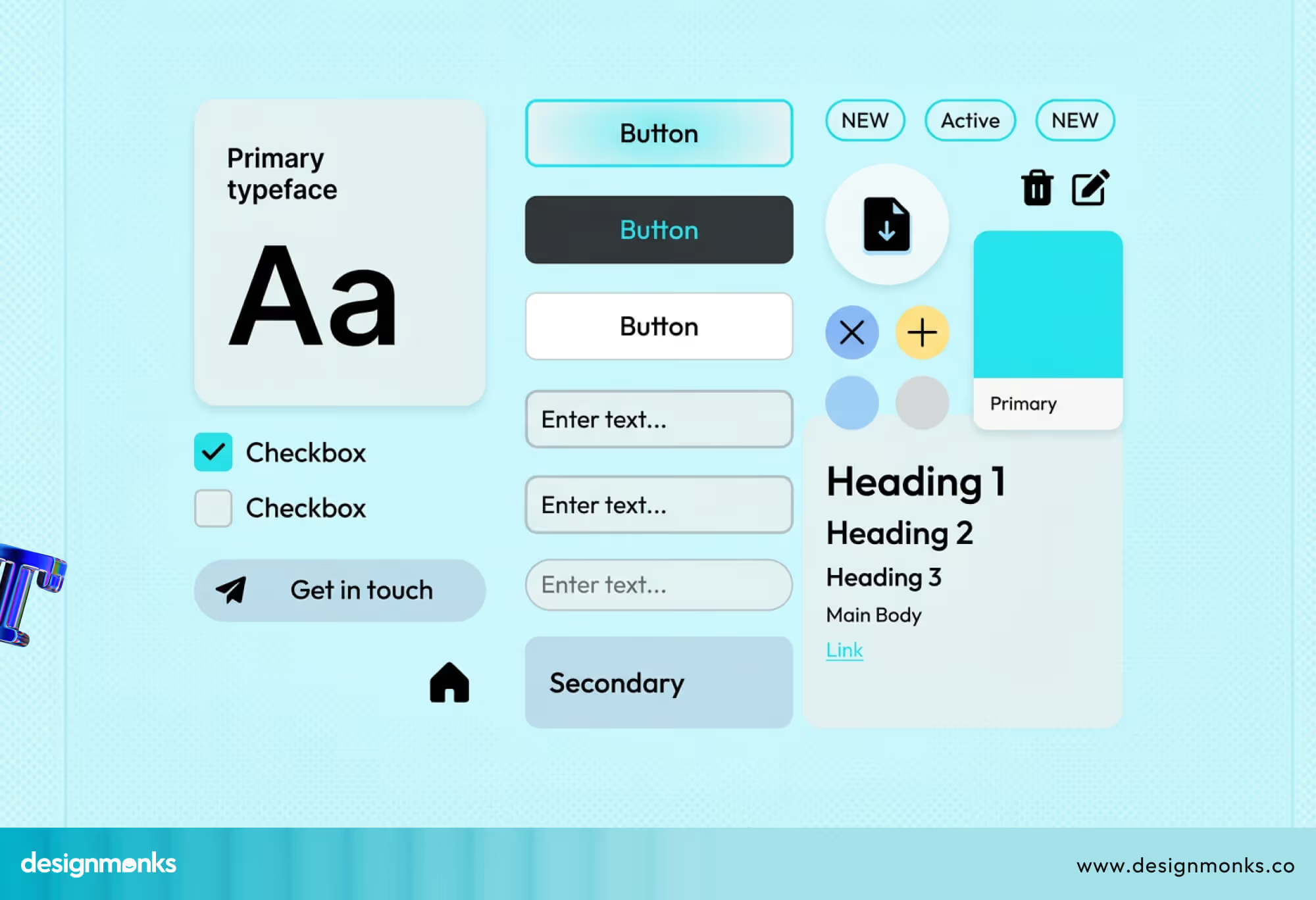
This system connects design and development teams with shared standards and clear guidelines. It ensures that every part of the product follows the same structure, style, and behavior across different screens and features.
Key Components of a Design System
A design system includes core parts that support consistent and scalable product design across teams.
- UI components
- Design tokens
- Guidelines
Why Design Systems Matter
Design systems help teams scale products without breaking consistency across screens and features. They improve work speed, reduce repeated tasks, and support smooth collaboration between designers and developers across different projects.
Design Language vs Design System (Core Differences)
Design language and design systems serve different roles in product creation, even though many teams mix them often. The difference between design system and design language becomes clear when you look at purpose, scope, and real use.
A design language focuses on visual style and brand expression across interfaces. A design system focuses on structure, reusable parts, and clear rules that help teams build products faster with consistency in UX design and UI design.
Conceptual vs Practical Approach
A design language takes a conceptual approach that defines how a product should look and feel. It sets the overall direction for visuals, tone, and brand personality across all product touchpoints.
On the other hand, a design system takes a practical approach that shows how to build the product step by step. It includes ready components, usage rules, and clear instructions that teams follow during real design and development work.
Visual Expression vs Functional Toolkit
Generally, a design language focuses on visual expression and emotional impact across the interface. It determines how users feel about the product through colors, typography, spacing, and overall visual tone.
Unlikely, a design system works as a functional toolkit that supports real product-building tasks. It offers reusable elements and clear structures that help teams create consistent layouts and interactions across different screens and features.
Flexibility vs Standardization
While keeping a consistent visual direction, design language allows more flexibility in creative decisions. Designers can adjust elements when needed as long as the overall style and brand voice stay clear and aligned.
On the contrary, a design system focuses on standardization to keep product consistency strong across teams. It reduces variation by using fixed components and rules, which helps teams maintain quality and avoid design mismatches during scaling.
However, both flexibility and standardization are important for a digital project in 2026. If you want to ensure both, but don’t know how, Design Monks can help most effectively.
How Design Language and Design System Work Together
Inside the product design process, design language and design system work as connected layers. The design language sets the foundation, while the system turns it into usable parts that ensure strong design consistency.
From Language to Tokens
Every product begins with a clear visual idea that explains how it should look and feel. A design system takes that idea and converts it into Design tokens, where exact values like colors, font sizes, and spacing are stored in one place.
This step connects creative decisions with real product work in a simple and structured way. Teams no longer guess values during design or development, because the system already defines what to use and how to use it across screens.
From Tokens to Components
After tokens are ready, teams use them to build UI components such as buttons, cards, and input fields. Each component uses predefined values, which helps maintain a consistent look without repeating the same design work again and again.
This connection ensures that every part of the interface follows the same visual rules set earlier. As a result, users see a stable and familiar design, even when they move across different pages or features.
From Components to System
When many components are created, they are organized into a complete design system with clear rules and usage guides. This system acts as a shared source where both designers and developers find everything they need for product building.
At this stage, the design language continues to guide the overall style, while the system ensures proper use. Together, they help teams scale products faster without breaking design consistency or quality.
Real-World Examples of Design Systems & Languages
Real products use both design language and design systems to keep their interface clear and consistent. These examples show how top companies apply both ideas together to guide teams and improve product quality.
Google Material Design
Material Design is a well-known example that combines strict visual rules with a complete system. It defines colors, spacing, motion, and depth to create a clear and modern design language.
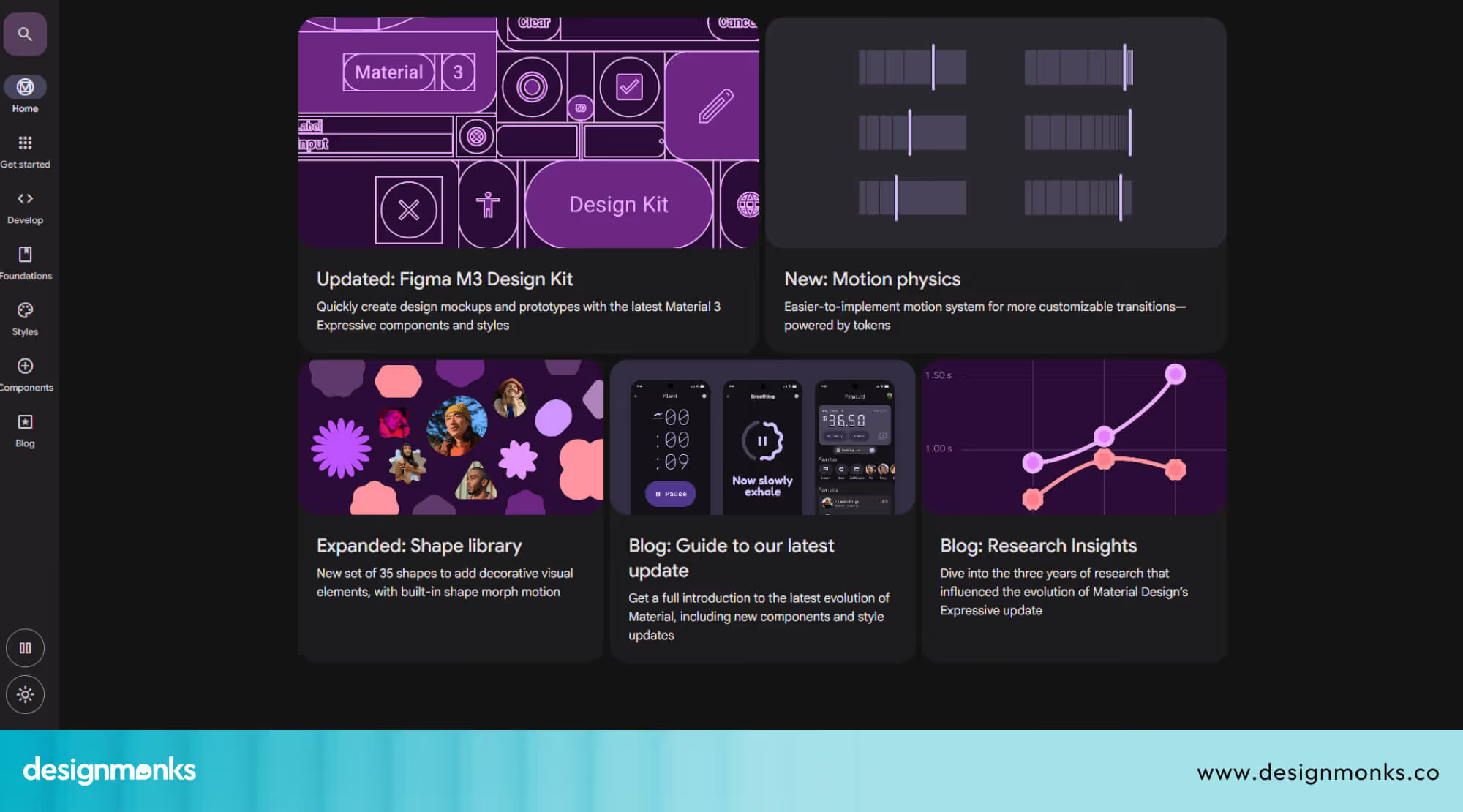
At the same time, it provides ready UI components, layout rules, and detailed guidelines for teams. This setup of Google Material Expressive helps designers and developers build consistent products across Android apps, web platforms, and other Google services.
Apple Human Interface Guidelines
Human Interface Guidelines explains how Apple products should look and behave across devices. It focuses on clarity, simplicity, and familiar patterns that users can easily understand.
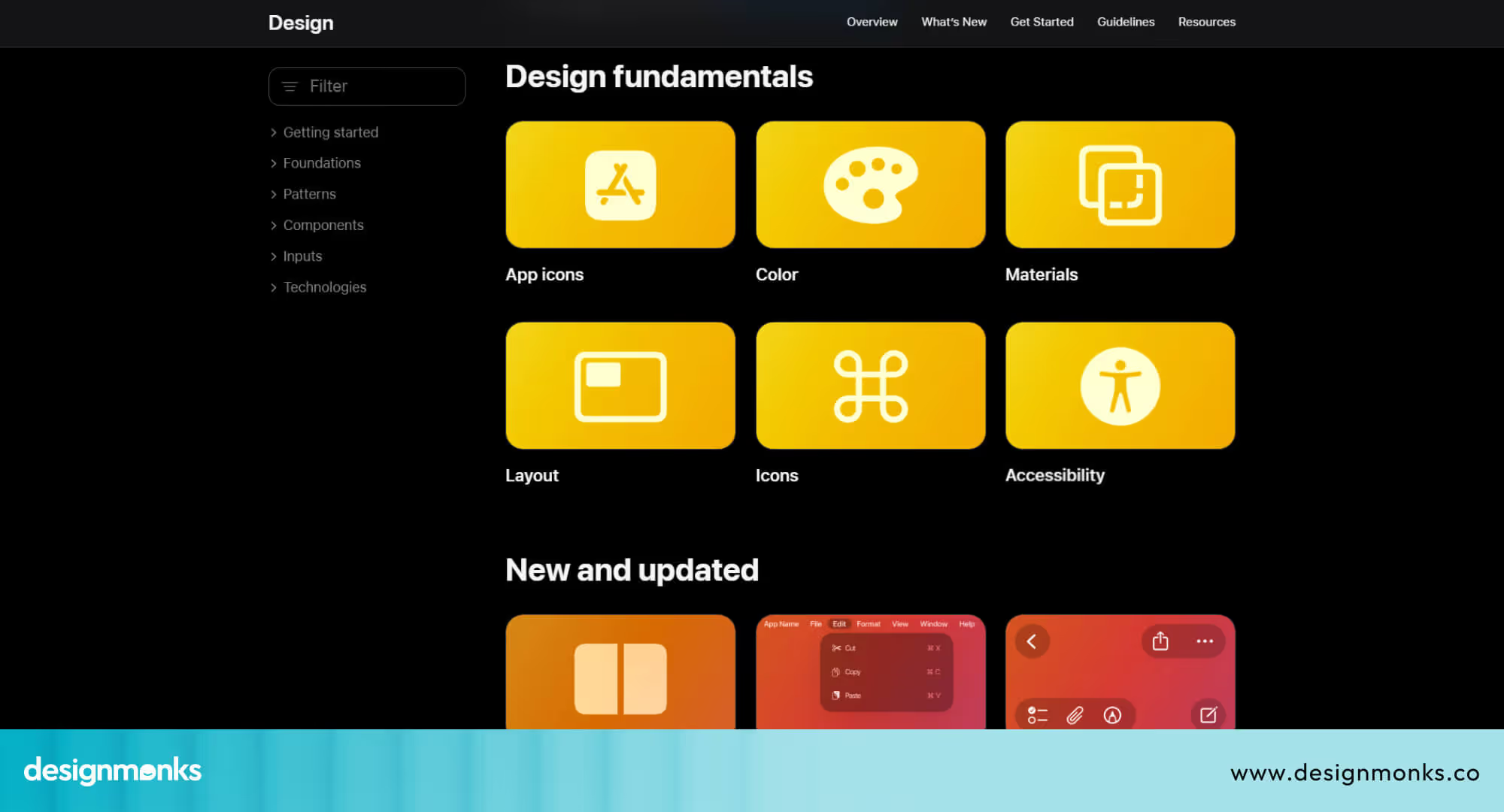
Along with visual direction, it includes rules, components, and interaction details for real product work. This helps teams create smooth experiences across iPhone, iPad, and macOS without breaking consistency or usability.
IBM Carbon Design System
IBM Carbon is built to support large-scale enterprise products with strong consistency. It defines a clear visual style that matches IBM’s brand and product needs.
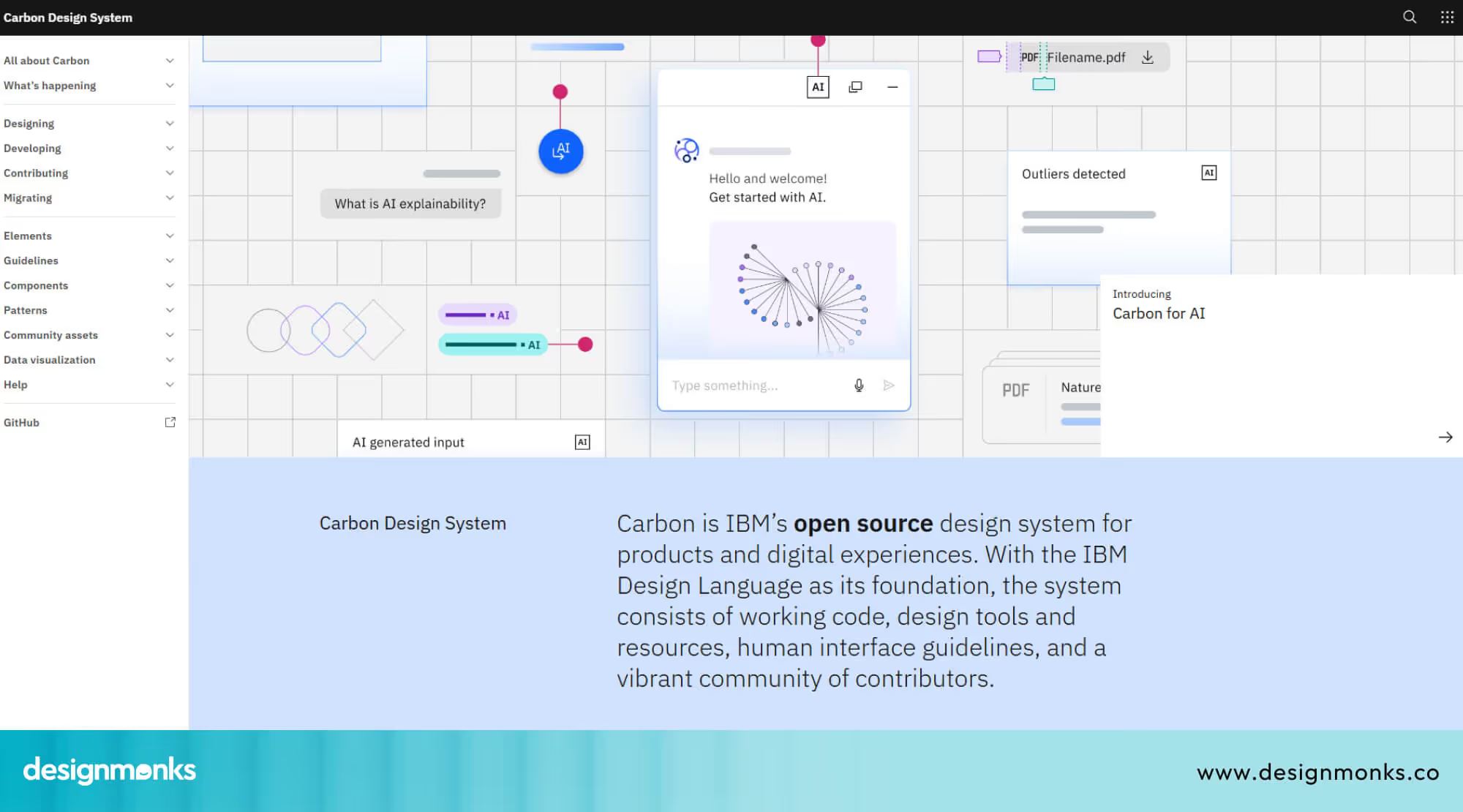
It also offers a complete set of components, patterns, and usage rules for teams. This system helps large teams work together smoothly and maintain design consistency across complex products and services.
When to Use a Design Language vs a Design System
Teams need different approaches at different product stages, so the choice depends on product growth and team size. Clear use cases help Product teams decide when to focus on style or structure.
Early-Stage Product: Focus on Design Language
At the early stage, the main goal is to define how the product should look and feel. A design language helps teams set colors, typography, and tone without spending time on detailed systems.
During this phase, teams explore ideas, test concepts, and adjust visual direction based on feedback. A flexible approach works better here, because strict rules can slow down creativity and early product decisions.
Scaling Product: Shift to Design System
When the product grows, more screens, features, and team members become part of the process. At this stage, a design system becomes necessary to manage complexity and maintain consistency across the product.
With a system in place, teams can reuse components, follow clear rules, and reduce repeated work. This improves speed, supports better collaboration, and ensures the product stays consistent as it continues to scale.
Benefits of Using Both Together
Using design language and design system together creates a strong foundation for product design. This combination improves clarity, speeds up work, and helps teams build consistent products with better user experience and a smoother development process. Even thought it's difficult for many startups, still, there are many strategic design consultancy offering great service.
Faster Design-to-Development Workflow
A clear design language sets the visual direction, while the design system provides ready components and rules for use. This connection reduces confusion during Developer handoff and helps teams move faster from design to development.
Developers can follow predefined values, components, and guidelines without constant back and forth. This saves time, reduces errors, and helps teams deliver features faster without breaking design quality or consistency across the product.
Strong Brand Identity
A design language ensures that every screen reflects the same visual style and tone. When supported by a system, these styles are applied correctly across all components, which builds a strong and clear brand identity.
Users start to recognize the product through colors, typography, and layout patterns. This consistent experience builds trust and makes the product feel more professional and reliable in every interaction.
Reduced Inconsistencies
Without proper structure, teams often create different styles for similar elements, which leads to confusion. A design system solves this by offering reusable components, while the design language ensures all elements follow the same visual direction.
This combination improves UX consistency across screens and features. It helps teams maintain a clean and uniform interface, even when the product grows or multiple designers work together.
Well, if you want to look for an agency that helps you ensure the implementation of both factors in a proper way, contact Design Monks. This global UIUX design service provides the exact solution for your digital product for a result-driven success.
Common Mistakes & Misconceptions
Many teams misunderstand the difference between these two concepts, which creates confusion and slows down product work. These common UX mistakes often lead to inconsistent design decisions and poor collaboration.
Treating Both as the Same
Teams often treat design language and design system as the same thing, which creates confusion in roles and usage. This design system confusion leads to unclear decisions, where teams fail to separate visual direction from practical implementation in real product work.
Building a System Without a Language
Some teams jump into building components and systems without defining a clear visual style first. Without a strong design language, the system lacks direction, which results in inconsistent components and a weak overall product experience.
Over-Engineering Too Early
At an early stage, some teams try to build a full design system with too many rules and components. This approach slows down progress and limits flexibility, which makes it harder to explore ideas and adjust the product direction.
Ignoring Team Collaboration
Design systems require input from both designers and developers to work properly. When teams build systems without collaboration, they create gaps in usage, which leads to misuse, confusion, and poor adoption across different teams.
Lack of Proper Documentation
Even a well-built design system fails without clear documentation and usage rules. When teams cannot understand how to use components or guidelines, they make inconsistent decisions that reduce the overall quality and consistency of the product.
How to Build a Design Language and Design System (Step-by-Step)
Building both a design language and a design system from scratch needs a clear and simple process. Each step connects visual ideas with real product work, which helps teams create consistent and scalable design solutions.
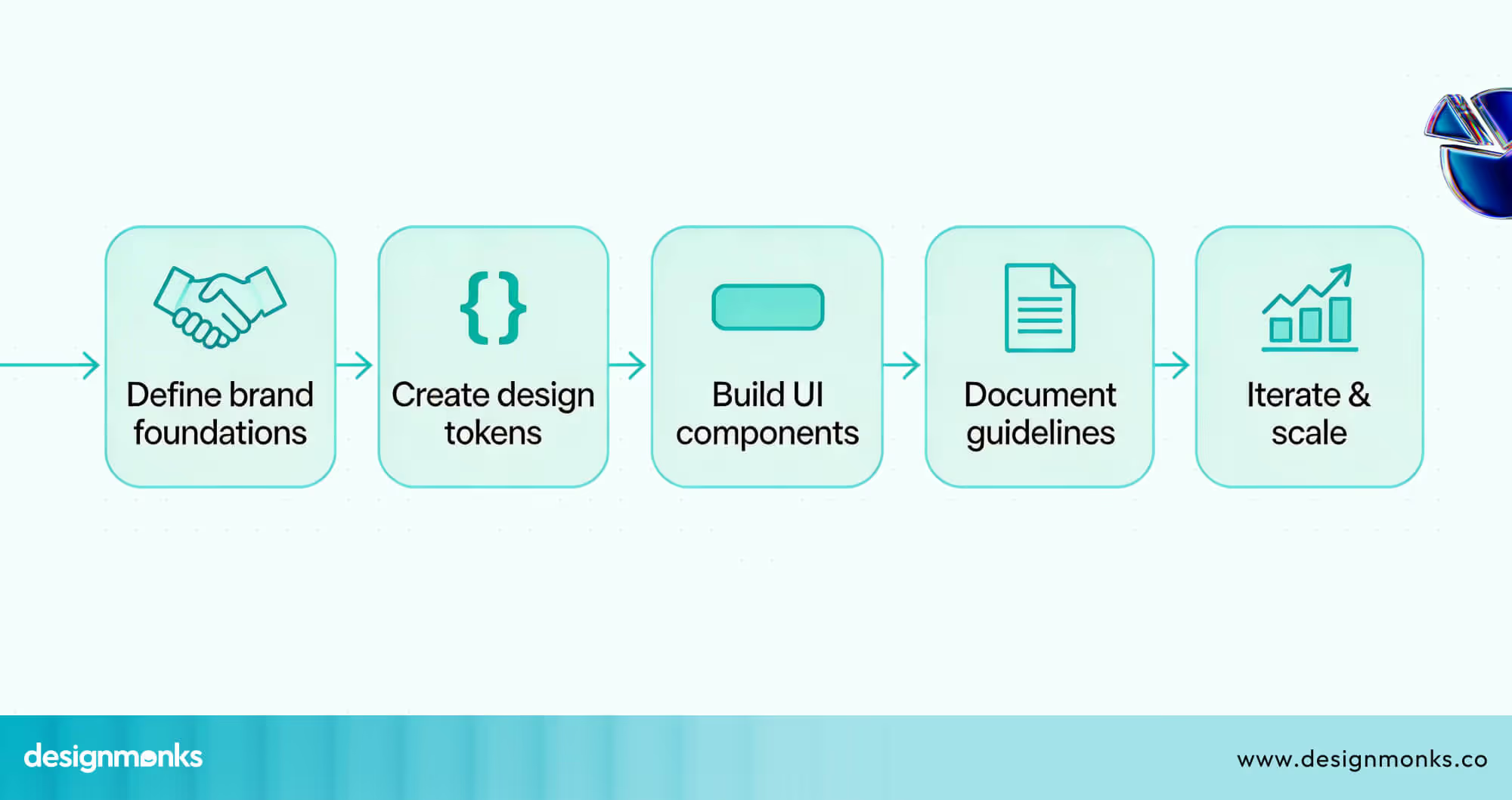
Step 1: Define Brand Foundations (Language)
Start with clear brand basics such as colors, typography, spacing, and tone of voice. These elements define how the product should look and feel across every screen and feature in a consistent way.
This step builds the design language, which guides all future decisions in the product. A strong foundation helps teams stay aligned and avoid confusion when new features or updates are added later.
Step 2: Create Visual Rules & Tokens
After defining the visual direction, convert these decisions into Design tokens with exact values. These include color codes, font sizes, spacing units, and other visual properties used across the interface.
Tokens make design rules easy to apply in both design and development work. They remove guesswork and ensure that every element follows the same standards without manual adjustments in each case.
Step 3: Build Component Library
Use tokens to create reusable UI components such as buttons, forms, cards, and navigation elements. These components are stored inside a shared system, often called a UI kit, for easy access.
A component library helps teams reuse elements instead of creating new ones every time. This improves speed, reduces repeated work, and keeps the interface consistent across different screens and features.
Step 4: Document Guidelines
Clear documentation explains how to use components, tokens, and visual rules in real product scenarios. It includes examples, usage rules, and do and don’t instructions for better clarity across teams.
Good documentation helps designers and developers follow the same process without confusion. It also makes onboarding easier for new team members who need to understand the system quickly.
Step 5: Iterate & Scale
No system stays perfect from the start, so teams must review and improve it over time. Feedback from real product use helps identify gaps and areas that need updates or improvements.
As the product grows with proper UX testing, the system should scale with new components, patterns, and rules. This ensures long-term consistency, better collaboration, and smooth product development across teams.
FAQs
Can a product have a design system without a design language?
No, a product cannot have a strong design system without a design language. Without clear visual direction, the system lacks purpose, which leads to inconsistent components and a weak user experience across different screens and features.
Can one design system work for multiple products or brands?
Yes, one design system can support multiple products, but only with proper customization. Shared components and rules can work across products, while each product may still need its own design language to maintain a unique brand identity.
What problems will I face if I skip design language in my process?
You will face inconsistent visuals, unclear design decisions, and weak brand identity across your product. Without a design language, teams struggle to align on style, which creates confusion and reduces the overall quality of the user experience.
End Note
Design language and design systems play different roles, but both are essential for strong product design. One defines how your product looks, while the other helps teams build it with consistency and clear structure.
When used together, they improve teamwork, speed up delivery, and create a better user experience. Learning both concepts helps you avoid confusion and build products that feel clear, consistent, and easy to use.


.avif)
.avif)
.avif)
.avif)


.avif)
.avif)
.avif)
.avif)








.avif)